- Quick Answer
- Use the operator’s machine name and instructions
- Three phone-related transactions to keep separate
- Choose a phone option that fits the journey
- Paying at a station machine
- A practical ticket-buying checklist
- When an online ticket is a better fit
- Frequently asked questions
- Can I pay at a JR East ticket machine by tapping a bank card in Apple Wallet?
- Do I need a Japanese Apple Account to add a regular Suica?
- When does Welcome Suica Mobile expire?
- Will Welcome Suica Mobile solve every foreign-card problem?
- Can I board every Shinkansen just by having a Suica balance?
- If payment fails, should I buy the ticket again immediately?
- Before you leave the machine
- Related guides
- Official references
Quick Answer
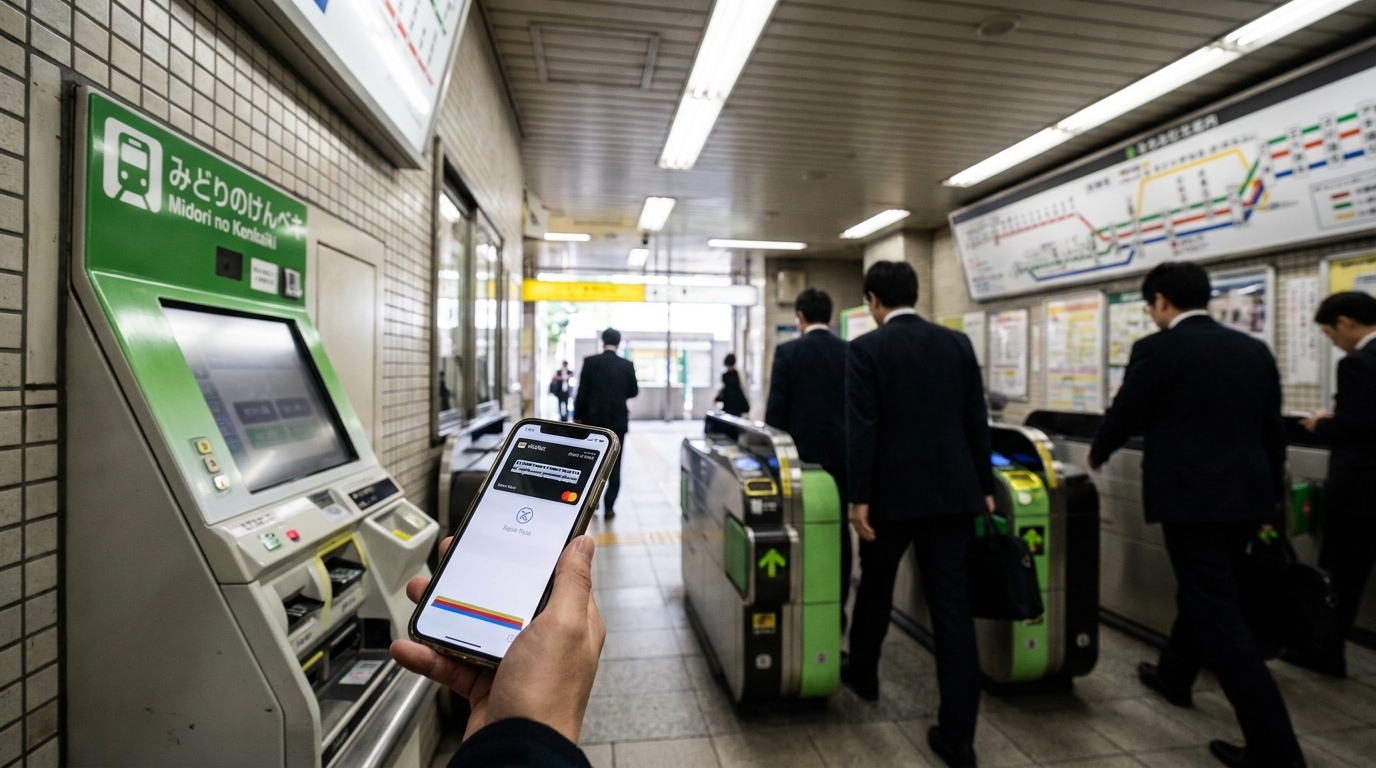
If tapping your iPhone at a JR ticket machine fails, first identify what you are trying to do: buy a paper ticket, top up a transit card, or use an already booked e-ticket. These have different payment and boarding rules. A bank card in Apple Wallet and a Suica in Apple Wallet are not interchangeable.
For JR East reserved-seat ticket machines, the official guide lists cash and credit cards, with a PIN needed for card payment. Do not rely on contactless credit-card payment at the machine. If time is short, ask staff about the ticket and payment options available for your journey.
Official guidance checked October 29, 2026. This is a researched guide, not a test of every machine, device or foreign-issued card. Existing images illustrate the topic; use the operator’s current instructions for actual screens, payment acceptance and station layouts.
Go to: payment types · phone options · station payment · buying a ticket.
Use the operator’s machine name and instructions
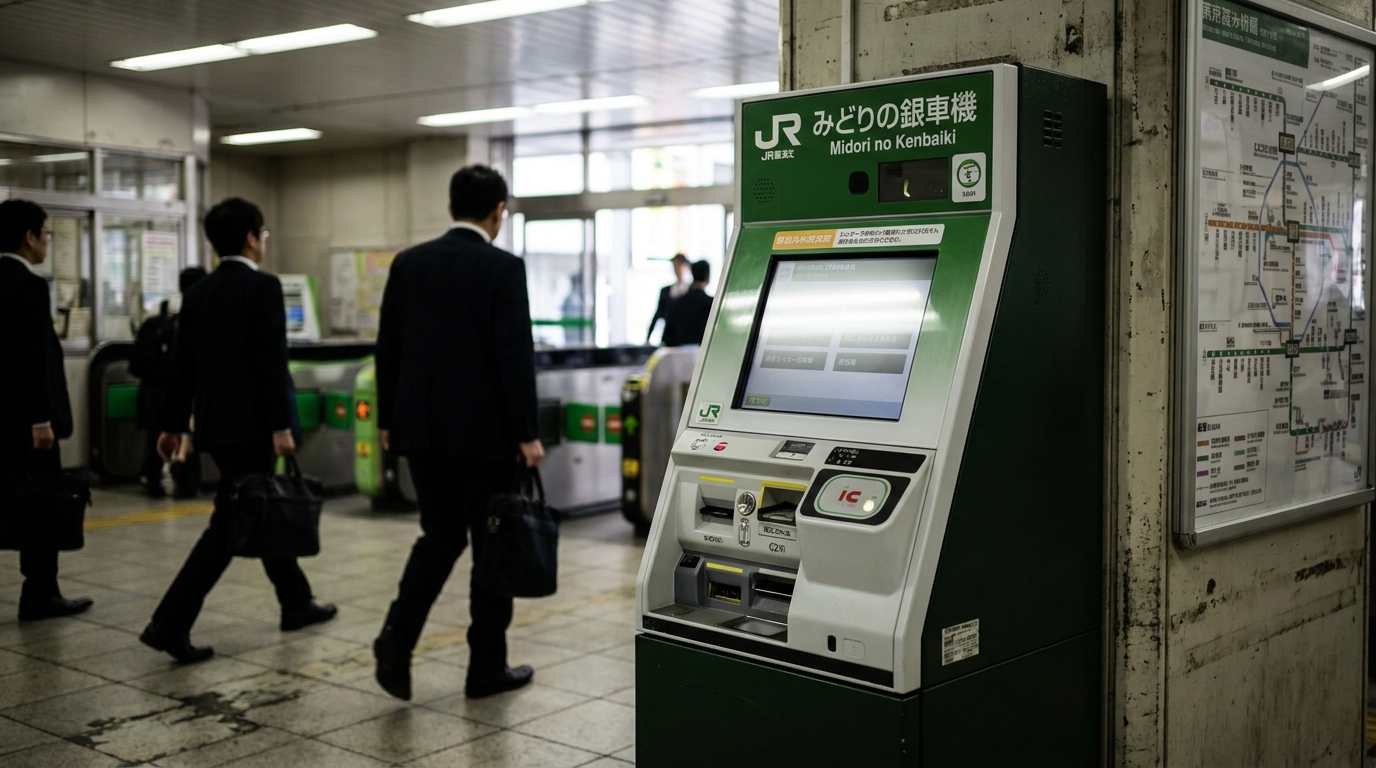
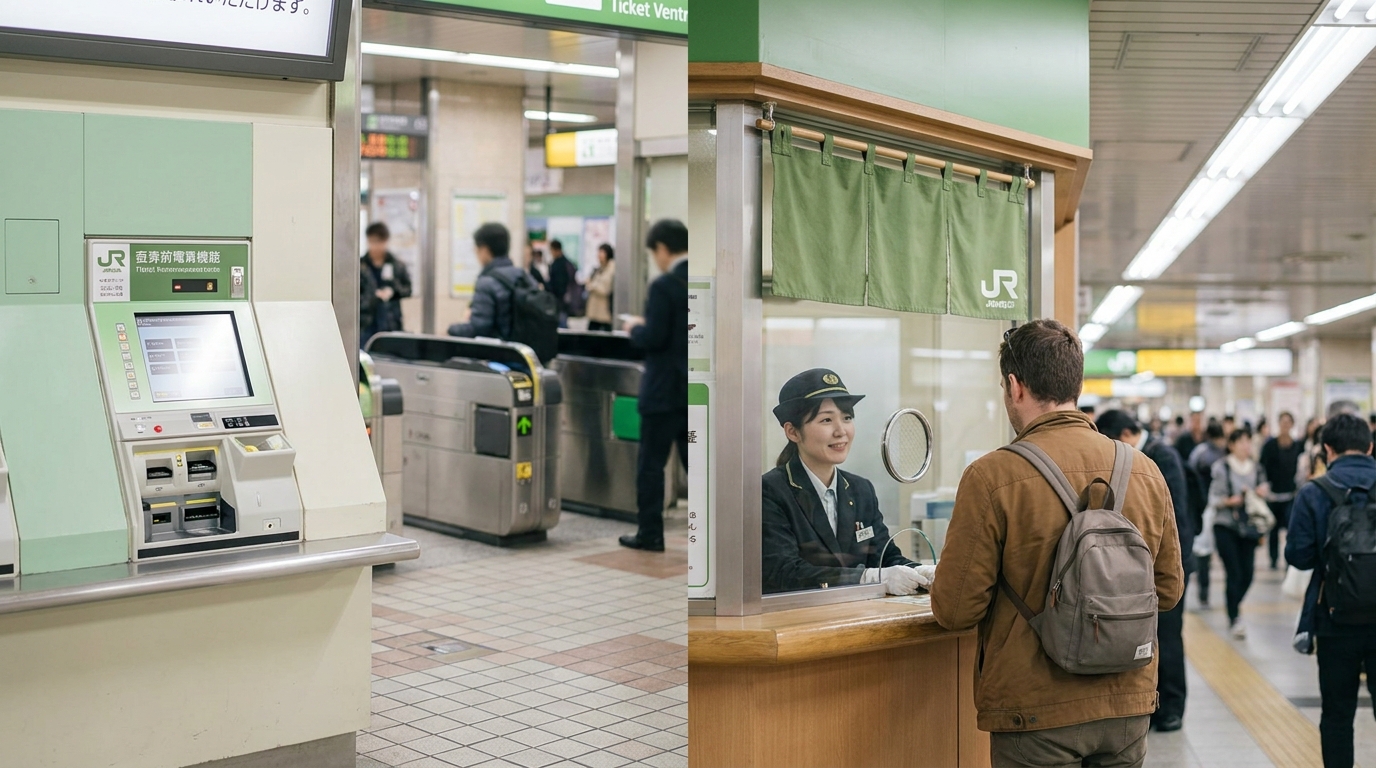
Look for a reserved-seat ticket vending machine when buying or collecting a supported reserved ticket. A staffed JR ticket office is a different service. Machine names, colours, functions and collection eligibility vary by operator and station; “green machine” alone is not enough to identify the right one.
JR East publishes both new and existing machine designs. Check its current machine functions and the station’s available facilities. Do not infer payment hardware or accepted products from an illustration or the machine colour.
Three phone-related transactions to keep separate
| What you are doing | What to check |
|---|---|
| Paying for a paper ticket | Use the payment methods offered by that operator’s machine or office. A bank-card tap is not the same as inserting a physical payment card. |
| Adding value to a Suica | Use a supported app, payment card or compatible cash top-up facility. A top-up adds stored value; it does not automatically book a reserved train. |
| Boarding with a booked e-ticket | Prepare the linked IC card, QR-Ticket or other credential named in the reservation. The payment step may already be complete. |
JR East’s contactless-payment FAQ says credit-card tap payment is not supported at its ticket machines, ticket offices or automatic gates. This is about a bank-card tap; Suica-based travel follows its own coverage rules. Other operators’ arrangements should be checked separately.
Choose a phone option that fits the journey
Regular Suica in Apple Wallet
Apple’s official setup guide explains how to add a supported transit card from Wallet: tap Add, choose Transit Card, select the card, then follow the payment and setup prompts. Check its device, software, Apple Account and eligible-payment-card requirements first.
The guide does not require a Japanese Apple Account. Adding regular Suica in Wallet and downloading a separate app are different processes. Do not change accounts or use an unofficial workaround simply because an old travel guide says it is necessary.
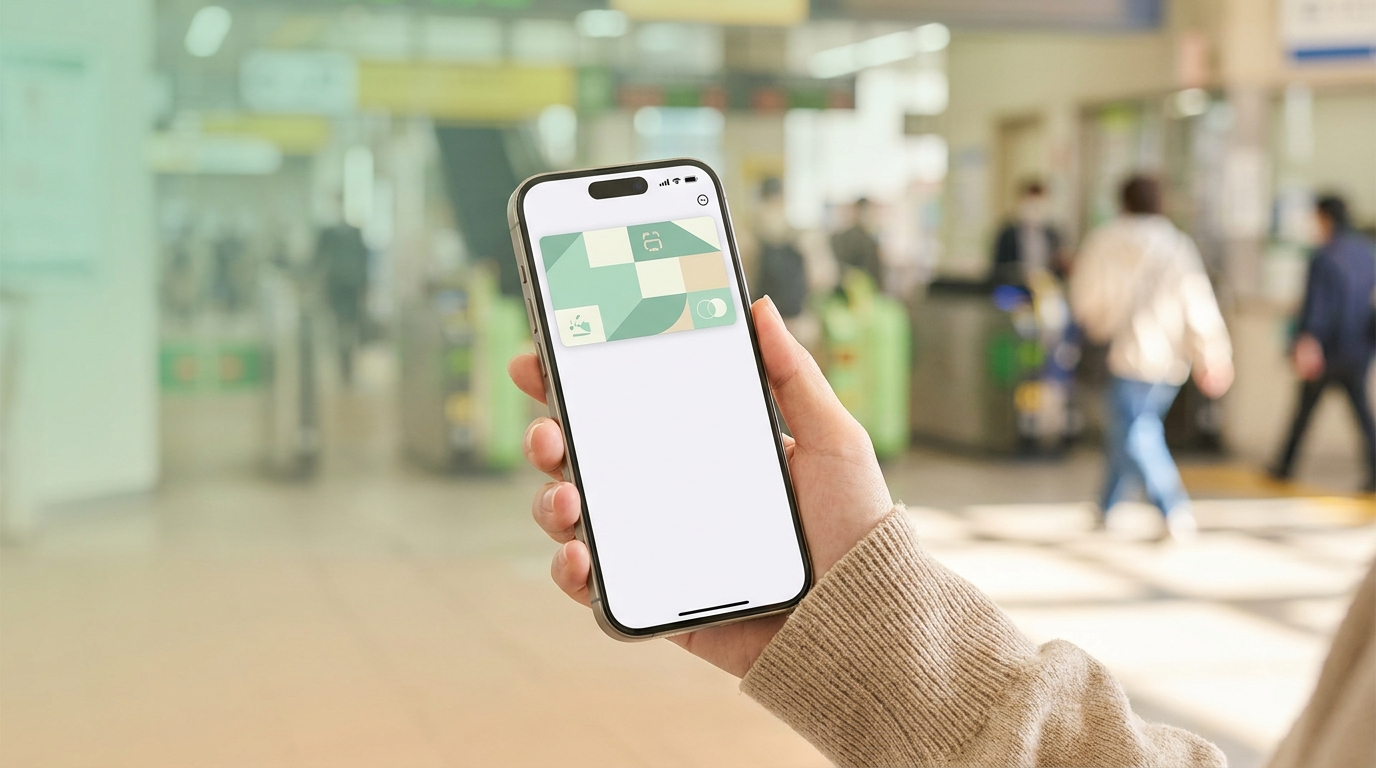
Welcome Suica Mobile
JR East’s Welcome Suica Mobile guide describes an iOS app for issuing and topping up a visitor Suica, with supported e-ticket links. It requires an Apple Pay-compatible device and users aged 13 or over. Some software versions and countries are restricted; check current eligibility before depending on it.
| Check | Welcome Suica Mobile condition |
|---|---|
| Validity | 180 days from issuance, not first use. |
| Unused stored value | Not refundable; remaining value expires with the card. |
| Setup and top-up | Country and device restrictions can apply. Follow location-information requirements. |
| Reserved trains | Use the supported booking and linkage process; stored value alone is not a universal Shinkansen ticket. |
Allow time to confirm the card is issued and ready. Neither a five-minute setup nor approval of every foreign card is guaranteed.
Paying at a station machine
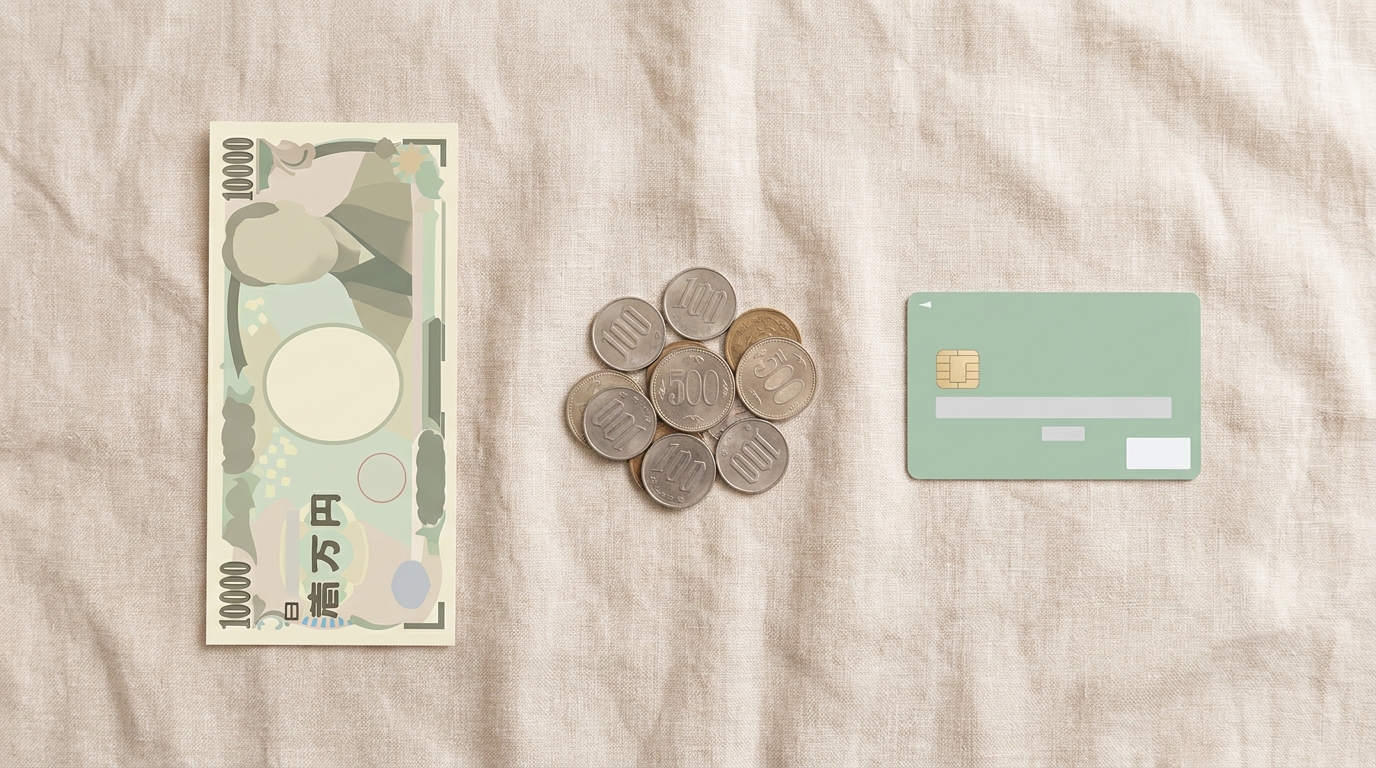
Use the machine’s current cash or physical-card instructions. For JR East reserved-seat machines, confirm your card’s PIN with its issuer before travel. A PIN and a supported card brand do not guarantee transaction approval.
If the card is rejected, read the error and ask staff about another supported method. Do not guess or repeatedly enter an unknown PIN. Keep cash available for a suitable alternative, but check the accepted notes, coins and required amount on the actual machine.
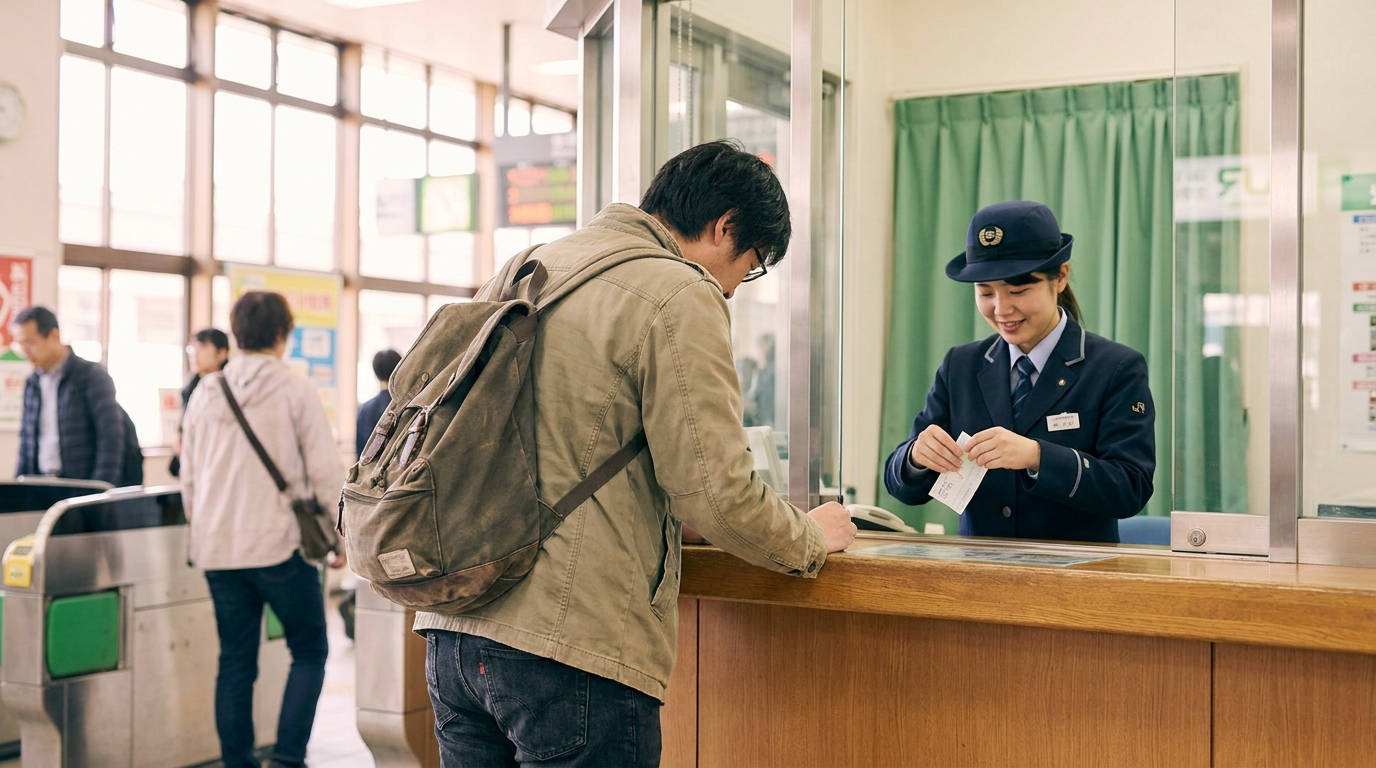
A staffed office can help identify the right ticket or explain an error; it does not guarantee approval of the same card, a particular queue time, or every requested payment split. Check the station’s office hours.
A practical ticket-buying checklist
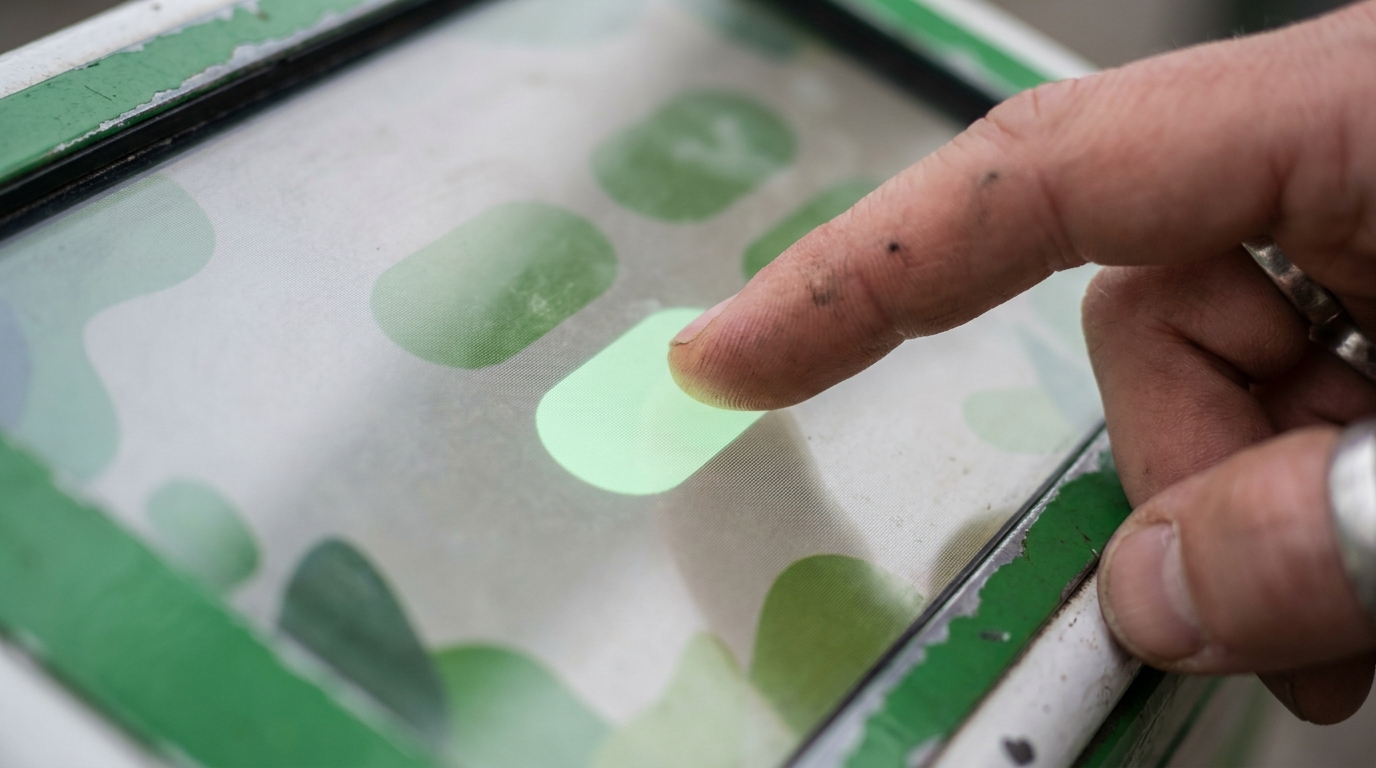
- Identify the task: a new purchase, collection of an existing booking, or an IC-card top-up.
- Prepare the journey: date, departure and arrival stations, passenger count, preferred time and seating class.
- Use a suitable machine or office: collection is limited to the locations supported by the booking service and product.
- Review the displayed ticket and total: check route, date, train, class and the required basic-fare and limited-express coverage.
- Follow the payment or pickup instructions: the payment-card PIN, booking password and pickup code are different things.
- Collect every issued ticket and receipt: paper products can combine components on one ticket or issue multiple tickets. Follow the printed instructions and ask staff if unclear.
JR East’s ticket overview shows both separate and combined basic-fare/limited-express tickets. Do not assume a machine must print exactly two tickets.
When an online ticket is a better fit
For the Tokaido, Sanyo and Kyushu Shinkansen, check SmartEX. Its boarding options include a linked compatible IC card, a QR-Ticket or paper pickup. A QR-Ticket used at a gate and a pickup code used to collect paper tickets are different. When using QR boarding, collect the Seat Information slip and keep it for inspection.
For supported eastern and northern services, JR-EAST Shinkansen e-tickets link to a compatible IC card for each passenger. Conventional-line Express Train e-tickets can require a separate basic fare. Confirm the product instead of treating every ticketless service as identical.
Welcome Suica Mobile also supports JR-EAST Train Reservation links and local-train Green Car ticket purchases. Follow the official route and product conditions. Do not board first on the assumption that every train or ticket can be paid for from inside the carriage.
Frequently asked questions

Can I pay at a JR East ticket machine by tapping a bank card in Apple Wallet?
Do not plan on it. JR East’s published FAQ says contactless credit-card payment is not supported at its ticket machines. Its reserved-seat machine guide lists cash and credit cards, with a PIN required for card payment. A Suica in Wallet is a different payment credential.
Do I need a Japanese Apple Account to add a regular Suica?
Apple’s standard Wallet setup instructions list a supported device, an Apple Account signed in with two-factor authentication, and an eligible payment card. They do not specify a Japanese Apple Account as a requirement. Follow the current instructions for your device instead of using an unofficial workaround.
When does Welcome Suica Mobile expire?
It is valid for 180 days from issuance, not from its first use. Remaining stored value is not refundable and expires with the card. Check the expiry displayed by the app and avoid adding more than you expect to use.
Will Welcome Suica Mobile solve every foreign-card problem?
No. Device, account, card and location conditions still apply. Some countries restrict setup or top-ups. A supported payment card does not guarantee every transaction will succeed, and no setup time is guaranteed.
Can I board every Shinkansen just by having a Suica balance?
No. A supported e-ticket must be booked and linked as required, or a specific balance-based service must cover the route and train. Ordinary Suica balance does not replace every Shinkansen ticket. Confirm the boarding credential before entering the gate.
If payment fails, should I buy the ticket again immediately?
First check the result, reservation record and any receipt. If the payment outcome is unclear, ask station staff or the card issuer before repeating it. This guide cannot promise that every failed-looking transaction produces no charge.
Before you leave the machine
Confirm whether payment succeeded, whether a reservation already exists, and what each traveler needs to enter and exit. If those points are unclear, ask staff before boarding or purchasing again. For the next stage of your journey, use the guides below.
Related guides
- Suica, PASMO and visitor IC-card options
- Shinkansen routes, tickets, seats and luggage
- Online rail booking and foreign-card problems
- Tokyo trains: JR, subways and private railways
- Yen banknotes and coins
Official references
- JR East: reserved-seat machine guide and payment
- JR East: credit-card contactless-payment FAQ
- Apple: add a transit card to Wallet in Japan
- JR East: Welcome Suica Mobile
- JR East: ticket types and purchase guide
- JR East: Shinkansen and conventional-line e-tickets
- SmartEX: QR-Ticket boarding
- SmartEX: paper ticket pickup


Comments