- Quick Answer
- 1. Why Booking Shinkansen from Overseas Can Be Tricky
- 2. Which Platform Should You Use?
- 3. SmartEX: Tokaido, Sanyo, and Kyushu Shinkansen
- 4. JR-EAST Train Reservation: Tohoku, Hokkaido and Hokuriku Shinkansen
- 5. JR-WEST Online Train Reservation: Western Japan and Regional Passes
- 6. What If Your Foreign Card Is Rejected?
- 7. Plan B: Booking at the Station
- 8. Booking with the Japan Rail Pass and Regional Passes
- 9. IC Cards, Apple Wallet, and Tap-Through Boarding
- 10. Booking Strategies for Peak Seasons
- 11. After You Book: What Comes Next
- 12. Quick Reference Table
- Frequently Asked Questions
- Related Guides
Quick Answer
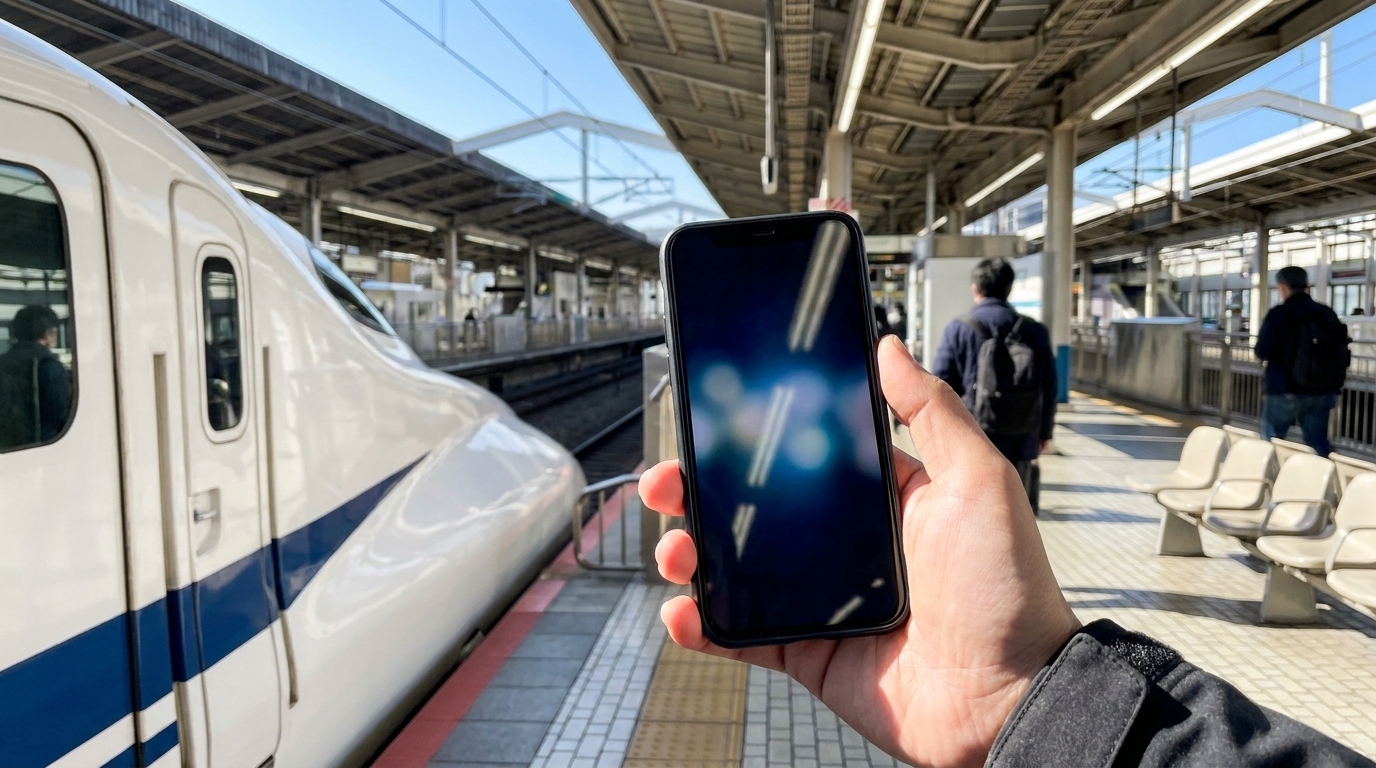
Use SmartEX by JR Central — it accepts Visa, Mastercard, Amex, JCB, and Diners issued overseas. eki-net (JR East) and EX Reservation Plus reject most foreign cards in 2026. Reserve as early as 1 month ahead, pick up tickets at any Shinkansen station ticket gate with the QR.
The first time many overseas visitors try to book a Shinkansen seat online, the experience splits in two. One half is straightforward: pick a date, pick a train, get a confirmation email. The other half is a credit-card payment screen that quietly returns an error, often with no clear reason. The card looks fine. The card has worked everywhere else in Japan. But the booking site refuses it.
That second half is what this guide is for. Booking the Shinkansen online from overseas in 2026 is genuinely possible, and for most travelers it is now the cheapest and most flexible option. But the reservation systems run by JR Central, JR East, and JR West each handle foreign credit cards a little differently — and the international “3D Secure 2.0” authentication step they all rely on is the most common reason a payment fails.
This guide walks through the three official platforms (SmartEX, JR-EAST Train Reservation, JR-WEST Online Train Reservation), explains what tends to go wrong with foreign cards, and gives a clear Plan B for when nothing works online.
Quick Answer
>
– For Tokyo–Kyoto–Osaka–Hiroshima–Hakata (Tokaido / Sanyo / Kyushu Shinkansen), use SmartEX at smart-ex.jp/en/. It supports Visa, Mastercard, JCB, American Express, Diners Club and Discover, and links to your Suica or PASMO so you can tap through the gate. (smart-ex.jp/en)
– For Tohoku, Hokkaido, Joetsu, Hokuriku, Yamagata and Akita Shinkansen, use JR-EAST Train Reservation at eki-net.com/en/jreast-train-reservation/. It also supports the Shinkansen e-ticket, which links to a Suica/PASMO ID number for tap-through boarding. (eki-net.com)
– If your foreign card is rejected, the most common cause is the 3D Secure (3DS) authentication step. Contact the bank that issued the card and ask them to allow the transaction; an Amex card is often a useful backup brand to try.
– If online still fails, you can buy tickets at the station with the same foreign card at a multilingual ticket machine or at the Midori-no-Madoguchi window — this is Plan B, and it usually works.
>
Card and payment policies can change without notice. The information below is current as of April 2026. Always check the official site or your card-issuing bank for the latest rules.
1. Why Booking Shinkansen from Overseas Can Be Tricky
Three things make this harder than booking a flight or a hotel.
The first is that there is no single “Japan Rail” website for foreign visitors. Three companies — JR Central, JR East and JR West — run three separate online reservation systems, each with its own URL, app and rules. Which one you use depends on which Shinkansen line you are taking.
The second is the international 3D Secure 2.0 standard. All three Japanese platforms now require this extra authentication step on every credit-card transaction, in line with global EMVCo standards. For a domestic Japanese card, this usually means a one-time code via the bank’s app. For a foreign-issued card, it can mean a code sent by SMS to your home country, an in-app prompt that doesn’t reach you, or — more often — your bank’s fraud-detection system silently blocking the charge before the 3DS screen even appears.
The third is that none of these systems publish a definitive list of which foreign banks “work.” The same Visa card from the same bank can succeed for one traveler and fail for another, depending on how the bank classifies “Japan Railway” merchants and where the cardholder is currently located.
The good news: there are clear strategies for each platform, and a station-based Plan B that almost always works once you arrive in Japan.
2. Which Platform Should You Use?
Pick the platform that matches the line you want to ride.
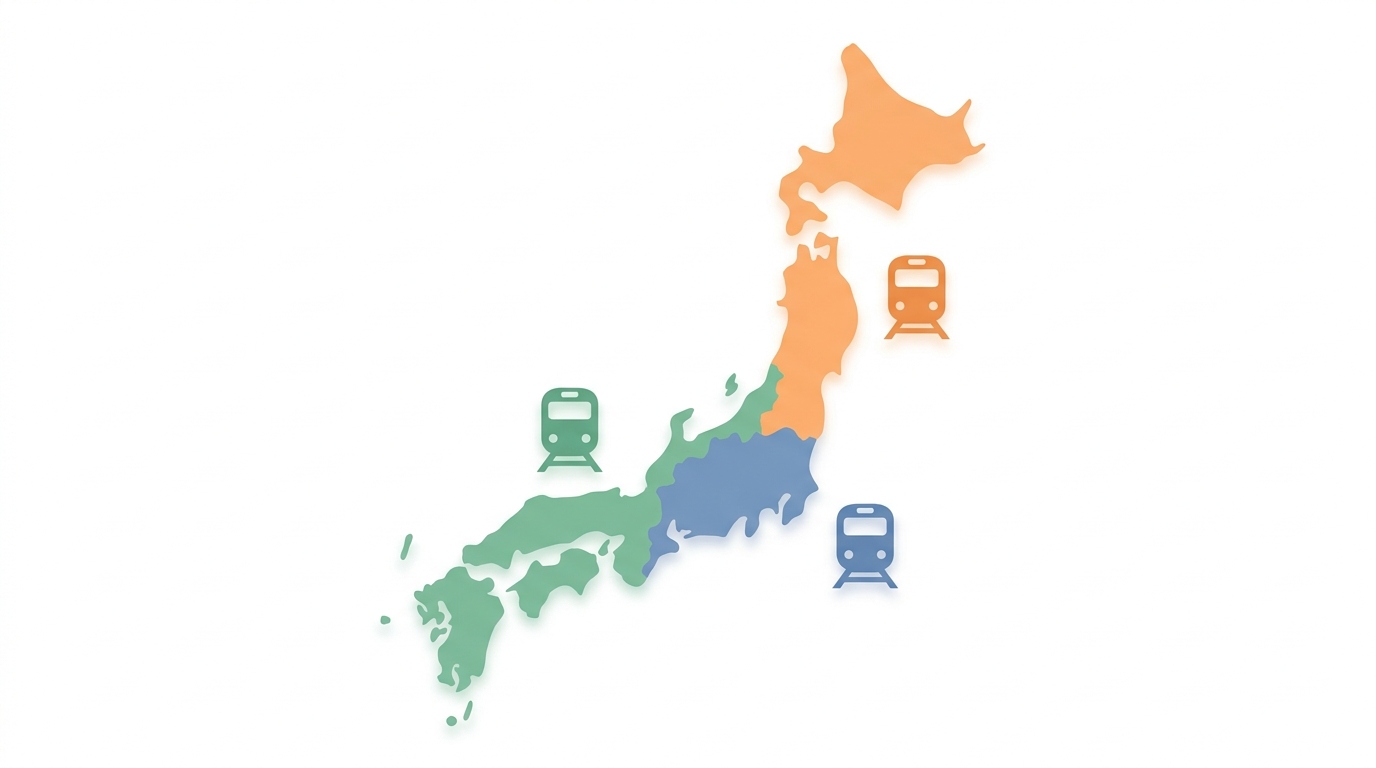
| You are riding | Use | Official URL |
|---|---|---|
| Tokaido / Sanyo / Kyushu Shinkansen (Tokyo ↔ Kyoto / Osaka / Hiroshima / Hakata / Kagoshima-Chuo) | SmartEX | smart-ex.jp/en/ |
| Tohoku / Hokkaido / Joetsu / Hokuriku / Yamagata / Akita Shinkansen | JR-EAST Train Reservation | eki-net.com/en/jreast-train-reservation/ |
| Hokuriku Shinkansen (western section, plus Sanyo and JR-West limited expresses, regional area passes) | JR-WEST Online Train Reservation | westjr.co.jp/global/en/ticket/ |
For the most common visitor route — Tokyo to Kyoto, Osaka, Hiroshima or Hakata — SmartEX is the recommended option in 2026. It has full English UI, supports the widest set of card brands, and is the only one of the three that lets you pass the Shinkansen ticket gate by tapping a Suica or PASMO without picking up a paper ticket.
For travel into Tohoku, Hokkaido or Hokuriku from Tokyo, JR-EAST Train Reservation handles the same ticketless boarding through its “Shinkansen e-ticket” service.
JR-WEST Online Train Reservation is the platform to know if you are using a regional pass like the Kansai Wide Area Pass, or transferring to the Thunderbird limited express to reach Kanazawa or Tsuruga via the Hokuriku Shinkansen.
3. SmartEX: Tokaido, Sanyo, and Kyushu Shinkansen
SmartEX is run jointly by JR Central, JR West and JR Kyushu. As of 2026, the website and dedicated app are available in English, and the service has no annual fee or sign-up fee (smart-ex.jp/en).
Card brands listed on the official site are Visa, Mastercard, JCB, American Express, Diners Club and Discover. Cards must be enrolled in 3D Secure 2.0 with the issuing bank.
A typical booking flow looks like this:
1. Create a free SmartEX account at smart-ex.jp/en/
2. Register your credit card; the site will require 3D Secure verification with your bank
3. Search by date, departure station, arrival station and number of passengers
4. Pick a service — Nozomi, Hikari, Kodama, Mizuho, Sakura or Tsubame — and seat type (Reserved, Non-Reserved or Green Car)
5. Pay with the registered card
6. Optionally link a Suica, PASMO, ICOCA or other compatible IC card (or a mobile version of one of these in Apple Wallet or Google Wallet) to your booking, by entering the 17-character ID printed on the IC card
Once an IC card is linked, you can walk straight to a Shinkansen ticket gate, tap your IC card or phone, and board without ever picking up a paper ticket. If you prefer, SmartEX can also issue a QR-code ticket that you can keep in Apple Wallet and scan at the gate; this option exists partly to avoid conflicts between mobile Suica and SmartEX on the same iPhone.
If you do not yet have an IC card when you book, you can still complete the reservation. You can pick up a paper ticket at the station from a Smart EX-compatible ticket machine using the same credit card, or link an IC card later — including a mobile Welcome Suica issued through Apple Wallet after you arrive (more on this below).
4. JR-EAST Train Reservation: Tohoku, Hokkaido and Hokuriku Shinkansen
JR East operates two reservation websites. The Japanese-language “Eki-net” is for residents. The English-language JR-EAST Train Reservation at eki-net.com/en/jreast-train-reservation/ is the official platform for overseas visitors and supports the Tohoku, Hokkaido, Joetsu, Hokuriku, Yamagata and Akita Shinkansen, plus most JR East and JR Hokkaido limited expresses.
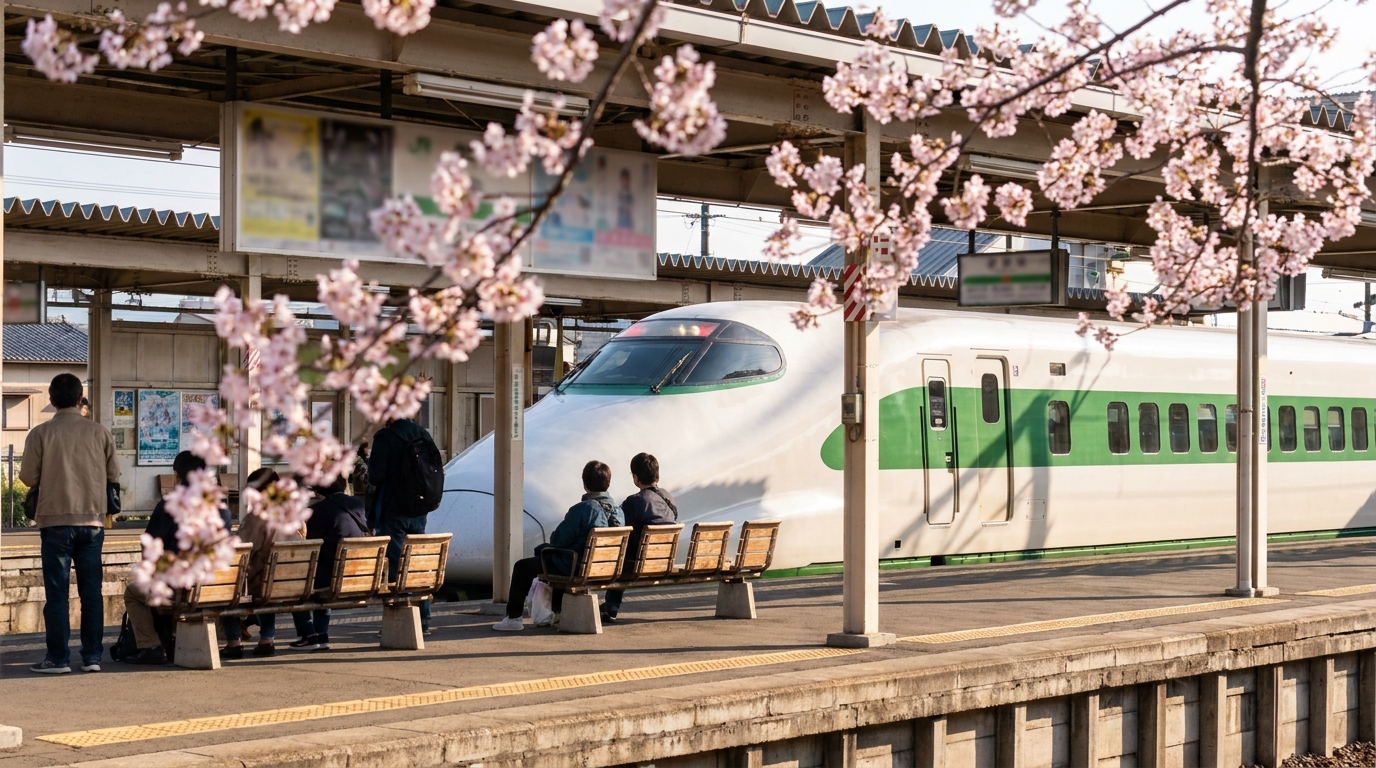
The accepted card brands listed on the site are Visa, Mastercard, JCB, American Express and Diners Club. Like SmartEX, every transaction goes through 3D Secure 2.0.
The headline feature for foreign visitors is the Shinkansen e-ticket option. After you complete a booking and payment, you register a Suica, PASMO or other compatible IC-card ID number against the reservation. From that point on, the IC card itself acts as your boarding pass at any Shinkansen ticket gate covered by the platform — including Tokyo, Sendai, Aomori, Niigata, Kanazawa, Hakodate and Sapporo (when the Hokkaido Shinkansen extension to Sapporo opens).
JR-EAST Train Reservation is also the place to buy or use the JR EAST PASS (Tohoku area / Nagano-Niigata area) and the Hokuriku Arch Pass online. Pass holders can make seat reservations directly within the same site at no additional charge.
5. JR-WEST Online Train Reservation: Western Japan and Regional Passes
JR-WEST Online Train Reservation, accessed via westjr.co.jp/global/en/ticket/, is broader in scope but more paper-based in practice. Card brands accepted are Visa, Mastercard, JCB, American Express and Diners Club. The site offers UI in English, Traditional Chinese, Simplified Chinese and Korean.
Lines covered include the Hokuriku Shinkansen (Tokyo to Tsuruga, the new western terminus opened in March 2024), the Sanyo and Kyushu Shinkansen, and JR West and Shikoku limited expresses such as Haruka (to Kansai Airport), Thunderbird, Yakumo and Shiokaze.
The key difference from SmartEX and JR-EAST is the boarding method. JR-WEST does not generally support direct IC-card tap-through for Shinkansen. Instead, after booking online, you collect a paper ticket at a station from a “Midori-no-Kenbaiki” reserved-seat ticket machine, using the credit card you paid with — or a passport-reader machine if you paid with an area pass.
For pure online convenience on the Tokyo–Kyoto–Osaka–Hiroshima–Hakata corridor, SmartEX is generally the smoother choice. JR-WEST is the right tool when:
- You are buying a regional pass (Kansai Wide Area, Kansai-Hiroshima Area, Hokuriku Area, Sanyo-San’in Area, etc.)
- You are transferring between Shinkansen and JR West limited expresses
- You are heading into the Hokuriku Shinkansen’s western section (Kanazawa, Tsuruga) from Kansai
6. What If Your Foreign Card Is Rejected?
This is the section most travelers come for. If a card is declined, the cause is almost always one of three things — and none of them are fatal.
Cause 1: 3D Secure is not enrolled or not configured.
SmartEX states on its support pages that “if a credit card is not registered for 3D Secure, does not support it, or fails authentication, registration or payment cannot be completed.” The fix is to log into your card-issuing bank’s app or website and enroll the card in their version of 3D Secure 2.0 — Visa Secure, Mastercard ID Check, J/Secure, or American Express SafeKey. Your bank’s customer support can confirm enrollment status.
Cause 2: The bank’s fraud-detection system blocks the charge.
Foreign-issued cards, especially North American Visa and Mastercard, are sometimes flagged as high-risk when used on a Japanese transit website. The transaction may be blocked silently before the 3D Secure screen even appears. The standard remedy is to contact the bank, explain that you are about to make a planned purchase on a Japanese rail-reservation site, and ask them to allow it. Most banks can mark the merchant as expected for a short window.
Cause 3: SMS or app authentication fails because of overseas phone settings.
3D Secure 2.0 sometimes sends a one-time code via SMS to the phone number on file with your bank. If you are not in your home country, or your phone plan does not roam, that code may not arrive. The official guidance from SmartEX is to contact the card-issuing company for setup help. Many banks now offer in-app authentication or alternate channels (email, push notification) for travelers.
A few practical notes that show up repeatedly in traveler reports, but should be confirmed with your own bank:
- American Express, which runs its own payment network and authentication (“SafeKey”), has been reported to clear more reliably for some travelers when Visa or Mastercard fail. This is anecdotal and varies; treat it as one option to try, not a guarantee.
- Apple Pay through SmartEX or JR-EAST in some cases bypasses the SMS step in favor of Face ID / Touch ID on the device.
- If you have a backup card on a different network (for example, a Visa plus an Amex or a JCB), keep both ready.
If none of this works, do not assume your trip is in trouble. Move on to Plan B.
Card-network policies and fraud-detection rules change without notice. The patterns above were current at the time of writing (April 2026). Always check with your card-issuing bank for the latest setup guidance, and avoid sharing your authentication codes with anyone other than the bank itself or the official platform.
7. Plan B: Booking at the Station
This is the part of the guide many overseas visitors don’t realize exists. If your card refuses to cooperate online from your home country, you can simply buy your Shinkansen tickets after arriving in Japan, at any major JR station — and the same foreign card usually goes through.
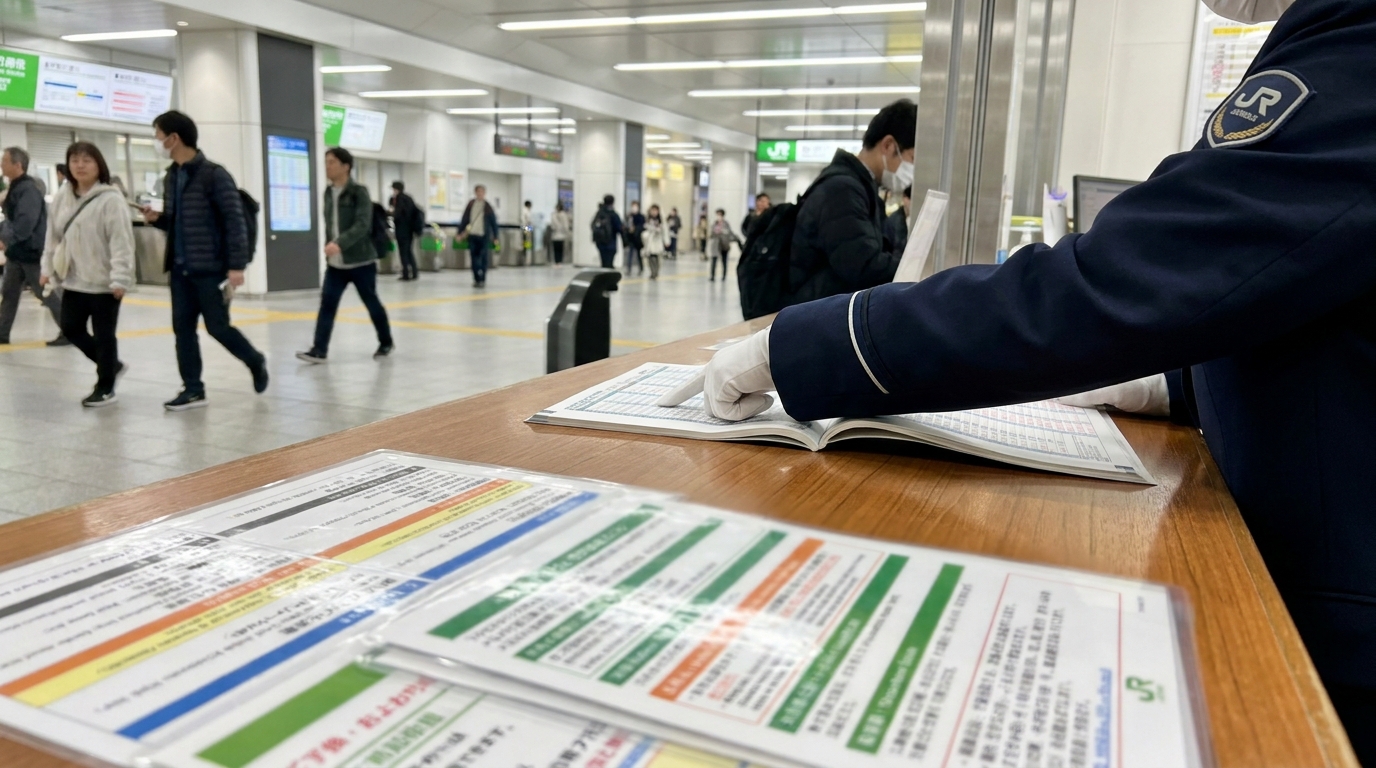
Two options stand out:
Multilingual reserved-seat ticket machines (Midori-no-Kenbaiki).
Most major stations — Tokyo, Shinagawa, Shin-Yokohama, Nagoya, Kyoto, Shin-Osaka, Hiroshima, Hakata, Sendai, Niigata, Kanazawa — have ticket machines with English, Chinese and Korean menus. Insert your physical credit card and enter your PIN. Because this is an in-person card-present transaction, the 3D Secure step is not used, and many cards that fail online will succeed here.
Midori-no-Madoguchi (JR Ticket Office).
The staffed window is the slowest option but the most flexible. Major-station offices in Tokyo, Shinjuku, Shinagawa, Kyoto, Shin-Osaka and the airports usually have at least one English-speaking staff member, and most have multilingual support sheets for travelers. Bring a written or screen-shown summary of what you want, in this format:
Date:        2026-05-04
Train:       Nozomi 21 (or "10:00 train")
From:        Tokyo
To:          Shin-Osaka
Passengers:  2 adults
Class:       Reserved (or Green)
Add your passport for any passholder transactions.
Plan B is also the answer if you are traveling with the Japan Rail Pass or a regional pass. Pass holders can make seat reservations free of charge at any JR ticket office or compatible passport-reader ticket machine, without going through any online payment at all.
8. Booking with the Japan Rail Pass and Regional Passes
Pass holders sit slightly outside the credit-card problem. The pass itself was paid for at the time of purchase — overseas through an authorized agent, or directly via the official “JAPAN RAIL PASS Reservation” site — so seat reservations on the day are free.
Practical points to keep in mind:
- The nationwide JR Pass was significantly repriced in October 2023 (7-day Ordinary 50,000 yen, Green 70,000 yen). For a single Tokyo–Kyoto round trip, point-to-point tickets via SmartEX are now often cheaper than a 7-day pass; the pass tends to pay off only for multi-leg or longer-distance itineraries (JR Pass official site).
- A separate “Nozomi / Mizuho / Hayabusa supplement” is required to ride those premium services on the standard JR Pass.
- Regional passes — Kansai Wide Area, Kansai-Hiroshima, Sanyo-San’in, Hokuriku, JR EAST, etc. — are often the better value for short itineraries inside one region. JR-WEST Online Train Reservation handles the western ones; JR-EAST Train Reservation handles the eastern ones.
- Pass holders should reserve seats in advance during Golden Week (late April to early May), cherry-blossom season (late March to early April), Obon (mid-August) and the New Year period.
9. IC Cards, Apple Wallet, and Tap-Through Boarding
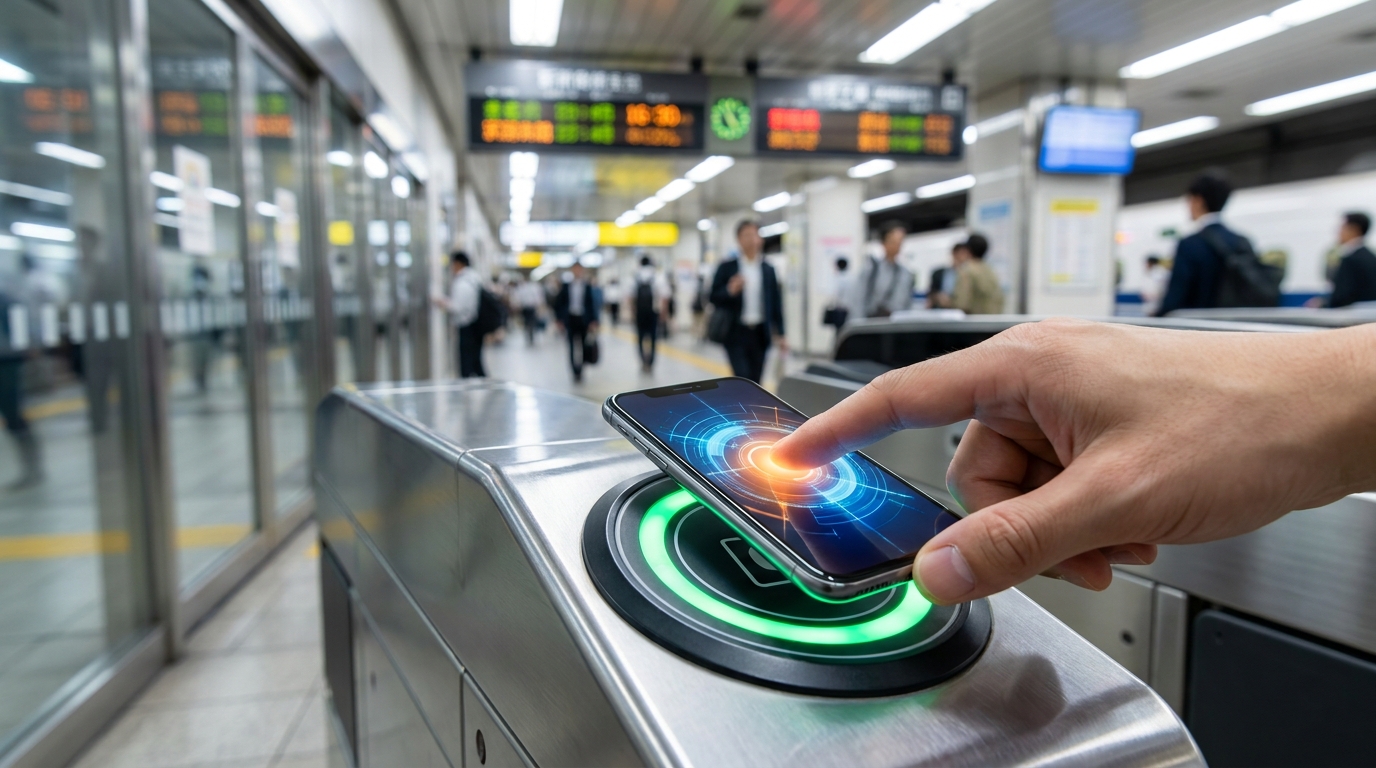
The reason SmartEX and JR-EAST Train Reservation feel modern is the IC-card linkage, which turns your existing transit card or phone into a Shinkansen boarding pass.
How it works in practice:
- The booking and payment happen with your registered credit card.
- The IC card itself is only a “key” that opens the gate. Your stored balance is not used for the Shinkansen fare.
- You enter the 17-character ID number found on the back of a physical Suica/PASMO/ICOCA, or in the Apple Wallet / Google Wallet detail screen for a mobile version.
- One account can link multiple ICs for traveling companions.
For visitors who do not already have an IC card, the easiest 2026 option is Welcome Suica Mobile, a deposit-free, 180-day digital Suica that can be issued directly into Apple Wallet on an overseas iPhone after arrival. Topping up requires a Mastercard, American Express or other compatible card in Apple Pay; a non-resident foreign Visa is sometimes not accepted for Apple Pay top-ups, but Welcome Suica Mobile generally accepts the same overseas cards through its own app top-up flow.
Once Welcome Suica Mobile is on the phone, opening SmartEX, copying the 17-character ID, and pasting it into the “IC card registration” screen is a few-minute task. The result: tap-through boarding for the entire trip.
The previous traveler-friendly card, PASMO Passport, was discontinued in August 2024 and is no longer sold. Welcome Suica (physical) and Welcome Suica Mobile have effectively taken its place.
10. Booking Strategies for Peak Seasons
Three windows are genuinely tight on the Tokaido and Sanyo Shinkansen: Golden Week (late April to early May), Obon (mid-August), and the New Year period (late December to early January). During these windows, JR Central converts every Nozomi service to all reserved seats — there are no non-reserved cars at all.

Practical implications:
- Online booking opens at 10:00 a.m. Japan Standard Time, 30 days before the boarding date. SmartEX and JR-EAST Train Reservation both follow this rule.
- Both platforms also accept “pre-orders” up to 7 days before the booking opens, allowing you to queue your reservation for processing the moment sales start.
- If you are overseas, plan for the time difference. 10:00 JST is the previous day’s 9:00 p.m. EST or 6:00 p.m. PST.
- If a Nozomi sells out, Hikari and Kodama services on the same corridor often have availability later in the day, at lower fares.
- Cherry-blossom season (late March to early April) does not trigger all-reserved Nozomi, but Kyoto-bound trains in the early afternoon fill quickly. Reserve as early as possible.
For the Hokuriku and Tohoku Shinkansen during ski season and the New Year, JR-EAST Train Reservation follows the same 30-day window and pre-order option.
11. After You Book: What Comes Next
Three things to do once your reservation goes through:
1. Save the confirmation email and reservation number. This is the proof you actually own a seat if anything goes wrong with the IC linkage.
2. Link an IC card or set up an Apple Wallet QR ticket if you have not already, so you can walk through the Shinkansen gate without picking up a paper ticket.
3. Check the cancellation rules. SmartEX and JR-EAST charge a small processing fee for changes and cancellations, and the fee increases as the train time approaches.
If you are traveling with companions on different IC cards, double-check that each person’s 17-character ID has been linked to the right reservation in the booking. Mismatched IDs are the most common reason a tap-through boarding attempt fails on the day.
12. Quick Reference Table
| Platform | Lines | IC-tap boarding | Card brands listed |
|---|---|---|---|
| SmartEX | Tokaido, Sanyo, Kyushu | Yes (Suica/PASMO/ICOCA + mobile) | Visa, Mastercard, JCB, Amex, Diners, Discover |
| JR-EAST Train Reservation | Tohoku, Hokkaido, Joetsu, Hokuriku, Yamagata, Akita | Yes (Shinkansen e-ticket) | Visa, Mastercard, JCB, Amex, Diners |
| JR-WEST Online Train Reservation | Hokuriku (western), Sanyo, Kyushu, JR-West limited expresses, regional passes | Limited (paper ticket pickup is standard) | Visa, Mastercard, JCB, Amex, Diners |
Frequently Asked Questions
Q1. Which credit cards work for Shinkansen booking from overseas?
SmartEX lists Visa, Mastercard, JCB, American Express, Diners Club and Discover. JR-EAST Train Reservation and JR-WEST list the same five excluding Discover. Whether a specific card from a specific bank goes through depends on the bank’s 3D Secure setup and fraud-detection rules; check with your card-issuing bank if a payment is declined.
Q2. Why was my Visa or Mastercard rejected?
The most common reasons are: the card is not enrolled in 3D Secure 2.0; the bank’s fraud-detection system flagged the transaction; or the SMS authentication code did not reach you while abroad. Your card-issuing bank can confirm the cause and reset the block.
Q3. Can I use Apple Pay or Google Pay for Shinkansen booking?
SmartEX and JR-EAST support Apple Pay in their apps, which can simplify authentication. Whether your specific Apple Pay card succeeds depends on the underlying credit card and bank.
Q4. How early can I book a Shinkansen seat?
Reservations open 30 days before boarding, at 10:00 a.m. Japan Standard Time. Both SmartEX and JR-EAST Train Reservation also accept pre-orders up to 7 days earlier.
Q5. Can I cancel or change my booking online?
Yes. Both SmartEX and JR-EAST allow online cancellation and change up to a fixed cutoff before the train. A processing fee applies and increases as departure time approaches.
Q6. Do I need to print a paper ticket?
On SmartEX and JR-EAST Train Reservation, no — once your IC card or Apple Wallet QR ticket is linked, you tap through the gate. JR-WEST Online Train Reservation generally requires picking up a paper ticket at a station ticket machine.
Q7. Can I use Welcome Suica Mobile with SmartEX?
Welcome Suica Mobile, issued through Apple Wallet, has a 17-character ID that can be registered to a SmartEX account just like a regular Suica.
Q8. What happens if my card fails on the day at the ticket machine?
Multilingual ticket machines and Midori-no-Madoguchi staff can take a different card, including most foreign cards, for an in-person transaction. The 3D Secure step is not used at a physical terminal, so cards that failed online often succeed here.
Q9. Does the Japan Rail Pass let me skip these systems entirely?
For most JR Pass holders, yes. Seat reservations are free at any JR ticket office or passport-reader ticket machine. The official “JAPAN RAIL PASS Reservation” site also lets pass holders reserve seats online at no extra charge.
Q10. What about the Nozomi and Mizuho supplement?
The standard JR Pass does not include Nozomi or Mizuho services without an additional supplement ticket. Pricing and terms are listed on the official JR Pass site; check the latest figures before booking.
Related Guides
- Shinkansen Complete Guide 2026: Routes, Speeds, JR Pass and How to Book
- JR Pass Complete Guide 2026: Prices, Routes & How to Buy
- Suica, Welcome Suica, and Japan’s IC Cards: A Traveler’s Guide
- Pocket WiFi vs eSIM vs SIM Card in Japan
Final note: the credit-card and 3D Secure landscape changes faster than guidebooks can keep up. The information in this article was current as of April 2026. Always confirm card setup with your issuing bank and check the relevant official site (smart-ex.jp, eki-net.com, westjr.co.jp) before you travel.


Comments