- Quick Answer
- 1. Pick the Service Before Entering Card Details
- 2. SmartEX: Payment and Boarding Are Separate Steps
- 3. JR-EAST Train Reservation
- 4. JR-WEST: Check Pickup Before You Pay
- 5. If a Foreign Card Is Declined
- 6. Plan B: Buy at a Station
- 7. Using a Nationwide or Regional Rail Pass
- 8. IC Cards and Welcome Suica Mobile
- 9. How Early Can You Book?
- 10. Before Leaving for the Station
- Frequently Asked Questions
- Related Guides and Official References
Quick Answer
Choose the booking service by your route: SmartEX for the Tokaido, Sanyo and Kyushu Shinkansen; JR-EAST Train Reservation for eastern and northern routes; or JR-WEST Online Train Reservation for supported western routes and regional passes. A listed card brand does not guarantee that your individual card will be approved. Check both payment confirmation and the boarding method before leaving for the station.
Booking and boarding guidance checked against the official sources linked below on October 29, 2026. This is a researched guide; it does not establish success rates for particular banks or cards.
1. Pick the Service Before Entering Card Details
| Journey | Official service | Boarding check |
|---|---|---|
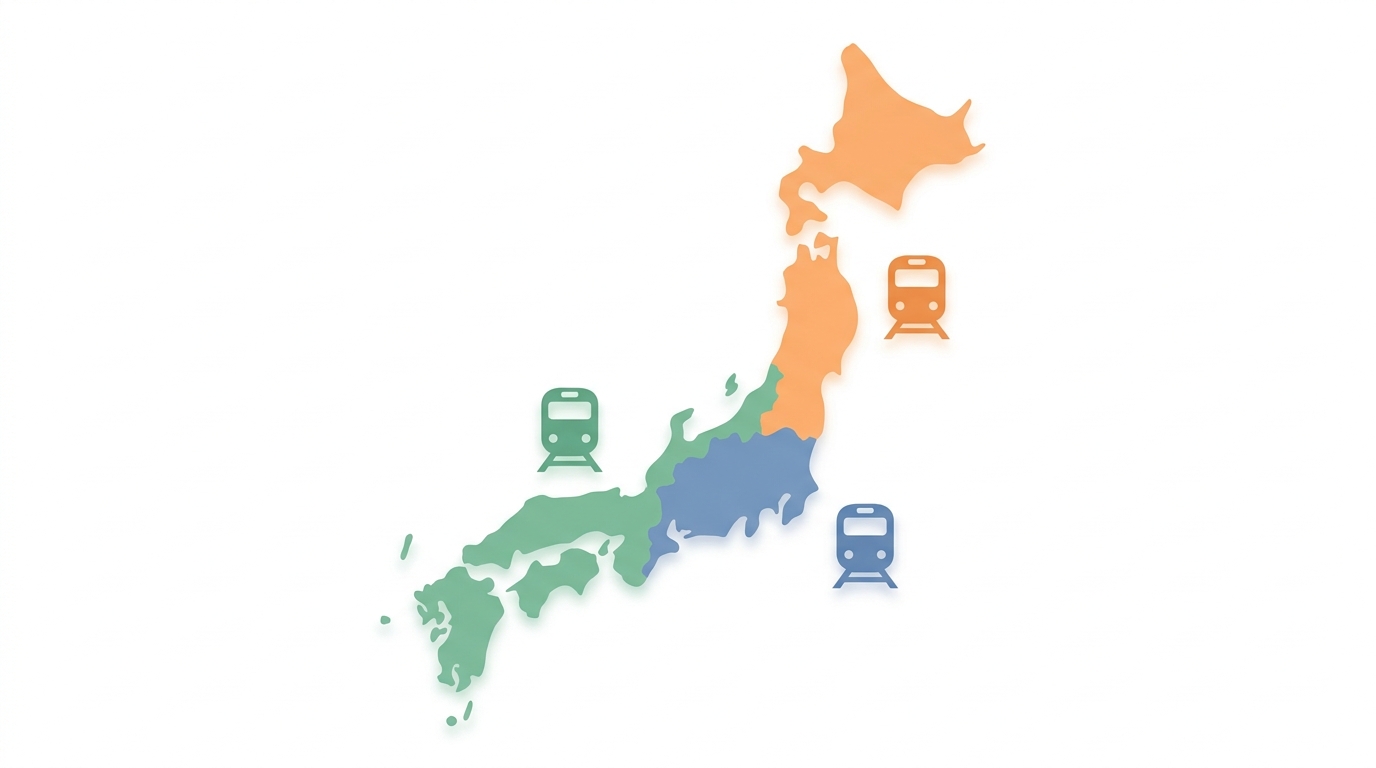
| Tokyo, Kyoto, Shin-Osaka, Hiroshima and onward on the Tokaido/Sanyo/Kyushu Shinkansen | SmartEX | Choose a QR-Ticket, a linked compatible IC card, or paper ticket pickup. |
| Tohoku, Hokkaido, Joetsu, Hokuriku, Yamagata and Akita Shinkansen | JR-EAST Train Reservation | For a Shinkansen e-ticket, link an IC card for each passenger. Other products may require pickup. |
| Supported western Japan trains and JR-West regional passes | JR-WEST Online Train Reservation | Check the product’s eligible pickup stations and required documents before paying. |
A service can cover more than one region, so this table is a starting point. Check that the exact departure station, destination and ticket product are offered. JR-EAST Train Reservation does not sell Tokaido Shinkansen tickets.
2. SmartEX: Payment and Boarding Are Separate Steps
Create an account, register a supported card, select the date and route, and review the fare and conditions before purchase. SmartEX uses card-issuer authentication (3-D Secure). A card may fail if authentication is unavailable, incomplete or rejected; ask the issuer to check rather than assuming the problem is the card brand.
After purchase, follow the boarding option shown in your reservation. Linking a compatible Suica, PASMO or other supported IC card is optional. The Shinkansen fare is paid by the registered payment card, not deducted from the IC card’s stored balance.
For paper tickets, SmartEX’s pickup guide specifies a pickup code and login password at eligible machines. Bring the payment card too, because it may be checked. A pickup code and a QR-Ticket for boarding serve different purposes; use the code named by the instructions on your reservation.
Official instructions: service overview, 3-D Secure, paper ticket pickup and QR-Ticket boarding.
3. JR-EAST Train Reservation
Use the official international reservation service for supported JR East and JR Hokkaido journeys and the Hokuriku Shinkansen. Do not assume it rejects foreign cards generally: its own notice says card companies may restrict some transactions, and advises trying another card or purchasing at a station.
For the Shinkansen e-ticket, register a compatible transportation IC card against the reservation, with one card per passenger. Both this service and SmartEX can support IC-card boarding; SmartEX is not the only option.
Check the selected product carefully. A conventional-line Express Train e-ticket can cover only the limited-express portion, requiring a separate basic fare. That differs from a Shinkansen e-ticket. See the official e-ticket guide and our Eki-net guide.
4. JR-WEST: Check Pickup Before You Pay
For tickets requiring collection, JR-West’s guide requires the physical card used for payment, reservation details and, for relevant visitor products, a passport. Virtual-card-only payment is unsuitable where that physical card is required.
Collection is limited to listed stations, machines and opening hours; special discounted products can have narrower conditions. Plan a pickup point you can reach before boarding. An online reservation email alone does not replace a required paper ticket.
Use the official receiving guide to check your particular product.
5. If a Foreign Card Is Declined
- Record the error message without sharing card numbers or authentication codes.
- Ask your issuer whether the transaction or 3-D Secure authentication was rejected, and whether an app prompt or registered phone number needs attention.
- If appropriate, try another supported card in your own name. Confirm that any physical card required at pickup will travel with you.
- Check your reservation list before purchasing again, so an unclear payment result does not lead to duplicate bookings.
There is no verified bank-by-bank success ranking in this guide. Apple Wallet boarding credentials and Apple Pay top-ups do not establish that a rail booking payment can bypass the issuer’s authentication.
6. Plan B: Buy at a Station
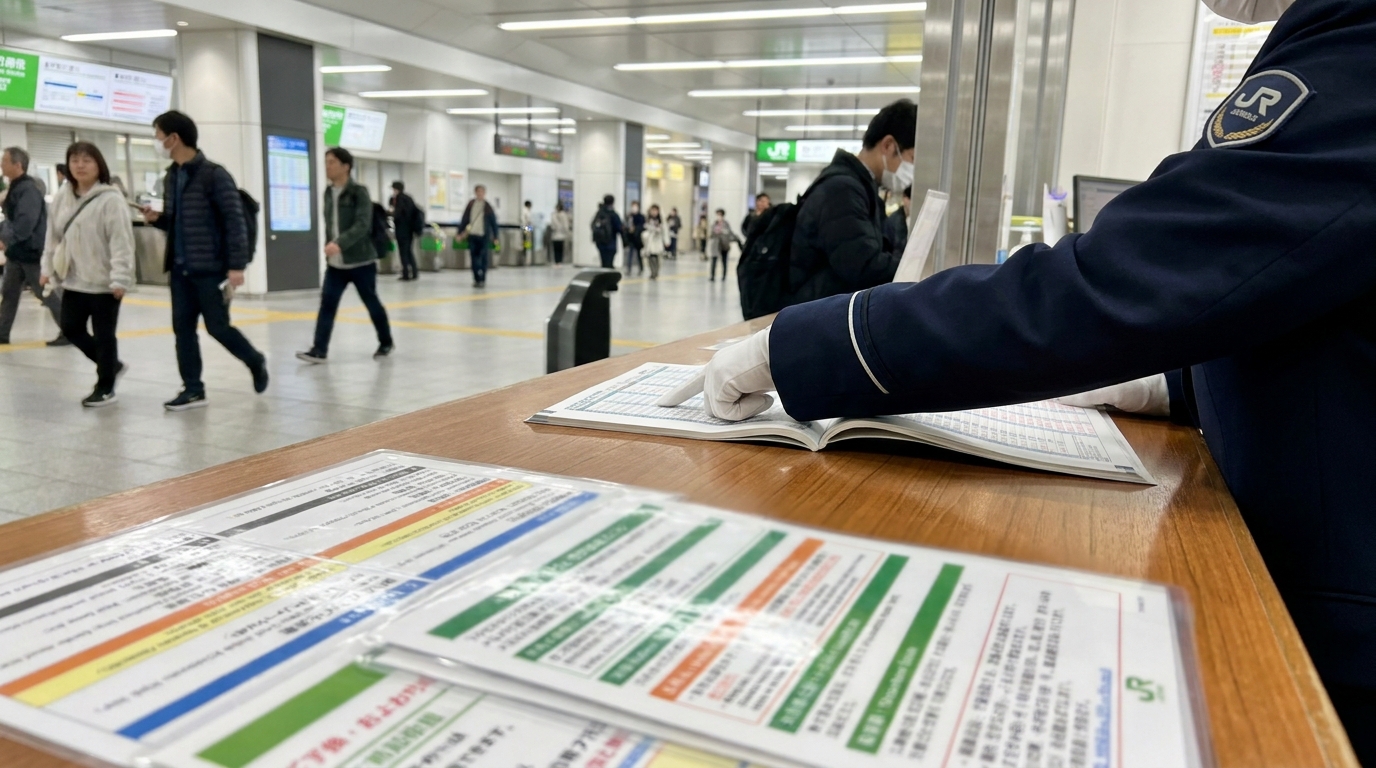
If online payment cannot be completed, check the relevant JR company’s ticket office or reserved-seat machine. Station purchase is an alternative, not a guarantee that the same card will work or that the train will still have seats. Allow time for queues and consider a different departure if necessary.
Have the travel date, departure and arrival stations, approximate departure time, passenger count and seating class ready. For pass transactions, bring the pass and required identification. A concise request such as “November 12, Tokyo to Kyoto, around 10:00, two adults, Ordinary reserved seats” helps staff identify the intended journey.
7. Using a Nationwide or Regional Rail Pass
Use the reservation method for the pass you actually hold. The nationwide JAPAN RAIL PASS and regional JR passes have different coverage and booking conditions. Do not buy a separate full-price ticket merely because a general reservation screen asks for payment.
The nationwide pass needs a separately purchased [ONLY WITH JAPAN RAIL PASS] NOZOMI MIZUHO Ticket before boarding those services. Hayabusa is not part of that supplement system; reserve an eligible seat under the normal pass conditions. Gran Class and non-JR sections can require separate charges.
Online seat booking through JAPAN RAIL PASS Reservation is for passes purchased through that service. For an agency purchase, check the collection and reservation instructions for that purchase channel. Compare the exact itinerary with individual ticket prices in our JR Pass guide.
8. IC Cards and Welcome Suica Mobile
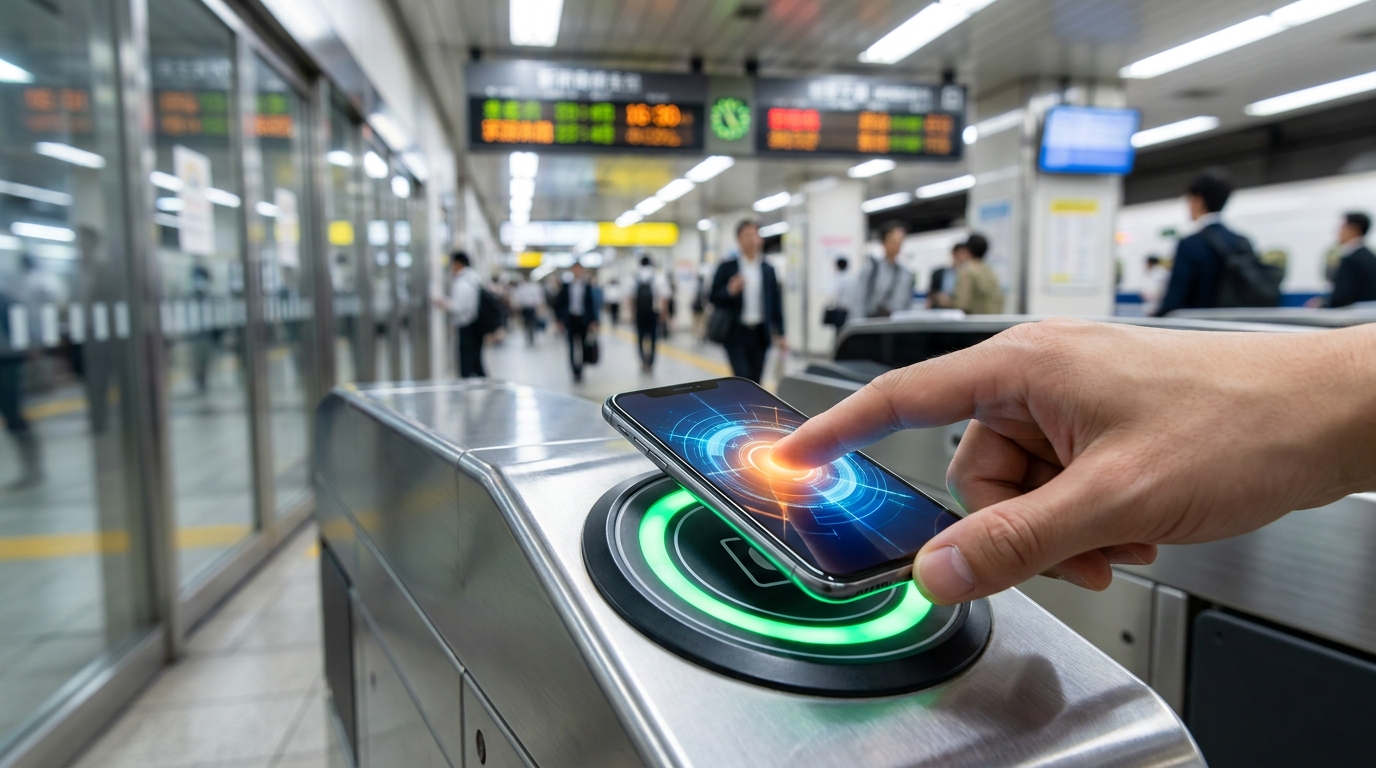
Register the correct IC-card identifier for each traveler and confirm it is assigned to the intended reservation. Having money on a Suica does not by itself create a Shinkansen booking.
Welcome Suica Mobile is issued through JR East’s iOS app and is valid for 180 days from issuance. Device support and setup or top-up availability depend on the official conditions, including restrictions in some countries. It also links to JR-EAST Train Reservation for supported e-tickets. Follow the official app guide rather than treating ordinary Apple Wallet card issuance and Welcome Suica Mobile as the same setup process.
Physical Suica, PASMO and visitor products are separate options. See our IC card guide for the choice that fits your device and travel plans.
9. How Early Can You Book?

SmartEX: eligible bookings can start one year ahead. For bookings more than one month ahead, the specific train and seat are confirmed later; the official guide says to check them after 14:00 JST one month before travel. Some products and seating options are excluded from one-year advance reservations.
JR-EAST Train Reservation: the official FAQ gives 10:00 JST one month before the boarding date. A calendar month is not a fixed 30-day interval. Do not assume every platform offers the same advance-request system.
For holidays, check the operator’s notice for your actual travel dates, reservation requirements and availability. An advance request is not permission to board without a confirmed reservation or valid ticket.
Sources: SmartEX reception periods and JR East FAQ.
10. Before Leaving for the Station
- Check that the booking is confirmed for the correct date, stations, passenger count and class.
- Prepare the required QR-Ticket, linked IC card or collected paper ticket for each person.
- For collection, confirm the eligible station, opening hours and required card, code and identification.
- Save the reservation number and confirmation email for reference. The email is not automatically a boarding pass.
- Read the selected product’s change, refund and missed-train conditions. Fees and deadlines depend on the service and whether tickets have been collected or used.

Frequently Asked Questions
Does a foreign Visa or Mastercard always work?
No. A supported brand does not guarantee issuer approval. Check the payment result and contact the issuer if authentication or payment fails.
Can Apple Pay bypass a failed rail booking payment?
Do not rely on that. Apple Wallet boarding, IC-card top-ups and the payment for a rail reservation are separate processes. Follow the booking service and card issuer instructions.
Is an IC card required for SmartEX?
No. SmartEX also offers QR-Ticket boarding and paper ticket pickup. Follow the boarding method selected in your reservation.
Does Hayabusa require the JR Pass Nozomi/Mizuho supplement?
No. Hayabusa is not part of the Nozomi/Mizuho supplement system. Reserve an eligible seat and check the normal pass, route and class conditions.
Is a reservation email enough to board?
Only if the service explicitly provides the required boarding credential that way. Otherwise prepare the linked IC card, QR-Ticket or paper tickets specified by your booking.
Related Guides and Official References
- Shinkansen routes and boarding
- JR Pass prices and itinerary comparison
- Suica, PASMO and ICOCA
- Phone connectivity for Japan
- Official JAPAN RAIL PASS coverage
- Official JAPAN RAIL PASS online purchase


Comments