
Quick answer: Choose an eSIM if your unlocked phone supports the exact plan and each traveler needs independent internet. Choose pocket WiFi if several devices will stay together and you are happy to carry, charge and return a router. Choose a physical SIM if your unlocked phone has a compatible SIM slot and you prefer a removable card. A physical SIM can work for a short trip too; a long stay does not automatically make it the best option.
Before buying, check four things: your exact phone model, the full trip price, when the plan starts, and whether it includes only data or also calls and SMS. Hotel Wi-Fi can cover your room, but it does not keep you connected while walking to a station or finding your accommodation.
Official information checked: October 10, 2026. This is a planning guide based on manufacturer, provider and tourism information, not a speed test or a firsthand comparison of these services. Prices and plan conditions should be checked again before purchase.
- eSIM vs Pocket WiFi vs SIM Card: Choose by Your Trip
- Check Your Phone Before Choosing a Provider
- Option 1: eSIM for Independent Travel
- Option 2: Pocket WiFi for Devices That Stay Together
- Option 3: Physical SIM for a Compatible Phone
- Compare the Full Cost, Not One Advertised Price
- One Connection or One per Person?
- Arrival Checklist and Plan B
- Using a Laptop or Keeping Your Home Number
- Frequently Asked Questions
- Is an eSIM better than pocket WiFi for Japan?
- Can I use a physical SIM for a one-week trip?
- Which option is cheapest?
- Will an eSIM work on a phone bought in China, Hong Kong or Macao?
- Should I install my eSIM before flying?
- Does a travel SIM include a Japanese phone number?
- Can two people share one connection?
- Is free Wi-Fi enough?
- Continue Planning Your Arrival
- Official Sources and Editorial Method
eSIM vs Pocket WiFi vs SIM Card: Choose by Your Trip
| Your situation | Start by comparing | The condition that matters |
|---|---|---|
| Solo traveler with a compatible unlocked phone | eSIM | Exact-device compatibility and activation policy |
| Couple who may split up | One mobile connection per person | Both people can navigate independently |
| Family carrying phones and tablets together | Pocket WiFi or a permitted phone hotspot | Device limit, shared allowance and battery |
| Phone without eSIM support | Physical SIM or pocket WiFi | SIM lock, SIM slot and supported network bands |
| Laptop use or video meetings | Plan with explicit tethering support | Hotspot allowance and any speed restrictions |
| Need a Japanese phone number | Voice-and-data plan | Actual calling and SMS features, not just internet |
| Long stay | Total cost across the whole stay | Validity, renewals and any recurring charges |
Our practical recommendation is to choose compatibility and independence before a headline discount. One shared router may be convenient for a family, but it becomes awkward when someone takes it to another restaurant or returns to the hotel early.
Check Your Phone Before Choosing a Provider
An eSIM-capable model name is not enough. The country version, carrier lock and provider requirements matter. On an iPhone, check Settings → General → About → Carrier Lock; Apple says an unlocked phone shows No SIM Restrictions. Then check the manufacturer’s information for your exact model and the provider’s compatibility instructions.
Do not assume every iPhone bought in mainland China, Hong Kong or Macao has the same eSIM support. Apple’s current guidance distinguishes models and regions. Use its international eSIM guide and Dual SIM guide rather than a blanket country rule. For Android, use your manufacturer’s exact-model specifications and the seller’s checker.
A physical SIM also needs a compatible, unlocked phone with a usable SIM slot. If your phone has no tray, buying a plastic SIM will not solve the problem. Pocket WiFi avoids changing your phone’s cellular plan, but your phone must still be able to connect to the router’s Wi-Fi.
Option 1: eSIM for Independent Travel
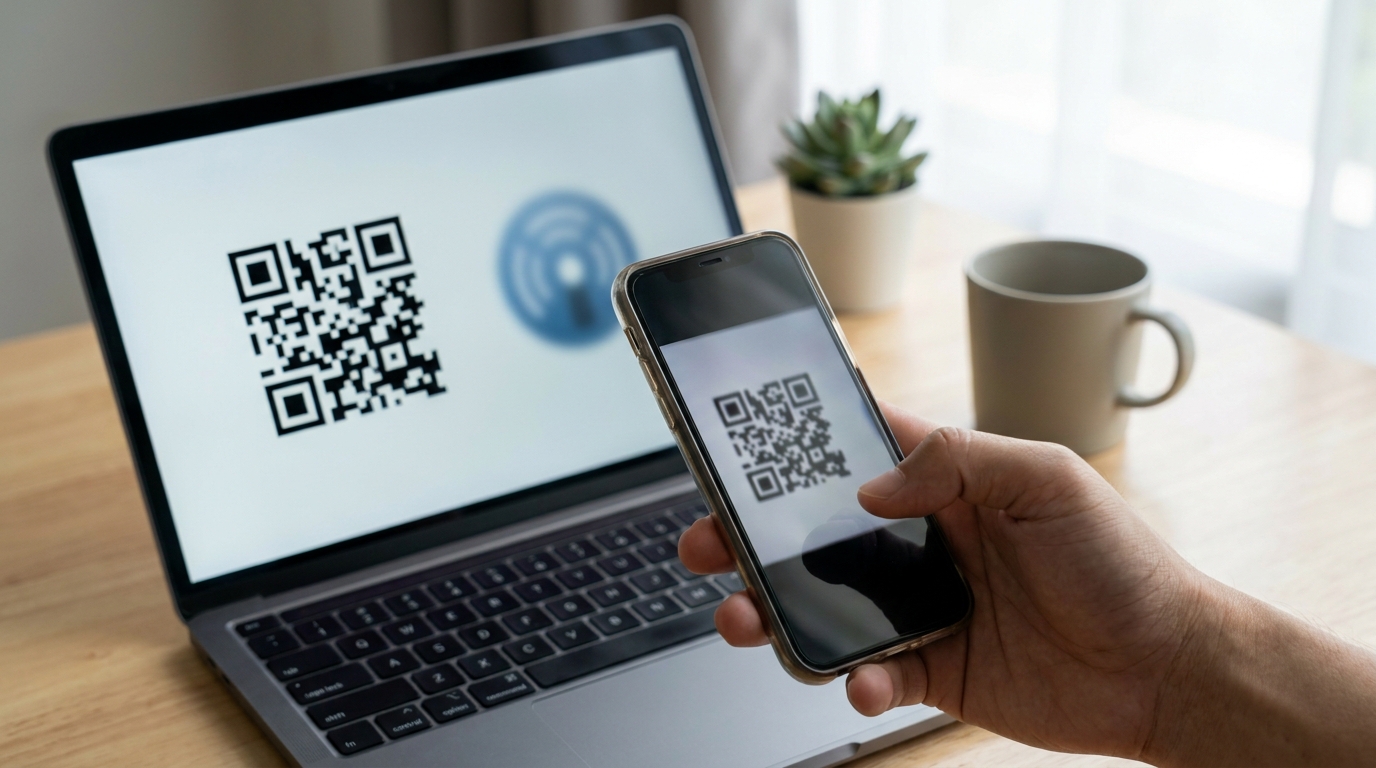
An eSIM is a digital mobile plan installed on a compatible device. It avoids swapping a physical card and can be useful when each person needs maps, translation and messages separately. You still need to follow the seller’s installation steps and choose the correct line for mobile data.
Airalo’s Japan page is one official place to compare current package allowances, validity and network information. Treat it as a provider example, not a claim that it is the cheapest or best service. Compare the actual package that covers your travel dates instead of an old price copied from a comparison article.
Installation and the start of the validity period are different questions. Airalo’s validity and activation guidance says to check the package policy: some plans start when installed, while others start on connection to a supported network. Save those instructions before flying.
If you want to share data with a laptop or another phone, check tethering separately. For example, Ubigi provides hotspot instructions. That does not establish another provider’s hotspot allowance or remove a plan’s data limits.
Option 2: Pocket WiFi for Devices That Stay Together
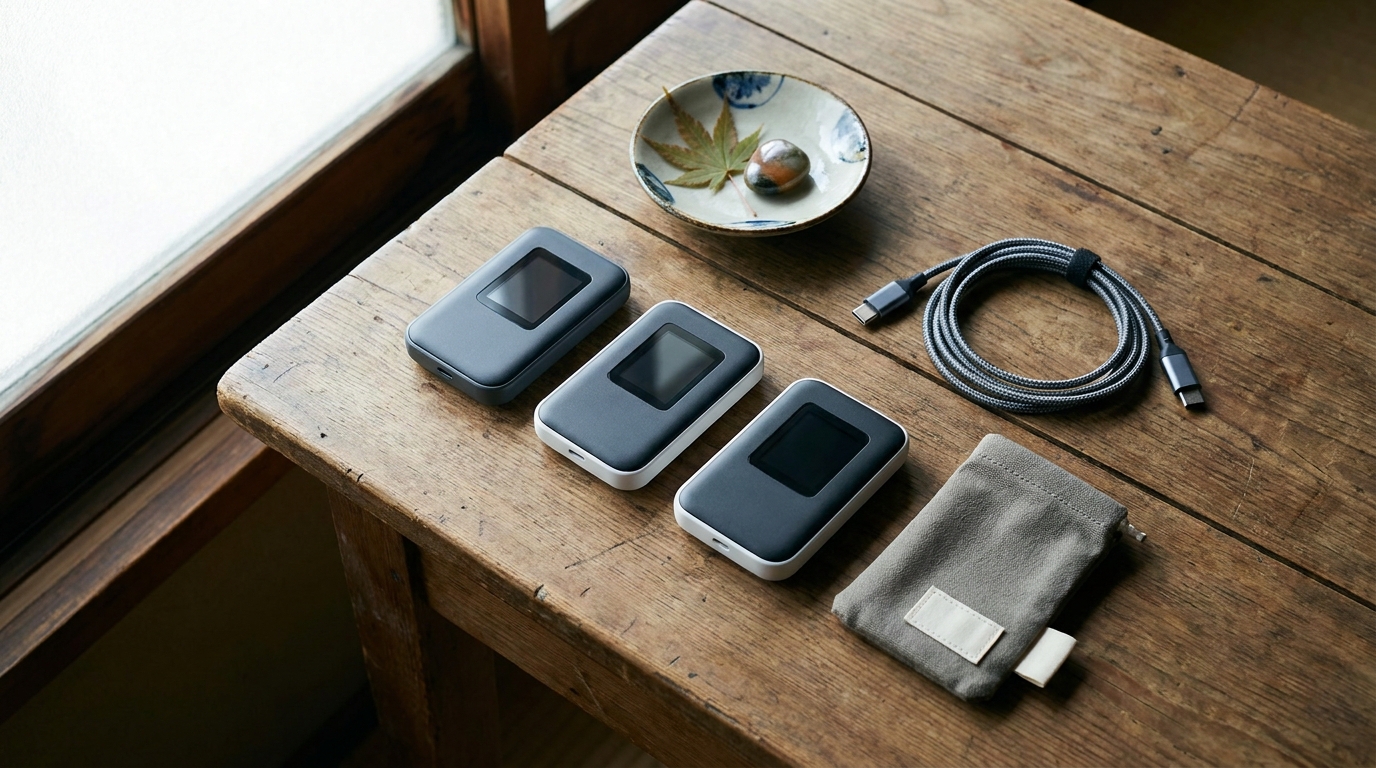
Pocket WiFi is a portable router that creates a Wi-Fi connection for your phones, tablets or laptop. It can be a convenient group choice when everyone stays near the device. Check the specific router’s connected-device limit, data allowance and battery information before renting.

The pickup and return arrangements are part of the purchase. NINJA WiFi’s official information lists airport counters, pickup lockers and delivery options. Locations, opening hours, order deadlines and fees differ. Confirm the counter matches your arrival terminal and that it is open when your flight arrives.
If delivery is easier, confirm who can accept the parcel. A hotel reception and an apartment without staff are different situations. Keep the return instructions with the pouch and set aside time before departure; do not assume every provider accepts a router in any post box.
Charge it before the next day’s outing and decide who carries it. If your group plans to split up, give each subgroup an independent connection or an offline meeting plan.
Option 3: Physical SIM for a Compatible Phone
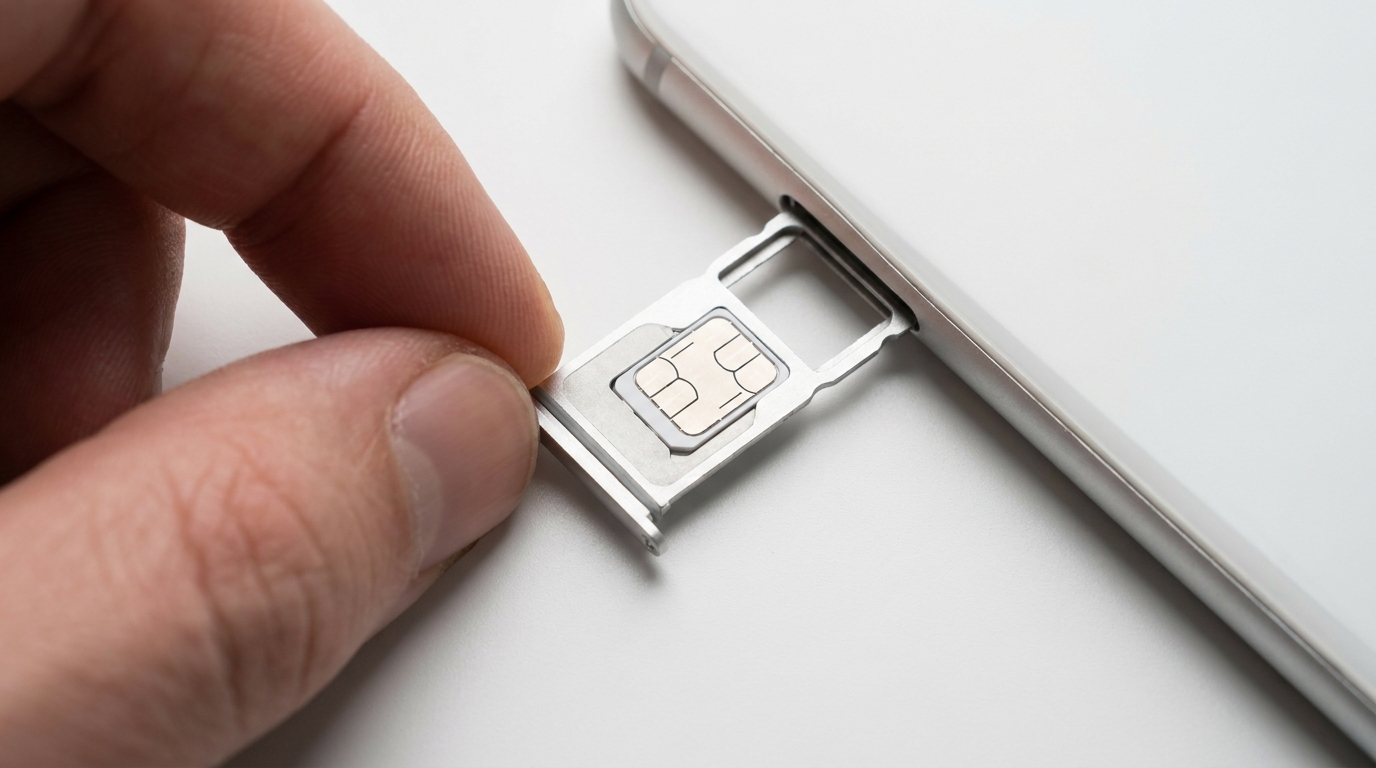
A physical SIM replaces or occupies a SIM slot in your phone. It is a reasonable option for compatible devices without eSIM support and for travelers who prefer a card. It is not limited to stays longer than 30 days.
Check whether you are buying data only or voice and data. Mobal’s official SIM page, for example, separates these products. A data-only plan does not itself provide a Japanese calling number or cellular SMS. A number may matter if a particular service requires a Japanese SMS verification code, so check that service before purchasing.
Follow the supplied activation and APN instructions rather than copying settings from another SIM. Keep your original SIM in a labeled holder, and test the new connection before leaving the place where you have setup help or Wi-Fi.
Compare the Full Cost, Not One Advertised Price
There is no fixed cheapest option for every trip. Write down the total for your dates and the number of people who need independent connections. Check:
- Data allowance and what happens when it runs out.
- Validity and when its countdown begins.
- Hotspot permission and any separate sharing limit.
- Pickup, delivery, return and optional rental fees.
- Renewals, top-ups and any recurring charges.
- Cancellation, replacement and late-return terms.
Compare like with like. Two independent eSIMs and one shared router solve different problems. An unlimited label also needs its actual speed and usage terms checked. A low starting price is not necessarily the price for your full stay.
One Connection or One per Person?

For a solo city trip, a compatible eSIM is a useful starting point. For a couple, compare separate plans if you may split up. For a family moving together, compare a shared router with phone tethering. For remote work, check hotspot support and keep a second way to connect for important calls.
For rural travel, look up coverage for the actual places on your itinerary. A network name or a national ranking cannot guarantee reception at a mountain accommodation, inside a building or on an island route. Ask the accommodation about connectivity when it matters to your plans.
Arrival Checklist and Plan B
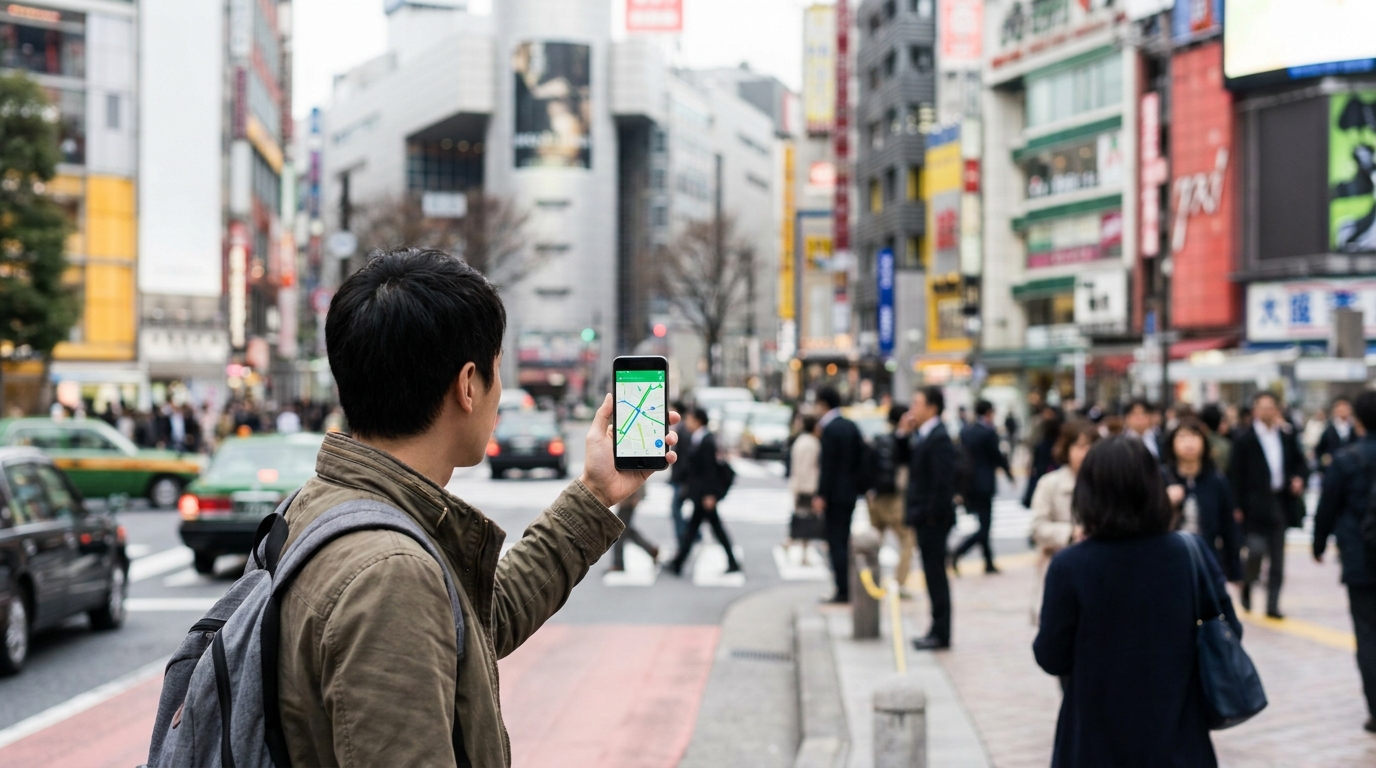
- Save the accommodation address, check-in instructions, reservation details and provider support contacts before departure.
- Connect using the provider’s setup instructions. Confirm the intended travel line is selected for data.
- Check roaming and automatic data-switching settings on your home line. Keeping your number available does not guarantee that calls, SMS or roaming are free.
- Turn Wi-Fi off briefly and open a webpage to test the mobile connection.
- Load your first route and send a test message before leaving the airport.
If an eSIM fails, use a known Wi-Fi connection to check the plan’s status, selected data line and seller’s settings. Contact support before deleting the profile; reinstalling may have restrictions. If a rental pickup fails, ask the provider about its alternative collection arrangements instead of assuming a different counter can handle your booking.
JNTO’s connectivity guide describes airport and other Wi-Fi options. These are useful places to reconnect and seek help, not continuous coverage across a sightseeing day. Do not build your main plan around finding a free convenience-store hotspot.
Using a Laptop or Keeping Your Home Number
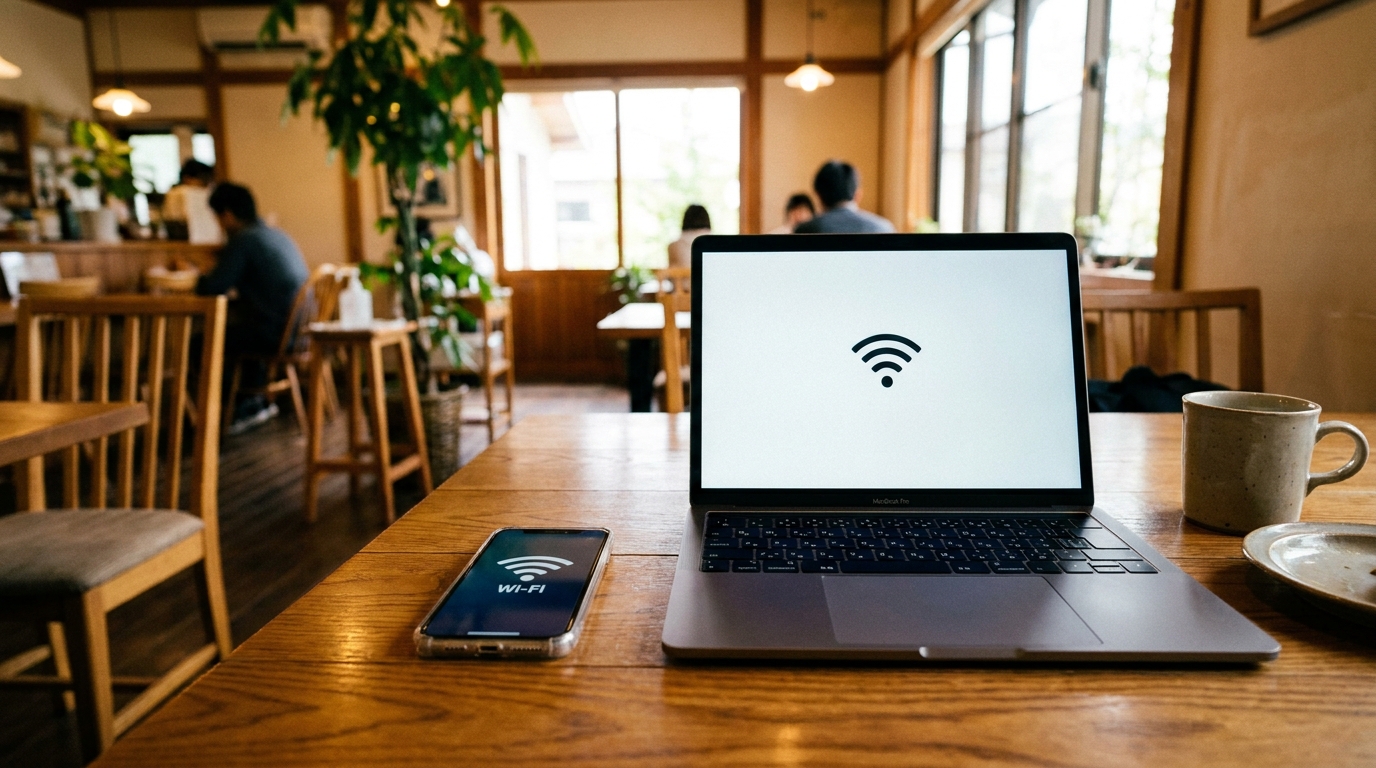
Before a work session, test the laptop connection, check your allowance and charge the phone or router. Avoid leaving essential documents accessible only through a live connection. For your home number, follow your carrier’s instructions and check charges before making calls or sending messages.
Frequently Asked Questions
Is an eSIM better than pocket WiFi for Japan?
For a compatible unlocked phone and independent travel, an eSIM is a useful starting point. Pocket WiFi suits devices that stay together, provided you can manage charging, pickup and return.
Can I use a physical SIM for a one-week trip?
Yes, if the product covers your dates and your unlocked phone supports the card and network. Physical SIMs are not only for long stays.
Which option is cheapest?
Compare the full trip total, data allowance and number of independent users. Check rental fees and hotspot limits; a starting price alone is not enough.
Will an eSIM work on a phone bought in China, Hong Kong or Macao?
It depends on the exact model, market version, carrier lock and provider. Apple’s current guidance has model-specific exceptions, so do not rely on a blanket yes or no.
Should I install my eSIM before flying?
Check the package’s validity and installation policy first. Some plans start on installation, while others start when they connect to a supported network.
Does a travel SIM include a Japanese phone number?
A data-only product does not itself include cellular calls or SMS. If you need a Japanese number, check a voice-and-data product and its verification and activation requirements.
Can two people share one connection?
A router or a permitted phone hotspot can share data, subject to device and plan limits. Both people need to stay within its usable range; separate connections are easier when splitting up.
Is free Wi-Fi enough?
It can help at airports, accommodation and other participating locations. It does not guarantee internet between hotspots. Save essential details offline and choose a backup that fits your itinerary.
Continue Planning Your Arrival
- Navigate Japan with Google Maps — use your connection to check routes and transfers.
- Suica, PASMO and ICOCA guide — plan transport payment alongside mobile internet.
- Japanese accommodation check-in guide — save the address and arrival instructions.
- Tokyo–Kyoto Shinkansen guide — plan the next leg of your trip.
Official Sources and Editorial Method
Manufacturer compatibility guidance: Apple. Provider examples and setup conditions: Airalo, Ubigi, NINJA WiFi and Mobal. Public Wi-Fi overview: JNTO. The links appear beside the relevant explanation and were checked on October 10, 2026. Provider examples are not rankings or promises of coverage. The existing images illustrate travel and connectivity; they do not establish measured network performance.

Comments