- Quick Answer
- Can Tourists Use the GO Taxi App in Japan?
- Foreign Numbers, SMS and Data-Only eSIMs
- How to Register Without Getting Stuck
- Foreign Cards, Apple Pay and In-Car Payment
- Meter Fare vs Pickup, App and International Charges
- Requesting the Taxi and Finding the Correct Car
- What to Do When Registration, Payment or Dispatch Fails
- Plan B: Save a Taxi Option That Does Not Need the App
- FAQ
- Can I register GO with a foreign phone number?
- Will GO work with a data-only eSIM?
- Should I register before flying to Japan?
- Which foreign credit cards does GO Pay accept?
- Does every Apple Pay card work with GO?
- What is the International Service Charge?
- Can I pay cash when I use GO?
- What if GO cannot find a taxi?
Quick Answer
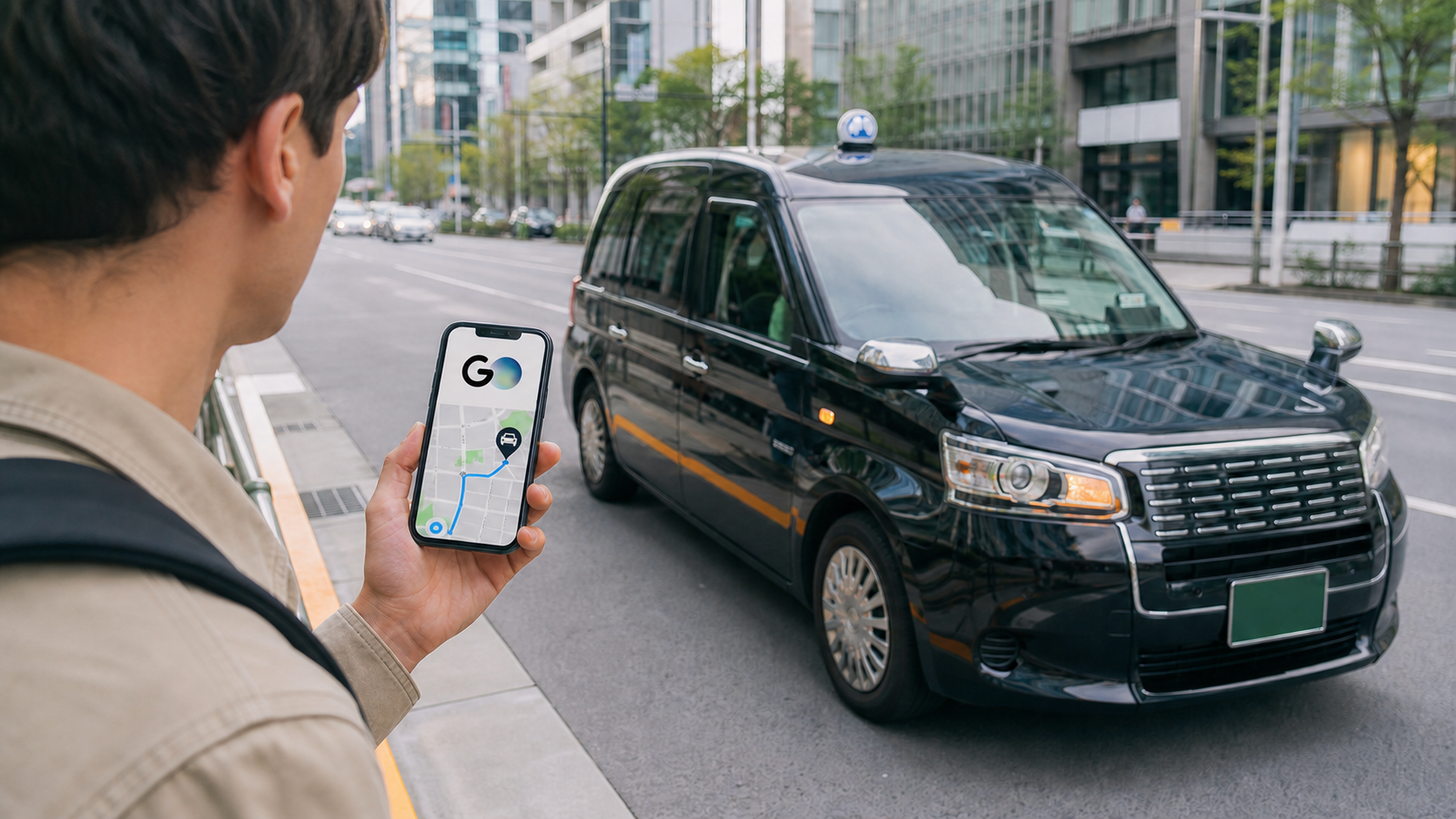
Tourists can use Japan’s GO taxi app, but do not make it your only transport plan until four checks pass: you can complete either SMS or identity verification, your location can be registered, your payment method works, and you understand the extra charges shown before dispatch.
A data-only eSIM cannot receive GO’s registration SMS. However, GO documents a second registration route for people who cannot complete SMS verification: verify an email address, then use a valid passport and selfie for identity verification. Some foreign phone numbers may also fail when registration is attempted outside Japan. If you are in Japan and registration is blocked, GO says to allow location access and retry. Before confirming a taxi, open the fare details and check the meter fare plus any pickup, app, international-service, reservation, toll or other charges that apply.
Best next step: confirm your SMS and payment setup, then save one non-app fallback: a taxi stand, your hotel front desk, street hailing where permitted, or public transport.
Can Tourists Use the GO Taxi App in Japan?
Yes, provided the registration and service conditions work for you. GO’s English site says the app accepts international credit cards and Apple Pay, refers to users verified with non-Japanese phone numbers, and advertises service coverage across all 47 prefectures. That does not mean every foreign number, card, location or time is guaranteed to work.
GO’s support page says service can be unavailable even inside a listed service area when no taxis are available. Some places are outside participating taxi-company coverage. Treat the app as a dispatch option, not a guaranteed ride.
Use this four-stage check before you rely on it:
| Check | You are ready when… | If not |
|---|---|---|
| SMS or identity | Your number can receive a four-digit SMS code, or you can complete GO’s passport-and-selfie verification route | Use an SMS-capable line, the official identity route, or move to Plan B |
| Registration | The app accepts your number and location | If blocked abroad, retry in Japan with location enabled |
| Payment | A supported card or eligible Apple Pay setup registers, or in-car payment is offered | Carry another supported card and enough yen for the available in-car method |
| Dispatch | Your pickup point is inside the current service area and a taxi is available | Use a taxi stand, hotel desk, street hail or public transport |
This decision table is the core of the guide: passing one stage does not guarantee the next.
Foreign Numbers, SMS and Data-Only eSIMs
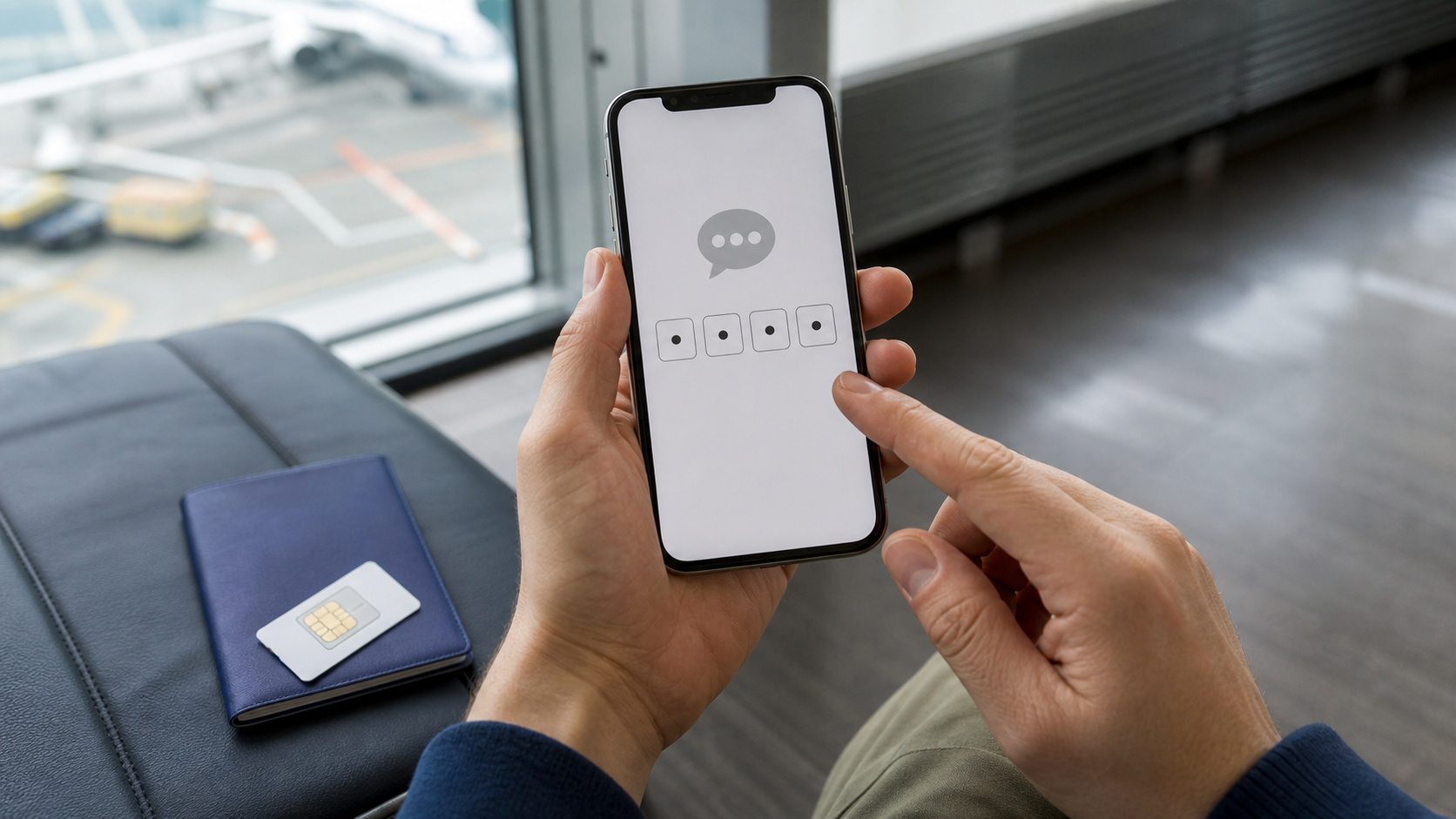
GO registration requires a mobile phone number that can receive SMS. The app sends a four-digit verification code to that number.
This creates a common tourist trap: many travel eSIMs provide mobile data only. GO’s own troubleshooting page says data-only SIM devices cannot receive its SMS verification message. Having internet access is not enough for the SMS route.
There is an official alternative. If you cannot perform SMS verification, GO says you can tap Cannot receive a SMS message? and register by verifying an email address, photographing a valid passport and taking a selfie. You need a working camera and a suitable place to take the photos. Use only the identity-verification flow inside the official GO app.
Before departure, check all four questions:
- Can your regular phone number receive SMS while you are in Japan?
- Will roaming or another active line remain enabled long enough to receive the code?
- If you plan to use a travel SIM or eSIM, does it explicitly include SMS rather than data only?
- If SMS is unavailable, are you prepared to use GO’s official passport-and-selfie verification route?
If you choose the SMS route, do not remove or deactivate the only line that can receive the verification code until registration is complete and you understand how account recovery will work.
Can you register before arriving in Japan?
Sometimes—but not for every foreign number. GO states that a new account cannot be registered when a phone number from certain countries is used outside Japan. It does not publish a complete country list on that help page.
If registration fails abroad, the official advice is to try again in Japan and allow location access. Separately, if you cannot perform SMS verification, GO documents the passport-and-selfie route above. The official pages do not promise that this route bypasses every location or account restriction.
How to Register Without Getting Stuck
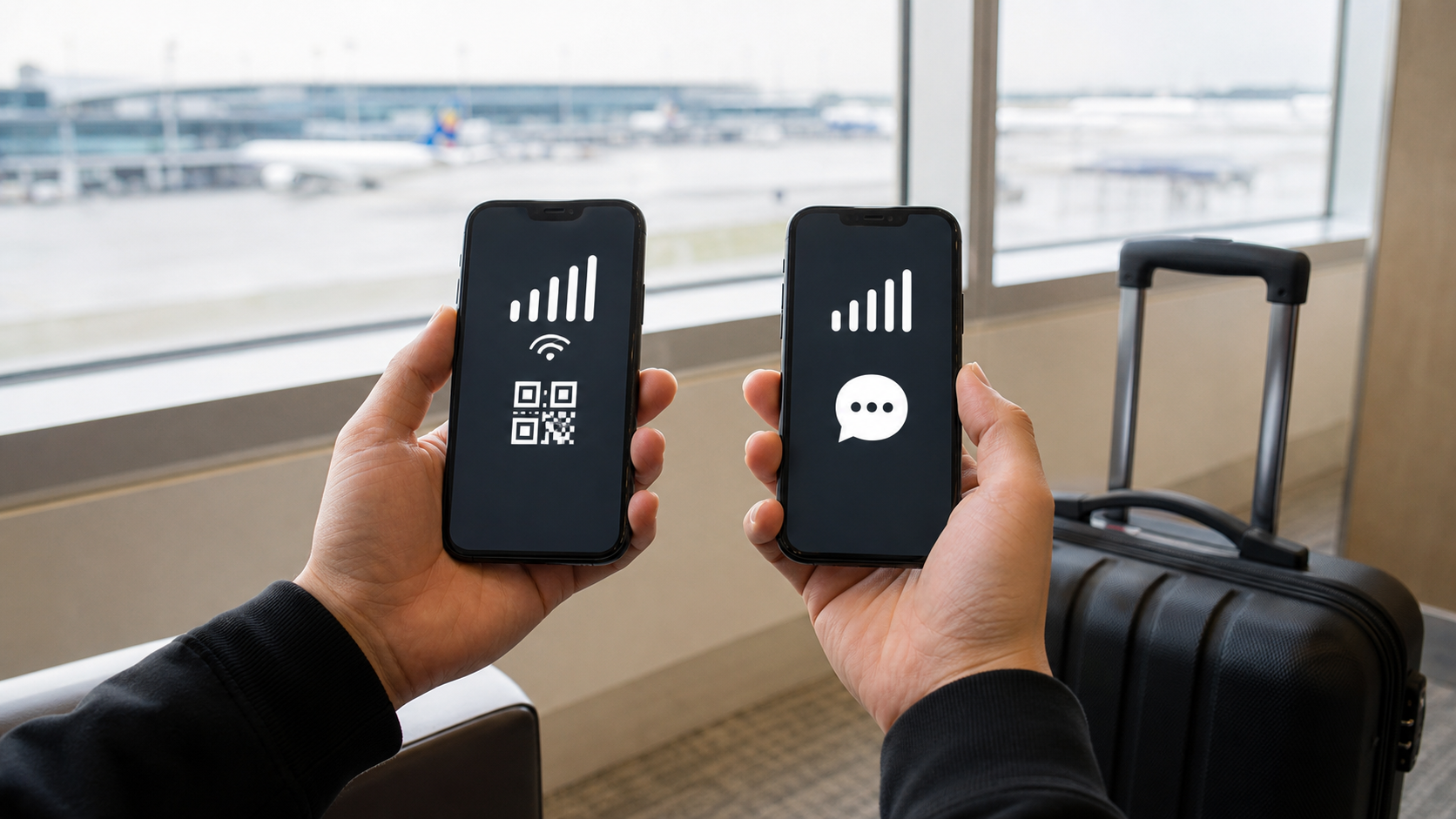
The registration sequence now has two verification paths:
- Open GO and allow location access.
- SMS path: enter an SMS-capable mobile number and the four-digit code.
- Identity path: tap Cannot receive a SMS message?, register an email and password, enter the email code, then photograph your valid passport and yourself.
- Enter your name without spaces, as requested by GO.
- Set a payment method.
- Complete notification and microphone settings.
- If you used SMS, add an email address from the menu if you want stronger account-recovery support.
If the code does not arrive, check the country code, network connection, spam blocking and SMS settings before repeating the request. Avoid rapid, blind retries. You can then use GO’s official identity-verification prompt, contact support, or move to the non-app Plan B below.
Foreign Cards, Apple Pay and In-Car Payment
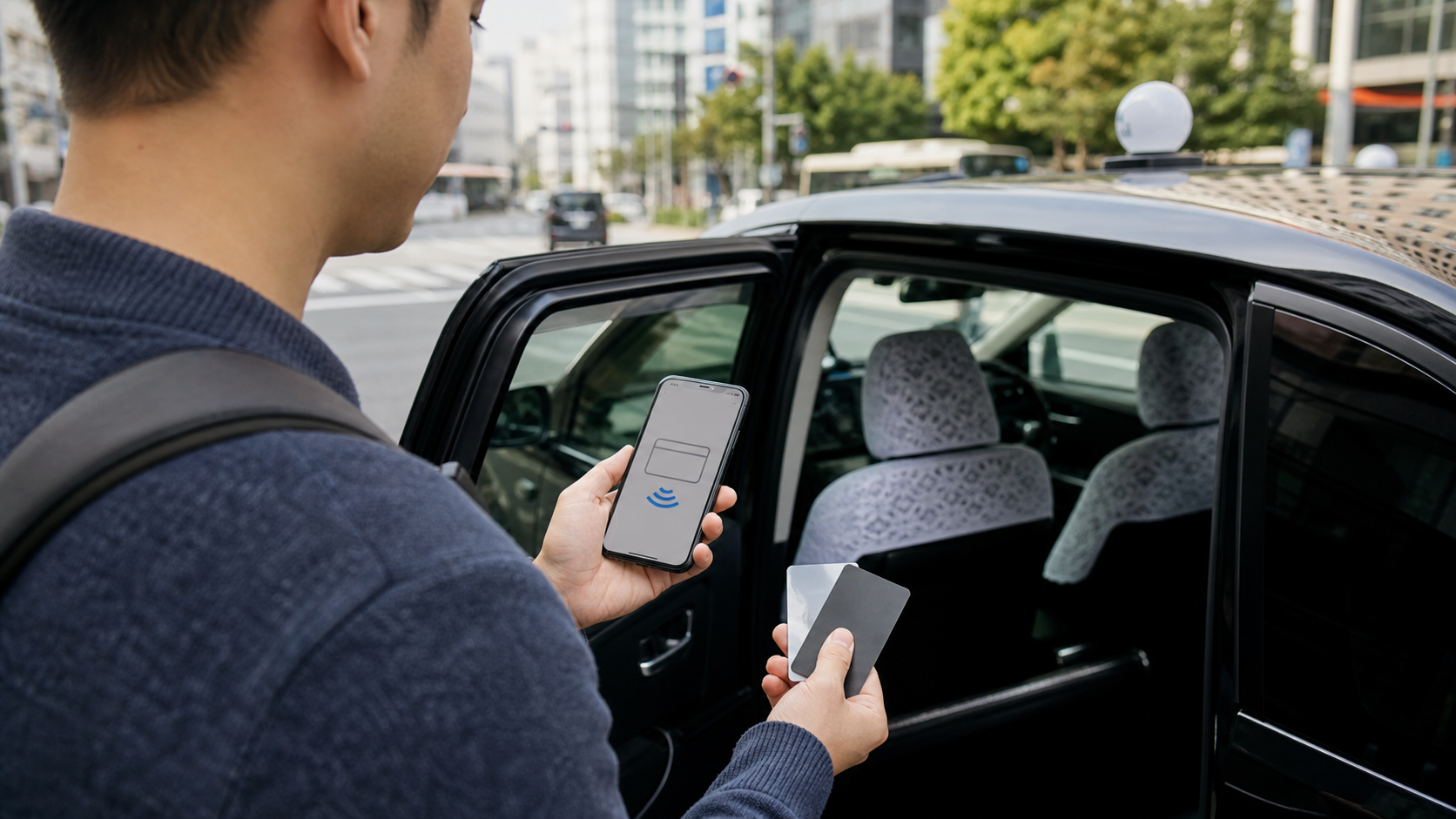
GO Pay currently lists Visa, Mastercard, JCB, American Express and Diners Club as supported card brands. A listed brand is not a guarantee: registration or payment can still fail because of the issuer, credit limit, balance, communication problems or taxi-company support.
Apple Pay has a narrower rule. GO’s current English support page says Apple Pay is available when a JCB or American Express card is linked. Do not assume that any card visible in Apple Wallet will work with GO.
You may also see In-car payment. This means you pay the driver at the destination using cash or another method supported by that taxi company. Available methods differ by company. If you request a taxi with in-car payment, GO says you cannot switch that ride to GO Pay afterward.
Practical setup:
- Register one supported card, but carry a second card from another issuer.
- Keep enough yen for a taxi ride if in-car cash payment is available.
- Check the selected payment method before tapping the final request button.
- Do not promise yourself that “Apple Pay will handle it” unless the linked card meets GO’s current rule.
Meter Fare vs Pickup, App and International Charges
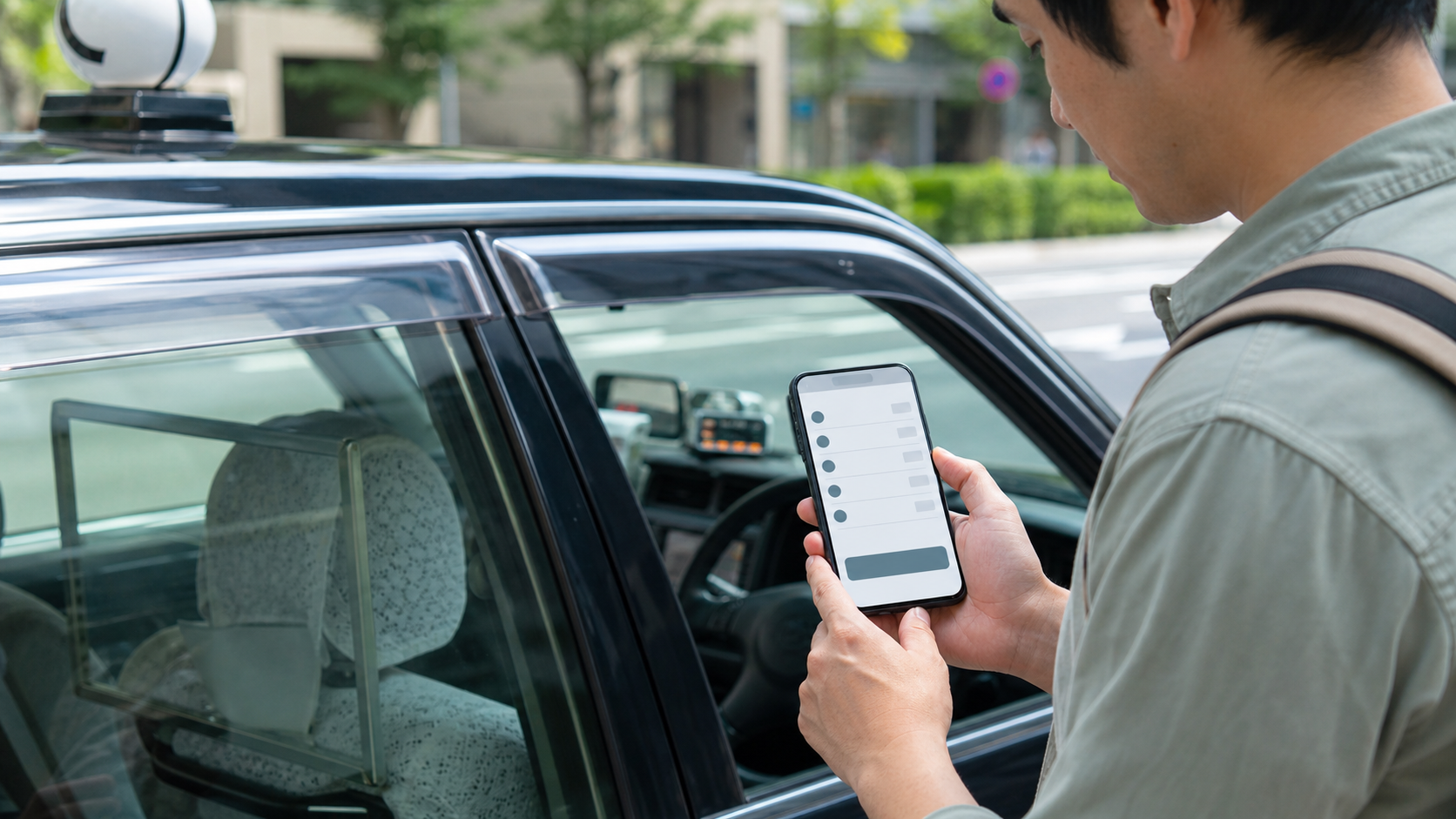
The meter is not always the final total. Depending on your request, location and service, the amount can include:
- the metered or fixed taxi fare;
- a pickup fee set by the taxi company;
- a GO App charge where applicable;
- an International Service Charge for a short-term foreign visitor;
- optional reservation, priority or vehicle-selection charges;
- tolls, parking or other trip-specific costs.
GO describes its App charge as an arrangement fee added separately from the pickup fee. It applies only in specified areas and may depend on the participating taxi company. The current support page says the GO App charge is not collected when you ride and pay with GO Pay, or when you use Airport Flat Rate; other service charges may still apply. Check the fee-detail screen in the app instead of relying on an old online price.
The International Service Charge applies when a short-term foreign visitor orders through GO and completes the ride. GO says it is added to the meter fare, pickup fee and GO App charge, and that it applies nationwide except where a remote-area service charge applies. The current support article tells users to check the amount in Fare Details before the ride and History Details afterward; it does not publish one universal amount in the article.
Cancellation fee
GO’s policy, revised November 28, 2025, lists a ¥500 cancellation fee when a user cancels for personal reasons more than three minutes after dispatch is confirmed, or when the driver cannot identify the user for more than five minutes after reaching the designated pickup point. The policy also lists exceptions, including the first qualifying cancellation and certain delay or pickup-location problems. GO ECONOMY has separate rules: the policy lists ¥500 for a personal cancellation before the confirmed meeting time and the full GO ECONOMY ride fee for a no-show, with its own exceptions. Read the live policy before relying on an exception.
Requesting the Taxi and Finding the Correct Car
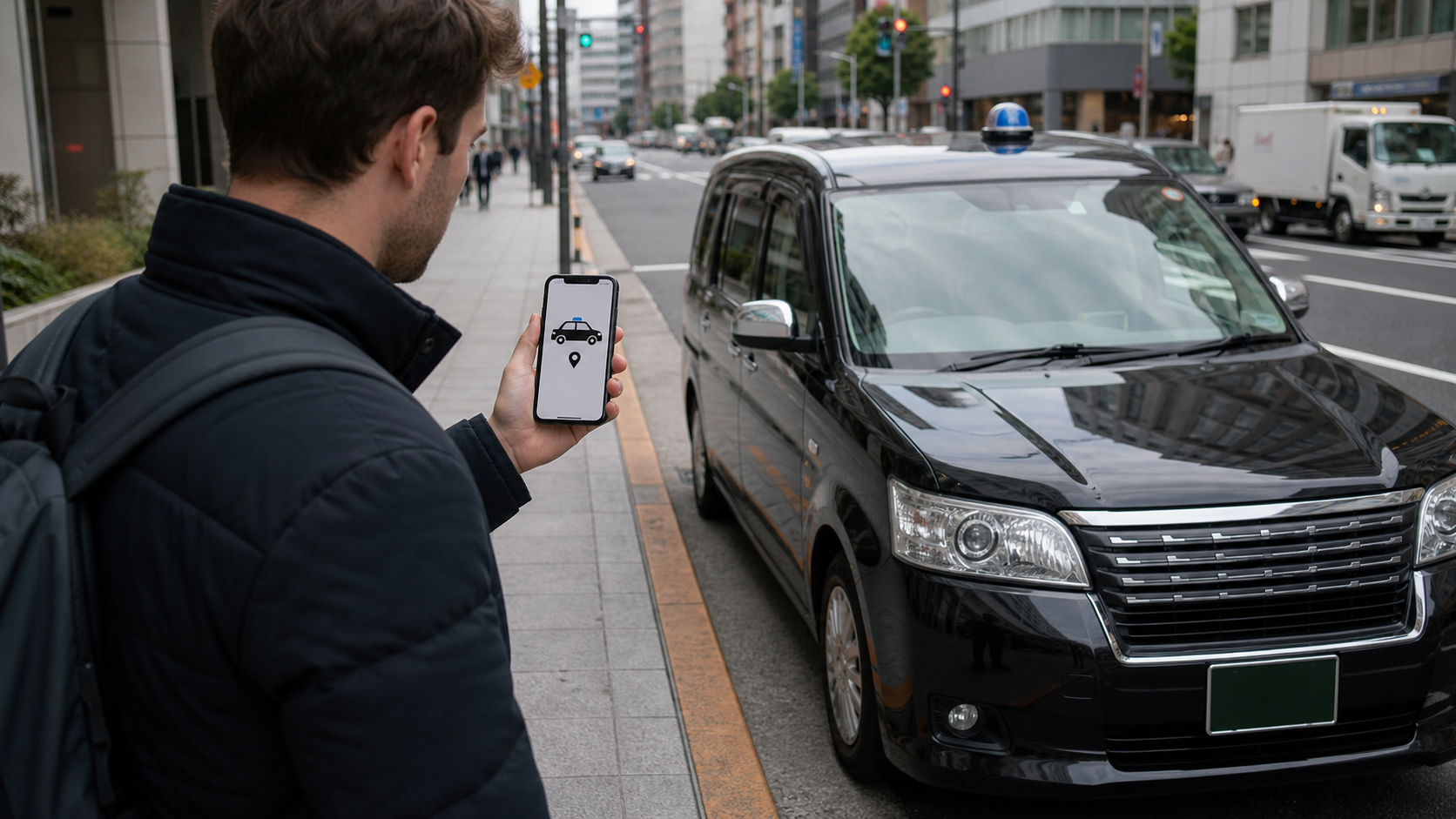
Set a pickup point where a taxi can legally and safely stop. A pin dropped on the wrong side of a large station, hotel driveway or divided road can create a practical no-show even when the app itself works.
After dispatch:
- Check the assigned vehicle or confirmation number.
- Compare the taxi details with the arriving car.
- Stand at the exact pickup point without blocking pedestrians or traffic.
- Watch the app for driver messages, location changes or cancellation notices.
- Keep the phone available until you are inside the correct taxi.
For a time-critical airport or train connection, allow more margin than the app’s estimated arrival time. GO says vehicle availability, traffic and weather can prevent or delay a dispatch, including reservations.
What to Do When Registration, Payment or Dispatch Fails
Use the failure point to choose the next action:
| Failure | First check | Next move |
|---|---|---|
| No SMS | Country code, active SMS line, spam settings | Use GO’s passport-and-selfie identity route, another SMS-capable line, or Plan B |
| Registration blocked abroad | Location and current country | Retry after arriving in Japan with location enabled |
| Card rejected | Card details, issuer controls, limit | Try another supported issuer or choose available in-car payment |
| Apple Pay missing | Linked card brand | Use a supported card directly or another available method |
| No taxi found | Service area, pickup pin, current supply | Walk to a taxi stand, ask staff, hail safely or use public transport |
| Final amount looks high | Fare Details and History Details | Compare each fee line before contacting GO support |
Do not keep changing several variables at once. Identify whether the problem is SMS, registration, payment, location or vehicle supply first.
Plan B: Save a Taxi Option That Does Not Need the App
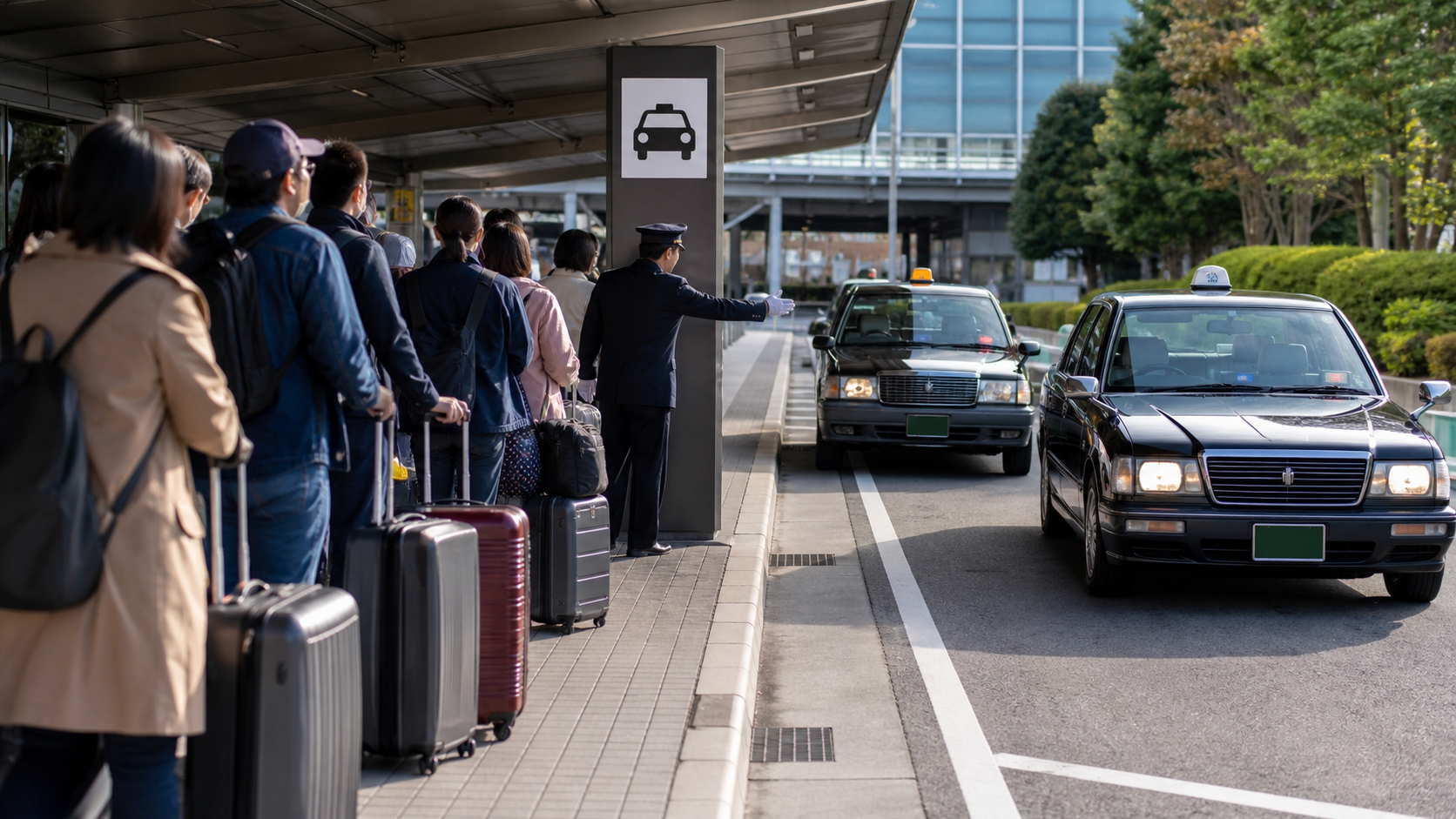
Your safest fallback is one you can use with a dead battery, failed SMS or rejected card.
- Taxi stand: Save the stand nearest your hotel or major station on your map before going out.
- Hotel or restaurant desk: Ask staff whether they can call a participating local taxi company and confirm the payment method.
- Street hail: Use a safe, legal stopping place and confirm whether the taxi is available before entering.
- Public transport: Save the last useful train or bus route rather than assuming a taxi will appear late at night.
For late-night planning, see Tokyo Last Train & Taxi Plan 2026. If your travel eSIM is data-only, review Pocket WiFi vs eSIM vs SIM Card in Japan. For airport decisions, use the Tokyo Airport Transfer Comparison. You may also want the Google Maps Japan Guide and ATM Card Declined Cash Plan B.
FAQ
Can I register GO with a foreign phone number?
GO’s English site refers to users verified with non-Japanese phone numbers, so foreign numbers can work. However, GO also says numbers from certain countries cannot register from outside Japan. For the SMS route, your number must receive SMS; GO also documents a separate passport-and-selfie identity route.
Will GO work with a data-only eSIM?
Not for the SMS route by itself. GO explicitly says data-only SIM devices cannot receive the verification code. However, GO documents an alternative account-registration route using a verified email, valid passport and selfie. Keep a non-app taxi plan in case registration or dispatch still fails.
Should I register before flying to Japan?
You can try, but do not treat successful pre-arrival registration as guaranteed. If GO blocks your number outside Japan, retry after arrival with location access enabled. If you cannot perform SMS verification, follow GO’s official passport-and-selfie verification prompt.
Which foreign credit cards does GO Pay accept?
GO currently lists Visa, Mastercard, JCB, American Express and Diners Club. Individual cards can still be refused because of issuer controls, limits, communication problems or other payment conditions.
Does every Apple Pay card work with GO?
No. GO’s current English support page limits Apple Pay to JCB and American Express cards, with other brands planned for later expansion.
What is the International Service Charge?
It is an extra GO charge applied when a short-term foreign visitor orders through the app and completes a ride. Check the amount in Fare Details before confirming and in History Details afterward.
Can I pay cash when I use GO?
You can pay cash when the available request supports in-car payment. Other in-car methods vary by taxi company. Check the selected payment option before requesting the taxi.
What if GO cannot find a taxi?
Availability is not guaranteed, even inside a service area. Move to a nearby taxi stand, ask hotel or restaurant staff to call a taxi, hail one safely where permitted, or use your saved public-transport route.
Last checked: August 12, 2026. GO’s supported areas, fees and payment rules can change. Confirm the current in-app Fare Details and official GO support pages before relying on a ride.


Comments