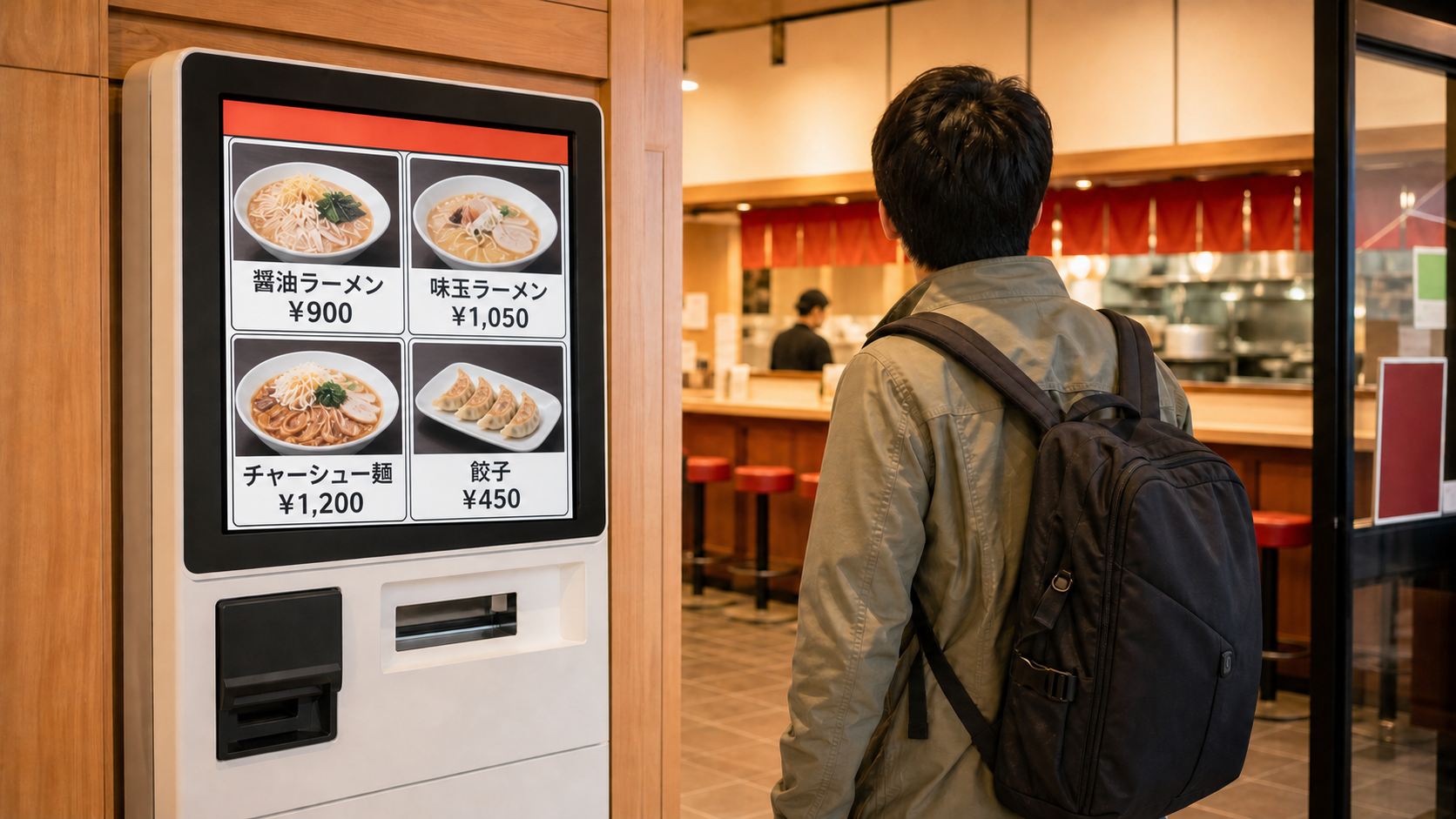
Conceptual image. Menu names and prices are illustrative; machine screens and accepted payments vary by restaurant and branch.
- Quick answer
- Before you touch the machine
- The five-step order and payment flow
- Three ticket handoff systems
- Language, payment and takeout differences
- Common mistakes to avoid
- What to do when the machine does not work
- Allergy and dietary limits
- Plan B
- Official sources
- Frequently asked questions
- Do I use a restaurant ticket machine before sitting down?
- Can I pay by credit card or transport IC card?
- What if the machine has no English button?
- Does buying the ticket automatically send my order?
- Is the printed paper a meal ticket or a receipt?
- Can I order takeout from the machine?
- Can staff change or refund a wrong ticket?
- Can I trust the machine for allergy or vegetarian information?
Quick answer
If a Japanese restaurant has a meal-ticket machine at the entrance, use it before sitting down unless staff direct you otherwise. Choose the language when available, select the food, check whether you are ordering for dine-in or takeout, confirm an accepted payment method, and retain the paper the machine prints.
The next step is not identical everywhere:
- At some restaurants, hand the meal ticket to a staff member.
- At some self-service restaurants, the purchase sends the order to the kitchen automatically. Keep the ticket and watch an order-number display.
- At some ramen shops, buy the ticket first and then complete a separate customization sheet.
Next action: at the entrance, identify whether the machine is the first step, complete one purchase, keep the printed paper, and look for a staff handoff instruction or an order-number display before choosing where to wait.
This guide compares official ordering flows published by JNTO, GO TOKYO, Matsuya and ICHIRAN. Restaurant and branch systems can differ in machine type, language menu and payment methods.
Before you touch the machine
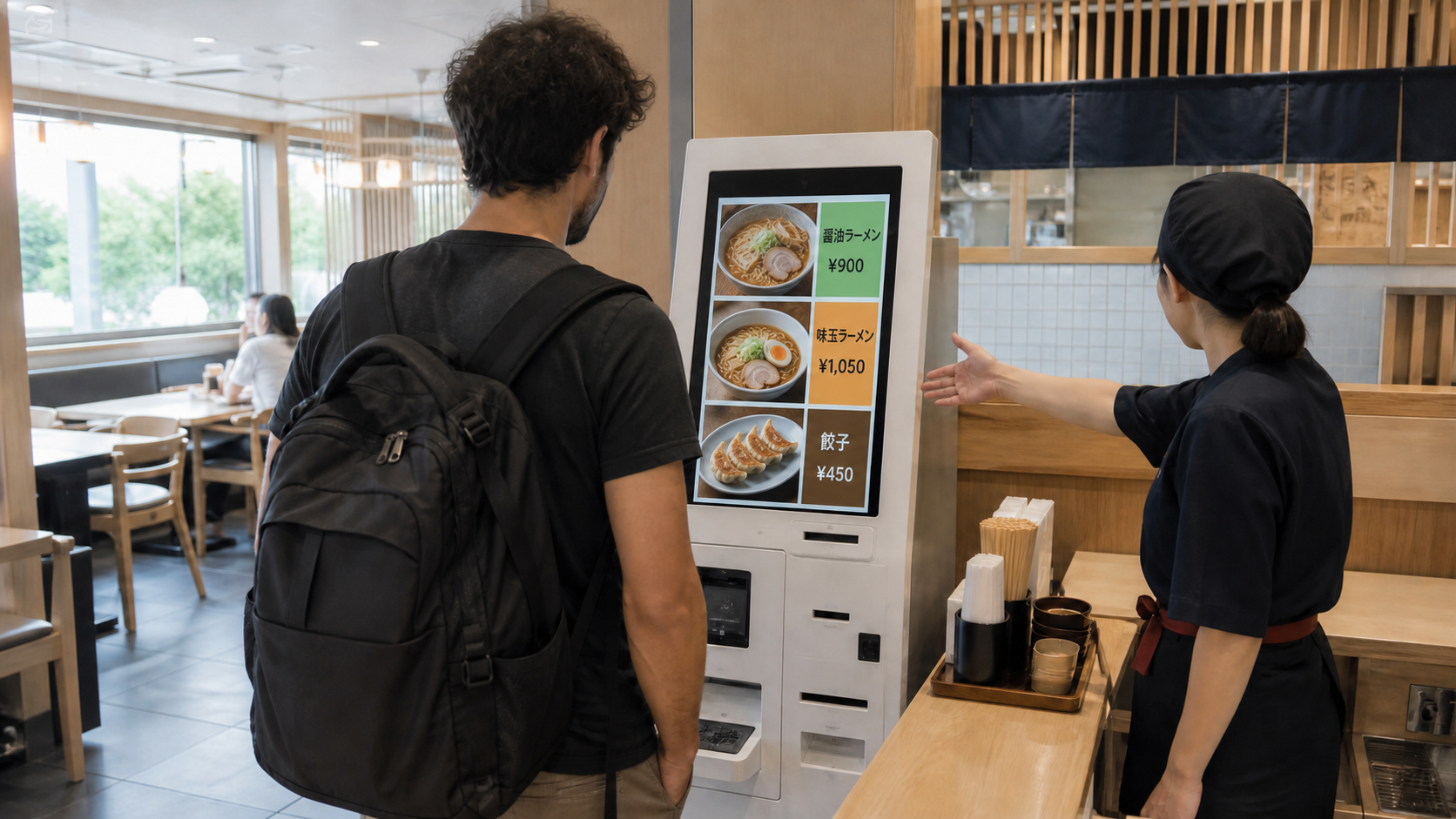
First, check whether the machine is clearly part of the entrance flow. Casual ramen, soba, curry, teishoku and beef-bowl restaurants may use machines, but many restaurants do not.
Useful signals include:
- a machine immediately inside or beside the entrance;
- food photographs or menu buttons on its screen;
- a short queue leading to the machine rather than to the seats;
- staff pointing to the machine;
- a ticket slot or order-number display near the counter.
GO TOKYO’s official dining guide says casual ramen shops may ask diners to purchase a meal ticket first, hand it to staff and then sit as directed. JNTO describes some teishoku restaurants using a cafeteria-style process in which the diner buys a ticket and passes it to kitchen staff.
Do not sit at an empty place just because one is visible. If the entrance flow is unclear, make eye contact with staff and point to the machine. A simple “ticket first?” is enough to ask for direction.
The five-step order and payment flow
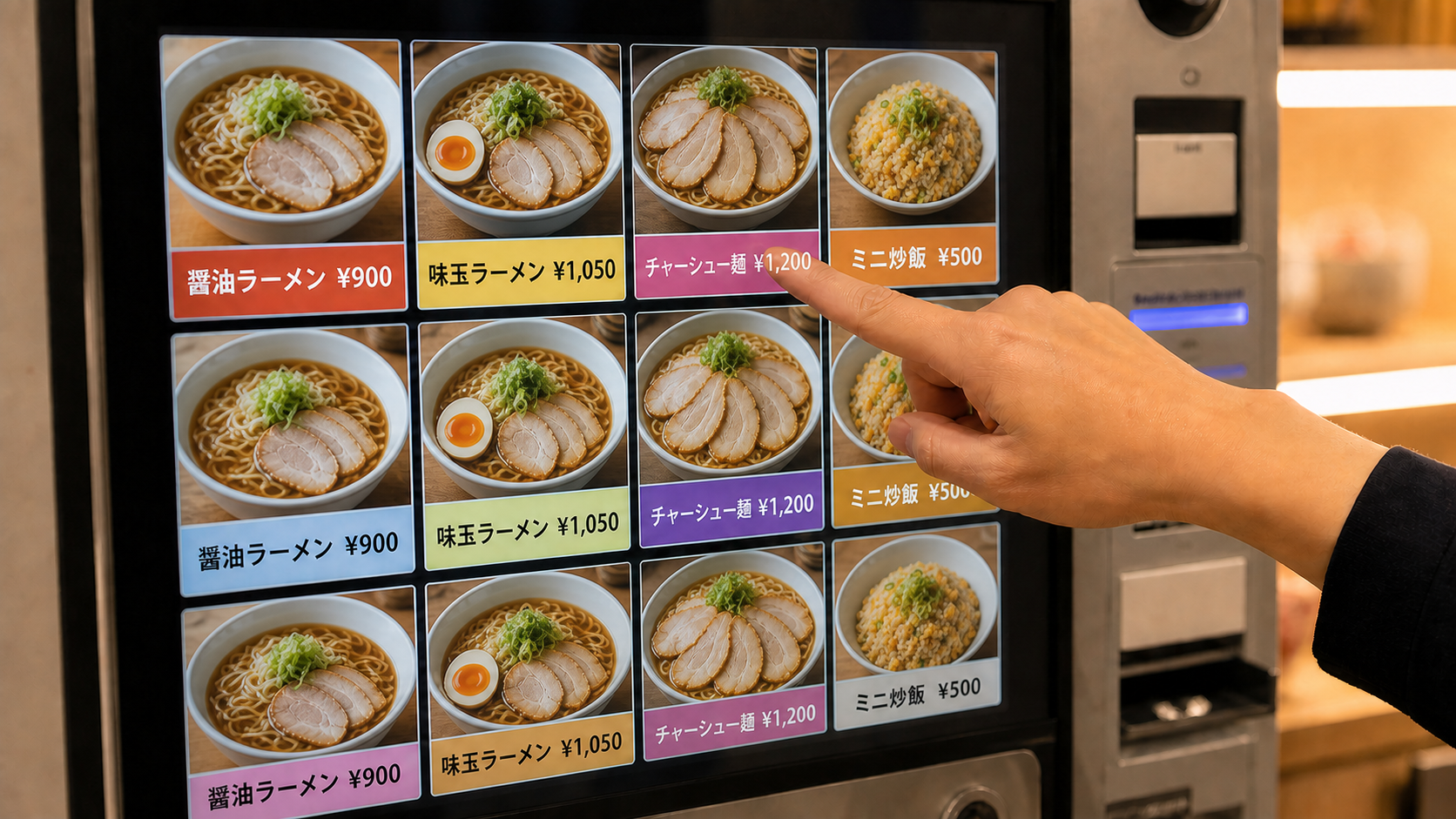
1. Look for the language control
Some machines offer language options, while support varies by restaurant and branch. The control may appear on the first screen or along its lower edge. If no language option is visible, use the food photographs and prices rather than pressing unfamiliar confirmation buttons quickly.
2. Choose the complete meal
Check whether rice size, noodle quantity, toppings, set meals or drink choices are separate buttons. A low base price can exclude add-ons or side dishes. Confirm the quantity before paying.
If the screen asks you to choose dine-in or takeout, select carefully. Item availability can differ between the two modes.
3. Confirm the payment shown on that machine
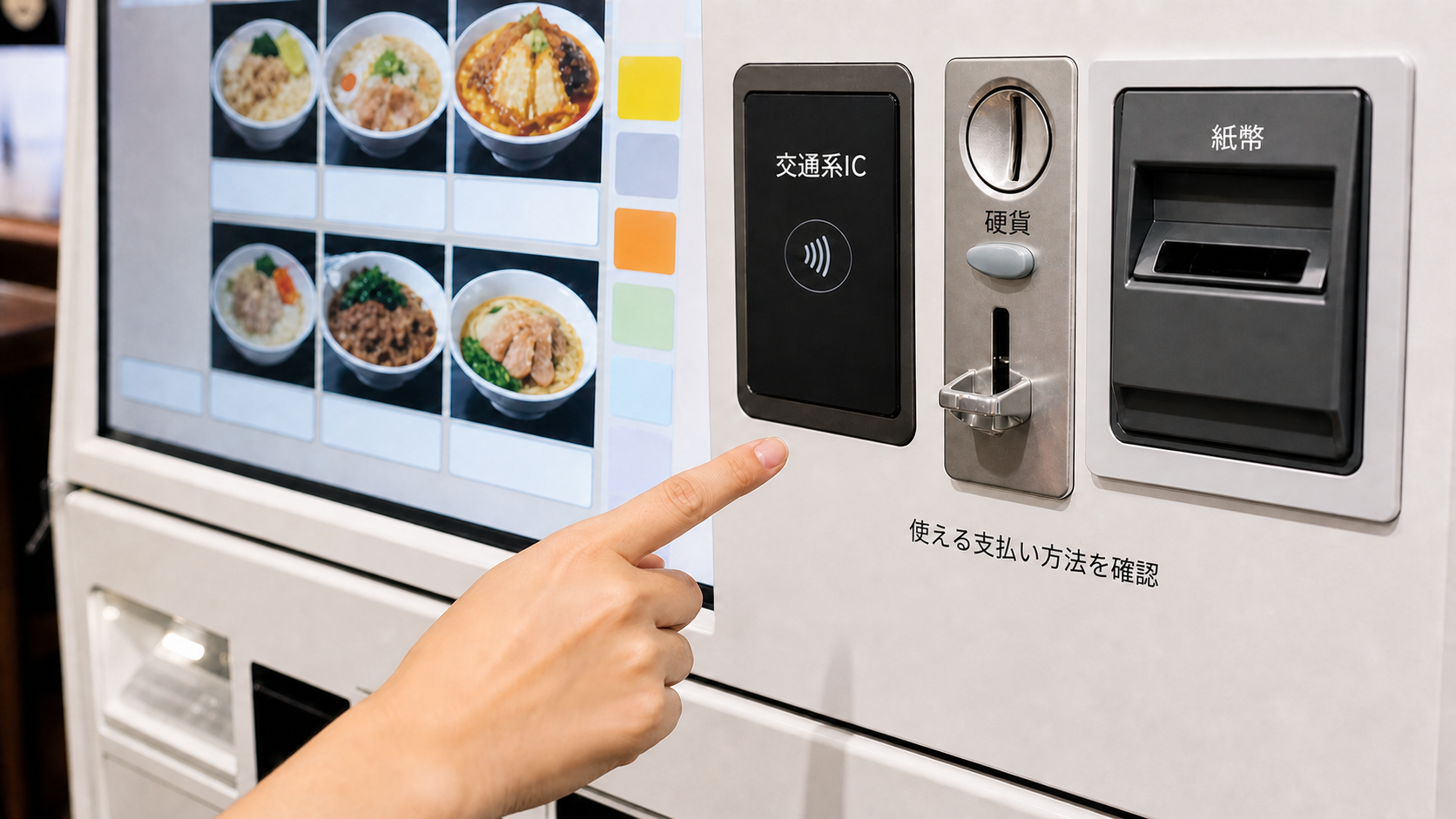
Payment support is branch-specific. A machine may accept cash, cards, transport IC cards or another cashless method, but the presence of one option does not guarantee another.
ICHIRAN’s current Japanese FAQ says most of its locations have cashless-compatible ticket machines, with exceptions, and directs diners to the individual store page for details. Treat that as an ICHIRAN rule—not a nationwide promise.
Check the symbols shown on the live machine. If your card is declined, do not keep repeating the same payment without checking whether a charge or ticket was created. Keep cash available as a practical backup. For cash preparation, use the Japan Yen Notes and Coins Guide. If you need cash and a foreign card fails, follow the ATM Card Declined Plan B.
4. Keep the printed paper
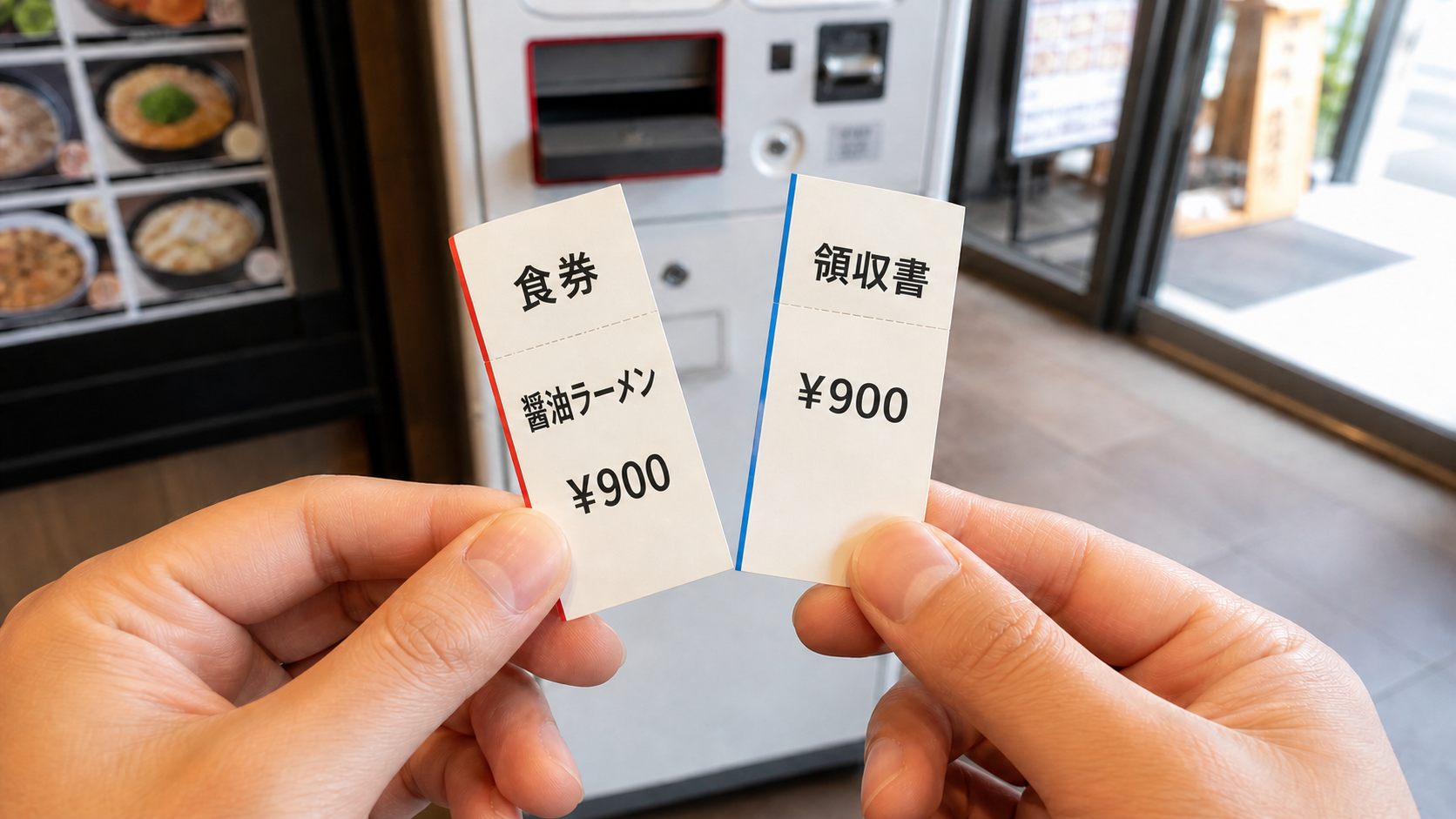
The machine may print one or more pieces of paper. One can be the meal ticket, another can be a receipt, and some systems use a number for pickup. The layout differs, so retain each printed item until you receive the food.
If the machine prints nothing but the payment appears complete, do not immediately buy the meal again. Show the screen, payment record or last action to staff and ask them to check.
5. Identify the handoff and waiting point
Look for one of three patterns described below. The safest evidence is what the staff, screen and printed ticket at that restaurant tell you—not what happened at a different chain yesterday.
Three ticket handoff systems
Pattern A: hand the ticket to staff
This is the straightforward flow described by GO TOKYO and JNTO. Buy the ticket, give it to the staff or kitchen counter, and sit where directed. Do not keep the meal ticket hidden in your pocket if staff are waiting to collect it.
Pattern B: the purchase sends the order automatically
Matsuya’s official self-service instructions say the order is processed automatically after the meal-ticket purchase. The ticket number appears on a screen above the counter. The diner waits with the ticket, then goes to the counter when the number appears on the ready side.
This is a useful example of why handing over the ticket is not universal. Follow the screen and the branch’s instructions rather than forcing the GO TOKYO general flow onto an automated shop.
Pattern C: ticket plus a separate customization step
ICHIRAN’s official system guide describes a written order sheet for choices such as flavor strength and noodle texture. The diner calls staff and hands over the order sheet with the meal tickets received.
Other ramen shops may use different customization methods. A meal ticket proves what you purchased; it does not automatically communicate your preferences unless the machine or a separate form records them.
Language, payment and takeout differences
The most important rule is to treat each live machine as its own checkout screen.
| Question | What to check before paying | Safe fallback |
|---|---|---|
| Is English available? | Language button on the first screen or screen edge | Point to food photos and ask staff before confirming |
| Is this dine-in or takeout? | A dine-in/takeout prompt and item availability | Cancel before payment and ask staff if unclear |
| Will my card or IC card work? | Payment symbols displayed on that machine | Use another supported method or cash; do not assume |
| Was the order sent automatically? | Confirmation screen, printed ticket and number display | Show the ticket to staff and ask where to wait |
| Can I customize the food? | Machine options, a paper order sheet or staff instruction | Ask before paying if the change is essential |
Translation tools can help you understand a screen, but do not let a translation guess override a price, allergy warning or payment confirmation. Ask staff when the consequence matters.
Common mistakes to avoid
- Sitting first: the machine may be the required first step.
- Pressing a menu photo twice: confirm quantity before payment.
- Assuming the kitchen received the order: check whether the ticket must be handed over.
- Throwing away the receipt or ticket: keep the printed paper until the food arrives.
- Waiting in the wrong place: look for a numbered screen, counter queue or staff direction.
- Assuming card acceptance: payment methods differ by branch.
- Buying a second ticket after an uncertain payment: ask staff to check the first transaction.
- Treating the machine as an allergy guarantee: ingredient safety requires separate confirmation.
What to do when the machine does not work
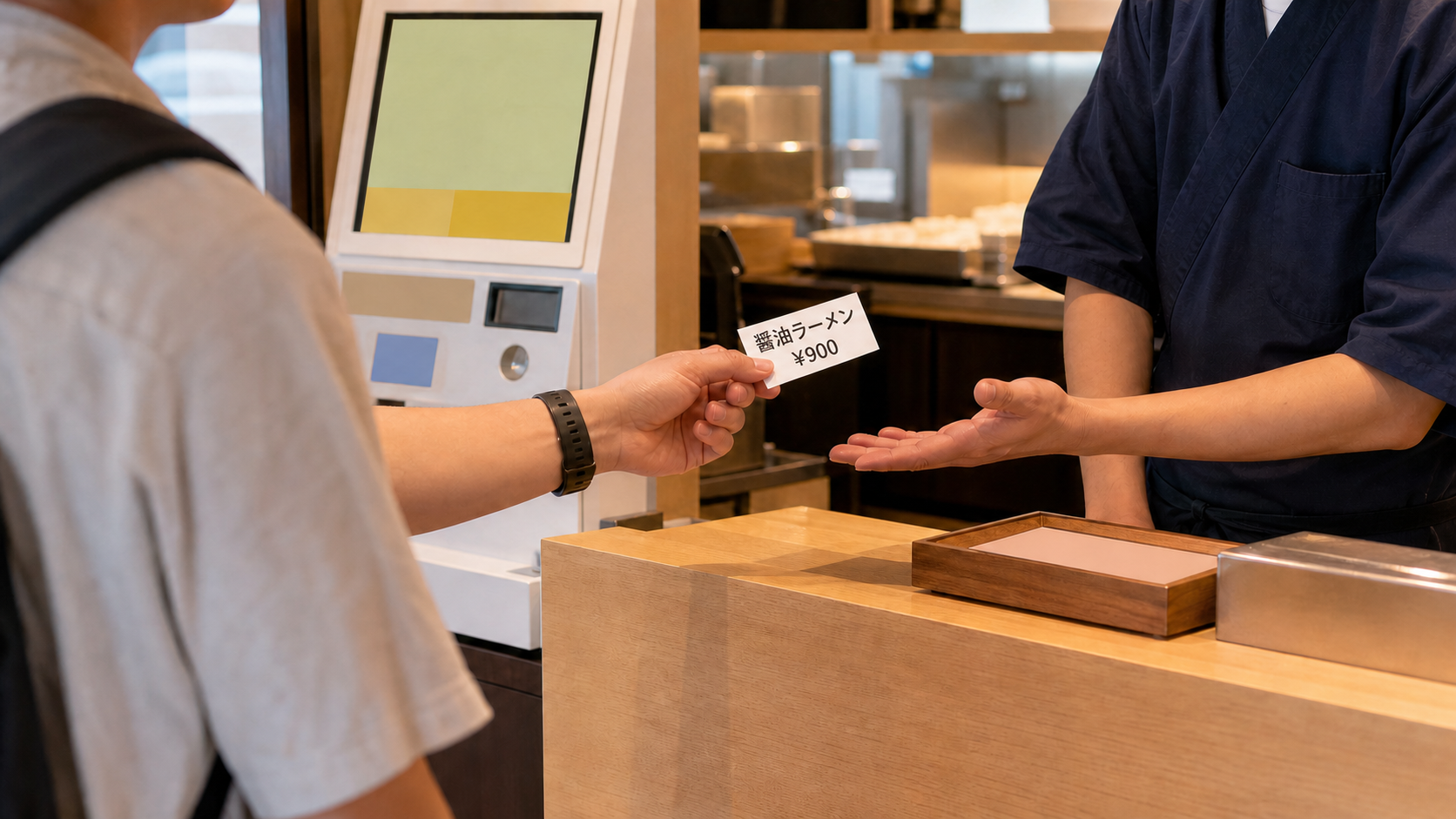
Stop before making a second purchase. Keep the ticket, receipt, coins or card-payment record where staff can see them.
Use one short question:
- “Order OK?” when you are unsure whether the purchase completed;
- “Ticket here?” when you do not know whether to hand it over;
- “Wait where?” when the pickup point is unclear;
- “Takeout?” when the dine-in choice may be wrong.
If you selected the wrong item, ask staff before they begin preparing it. A change or refund may not be possible, so this article does not promise one.
Allergy and dietary limits
A meal-ticket machine is an ordering tool, not proof that a meal is safe for an allergy, vegetarian diet, halal requirement or another dietary need. Food photographs and translated menu names may omit broth, sauces, shared equipment or trace-contact risks.
If avoiding an ingredient is medically important, do not rely on the button label alone. Confirm through the restaurant’s official allergy information and staff. If the answer remains unclear, choose a safer alternative rather than guessing. Use the Japan Food Allergy Guide before ordering.
Plan B
Leave the machine without paying when you cannot confirm an essential item, accepted payment method or dietary condition.
Your practical alternatives are:
- ask staff to identify the correct button or payment method;
- choose a clearly pictured standard item when dietary restrictions are not an issue;
- use cash if the machine shows cash support and your cashless method fails;
- move to a staffed or tablet-order restaurant;
- use a family restaurant where the ordering flow may offer more time and table service—see the Famiresu Guide;
- use the Tokyo Restaurant Plan B when you need another meal quickly.
Walking away before payment is better than buying an unsuitable meal because people are waiting behind you.
Last checked: August 17, 2026.
Official sources
- JNTO: Dining in Japan
- GO TOKYO Gourmet: From Door to Leaving
- Matsuya: How to Order (self service)
- ICHIRAN: System Guide
- ICHIRAN: Official FAQ
Frequently asked questions
Do I use a restaurant ticket machine before sitting down?
Use it before sitting when the machine is positioned as the restaurant’s entrance-ordering step. GO TOKYO says casual ramen shops may ask diners to buy a ticket first, hand it to staff and then sit as directed. If the flow is unclear, ask staff before taking a seat.
Can I pay by credit card or transport IC card?
It depends on the restaurant, branch and machine. Check the payment symbols on the live machine. Do not assume that a payment method accepted at another location will work here, and keep cash as a backup.
What if the machine has no English button?
Use food photographs and displayed prices for simple choices, or ask staff to identify the correct button. Do not rely on translation alone for allergies, refunds or an unfamiliar payment confirmation.
Does buying the ticket automatically send my order?
Sometimes. Matsuya’s official self-service instructions describe automatic order transmission and an order-number display. Other shops require you to hand the ticket to staff. Check the confirmation screen, printed paper and counter instructions.
Is the printed paper a meal ticket or a receipt?
The paper format varies. A machine may print a meal ticket, receipt, pickup number or more than one paper. Keep everything until you receive your food.
Can I order takeout from the machine?
Takeout availability depends on that machine and menu. Look for a dine-in or takeout prompt before payment. If you are unsure, cancel before paying and ask staff.
Can staff change or refund a wrong ticket?
A change or refund may not be possible. Ask immediately before the kitchen starts preparing the food. Do not make a second purchase until staff check the first transaction.
Can I trust the machine for allergy or vegetarian information?
No. A button label or food photograph may not show broth, sauces, shared equipment or trace-contact risks. Use official allergy information and confirm with staff; choose another restaurant if the answer remains uncertain.
Comments