Tokyo Disney Resort currently uses four similar-sounding app services: Disney Premier Access, Tokyo Disney Resort 40th Anniversary Priority Pass, Standby Pass and Entry Request. They do different jobs. Choosing the wrong one can cost money, separate your group or leave you without access to a shop or show.
There is also an important 2026 change: 40th Anniversary Priority Pass ends after August 31, 2026. Visitors through August 31 may see four services. Visitors from September 1 should plan around three continuing services and the current standard queues.
This guide turns the official rules into one practical sequence: prepare the app before arrival, link the whole group, decide what matters most, make the first booking after entry and keep a Plan B for sold-out passes or a phone problem.
- Quick answer: which Tokyo Disney pass do you need?
- The September 1 change matters
- Prepare the app before you reach the gate
- The four services, explained without the jargon
- Your first 60 minutes: a practical decision sequence
- Can you hold several pass types at once?
- Group problems that cause real booking mistakes
- Phone, battery and location Plan B
- Plan B when the pass you want is unavailable
- Getting there without draining the phone
- Save this Tokyo Disney app checklist
- Frequently asked questions
- What is the difference between the four Tokyo Disney app passes?
- Can I get a pass before entering the park?
- Which pass should I get first after entering?
- Can I use Disney Premier Access, Standby Pass and Entry Request at the same time?
- Can I book for a group member who enters later?
- What if someone does not have the app or is under 13?
- What should I do if my phone dies or the app cannot find my location?
- Can I cancel or change a Tokyo Disney app pass?
- Sources and editorial note
- Image credits
Quick answer: which Tokyo Disney pass do you need?
| Service | Cost | What it does | Best use | Main limitation |
|---|---|---|---|---|
| Disney Premier Access | Paid | Lets you choose an available time for an eligible attraction or a designated viewing area for eligible entertainment | A must-do attraction, parade or show where time or viewing position matters | Limited inventory; payment is final; the park ticket is separate |
| 40th Anniversary Priority Pass | Free | Assigns a return time for an eligible attraction with a reduced wait | A free shorter-wait option through August 31, 2026 | Ends after August 31; you do not choose the return time |
| Standby Pass | Free | Gives access to the queue for a selected venue during a return window | A shop, product or other venue that requires it that day | It is access to a queue, not a short-wait guarantee |
| Entry Request | Free | Gives a result for an eligible show, parade, greeting or other experience | Entertainment that requires a successful request | Not guaranteed; generally one attempt per eligible venue per day |
Use this order as a starting point after everyone has entered:
- Confirm each group member's ticket appears in the same app group.
- If one paid must-do is your highest priority, check Disney Premier Access first.
- If visiting on or before August 31, check 40th Anniversary Priority Pass before its limited inventory disappears.
- Submit Entry Requests for any eligible entertainment you genuinely want.
- Check Standby Pass for venues or products relevant to your plan.
- Save screenshots of your wider plan for reference, but use the live app and ticket codes for admission.
Information checked August 2, 2026. Eligible experiences, prices, availability and operating rules can change. The official Tokyo Disney Resort App on the day of your visit is the final operational source.
The September 1 change matters
The official Tokyo Disney Resort app guide says the 40th Anniversary Priority Pass will no longer be available after August 31, 2026.
That creates two different planning periods:
| Visit date | Services to expect |
|---|---|
| Through August 31, 2026 | Disney Premier Access, 40th Anniversary Priority Pass, Standby Pass and Entry Request |
| From September 1, 2026 | Disney Premier Access, Standby Pass and Entry Request; check the app for standard queues and current eligible experiences |
Do not use an old blog, video or screenshot as proof that a free Priority Pass still exists after August 31. Exact Disney Premier Access experiences and prices can change, so use the official list and the live app rather than treating today's ride table as permanent.
Prepare the app before you reach the gate
The official service pages recommend downloading the Tokyo Disney Resort App in advance. The app requires a registered MyDisney Account for these services.
Complete this checklist before leaving your accommodation:
- Download or update the official Tokyo Disney Resort App.
- Register and sign in to your MyDisney Account.
- Confirm that your park ticket can be displayed or that you can access its 2D code.
- Allow location access while using the app.
- Charge the phone and carry a compatible cable or power bank.
- Decide who will manage the group's first bookings.
- Agree on one paid must-do and one free Plan B before arrival.
Some ticket types can be displayed or scanned into the app before entry. Others cannot be scanned until the ticket has been used at the entrance. If a ticket does not scan in advance, do not assume it is invalid: enter with the valid ticket code and follow the official post-entry scanning process.
Create a group instead of passing one phone around
For a group, the official instructions recommend that one representative display the tickets, create a group in the app and invite the other members. Once members join, tickets and plans can appear for everyone in that group.
If you scan everybody's tickets into one device without creating a group, the official FAQ warns that those tickets and plans may appear only on the most recently used app and disappear from the others. Creating the group before the first booking reduces confusion at the return-time entrance.
The four services, explained without the jargon
Disney Premier Access: paid control over time
Disney Premier Access is the paid service. For eligible attractions, it provides an available designated time and a reduced wait. For eligible parades and shows, it can provide a designated viewing area.
As checked on August 2, 2026, the official list spans ¥1,500 to ¥3,500 per access, depending on the experience. That fee does not include park admission. Inventory is limited and can sell out.
Use it when:
- one attraction is important enough to justify the per-person cost;
- a designated entertainment viewing area matters to your group;
- the available time fits the rest of your plan.
Do not buy it simply because a normal queue looks long at one moment. Compare the current wait, the paid return time, the cost for the whole group and what that purchase would force you to miss.
After payment is completed, Disney Premier Access cannot be changed or canceled. The official page says another access for the same service category may generally be purchased 60 minutes after purchase or after the admission time begins, whichever is earlier. The app displays the exact next-purchase time.
40th Anniversary Priority Pass: free, but ending
Through August 31, 2026, this free service assigns a return time for an eligible attraction and provides a reduced wait. You select the attraction, but not the return time.
You may generally obtain another Priority Pass 120 minutes after obtaining one or after its return time begins, whichever is earlier. For the same attraction, you must first use the pass or let its designated time pass.
Treat this as a temporary 2026 option, not a permanent Tokyo Disney system. From September 1, remove it from your first-hour checklist.
Standby Pass: permission to join a queue
Standby Pass does not mean “skip the line.” It allows you to enter the queue for an eligible venue during a designated period. Tokyo Disney Resort can operate a venue with periods when everyone may queue and periods when only Standby Pass holders may queue.
Standby Pass is often relevant to specific shops, products or temporarily controlled venues. The exact list is highly changeable. Check the app after the park opens rather than assuming every attraction or shop uses it.
You may generally obtain a pass for another eligible venue 120 minutes after obtaining one or after its return time begins, whichever is earlier. A temporarily unavailable Standby Pass may reappear later.
Entry Request: a result, not a reservation you can buy
Entry Request is free and applies to selected entertainment and other experiences. A successful result gives a designated time. An unsuccessful result does not create a standby entitlement for an experience that is operating as Entry Request only.
Each park ticket can generally attempt Entry Request once per day for each eligible venue. Entry Request cannot be changed or canceled after submission. Check each selected ticket and the venue before confirming.

Your first 60 minutes: a practical decision sequence
There is no single ideal order. A family focused on one attraction has a different priority from a visitor focused on shows or limited merchandise. Use this decision sequence instead of copying another person's itinerary.
Step 1: wait until each person you want to include has entered
The official rule is strict: a ticket must have been used for admission that day before it can be selected for Disney Premier Access, Priority Pass, Standby Pass or Entry Request.
If three people enter and a fourth arrives later, the first three cannot include the unused fourth ticket. You can book for three now or wait for the remaining member to enter. Booking separately can produce different return times or viewing locations.
Step 2: check your single must-do
Open the live app and compare:
- current normal wait;
- available Disney Premier Access time and group cost;
- free Priority Pass availability through August 31;
- any closure or height restriction.
If it is genuinely the day's top priority, make that decision before filling the schedule with lower-value return times.
Step 3: make entertainment requests
Submit Entry Request for eligible entertainment that your group wants. Do not select options blindly: successful times can conflict with paid access, meals or other bookings.
Step 4: check venue-specific Standby Passes
Look for a Standby Pass when your desired shop, product or venue currently requires one. A random pass that does not support your plan adds another deadline.
Step 5: read “My Plan” as one timeline
Before confirming another booking, compare each return window. Walking time between areas, meals, rest and show arrival time still matter. The app allows different service types to coexist, but overlapping times do not become physically possible just because the app accepted them.
Can you hold several pass types at once?
Yes. The official FAQ says Disney Premier Access, Priority Pass, Standby Pass and Entry Request can be used at the same time. Restrictions mainly apply when obtaining another booking of the same service.
| Existing plan | Another different service? | Important same-service limit |
|---|---|---|
| Disney Premier Access | Generally yes | Another DPA in that category follows the app's next-purchase time, generally based on 60 minutes or the admission time |
| Priority Pass through Aug. 31 | Generally yes | Another Priority Pass generally follows 120 minutes or the return time |
| Standby Pass | Generally yes | Another Standby Pass generally follows 120 minutes or the return time |
| Entry Request | Generally yes | Generally one attempt per eligible venue per day |
The app's displayed eligibility time controls. Do not calculate a whole day from memory if the live app shows something different.
Group problems that cause real booking mistakes
One person enters later
You cannot include a ticket that has not yet been used for park admission that day. Decide before arrival whether the group will wait or accept separate return times.
One person has no smartphone or is under 13
An accompanying guest can select that person's valid park ticket together with the rest of the group. Guests without an app can also ask Cast Members about the official in-park procedures. Disney Premier Access has designated in-park purchase locations; the other services can be handled through the applicable venue or guest-service route described by Tokyo Disney Resort.
Children ages three and under generally do not need their own pass when accompanying an eligible adult, subject to the official seating and facility conditions.
Your party has different ticket formats
Printed and app-displayed tickets can be used together after the valid ticket codes have been scanned and the guests have entered. Select each participating ticket before confirming. Booking part of the group separately can create different times or entertainment locations.
Phone, battery and location Plan B
The app depends on the phone, account, ticket data and location permission. Prepare for failure before the first booking.
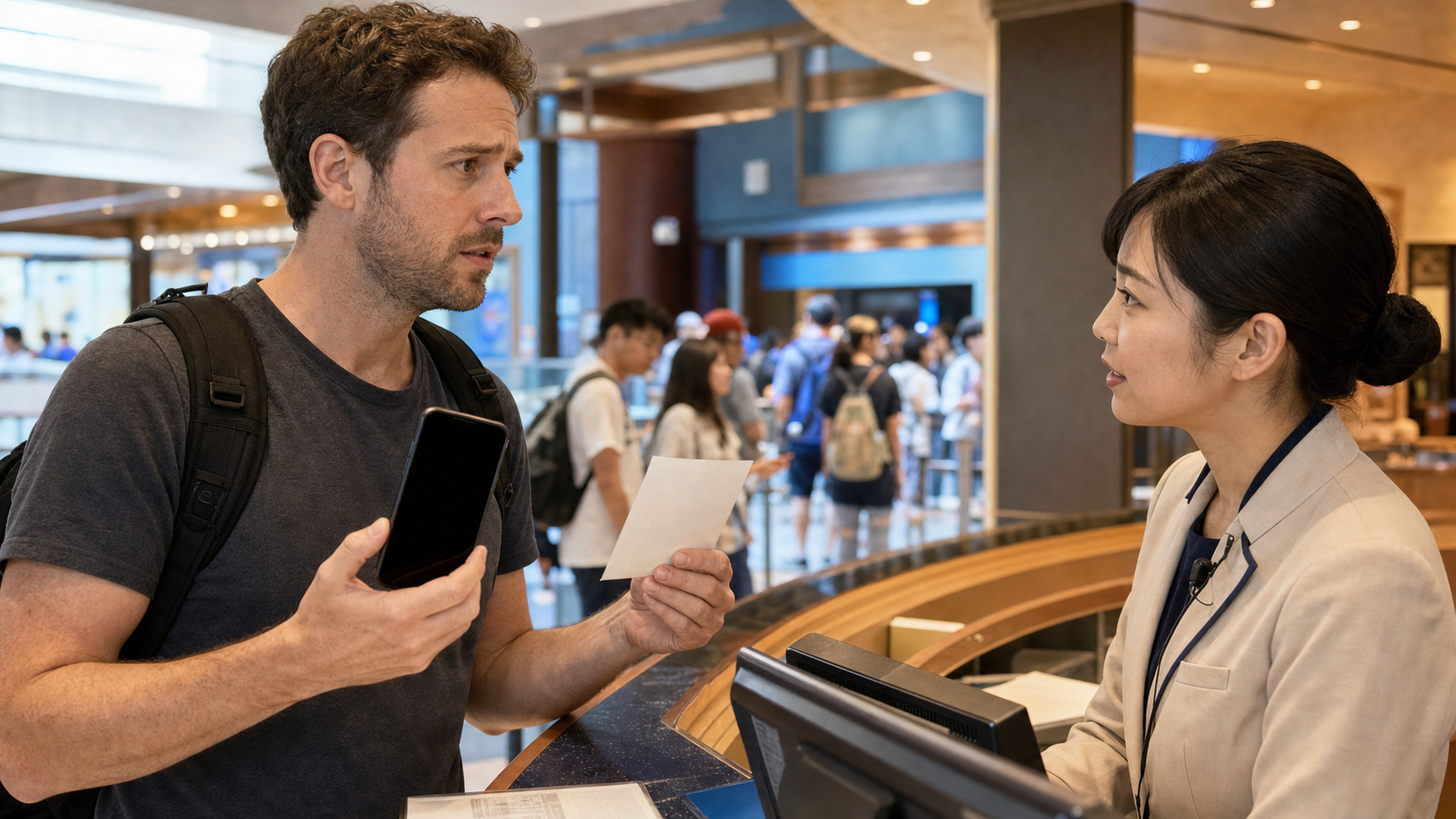
The app says you are outside the park
Check the phone's location settings and allow location access while using the Tokyo Disney Resort App. On iPhone, review Location Services and the app-specific setting. On Android, review the app's location permission. Reopen the app after changing the setting.
The battery dies after you receive a return time
The official FAQ gives two routes:
- If physical park tickets were scanned into the app, take the relevant physical tickets to a Cast Member at the eligible venue.
- If the park tickets are displayed exclusively in the app, contact Main Street House at Tokyo Disneyland or Guest Relations at Tokyo DisneySea.
Tokyo Disney Resort also lists a mobile battery rental service. Do not rely on rental availability as your sole plan; start with a charged phone and a compatible backup.
You do not have a usable smartphone
Ask a Cast Member at the relevant venue. Disney Premier Access can be purchased at designated in-park locations with accepted payment methods, while Cast Members can assist with the other services through the official no-app process. Keep the original ticket code or physical ticket ready.
For a wider charging fallback outside the park, use Phone Died in Japan? 2026 Charging & Travel Plan B. If connectivity is the problem, compare Pocket WiFi, eSIM and SIM options.
Plan B when the pass you want is unavailable
Disney Premier Access is sold out
For an eligible attraction, check whether the standard queue is operating and whether its current wait fits your day. For a parade or show, view from a permitted general area where available. Stage entertainment may have separate Entry Request conditions.
Do not buy a transfer from another person. App-service eligibility is tied to valid park tickets and cannot be transferred.
Priority Pass is unavailable—or your visit is after August 31
Check the standard queue and the current Disney Premier Access list. The live official list controls which experiences are eligible and what they cost. Choose one paid must-do at most, then build the rest of the day around standard queues and lower-wait periods.
Standby Pass is unavailable
Recheck later because distribution can resume. Also check whether the venue has a period when a Standby Pass is not required. If neither option is available, choose another shop or experience rather than waiting outside a controlled entrance.
Entry Request is unsuccessful
Move to another eligible request you have not yet attempted, a parade or show with permitted general viewing, or an attraction. An unsuccessful result should not consume the rest of the day.
The whole schedule is becoming impossible
Drop the lowest-value return time. A valid app plan is not a command to cross the park repeatedly or skip food, water and rest. Keep one anchor experience, one flexible meal and one backup area.
Getting there without draining the phone
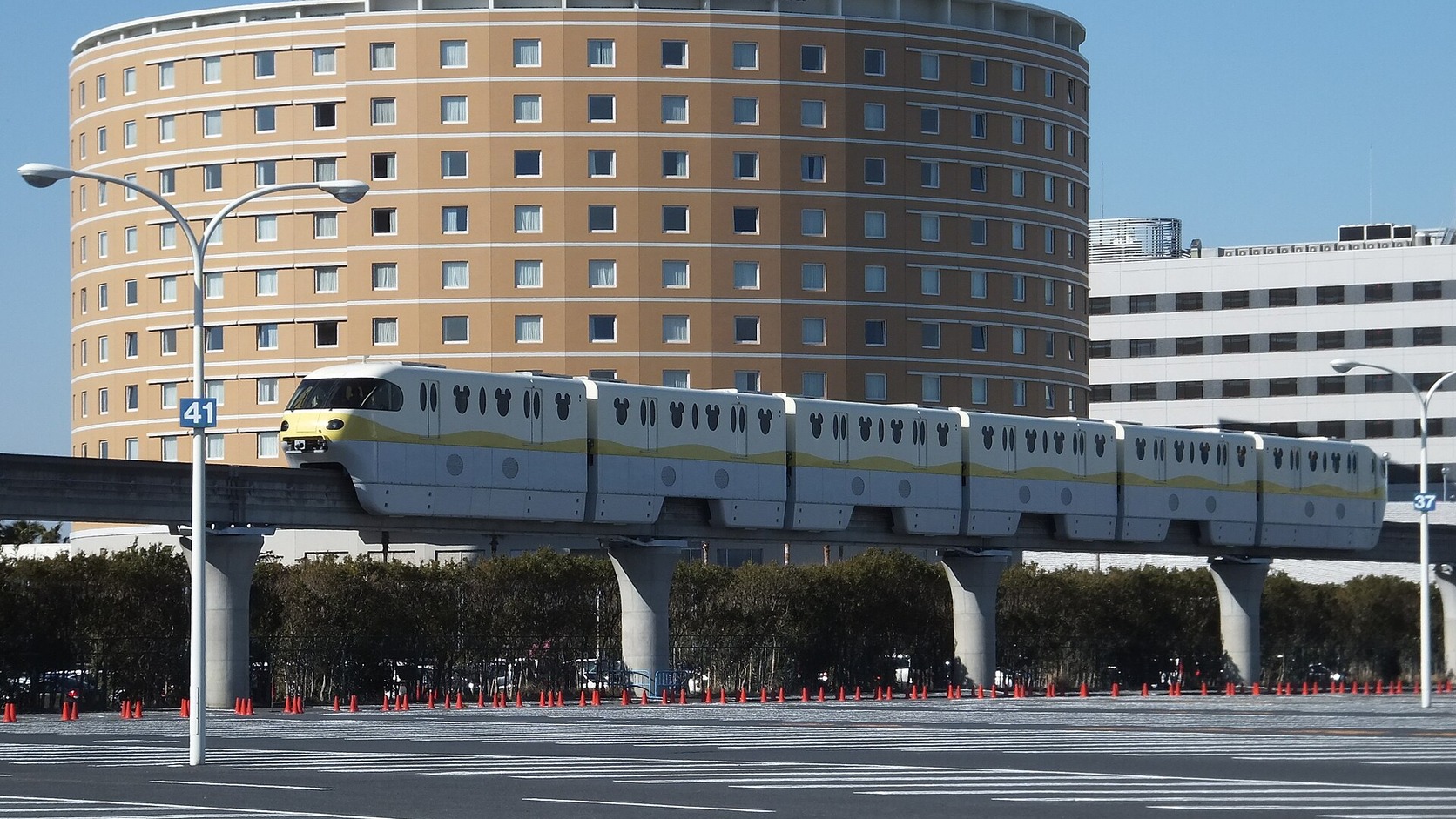
Save the route to Maihama before departure and carry an IC card or another valid fare method. Tokyo Station's Keiyo Line platforms require a long internal walk, so allow transfer time rather than treating the map's train time as the whole journey.
Use the Tokyo Station & Marunouchi Quick Guide for station orientation and the Tokyo Trains 2026 guide for IC-card and transfer basics.
If you are visiting during the seasonal event, separately check Tokyo Disney Halloween 2026 costume dates and changing rules. App access does not override costume, security or changing-space rules.
Save this Tokyo Disney app checklist
Before leaving:
- Official app downloaded and updated
- MyDisney Account created and signed in
- Ticket or 2D code accessible
- Group manager selected
- Location permission enabled
- Phone charged; cable or power bank packed
- One paid priority and one free Plan B agreed
- September 1 Priority Pass change checked
After entry:
- Each participating ticket has been used at the gate
- Group tickets and plans appear correctly
- Must-do checked before lower priorities
- Entry Request submitted for wanted experiences
- Standby Pass checked for relevant venues
- Return times checked for walking and meal conflicts
- Live app used as the final source
Frequently asked questions
What is the difference between the four Tokyo Disney app passes?
Disney Premier Access is paid and provides an available selected time or designated entertainment viewing area. Priority Pass is a free shorter-wait attraction service ending after August 31, 2026. Standby Pass gives queue access to selected venues during controlled periods. Entry Request is a free result-based request for eligible entertainment and other experiences.
Can I get a pass before entering the park?
No. The participating park ticket must have been used to enter the park that day before it can be selected for these services. You can prepare the app, account, ticket display and group in advance where supported.
Which pass should I get first after entering?
Check your one must-do first. If it justifies the cost, review Disney Premier Access. Through August 31, check the free Priority Pass before limited inventory disappears. Then submit relevant Entry Requests and check Standby Passes required for your chosen venues.
Can I use Disney Premier Access, Standby Pass and Entry Request at the same time?
Yes. Different service types can generally coexist. Limits apply when obtaining another booking of the same service, and you must still avoid overlapping return times.
Can I book for a group member who enters later?
No. A ticket that has not yet been used for admission that day cannot be selected. Book for the people already inside or wait until the remaining person enters, understanding that availability may change.
What if someone does not have the app or is under 13?
An accompanying guest can select that person's valid ticket with the group. Guests without a usable app can ask Cast Members about the official in-park procedures. Keep the ticket or ticket code available.
What should I do if my phone dies or the app cannot find my location?
Enable app location permission first. If the battery dies after a return time is assigned, take scanned physical tickets to the eligible venue, or contact Main Street House or Guest Relations when the tickets are displayed exclusively in the app. Carrying a charged backup is the safer plan.
Can I cancel or change a Tokyo Disney app pass?
Disney Premier Access cannot be changed or canceled after payment. Entry Request cannot be changed or canceled after submission. Priority Pass and Standby Pass can be canceled in the app, but their assigned time cannot be edited; a replacement after cancellation may be unavailable.
Sources and editorial note
The principal claims were checked on August 2, 2026, against the official Tokyo Disney Resort pages for app services, Disney Premier Access, 40th Anniversary Priority Pass, Standby Pass and Entry Request, plus the official FAQs covering ticket scanning and groups, late-arriving group members, simultaneous services, no-app procedures, location settings, phone failure and changes or cancellations.
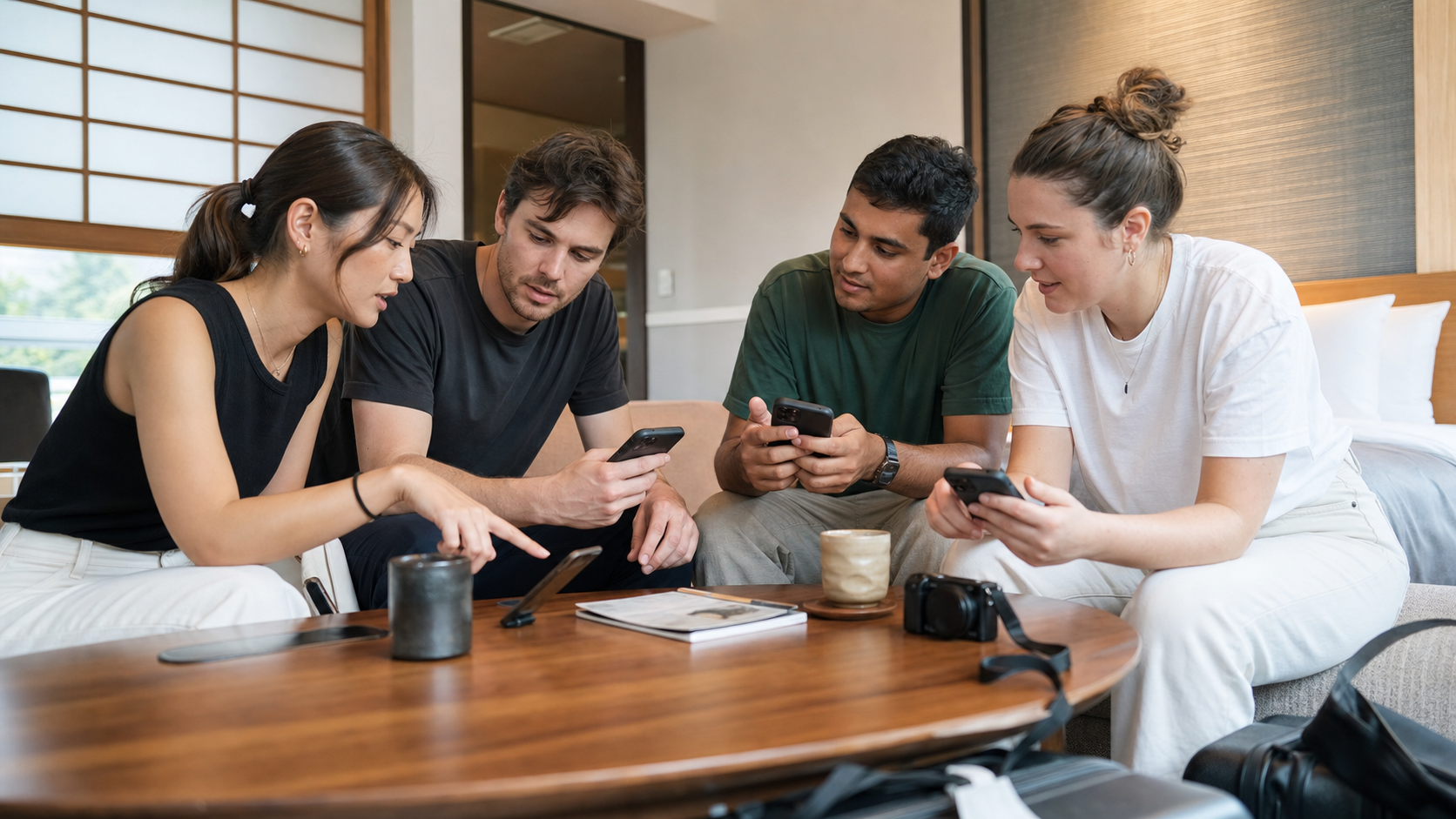
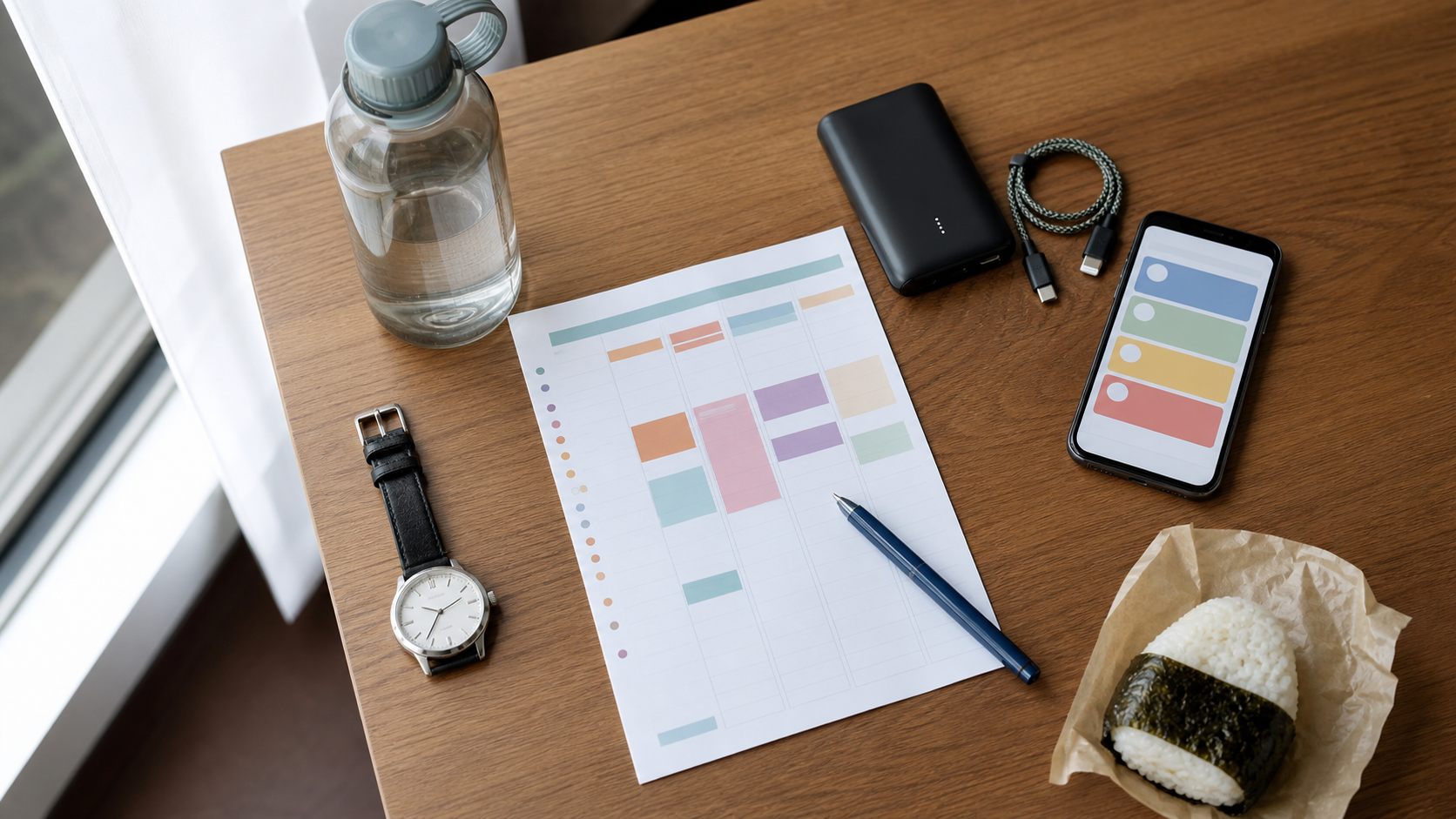
This is an independent travel decision guide and is not affiliated with or endorsed by Tokyo Disney Resort or The Walt Disney Company. Resort photographs below are used under their stated public-domain or Creative Commons terms. The four AI-generated support images are generic editorial scenarios; they do not reproduce or document official app screens, tickets, characters, attractions, cast uniforms or real-time operations.
Image credits
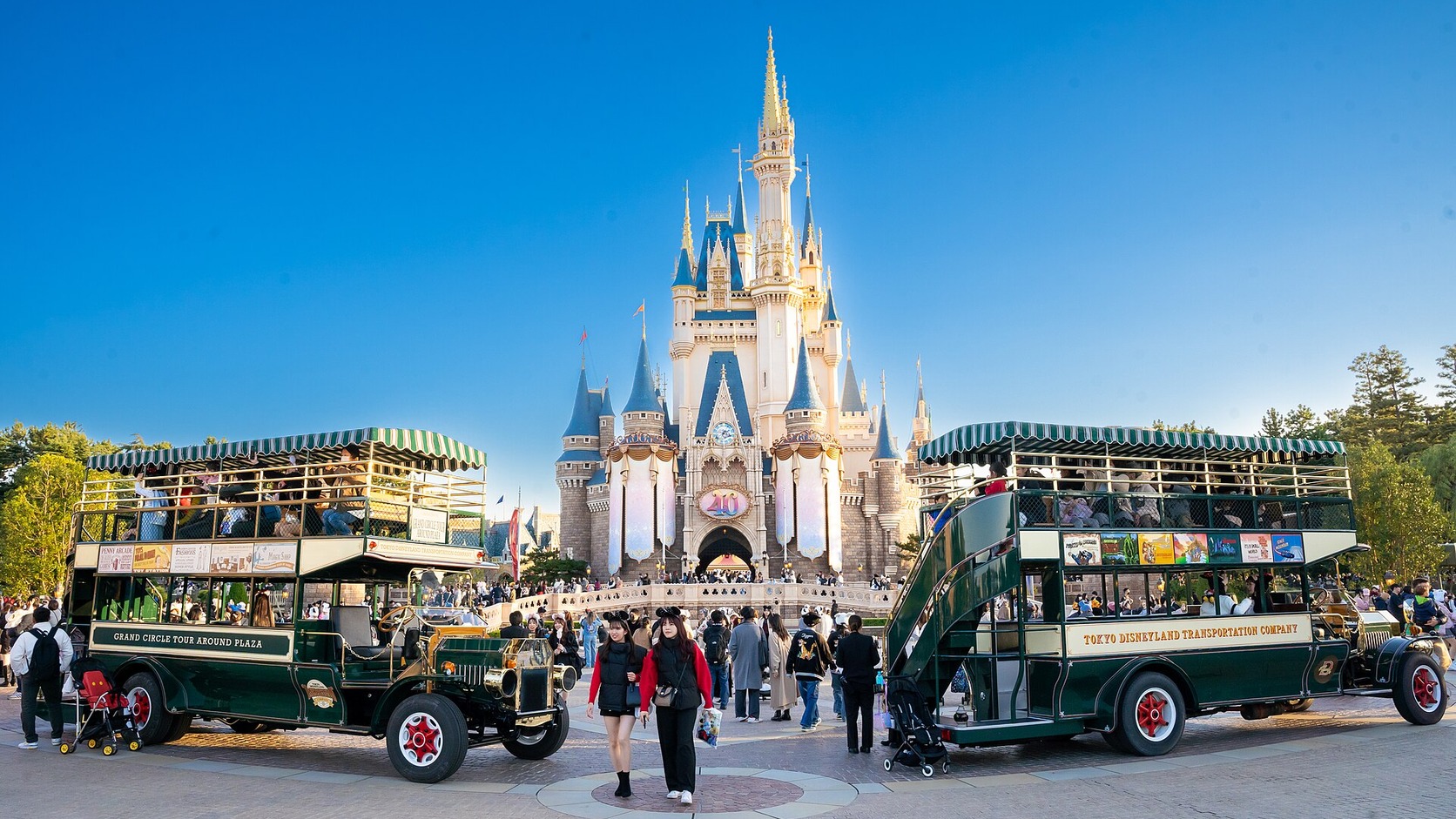
- Tokyo Disneyland Cinderella Castle in daylight: Dick Thomas Johnson, Wikimedia Commons.jpg), CC BY 2.0. Cropped and resized.
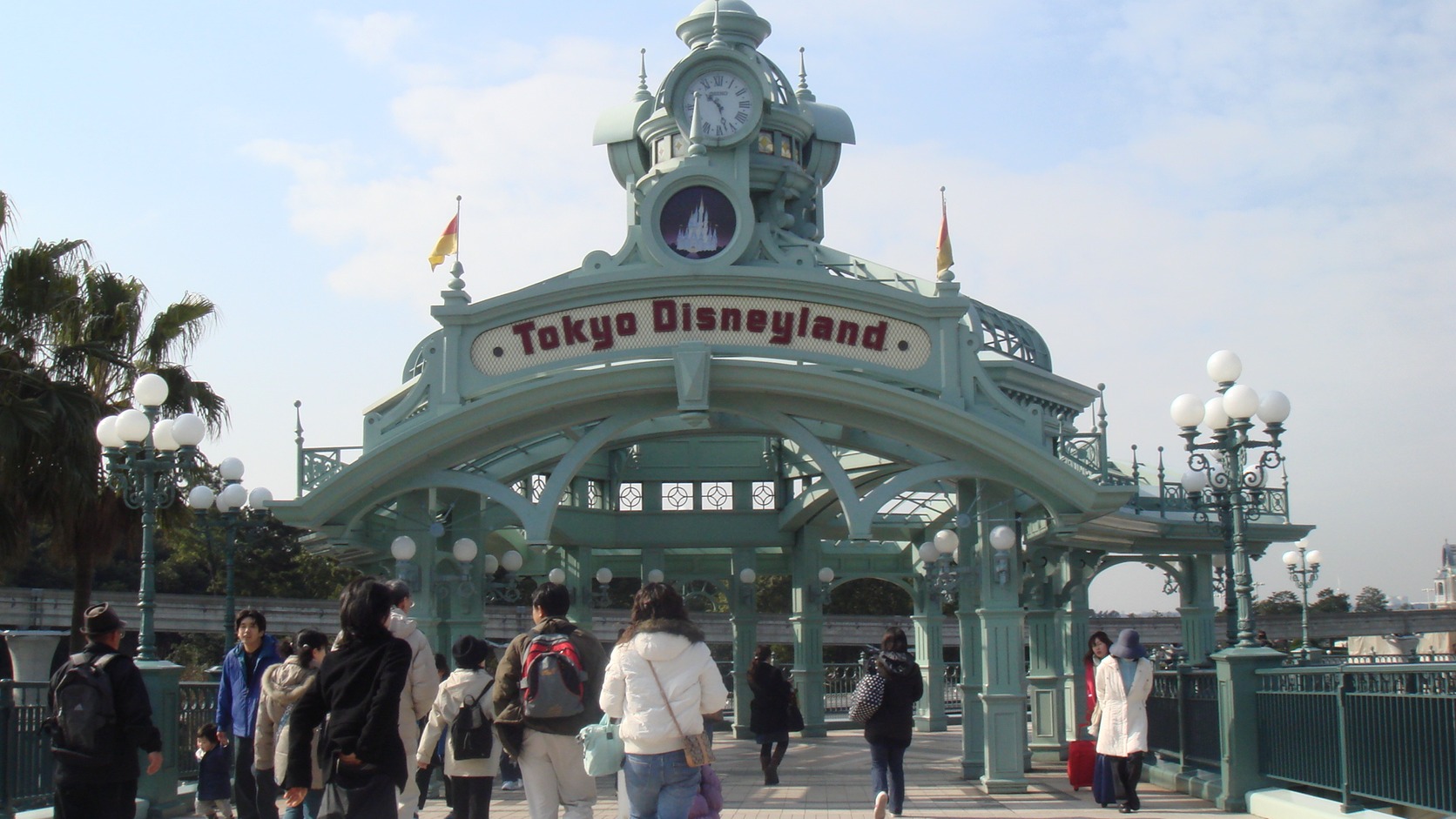
- Tokyo Disneyland gate by Maihama Station: Dquai, Wikimedia Commons, CC BY-SA 4.0. Cropped and resized.
- Tokyo DisneySea Mediterranean Harbor: Wing1990hk, Wikimedia Commons, CC BY 3.0. Cropped and resized.
- Tokyo Bay Maihama Hotel with Disney Resort Line: 掬茶, Wikimedia Commons, CC BY-SA 3.0. Cropped and resized.


Comments