- Quick Answer
- PayPay App and Alipay+ Are Different Routes
- Route 1: Can You Register the PayPay App?
- Route 2: Is Your Home Wallet on PayPay's Alipay+ List?
- Three-Route Decision Table
- What to Carry Instead
- A 30-Second Checkout Checklist
- Plan B: Use More Than One Backup
- Frequently Asked Questions
- 1. Can I register PayPay with my overseas phone number?
- 2. Will a Japan travel eSIM let me register PayPay?
- 3. Can I add PayPay balance with a foreign-issued card?
- 4. PayPay lists Visa and Mastercard. Does that mean my overseas card will work?
- 5. Is using Alipay+ the same as opening a PayPay account?
- 6. Does every shop with a PayPay sign accept Alipay+ wallets?
- 7. Can I use a Suica, PASMO or ICOCA card in shops?
- 8. What payment backup should I carry in Japan?
- Official Sources
Quick Answer
Most short-stay visitors should not assume they can create and use the PayPay app. PayPay says the app needs a smartphone that can receive SMS and a Japanese mobile number; overseas mobile numbers cannot be used.
There is a separate possibility. If you already use a home-country wallet on PayPay's current Alipay+ list, that wallet may work by scanning a PayPay QR code at an eligible participating merchant. This does not create a PayPay account, and not every PayPay merchant or checkout method supports Alipay+.
If neither route is clearly available, use a foreign-issued card where accepted, an IC card at shops showing IC acceptance, or cash. Confirm the exact shop's methods before buying.
30-second decision: Japanese mobile number and SMS-capable phone? Check the PayPay app route. Already have a wallet on the current PayPay Alipay+ list? Check the wallet and merchant route. Neither confirmed? Use card, IC card or cash.
Last checked: August 21, 2026 JST. PayPay rules, wallet lists and merchant support can change.
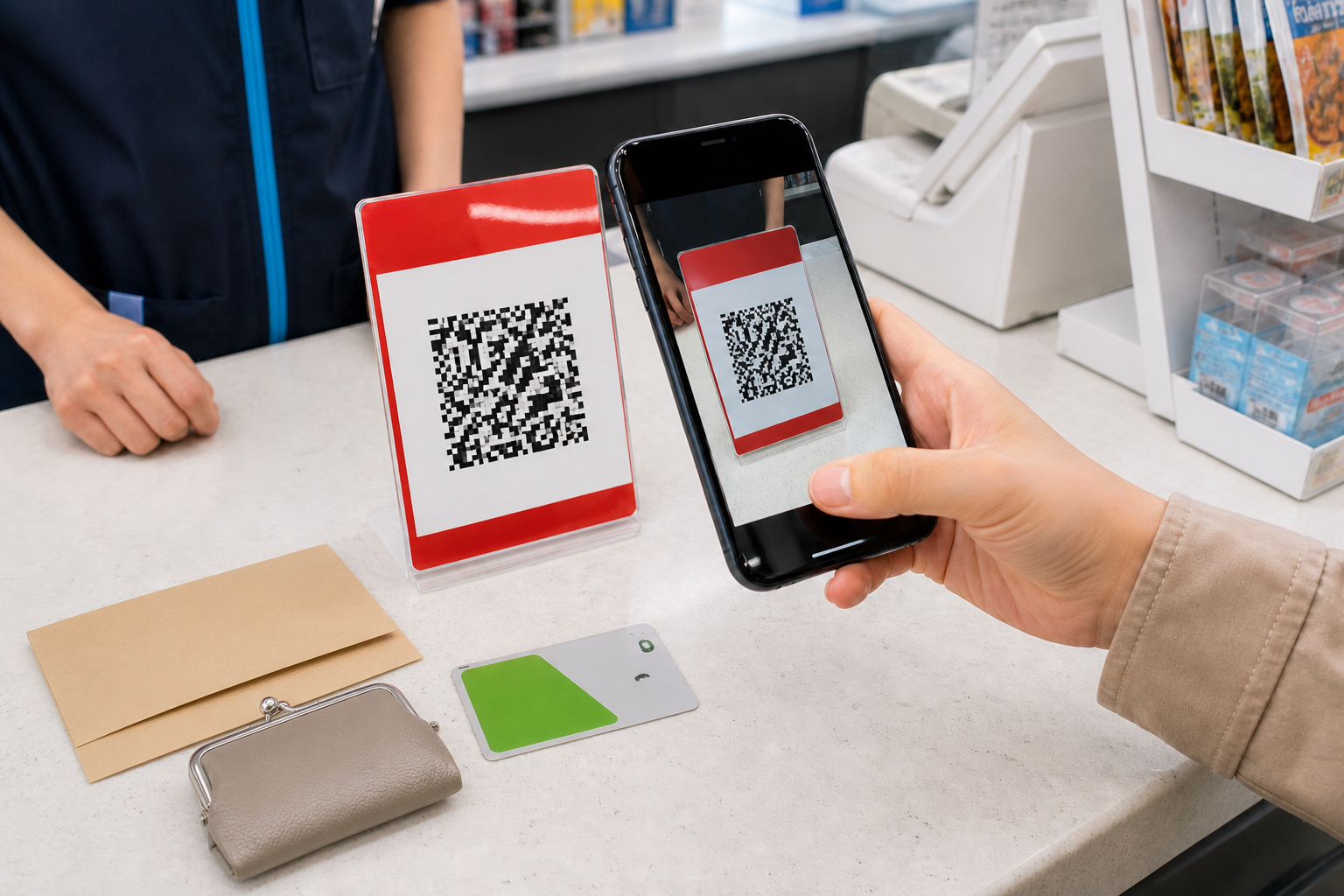
PayPay App and Alipay+ Are Different Routes
The red payment mark at a Japanese checkout can hide three different decisions:
- PayPay app route: You create or use a PayPay account and meet PayPay's current phone and payment-method requirements.
- Home-wallet route: You keep using a supported wallet from your home market through Alipay+ at an eligible merchant.
- Ordinary fallback: You pay by card, IC card or cash instead.
The second route is not a workaround for registering the PayPay app. It uses your existing supported wallet, subject to that wallet's rules and the merchant's Alipay+ setup. The third route is often the simplest choice for a short visit.
Route 1: Can You Register the PayPay App?
PayPay's current help page gives two basic device requirements: the PayPay app and an SMS-capable smartphone. It then states that overseas mobile numbers cannot be used and asks the user to prepare a Japanese mobile number.
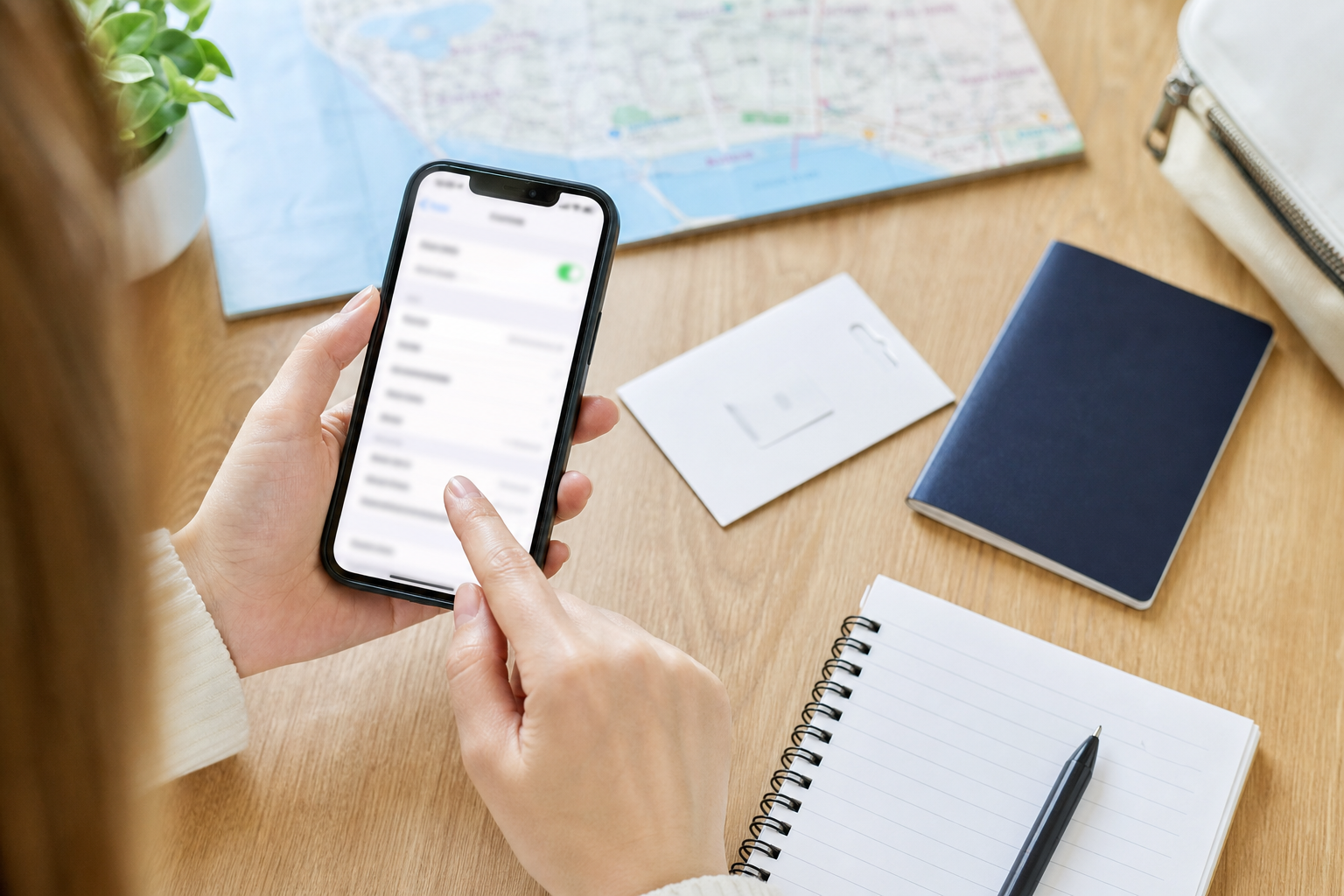
Use this checklist before downloading anything:
- Does your mobile plan provide a Japanese mobile number, not merely Japanese data service?
- Can that number receive the SMS needed on the phone you will use?
- Can you meet the current PayPay payment-method and account requirements?
- Are you prepared to use another method if registration, verification or payment fails?
A travel eSIM advertised as "Japan data" is not automatically enough. If it is data-only, it does not supply both a Japanese mobile number and SMS reception. Even a plan with a Japanese number does not by itself prove that every later PayPay requirement will be met.
What the payment-method page does not prove
PayPay's payment-method help currently lists several PayPay methods and names Visa and Mastercard under cards that can be registered. That page does not say that every foreign-issued Visa or Mastercard will be accepted, and it does not show that a foreign-issued card can add PayPay balance.
Treat card eligibility, direct card payment and balance top-up as separate questions. This guide does not claim that a short-stay visitor can fund PayPay with a foreign-issued card.
Route 2: Is Your Home Wallet on PayPay's Alipay+ List?
PayPay's merchant help says users of currently linked overseas QR-payment services can use PayPay QR codes while visiting Japan. The same page provides the current wallet list.
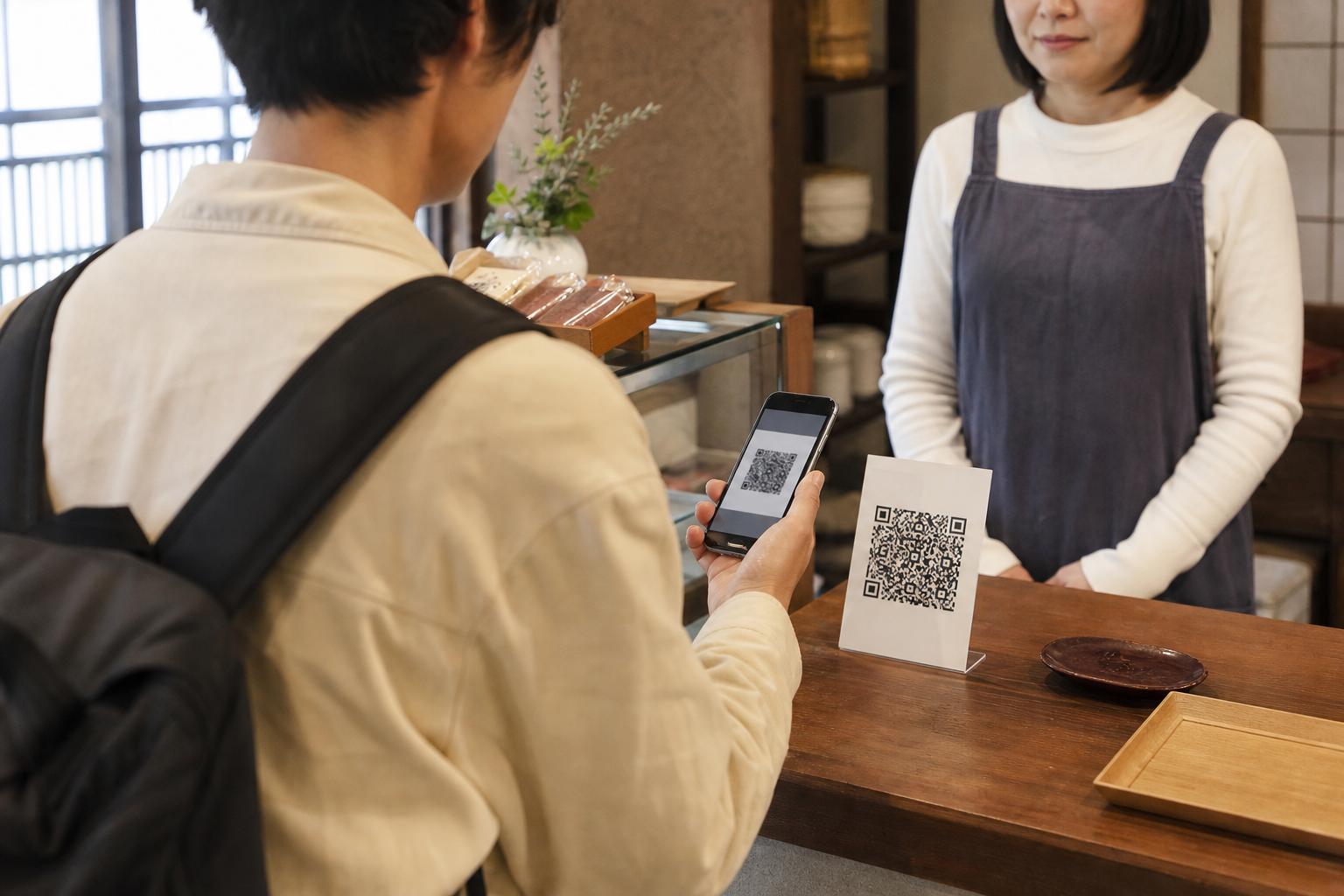
Check all three points:
- Your exact wallet appears on PayPay's current Alipay+ list.
- Your wallet account is active and usable abroad under its own rules.
- The exact merchant and checkout method support Alipay+.
PayPay identifies excluded arrangements, including some merchant types and checkout methods. Therefore, seeing a PayPay sign is not enough to guarantee that your home wallet will work. Ask the shop or look for the relevant acceptance indication before relying on it.
Three-Route Decision Table
| Route | Confirm before use | Stop and switch when… |
|---|---|---|
| PayPay app | Japanese mobile number, SMS reception, current account and payment-method eligibility | You only have an overseas number, or later eligibility remains unclear |
| Supported home wallet through Alipay+ | Exact wallet on the current list, wallet ready for overseas use, merchant supports Alipay+ for that checkout | The wallet is absent, the merchant cannot confirm support, or the transaction fails |
| Card / IC card / cash | Exact shop accepts the method; carry more than one option | One card, phone or cashless method is your only way to pay |
This table is the article's practical evidence anchor: it separates the logo you see from the route you can actually use.
What to Carry Instead
JNTO says overseas-issued cards can be used at affiliated stores, while also advising travelers to confirm acceptance at the specific store. Visa, JCB and Mastercard are described as widely accepted, especially at major hotels, department stores, large shopping centers and urban restaurants. Individual acceptance still varies.
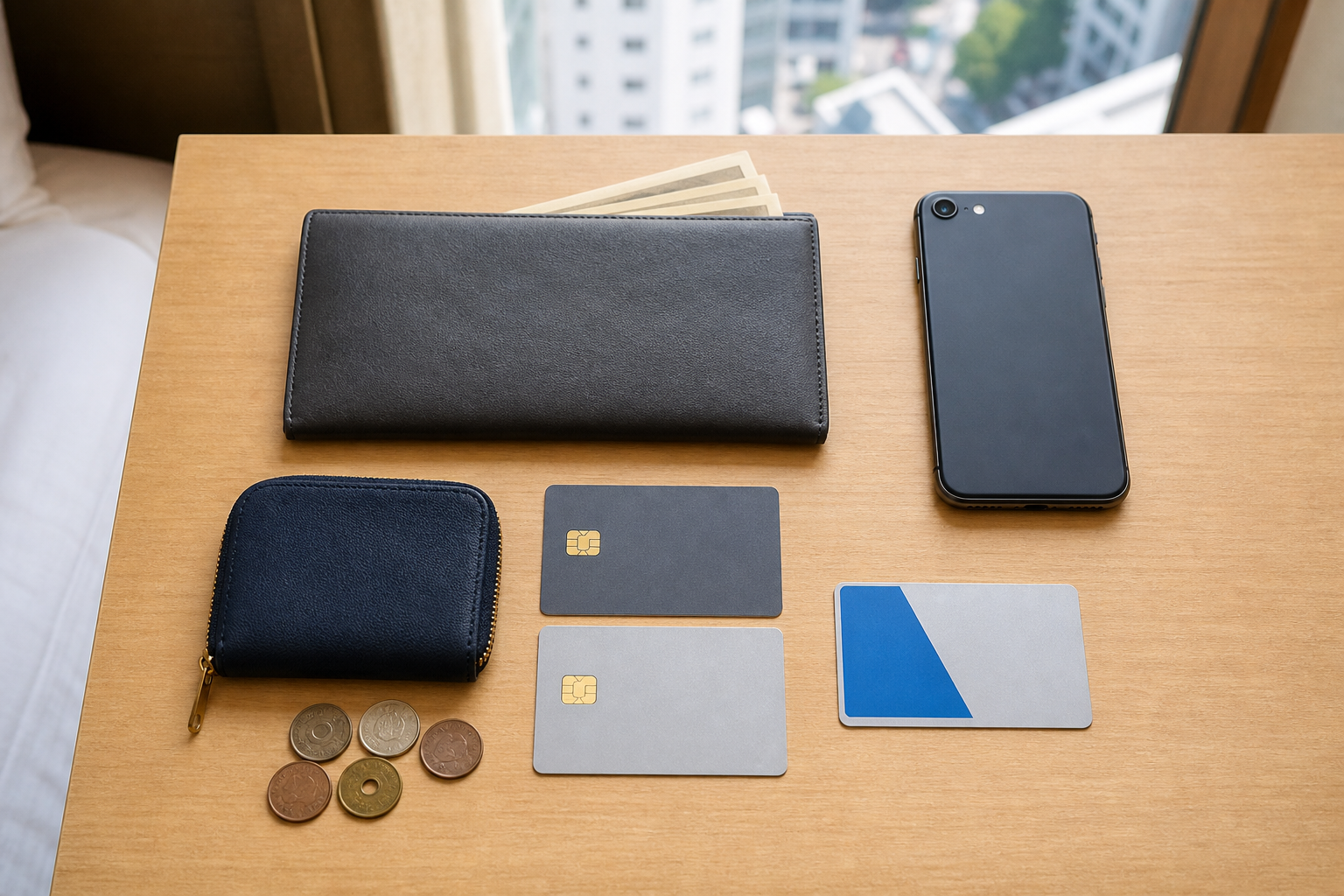
For small purchases, compatible transport IC cards can also work at many convenience stores, shops and vending machines displaying the appropriate logo. Read our Suica, PASMO and ICOCA guide before choosing an IC route.
Cash remains important. JNTO warns that some places still require it, particularly away from large urban businesses. Our yen banknotes and coins guide explains what to carry. If a foreign card is declined, use the steps in our Japan ATM card-declined guide instead of repeatedly retrying the same terminal.
A 30-Second Checkout Checklist
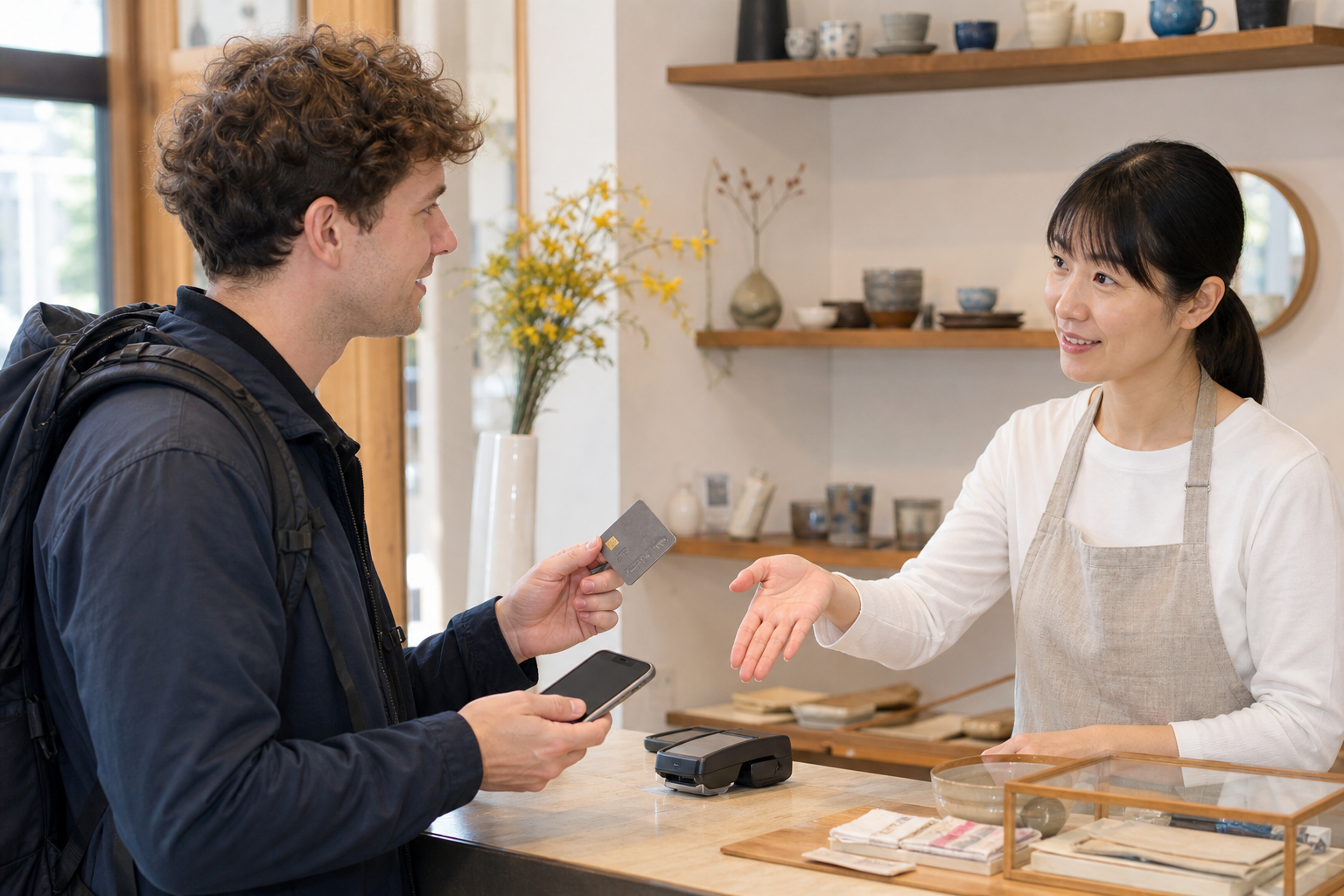
Before the cashier starts the transaction:
- Show or name the method you intend to use.
- Ask, "Can I pay with this?"
- If using a home wallet, confirm Alipay+ support rather than asking only about PayPay.
- If the first method fails once, move to your next prepared method.
- Keep enough yen for the purchase if the shop is cash-only.
Do not hold up the counter trying to create a new account, find an unsupported funding route or repeat a failed transaction. Eligibility checks belong before the trip; method confirmation belongs before the purchase.
Plan B: Use More Than One Backup
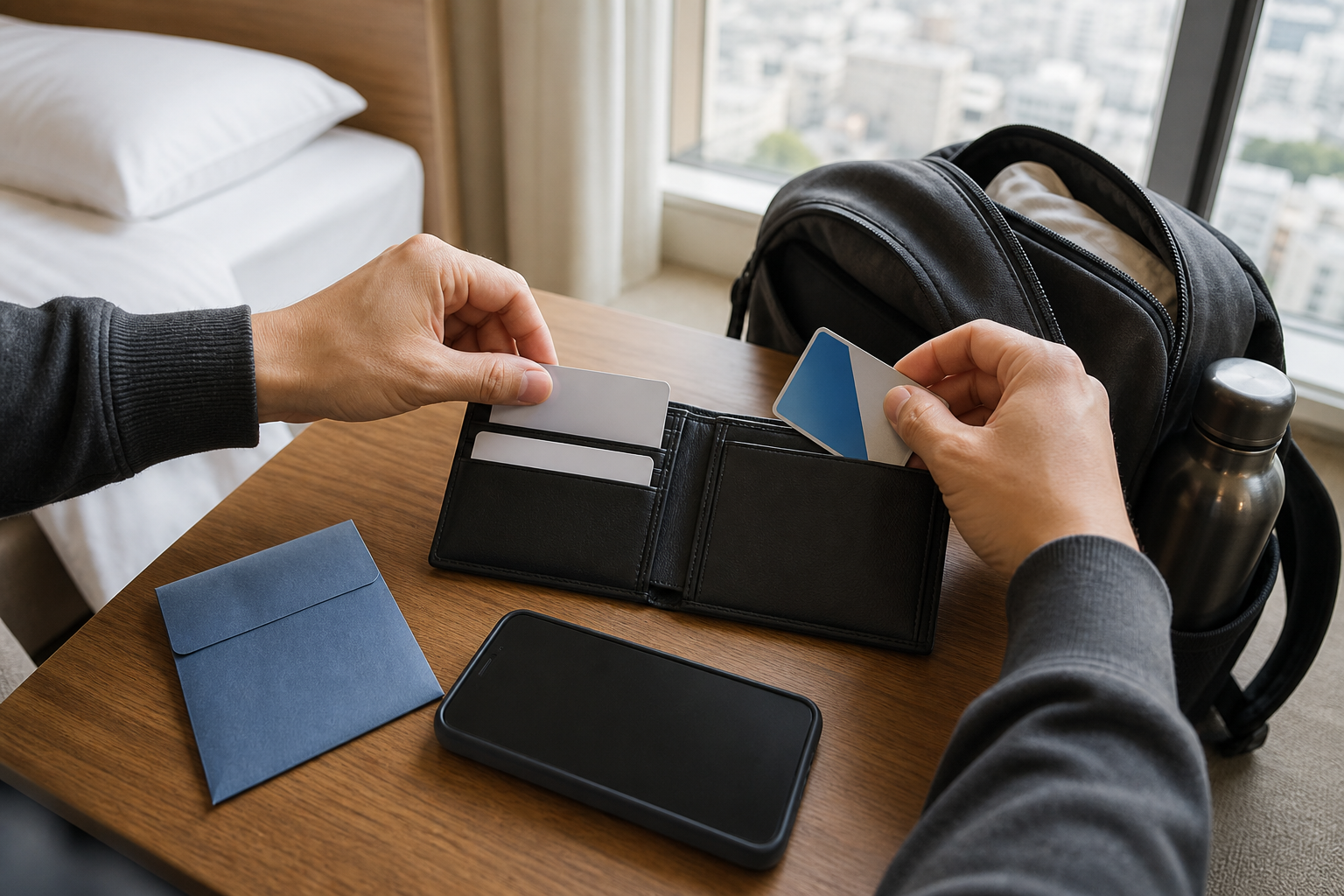
A resilient Japan payment kit is simple:
- one primary foreign-issued card;
- a second card on a different account or network where practical;
- a suitable transport IC card for participating shops and transit; and
- a reasonable amount of yen cash.
If PayPay app eligibility or Alipay+ support is unclear, stop treating the QR route as essential. Ask what the shop accepts and use the first confirmed fallback. No single card, app, phone or merchant logo should be your entire payment plan.
Frequently Asked Questions
1. Can I register PayPay with my overseas phone number?
PayPay's current help page says overseas mobile numbers cannot be used and a Japanese mobile number is required.
2. Will a Japan travel eSIM let me register PayPay?
Not automatically. A data-only eSIM does not provide both a Japanese mobile number and SMS reception. Check the plan's exact features and PayPay's current requirements; do not infer eligibility from the word "Japan."
3. Can I add PayPay balance with a foreign-issued card?
This guide does not claim that you can. PayPay's payment-method page lists current balance top-up routes and card information, but it does not establish that every foreign-issued card can add PayPay balance.
4. PayPay lists Visa and Mastercard. Does that mean my overseas card will work?
No guarantee follows from the brand alone. The help page names registrable card brands, but issuer, account, authentication and current PayPay eligibility can still matter. Keep another payment method ready.
5. Is using Alipay+ the same as opening a PayPay account?
No. The Alipay+ route uses a currently supported home-country wallet at an eligible merchant. It does not turn that wallet into a PayPay account.
6. Does every shop with a PayPay sign accept Alipay+ wallets?
No. PayPay lists excluded merchant or checkout arrangements, and participating settings can change. Confirm Alipay+ support for the exact checkout.
7. Can I use a Suica, PASMO or ICOCA card in shops?
Compatible IC cards can be used at many participating convenience stores, shops and vending machines that display the relevant acceptance logo. They are not accepted everywhere.
8. What payment backup should I carry in Japan?
Carry more than one method: a primary card, a second card where practical, a suitable IC card and yen cash. Confirm acceptance before purchase and switch methods after a failure instead of relying on repeated retries.
Official Sources
- PayPay: requirements for using PayPay
- PayPay: available payment methods
- PayPay merchant help: Alipay+
- Japan National Tourism Organization: Cashless Payments in Japan
This article explains current public information for travel planning. It does not guarantee account approval, wallet eligibility, merchant acceptance or transaction success. Recheck the official pages before departure.


Comments