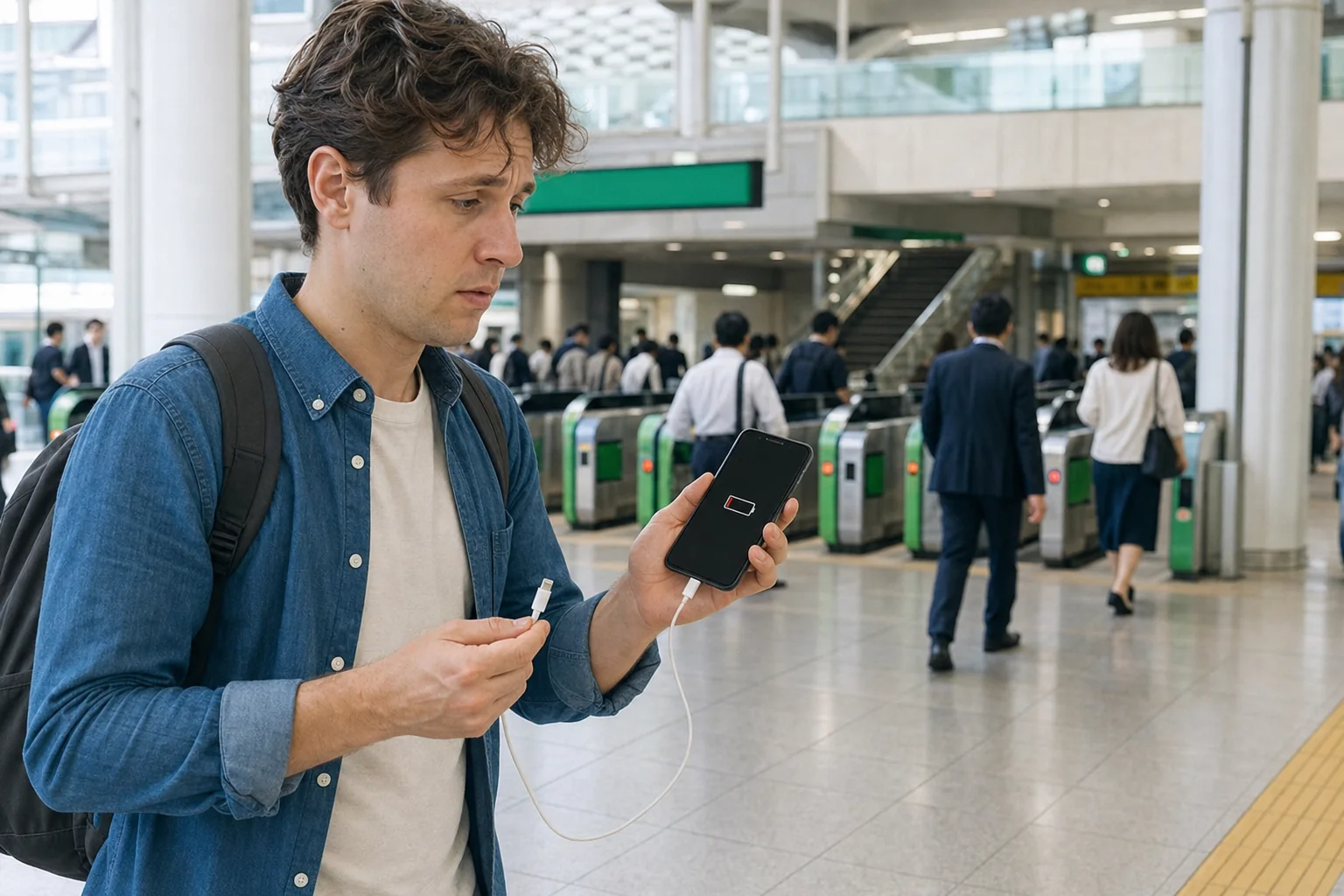
A dying phone in Japan may also mean losing your train route, Mobile Suica, QR ticket, hotel address, self-check-in instructions and group contact. The useful question is not just “Where is the nearest outlet?” but “What access will I lose next?”
This guide sets the order of action at 20%, 5% and 0%, then compares a rental battery, a purchased charger and an offline fallback. Check the linked operator or location before paying because availability, prices and payment methods can change.
- Quick answer: what to do at 20%, 5% and 0%
- First 60 seconds: save these before the battery dies
- Choose a charging route in Japan
- Protect your train ride, Mobile Suica and QR tickets
- Protect maps, hotel access and group contact
- Scenario playbooks
- What not to assume
- Build a dead-phone plan before leaving the hotel
- Frequently asked questions
- Where can I charge my phone in Japan?
- Can I charge my phone at a Japanese convenience store?
- Can tourists use CHARGESPOT?
- What happens if my phone dies while using Mobile Suica?
- What should I do if my QR train ticket is on a dead phone?
- Does Google Maps work offline in Japan?
- Can I use an outlet at a station or cafe?
- What should I save before my phone reaches 0%?
- What can I do if my phone dies after the last train?
- Can I carry a power bank on flights in Japan?
- Choose your next guide
Quick answer: what to do at 20%, 5% and 0%
| Battery | Do this first | Protect next | Charging decision |
|---|---|---|---|
| Around 20% | Turn on Low Power Mode or Battery Saver and reduce screen brightness | Save the hotel address, route, ticket details and meeting point | Find a verified rental stand or a shop before continuing sightseeing |
| Around 5% | Stop filming, streaming and long navigation sessions | Keep enough power for the next ticket gate, urgent call or hotel entry | Go to the nearest practical charging option; do not walk far for a small price difference |
| 0% | Move to a staffed station gate, information counter, hotel desk or open shop | Use written addresses, cash, a physical IC card or a paper ticket | Borrow, rent or buy a compatible charging setup, then correct any ticket-gate record with staff |
Apple says Low Power Mode reduces background activity. Google recommends Battery Saver and reducing screen, navigation, video, hotspot and camera use on Android. Save the remaining charge for access and decisions.
If you have one useful minute, do these four things:
- Screenshot your hotel name and address in English and Japanese.
- Save the next station, line, platform or bus stop and your planned exit.
- Save the reservation number, train and seat details behind any QR ticket.
- Send your group one fixed meeting point and time.
Then choose by consequence: protect the next ticket gate, hotel entry or late-night route before photos and browsing.
First 60 seconds: save these before the battery dies
A screenshot remains visible without data, but it does not turn a protected digital ticket into a paper ticket. Save both the visual reference and information staff can use.
1. Your accommodation
Save:
- the property name;
- the full address in Japanese;
- the nearest station and exit;
- the phone number;
- check-in hours;
- door, smart-lock or key-box instructions;
- a booking number.
For self-check-in, capture the steps before closing the page and keep door codes private.
2. Your next transport step
Save the route as a short sequence: station → line → direction or destination → transfer → exit. A complete scrolling journey is harder to use on 2% than four screenshots.
For a reserved train, save the operator, train name or number, departure time, origin, destination, car, seat and reservation number. If the service offers a printable ticket or a Wallet option, prepare it while the phone still has power.
3. One group meeting point
“Meet near the station” is too vague in Shinjuku, Tokyo, Osaka or Kyoto. Choose a named exit, information counter, hotel lobby or shop entrance. Add a time and a second rule: “If we cannot contact each other by 8:30 p.m., return to the hotel.”
4. One recovery location
Pick one nearby staffed place rather than searching several neighborhoods. A short, certain route conserves more power than repeated map searches.
Choose a charging route in Japan
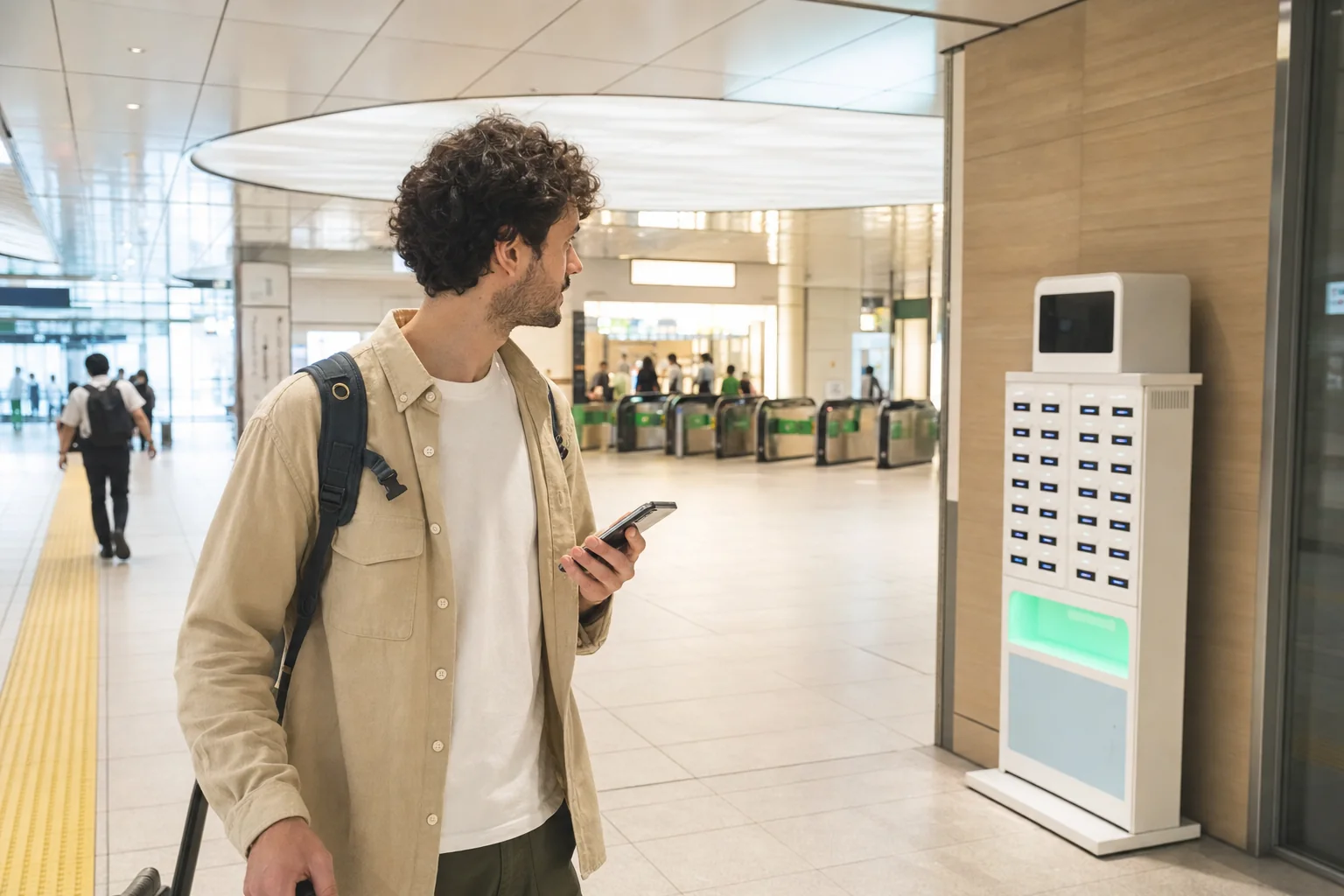
There are three practical routes:
- rent a mobile battery;
- buy a charger, cable or power bank;
- charge at a clearly permitted customer or passenger facility.
Choose by time, payment access and what you can return—not by the lowest displayed price.
| Option | Useful when | Check before committing | Plan B |
|---|---|---|---|
| Rental battery | You need to move while charging | App access, accepted payment, battery stock, cable type and return-slot availability | Buy a charger or power bank |
| Purchased charger or power bank | You want a reusable solution or cannot use the rental flow | Connector, plug, voltage support, output and included cable | Ask staff to confirm compatibility |
| Permitted outlet or charging area | You can stay in one place | Whether charging is allowed, opening hours and your own cable/adapter | Move to a staffed shop or rental stand |
Route 1: rent a mobile battery
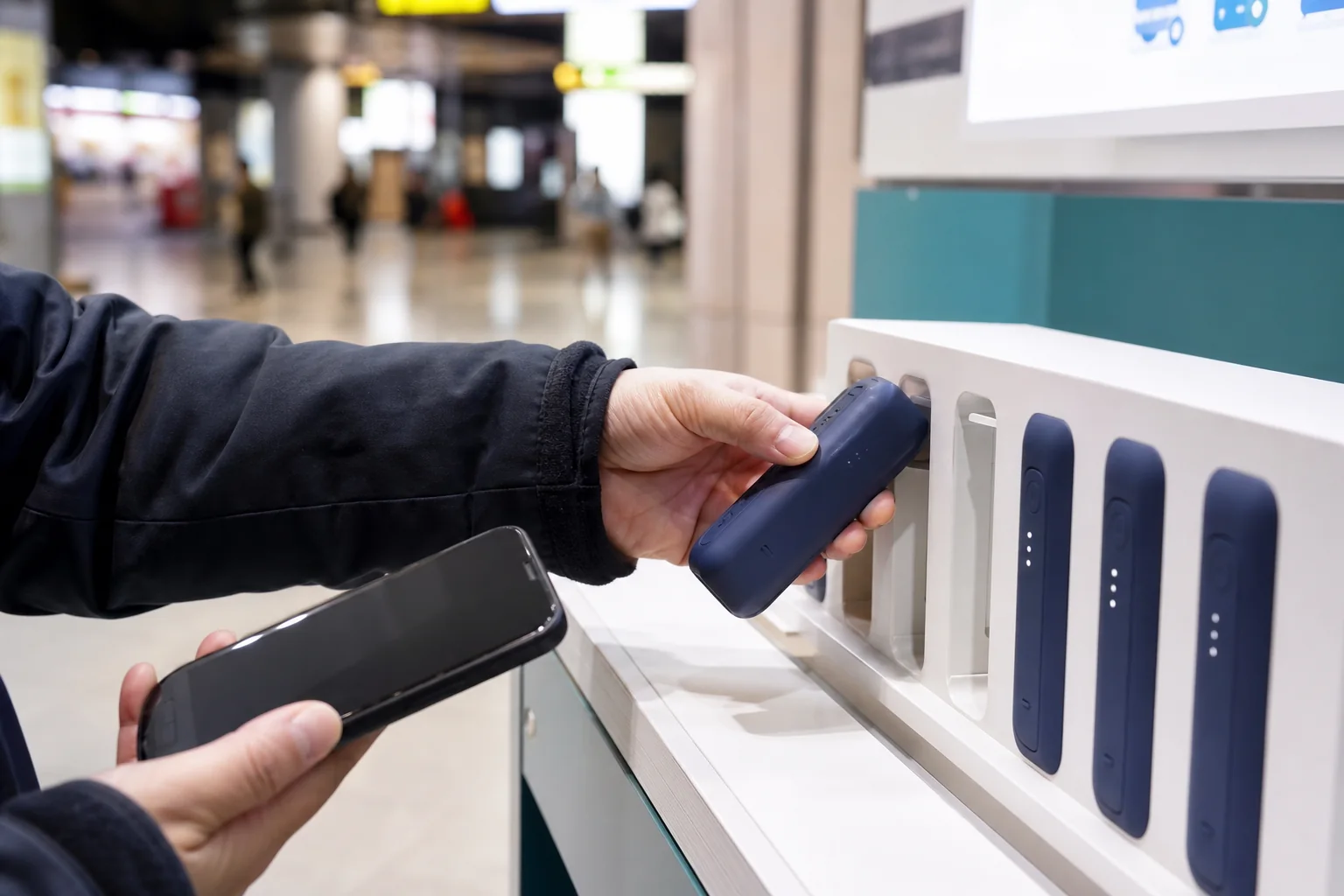
CHARGESPOT is a visible example in Japan. Its official site says a rental requires the CHARGESPOT app or a supported payment app. The user scans the stand’s QR code, selects payment and removes the battery. The battery can be returned to a different CHARGESPOT stand when that stand has an empty slot. The app can be used to search for a return location.
CHARGESPOT lists stands at convenience stores, railway locations, mobile-phone shops and other businesses, but it also warns that a stand may be unable to rent or accept a return. A map pin is not proof of current stock, an empty return slot or access after the surrounding business closes.
The official fee schedule checked on July 22, 2026 showed:
| Rental time | Listed fee |
|---|---|
| Less than 30 minutes | ¥165 |
| 30 minutes to less than 1 hour | ¥330 |
| 1 hour to less than 3 hours | ¥430 |
| 3 hours to less than 6 hours | ¥500 |
| 6 hours to less than 12 hours | ¥570 |
| 12 hours to less than 24 hours | ¥640 |
After 24 hours, the schedule adds ¥360 per further 24-hour period, with separate loss, damage and penalty conditions. Read the current CHARGESPOT fees and instructions before renting.
The rental has one awkward dependency: you need a functioning phone to scan, authorize and pay. At 1%, app installation, account setup or card verification may consume the remaining power. If the app or payment route does not work quickly, stop repeating the same process and use the purchase route.
At an airport, use the airport’s own facility page rather than an old location list. Haneda Airport, for example, publishes terminal-by-terminal CHARGESPOT locations and opening hours. Some listed Terminal 3 locations operate 24 hours, while the listed Terminal 1 and 2 locations have shorter published hours.
Before walking away with a rental battery:
- confirm that its built-in connector fits your phone;
- note the fee timer;
- find a realistic return stand near your destination;
- check that the destination stand currently shows a return opening;
- keep the rental confirmation available.
Route 2: buy a charger or power bank
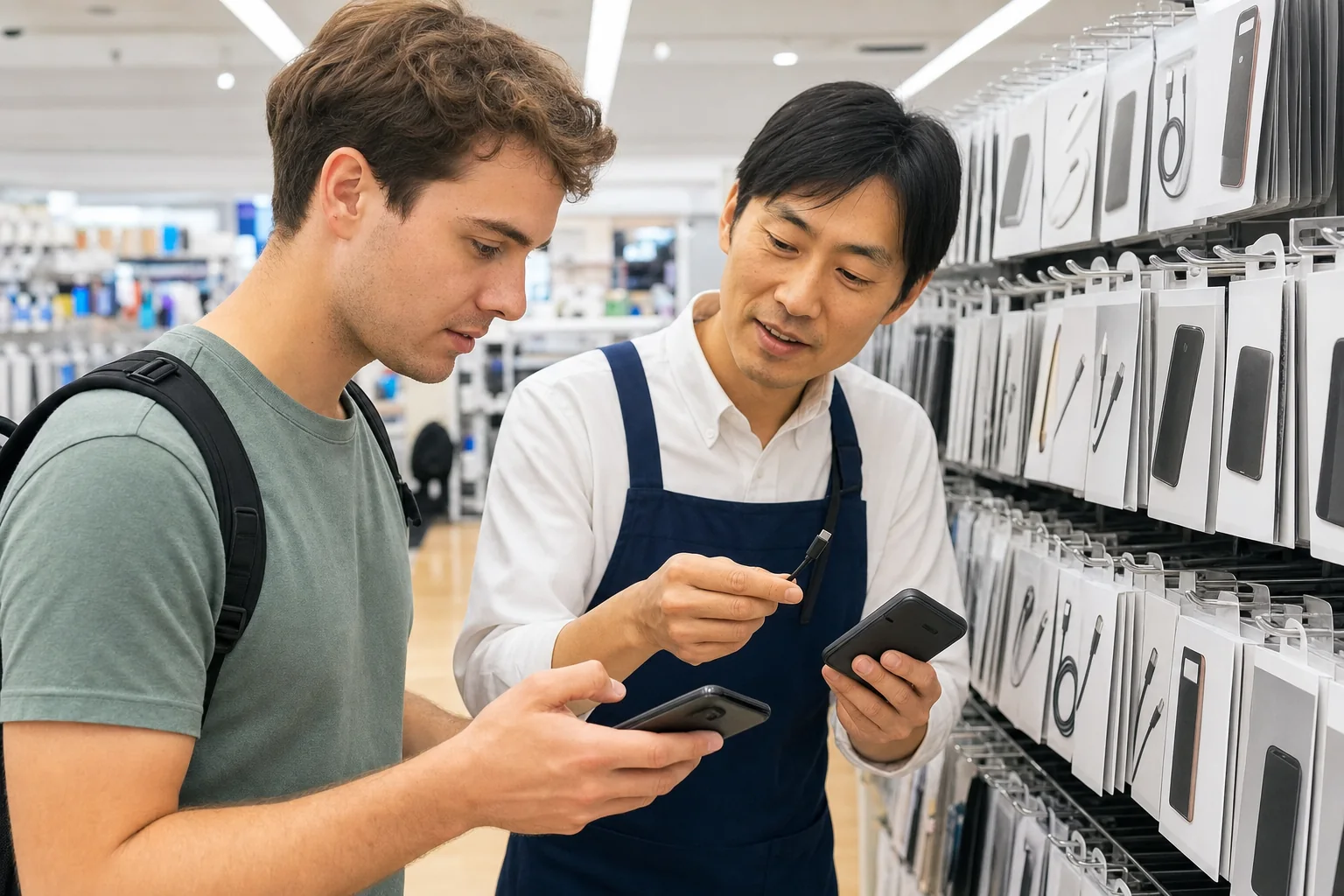
A purchase is less elegant but more durable. Convenience stores, electronics retailers, phone shops and travel-goods shops may carry cables, wall chargers or power banks. Product range and opening hours differ by branch.
Take the phone or its connector close to the staff member and ask:
Kono sumaho ni tsukaemasu ka?
Can I use this with this phone?
Check four items on the package:
- connector: USB-C or Lightning at the phone end;
- power source: wall plug, USB port or a pre-charged power bank;
- included cable: a wall adapter may be sold without one;
- output: a low-output product may charge slowly while navigation is running.
Japan uses 100V mains power and Type A plugs. A charger marked 100–240V is designed to include that voltage; still read its label. The Japan power adapter and charger guide explains plugs, voltage and charger labels.
Do not buy a wall plug when you have nowhere permitted to use it. Do not buy a cable when your power bank is empty. State the full problem: “I need to charge this phone now.”
Route 3: use a permitted charging area
Airports, selected stations, lounges, hotels and cafes may provide charging areas or customer-use outlets. The presence of a wall socket does not mean it is offered for public use. Use an outlet marked for customers or ask staff.
Keep your device with you. Avoid blocking a walkway with a cable. If a public USB port looks damaged or unidentified, use your own wall adapter at a permitted outlet or a battery instead.
A hotel desk can be a useful recovery point when you are a registered guest. Staff may know the property’s charging options and can confirm the address or check-in access. A hotel is not a nationwide public charging service, so ask rather than assume.
Protect your train ride, Mobile Suica and QR tickets
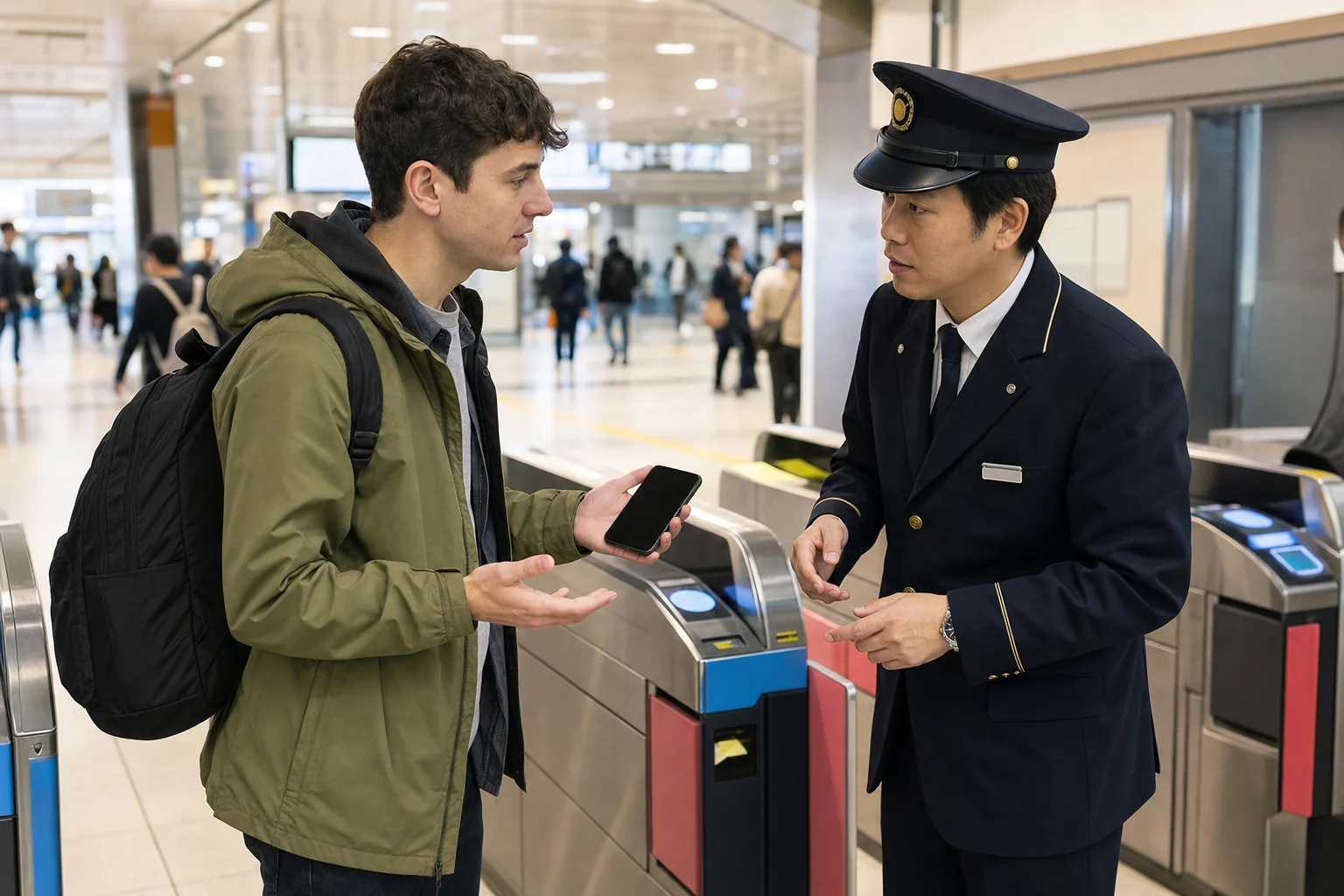
If your phone holds Mobile Suica
JR East’s Welcome Suica Mobile FAQ says Suica cannot be used when the device has been manually switched off or the battery is completely drained. If the phone becomes unusable after entering the gate, the official instruction is to speak to station staff. The traveler may need to settle the fare from the boarding station in cash, then return after the device can be powered on so staff can clear the entry record.
Apple says eligible Express Mode cards may work with power reserve for up to five hours. JR East notes that an Express Transit card on a compatible device may remain usable for a limited time after low-battery shutdown, but not after manual power-off.
Treat this as a narrow technical fallback, not your travel plan. Device, card and settings matter. If a gate does not open:
- do not keep tapping;
- move out of the flow of passengers;
- show staff the phone and say where you entered;
- keep cash or another payment method available;
- after charging, ask staff whether an entry record needs correction.
Read the Suica, PASMO and ICOCA guide before relying on a phone as both ticket and wallet.
If your train uses a QR ticket
QR systems do not share one universal rule. Use the instructions from the company that issued your ticket.
SmartEX, for example, lets a passenger display the QR ticket, add it to Apple Wallet, print it, email it or copy its URL. Its official boarding guide warns that some devices may not scan and advises printing before reaching the station. The QR ticket is needed again to exit.
Before travel:
- use the operator’s Wallet or print function when offered;
- distribute separate passenger QR tickets as instructed;
- save the reservation and seat details;
- carry any card, passport or other item named in the booking conditions.
A normal screenshot may help staff identify the reservation, but it may not satisfy a ticket system that expects a scannable, current or protected credential. If the phone dies, go to the staffed gate or ticket office before entering. Explain the operator, train and reservation number. Do not buy a duplicate ticket until staff have checked the booking.
If the phone dies after you enter a gate
Stay inside the station system and speak to staff at the next staffed gate. Jumping a gate or following another passenger creates a larger problem. Station staff handle fare and gate-record irregularities; show what you have and follow their instruction.
Protect maps, hotel access and group contact
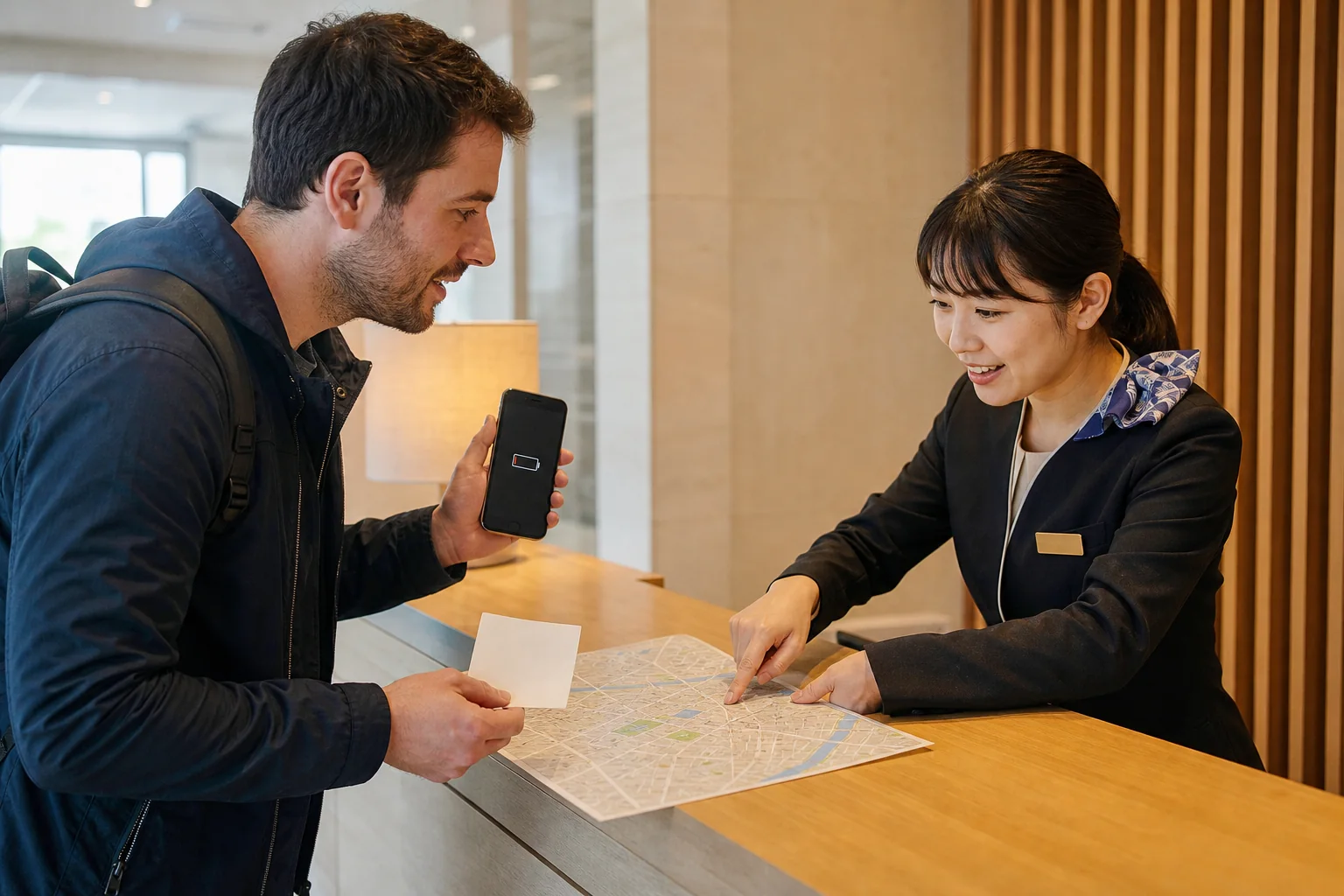
Maps: save the route, not just the destination pin
Google Maps supports downloaded offline areas in eligible countries and regions. Google’s help page says an offline map can guide a driving route when the whole route fits inside the downloaded area. Public-transport, walking and cycling directions are unavailable offline, and offline driving does not include traffic information or alternative routes.
A downloaded map is useful background, but it does not replace a saved train and walking route.
For a stronger offline packet, keep:
- a screenshot of the full route;
- a close view of each transfer station;
- the destination name and address in Japanese;
- the final station exit;
- a small street-level view near the destination.
The Google Maps Japan guide explains station exits, platform information and route comparisons. If your data connection itself is unstable, compare the tradeoffs in the eSIM, SIM and pocket Wi-Fi guide.
Hotel entry: separate access from communication
A booking confirmation and a door code solve different problems. Save both. If the building has no front desk, also save the property’s support number and an exterior photo or landmark.
If the instructions say the code activates at a certain time, a screenshot will not make it activate earlier. If the code changes remotely, an old screenshot can fail. Check the final instructions after the stated check-in time while you still have power and data.
Group contact: use a no-phone rule
Set the rule before a crowded event:
- one named meeting point;
- one meeting time;
- one person’s hotel name and address on paper;
- a return-to-hotel time if contact fails.
Live location sharing drains battery and stops when the phone dies. It is helpful, but it should not replace a fixed reunion plan.
Scenario playbooks
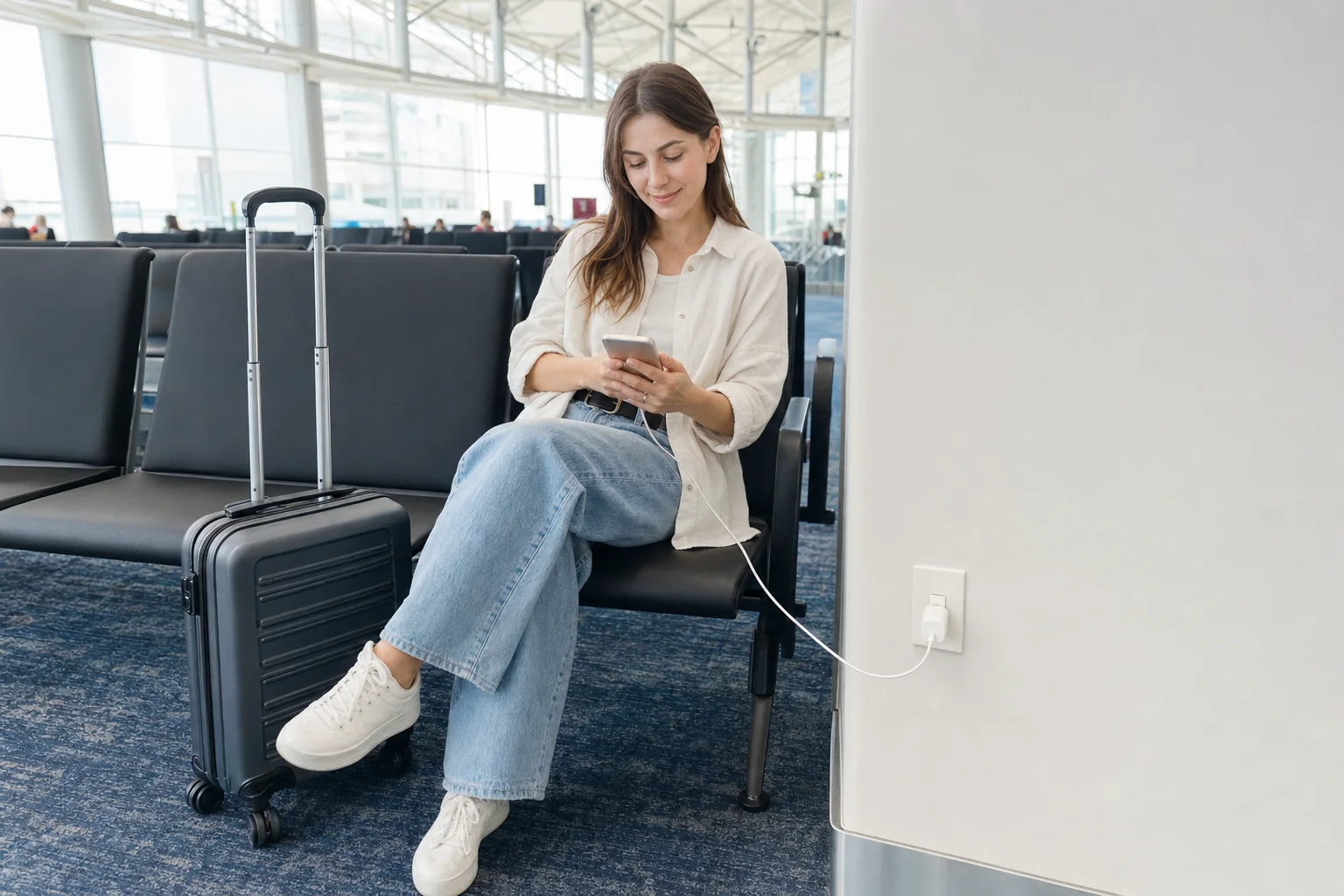
At a railway station
- Move away from the center of the ticket-gate flow.
- Save or show the next train and destination.
- If a mobile IC or QR ticket is involved, speak to staff before the battery reaches 0%.
- Ask where a permitted charging facility, rental stand or nearby shop is located.
- Protect the fare and gate record before continuing sightseeing.
At large stations, a search result may be in another building or operator area. Confirm whether you must leave the paid area.
At an airport
Airport charging options may sit in different terminals or on different sides of security. Check terminal, floor, landside or airside status and hours.
If the phone holds a boarding pass, save the flight number and booking reference. Go to the airline counter or gate staff while the device still works. A battery rental that needs to be returned after security or in another terminal can create a final-minute detour.
At a festival or in a dense crowd
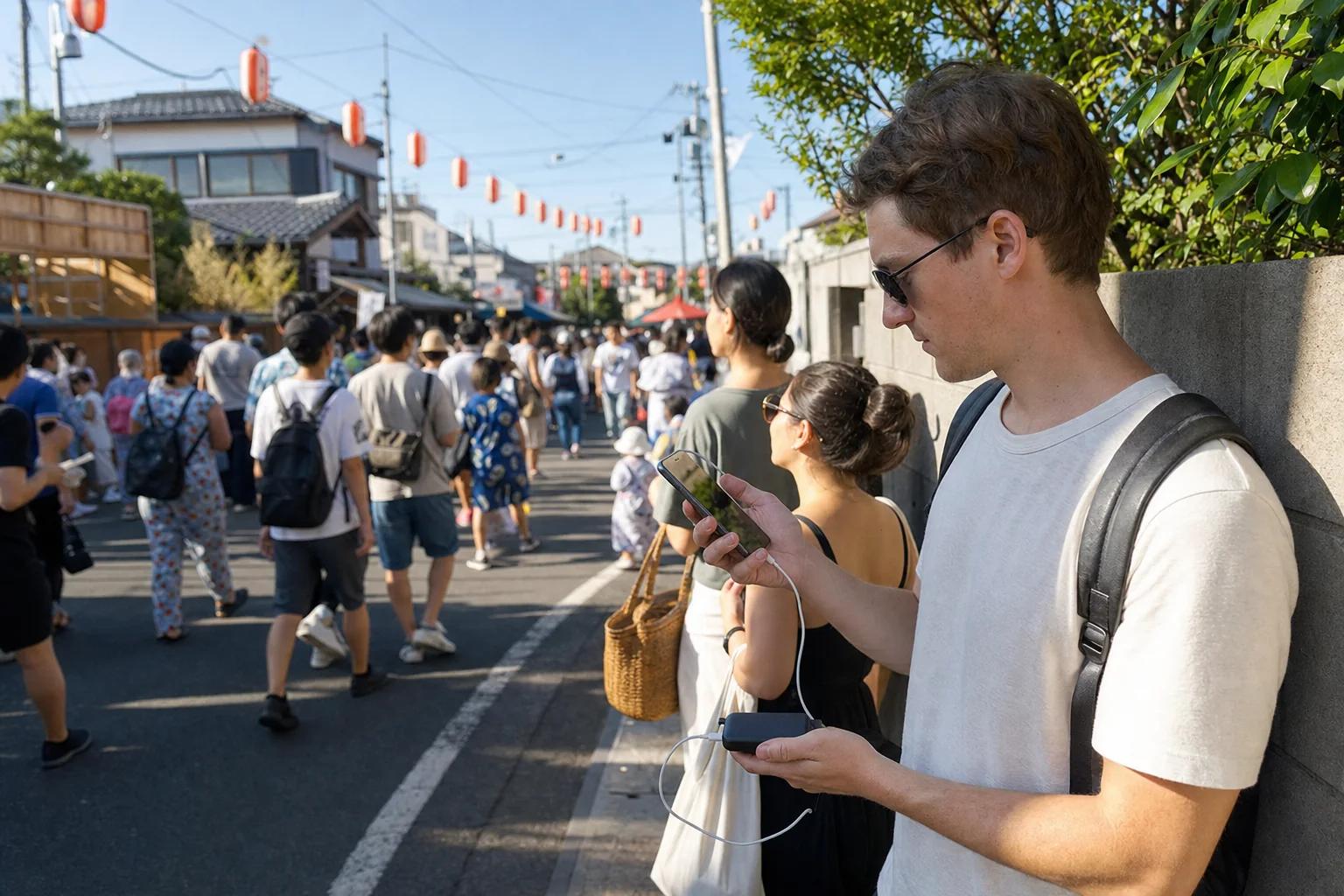
Stop video recording first. Bright screens, camera use, poor mobile reception and repeated route searches can accelerate drain. Save the nearest station, a less crowded exit and the group meeting point.
Do not let a battery search pull the group against a controlled crowd flow. Follow event staff and police directions. If the phone is needed for the train home, leave enough time to reach a staffed station and solve the problem before the final departures.
Use the Japan festival survival guide for crowd, food and train planning.
In heavy rain or a typhoon disruption
Keep the phone dry. Do not operate a wet connector. Move into a safe staffed building and check official transport notices before spending battery on repeated map rerouting.
Save the last confirmed train route and your accommodation details. If rail service is disrupted, decide whether to wait, change route or stay nearby. The Japan rain and typhoon Plan B covers alerts and transport decisions.
After midnight
At 0% after the last train, the first objective is a safe staffed place, not the cheapest charger. Use a station area that remains open, a hotel desk, a late-night shop or an official taxi stand. Show a written hotel address.
If you are in Tokyo and rail service has ended, use the Tokyo last-train and taxi Plan B to decide between a taxi, a safe waiting place and the first train.
What not to assume
- A map pin means a battery is available. A rental stand may be empty or unable to accept a return.
- A convenience store branch carries the cable you need. Stock differs by branch.
- A visible outlet is for public use. Look for customer-use signage or ask.
- A screenshot is a valid digital ticket. Ticket systems and security rules differ.
- Mobile Suica will work after shutdown. Power reserve depends on a compatible device, card and settings.
- An offline map will recalculate a train journey. Google states that transit directions are unavailable offline.
- Your hotel can be found from its English nickname. Save the full Japanese address.
- One payment method will solve the rental. App stores, card verification and supported payment services can create friction.
The reliable pattern is: verify, save, then move.
Build a dead-phone plan before leaving the hotel
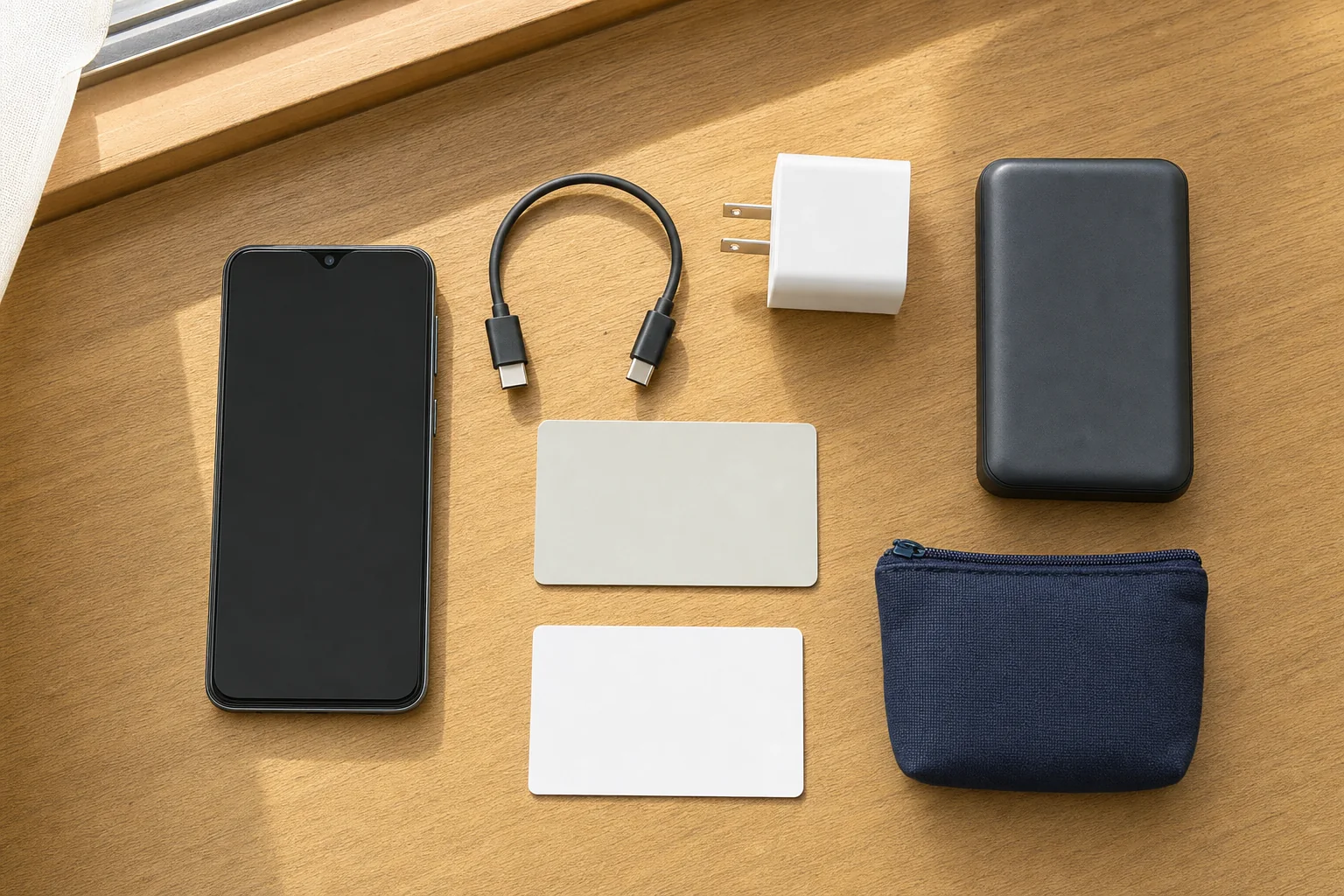
This takes about one minute:
- Start the day with a charged phone.
- Carry the cable that fits the phone.
- Carry a compact charger or charged power bank when the day includes long navigation, filming, festivals or late transport.
- Save the hotel address and return route.
- Keep a small amount of cash separate from the phone.
- Confirm which transit card or ticket depends on the device.
- Set a group meeting point.
- Check that a rental app or payment route works before an emergency.
Flying with a power bank in Japan
Power banks belong in carry-on baggage, not checked baggage. JNTO’s April 2026 notice says Japanese aviation measures from April 24, 2026 limit carry-on to two power banks, each no more than 160Wh, and prohibit charging a power bank or using one to charge a device on board. Airline-specific rules may add detail, so check your airline before flying.
Do not buy an unlabeled power bank for air travel. Keep the capacity marking readable and protect the terminals from short circuit.
Frequently asked questions
Where can I charge my phone in Japan?
Look for a verified rental-battery stand, a permitted airport or station charging area, an electronics or phone shop, a convenience store selling compatible equipment, or a charging option at your accommodation. Check the specific location, hours, payment and connector before walking there.
Can I charge my phone at a Japanese convenience store?
A branch may sell chargers, cables or power banks, and some branches host rental-battery stands. This is not uniform across a chain. Ask staff and do not use an unmarked outlet.
Can tourists use CHARGESPOT?
The rental flow requires a functioning phone, a supported app or payment app and an accepted payment method. App-store access and payment verification can differ by traveler. Check the flow before the battery becomes critical.
What happens if my phone dies while using Mobile Suica?
JR East says a completely drained or manually switched-off device cannot use Suica. If it dies after you enter, speak to station staff; you may need to pay the fare in cash and later have the entry record cleared after the phone turns on. A compatible Express Transit setup may have limited power-reserve use.
What should I do if my QR train ticket is on a dead phone?
Go to the staffed gate or ticket office and show the reservation details you saved. Use the issuing operator’s Wallet, email or print option before travel when available. Do not assume a screenshot will be accepted as the ticket.
Does Google Maps work offline in Japan?
Downloaded areas may be viewable offline where the feature is available. Google says offline public-transport, walking and cycling directions are unavailable; offline driving also loses traffic information and alternative routes. Save your train and walking steps separately.
Can I use an outlet at a station or cafe?
Use a charging area or outlet marked for passengers or customers, or ask staff. A visible socket may be reserved for equipment or cleaning.
What should I save before my phone reaches 0%?
Save the hotel name and Japanese address, route and station exits, ticket and seat details, booking numbers, door or check-in instructions, one group meeting point and one recovery location.
What can I do if my phone dies after the last train?
Move to a safe staffed place, use a written hotel address, and choose an official taxi stand, a suitable place to wait or the first train. Do not wander through unfamiliar streets looking for a cheaper charger.
Can I carry a power bank on flights in Japan?
Yes, subject to capacity, quantity and airline rules, and it must travel in carry-on baggage. From April 24, 2026, Japan’s announced measures limit passengers to two power banks of no more than 160Wh each and prohibit using or charging them on board.

Comments