Last checked: July 21, 2026
You want to reserve a train from Tokyo to Sendai, Nagano, Niigata, Aomori, Hakodate, or another JR East destination. You search for “Eki-net English,” find several similar-looking JR websites, and then have to decide whether you need a paper ticket, a Suica, or a rail pass.
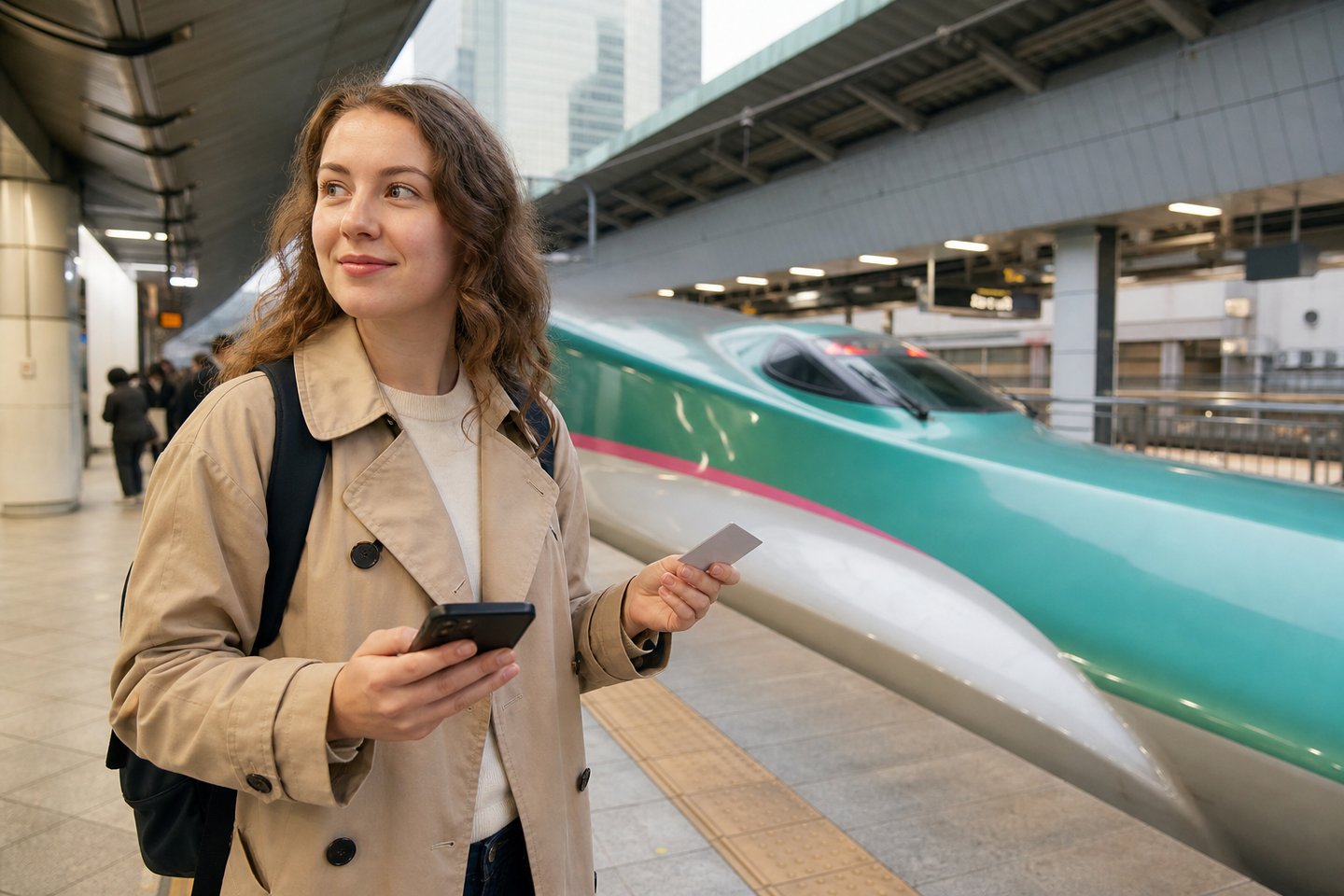
The short answer is simple: overseas visitors booking JR East trains in English should start with JR-EAST Train Reservation. It is JR East’s official multilingual booking site for eligible JR East, JR Hokkaido, and Hokuriku Shinkansen journeys. It is not the booking site for the Tokaido Shinkansen to Kyoto or Osaka.
Quick Answer
- Use JR-EAST Train Reservation for eligible JR East and JR Hokkaido trains and the Hokuriku Shinkansen.
- Use SmartEX, not JR-EAST Train Reservation, for the Tokaido Shinkansen from Tokyo to Kyoto, Shin-Osaka, Hiroshima, or Hakata.
- Choose a Shinkansen e-ticket when each traveler has a compatible transportation IC card. Link one IC card to each seat, then tap that card at the gate.
- Choose a paper ticket if you do not want to use an IC card. Collect it at an eligible reserved-seat ticket machine or counter before boarding.
- If an overseas credit card is rejected, try another card. JR East’s official fallback is to buy at a station, JR EAST Travel Service Center, or reserved-seat ticket machine.
- Eki-net vs. JR-EAST Train Reservation
- Which trains and routes can you book?
- Before you start: what to prepare
- How to book a JR East train in English
- Shinkansen e-ticket: how ticketless boarding works
- Paper ticket pickup: what you need
- Shinkansen e-ticket vs. Express Train e-ticket
- What to do if your credit card fails
- Rail passes: JR East passes vs. the nationwide Japan Rail Pass
- Changes, cancellations, and refunds
- Common mistakes and a practical Plan B
- Mistake 1: Using JR East for Tokyo–Kyoto
- Mistake 2: Treating the confirmation email as a ticket
- Mistake 3: Linking one IC card to several travelers
- Mistake 4: Forgetting the basic fare on a limited-express e-ticket
- Mistake 5: Leaving the pickup area before collecting the return ticket
- Plan B at the station
- JR East vs. SmartEX vs. JR-WEST
- Frequently Asked Questions
- Official links and related guides
Eki-net vs. JR-EAST Train Reservation
“Eki-net” can refer to JR East’s Japanese online reservation ecosystem. The English-language service that JR East presents to overseas visitors is named JR-EAST Train Reservation. Its web address is on the eki-net.com domain, which is why travelers often call it “Eki-net English.”
For a visitor, the practical rule is:
- If the page title says JR-EAST Train Reservation and offers English plus other visitor languages, you are in the right place for this guide.
- If you are planning Tokyo–Kyoto–Osaka travel, you are looking for the wrong JR company. Use SmartEX.
- A train shown on a route map is not necessarily bookable. JR East says the trains displayed in the site’s search results are the trains available through the service.
JR East describes the service as a reservation site for passes, reserved seats, and tickets in eastern Japan. Membership and use of the reservation service are free, with no separate ticketing fee, although the fare and any card-company charges still apply.

Which trains and routes can you book?
JR East’s official FAQ says the available ticket area is limited to JR East, JR Hokkaido, and the Hokuriku Shinkansen. In practical terms, this includes these Shinkansen corridors heading north and northwest from Tokyo:
- Tohoku Shinkansen
- Hokkaido Shinkansen
- Joetsu Shinkansen
- Hokuriku Shinkansen
- Yamagata Shinkansen
- Akita Shinkansen
The site also sells eligible JR East limited-express tickets. Its current ticketless limited-express list includes services such as Narita Express, Azusa, Kaiji, Fuji Excursion, Hitachi, Tokiwa, Odoriko, SAPHIR ODORIKO, Shonan, Kusatsu-Shima, Akagi, Shiosai, Wakashio, Sazanami, and several regional services. Search the actual stations and date because availability can depend on the route, product, and timetable.
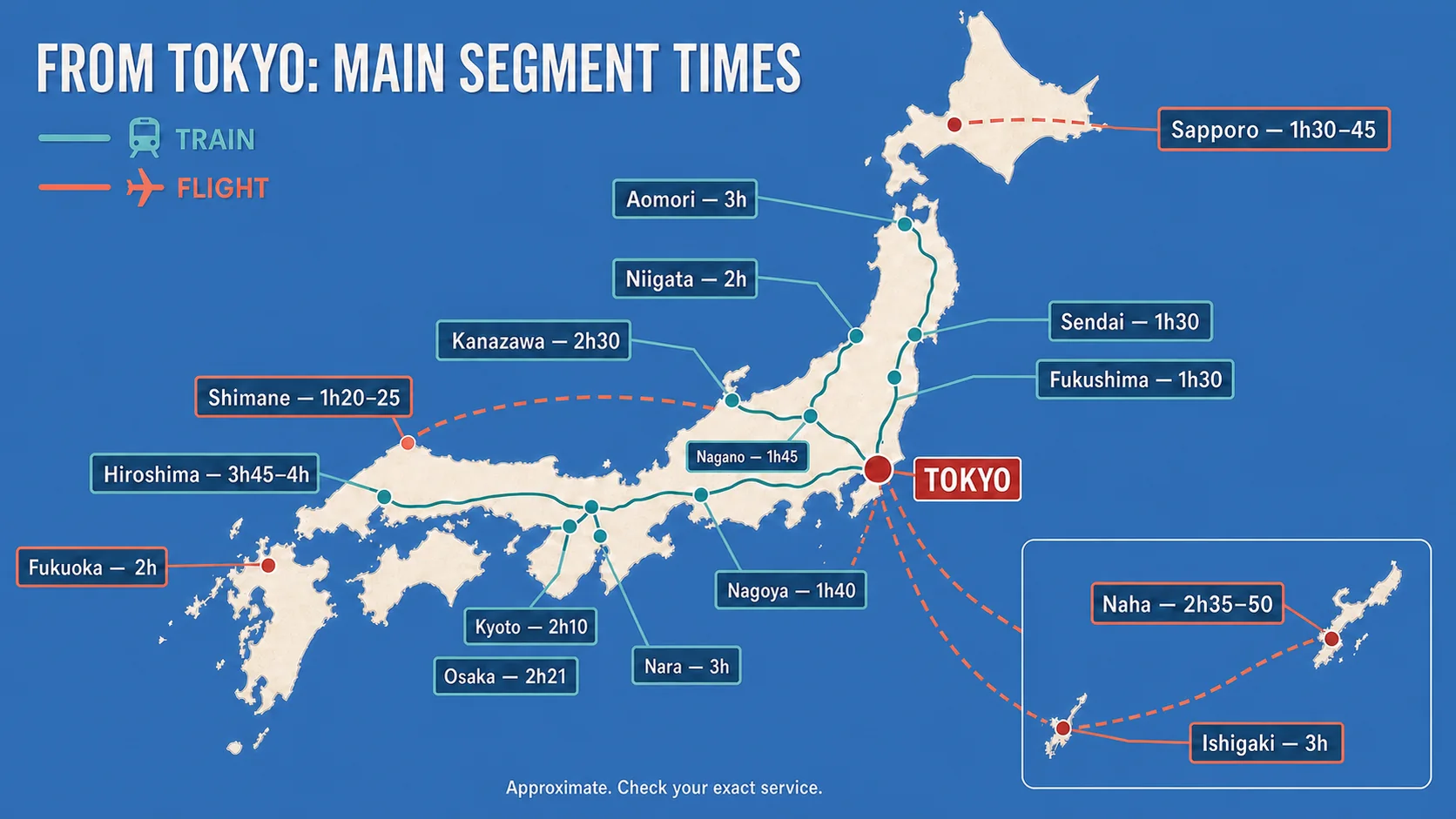
It does not sell Tokaido or Sanyo Shinkansen reservations. That means no Tokyo–Kyoto, Tokyo–Shin-Osaka, or Tokyo–Hiroshima booking through this site. For a broader route overview, see our Shinkansen Complete Guide 2026 and Japan travel times from Tokyo.
Before you start: what to prepare
Prepare these five things before opening the booking screen:
- Your exact departure and arrival stations. “Tokyo” and “Shin-Aomori” work better than entering a sightseeing region.
- Your travel date and approximate time. JR East normally opens sales at 10:00 JST one month before travel.
- Passenger count and ages. Each traveler needs a separate IC card if you choose the Shinkansen e-ticket.
- A credit card in the member’s own name. If your bank rejects the transaction, you will need another card or the station fallback.
- A compatible transportation IC card number, if using an e-ticket. Suica and PASMO are common examples. You can complete a paper-ticket booking without one.
For pass purchases, have the correct passport information ready. JR East’s FAQ warns that a passport number entered for a booking cannot simply be edited later; the stated remedy is to cancel and book again with the correct information.
Booking hours and sales window
JR-EAST Train Reservation is not available around the clock. The normal application and refund windows are 5:00–23:50 and 0:10–1:50 Japan Standard Time, with maintenance between those windows. Temporary maintenance can add more downtime, so check the notice on the official top page if the site will not proceed.
For ordinary products, the official guide gives these typical sales cutoffs:
| Product | Normal online sales window |
|---|---|
| Paper ticket | From 10:00 JST one month before travel until 6 minutes before departure |
| Shinkansen e-ticket | From 10:00 JST one month before travel until 4 minutes before departure |
| Express Train e-ticket (basic fare required) | From 10:00 JST one month before travel until departure |
On the day of travel, additional nightly cutoffs apply. Do not plan a last-minute purchase near midnight.

How to book a JR East train in English
The booking flow is straightforward once you know which ticket format you want.
Step 1: Open the official site and create an account
Go to JR-EAST Train Reservation and choose your language. Create a member account or log in. Use an email address you can access while traveling, because your booking details and service notices may be sent there.
Step 2: Choose “Purchase tickets”
If you are not using a pass, start from Purchase tickets. Pass holders should use the separate pass or seat-reservation route shown on the top page.
Step 3: Search by station or line
The official guide offers station search, line search, and a separate route for sightseeing trains. Enter the departure station, arrival station, boarding date, preferred departure or arrival time, and number of passengers.
One important limitation: if your itinerary requires a transfer, the guide says you may need to search each train separately. Do not assume one search will construct a complex cross-company itinerary.
Step 4: Select the train and seat
Choose the train, class, and available seat option shown in the results. A train that does not appear in the results cannot be purchased through this service for that search.
Step 5: Choose e-ticket or paper ticket
For an eligible Shinkansen journey, you may see two distinct choices:
- Purchase a ticket: a paper ticket that must be collected before boarding.
- Purchase a Shinkansen e-ticket: a ticketless product used by linking a compatible IC card to each traveler’s reserved seat.
Do not choose the e-ticket merely because it sounds easier. It is suitable when each person will have a compatible IC card and you can complete the linkage online before the cutoff.
Step 6: Confirm the seat, pickup plan, and payment
Review the stations, date, train, departure time, seat, passenger count, ticket format, and total price before paying. If you selected a paper product, confirm that you can reach an eligible pickup location before travel.
Step 7: Save the booking details
After payment, save the confirmation and open the reservation in your account. A confirmation email by itself is not a boarding ticket. For an e-ticket, continue to the IC-card setup. For paper tickets, save the pickup QR code or pickup code and note the eligible station.
Shinkansen e-ticket: how ticketless boarding works
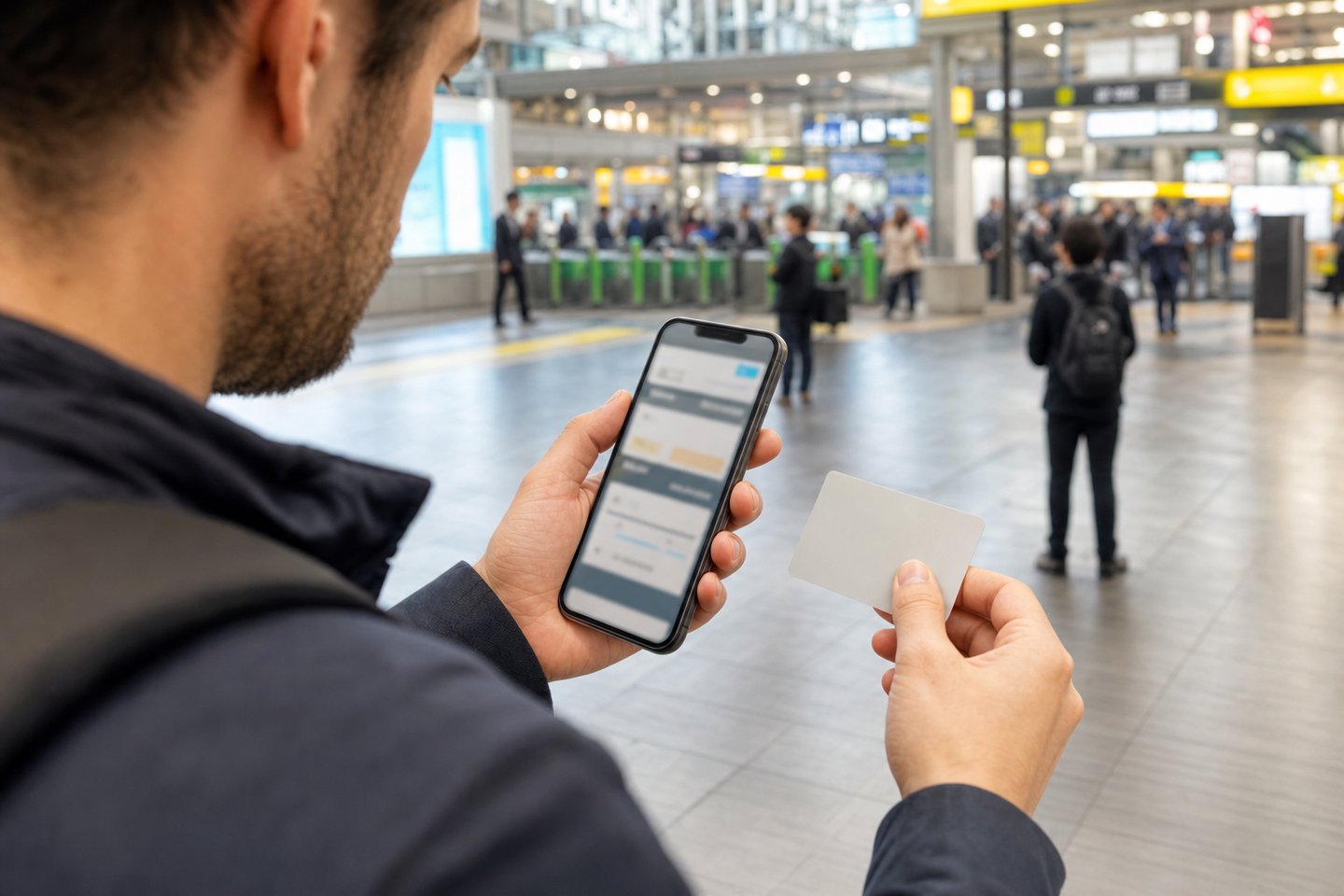
The Shinkansen e-ticket combines the fare and Shinkansen charge for the eligible journey. You pay online, then link the booking to a transportation IC card such as Suica or PASMO.
The card is the key to the reservation; the Shinkansen fare is not deducted from its stored balance. JR East requires one IC card per person. If you book for three people, you need three eligible cards and must link each seat to the correct card.
To link the cards:
- Open the completed reservation or its reservation-detail page.
- Choose the option to register or change IC-card information.
- Enter an IC-card number and a label for each passenger.
- Assign each card to a reserved seat, automatically or manually.
- Confirm that the linkage is complete in your reservation history.
JR East requires the linkage by four minutes before departure, and an internet connection is needed to complete it. Do it the day before, not on the platform.
At the station, tap the linked card at the Shinkansen gate. If you enter through a conventional-line gate first and then transfer to the Shinkansen, use the same registered card. JR East says the card needs at least the minimum-fare balance when merely entering a conventional-line concourse.
Read our Suica, PASMO, and ICOCA guide if you do not yet have an IC card.
Paper ticket pickup: what you need
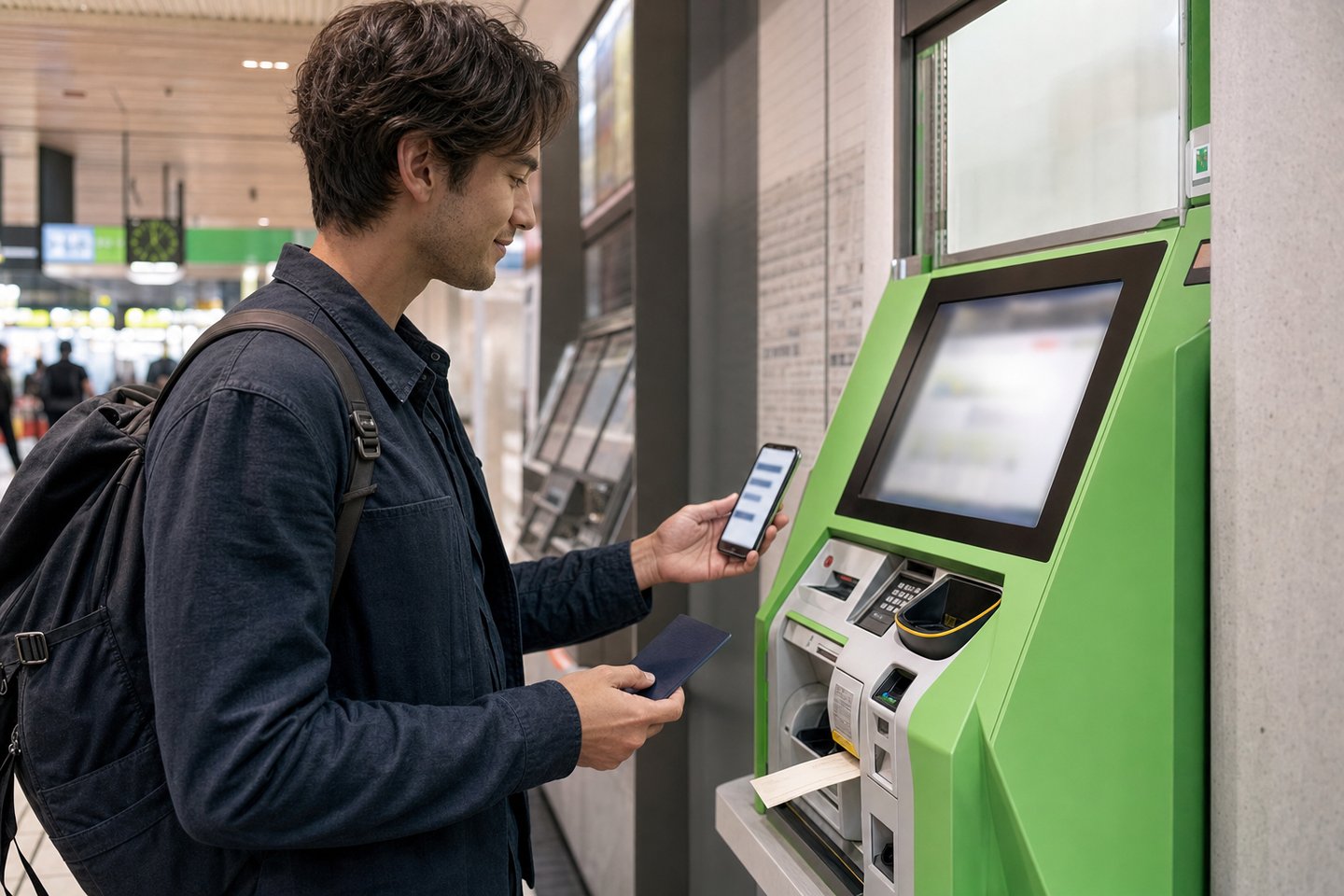
Paper tickets booked through JR-EAST Train Reservation can be collected at eligible reserved-seat ticket machines or ticket counters. Pickup locations vary by product and area, so check the location list attached to your reservation before traveling.
For a regular ticket purchased without a pass, the official pickup guide lists these methods:
- At an eligible reserved-seat ticket machine: pickup QR code, pickup code, or the credit card used for the booking.
- At an eligible ticket counter: pickup code or the credit card used for the booking.
If collecting a pass, passport requirements apply. A machine pickup of a pass requires an IC-chip passport and a machine with a passport reader; the official guide asks the pass users in the booking to be together for identity checks. Keep carrying the passport while using the pass.
The most costly pickup mistake is waiting until the return journey. JR East specifically warns that travelers sometimes leave the ticket-pickup area and then cannot collect the return ticket. If your trip takes you outside the eligible pickup area, collect the paper tickets you will need, including the return, before you leave.
Once a paper ticket has been issued, you cannot refund it through the website. You must ask at a station counter while the ticket is still eligible for a refund.
Shinkansen e-ticket vs. Express Train e-ticket
These names are easy to confuse, but they are different products.
| Product | What it covers | How you board |
|---|---|---|
| Shinkansen e-ticket | Eligible Shinkansen fare and Shinkansen charge | Link one IC card per traveler and tap at the gate |
| Express Train e-ticket (basic fare required) | Limited-express supplement only | Use a separate IC card or paper basic-fare ticket at the gate, then sit in the reserved seat |
For the Express Train e-ticket, you must still pay the ordinary basic fare separately. Carry a phone that can log in to JR-EAST Train Reservation: JR East says staff may ask you to show the reservation-detail screen. A dead or missing phone can result in having to buy a separate onboard limited-express ticket and seek the prescribed refund afterward.
What to do if your credit card fails
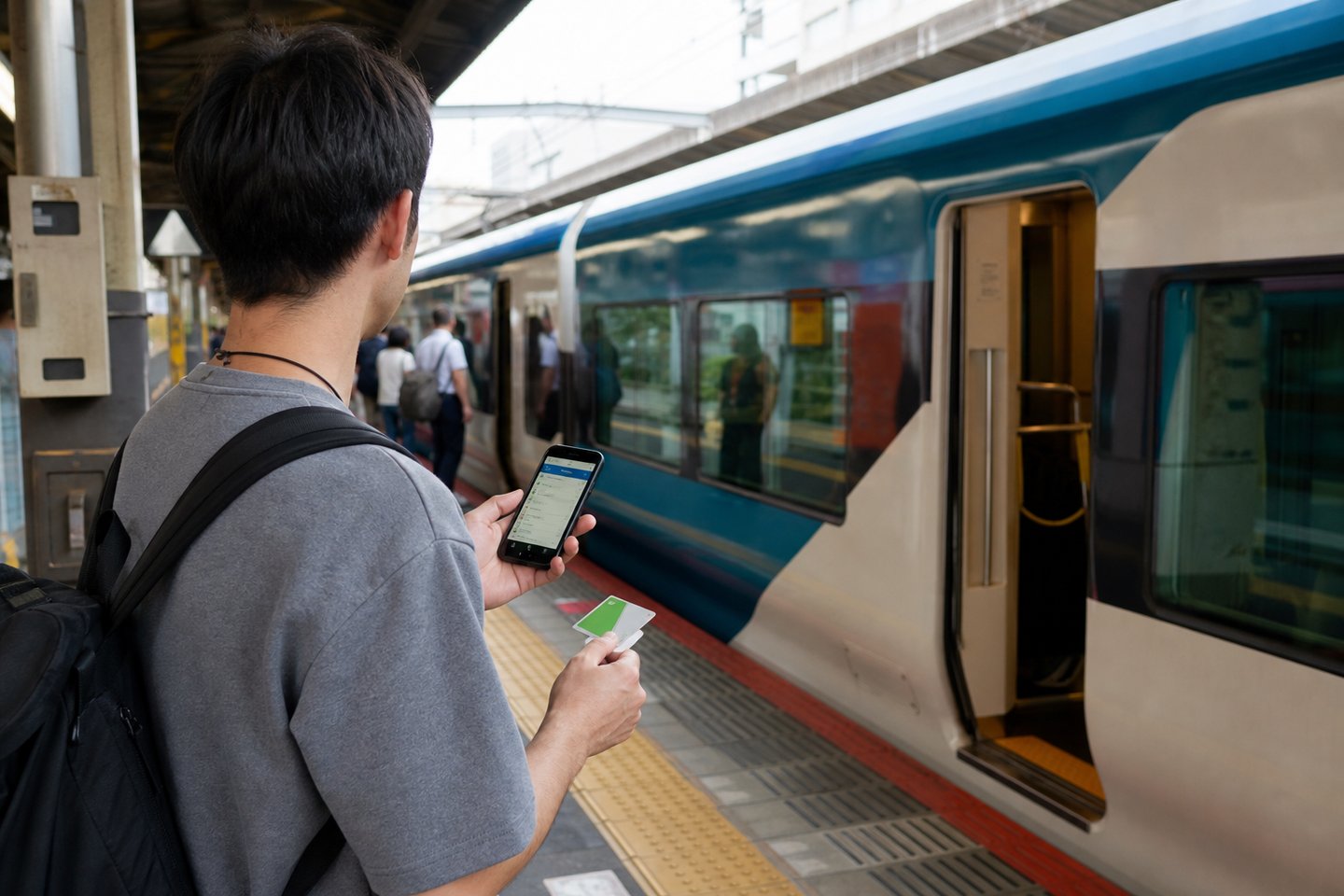
A rejection does not mean the train is sold out. JR East’s current top-page notice says some transactions may be restricted by the credit-card company as an anti-fraud measure.
Use this order:
- Recheck the card details and the member name.
- Complete any authentication request from your issuing bank.
- Contact the card issuer if the transaction is blocked.
- Try a different card, preferably from a different issuer.
- If online payment still fails, buy after arrival at a station, JR EAST Travel Service Center, or reserved-seat ticket machine.
Do not repeatedly retry the same failed payment for hours. Save the train details and move to the official fallback.
Rail passes: JR East passes vs. the nationwide Japan Rail Pass
JR-EAST Train Reservation can sell eligible JR East regional passes and let eligible pass users reserve seats through the account flow shown on the site. Examples include JR EAST PASS products and the JR TOKYO Wide Pass, subject to each pass’s current eligibility and route rules.
However, the nationwide JAPAN RAIL PASS is different. JR East’s official FAQ states that the nationwide pass cannot be purchased through JR-EAST Train Reservation and its reserved seats cannot be booked through this service.
If you already have a nationwide JAPAN RAIL PASS, use the reservation method provided with that pass or make reservations at an eligible JR station. Do not try to force the booking through the JR East regional-pass flow.
For JR East pass users, the official FAQ also notes an online cap of 15 reservations including the pass. Collecting the reserved tickets resets the count so further reservations can be made.

Changes, cancellations, and refunds
The English top page labels the account area Your Reservations / Cancel a Reservation. Open the booking and review its detail page before acting.
For tickets—including Shinkansen e-tickets and Express Train e-tickets—the current official guide states:
- Online cancellation is free through 21:00 JST on the day before travel.
- After 21:00 the day before, the guide lists a ¥320 per-person fee for a reserved seat, ¥220 per person for a non-reserved seat, and ¥220 for a basic-fare ticket.
- A reserved-seat refund is not available after the train has departed.
- A Shinkansen e-ticket can normally be refunded online until four minutes before departure; a paper ticket has a six-minute cutoff, subject to the day’s operating hours.
- After a paper ticket has been collected, website cancellation is no longer available; take the ticket to a station counter.
Pass rules and exceptional products can differ. Read the fee and deadline displayed for the actual reservation before confirming the cancellation.
If you need a different train, do not assume there is a universal “change” button across products. The safest method is to inspect the reservation details and official guide for that ticket. If the site presents cancellation rather than a direct change, confirm availability on the replacement train before giving up the original seat.
Common mistakes and a practical Plan B
Mistake 1: Using JR East for Tokyo–Kyoto
Tokyo Station is operated by more than one JR company, but the Tokaido Shinkansen is not sold through JR-EAST Train Reservation. Use SmartEX for Kyoto, Shin-Osaka, Hiroshima, and Hakata.
Mistake 2: Treating the confirmation email as a ticket
The official purchase guide says the reservation email cannot be used to board. Link the IC card or collect the paper ticket.
Mistake 3: Linking one IC card to several travelers
The Shinkansen e-ticket requires one transportation IC card per person. A family of four needs four cards linked to four seats.
Mistake 4: Forgetting the basic fare on a limited-express e-ticket
The Express Train e-ticket is a limited-express supplement. You still need a valid basic fare through a charged IC card or a separate paper ticket.
Mistake 5: Leaving the pickup area before collecting the return ticket
Pickup is not available at each JR station. Collect the necessary paper tickets while you are still at an eligible machine or counter.
Plan B at the station
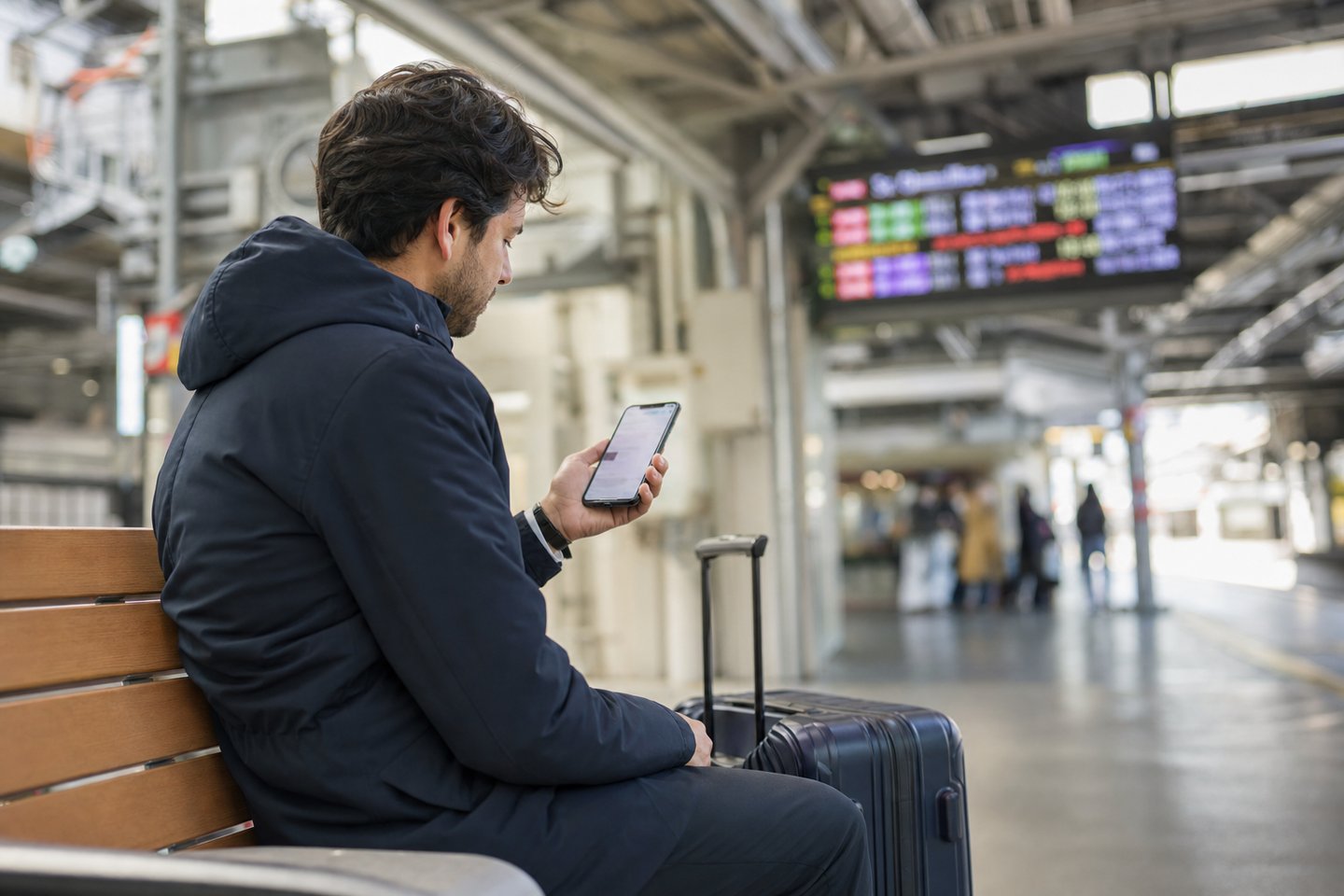
If the website is in maintenance, your card is blocked, or your route will not appear, take a screenshot of the desired date, stations, and train time. After arrival, use an English-capable reserved-seat ticket machine or ask at a JR EAST Travel Service Center or ticket counter. This is the fallback JR East itself gives for card restrictions.
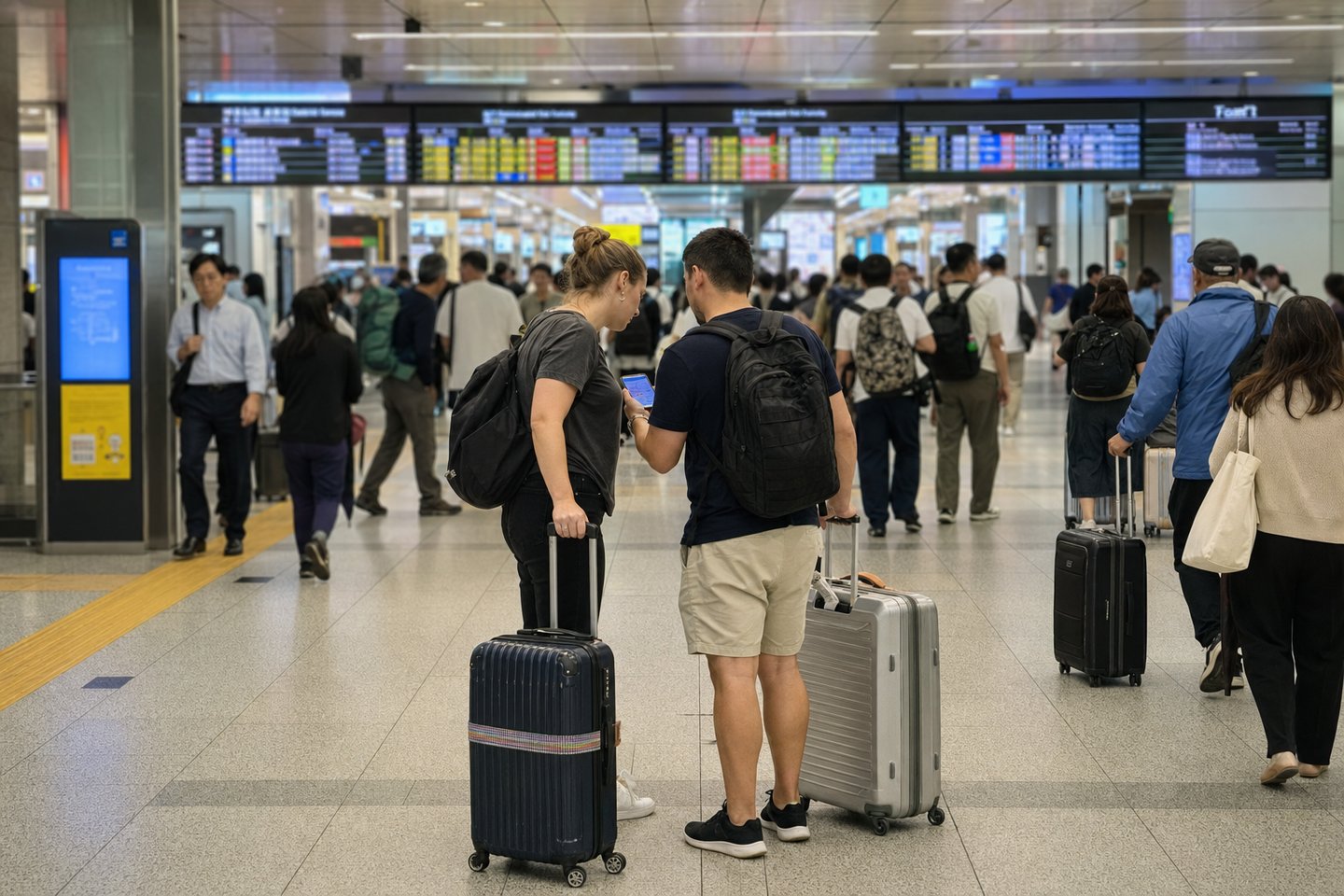
JR East vs. SmartEX vs. JR-WEST
| Your main trip | Official booking service | Typical boarding method |
|---|---|---|
| Tokyo to Sendai, Aomori, Niigata, Nagano, or eligible JR East/JR Hokkaido destinations | JR-EAST Train Reservation | Shinkansen e-ticket with linked IC card, or collected paper ticket |
| Tokyo to Kyoto, Shin-Osaka, Hiroshima, Hakata, or Kagoshima-Chuo | SmartEX | QR ticket, linked IC card, or collected ticket |
| JR West regional trips, western limited expresses, or JR-WEST pass products | JR-WEST Online Train Reservation | Paper-ticket pickup is common; product rules vary |
One 2026 difference matters when planning early: JR-EAST Train Reservation normally starts sales one month before travel, while SmartEX now advertises eligible Tokaido–Sanyo–Kyushu Shinkansen reservations from one year before departure, with the final train and seat confirmed later when necessary. Do not transfer the sales rule from one site to another.
Frequently Asked Questions
Is Eki-net available in English?
JR East provides a multilingual service named JR-EAST Train Reservation on the eki-net.com domain. Use that official site for eligible JR East, JR Hokkaido, and Hokuriku Shinkansen bookings in English.
Can I use JR-EAST Train Reservation for Tokyo to Kyoto or Osaka?
No. The Tokaido and Sanyo Shinkansen are outside this service. Use SmartEX for Tokyo–Kyoto–Shin-Osaka and onward to Hiroshima or Hakata.
Do I need a Suica to book?
No. Choose a paper ticket if you do not have a compatible transportation IC card. A Shinkansen e-ticket does require one compatible card per traveler before boarding.
Can two people use one Suica for a Shinkansen e-ticket booking?
No. JR East requires one compatible IC card for each traveler, with each card linked to that person’s reserved seat.
When can I book a JR East train online?
Most eligible tickets open at 10:00 JST one month before travel. Paper tickets normally close six minutes before departure and Shinkansen e-tickets four minutes before departure, within the site’s operating hours.
Where do I pick up a paper ticket?
Use an eligible reserved-seat ticket machine or ticket counter shown for your product. Bring the pickup QR code, pickup code, or booking credit card as instructed, and collect return tickets before leaving the eligible pickup area.
Why was my overseas credit card rejected?
JR East says some transactions may be restricted by the card company to prevent fraud. Try another card or buy at a station, JR EAST Travel Service Center, or reserved-seat ticket machine.
Can I reserve seats for a nationwide JAPAN RAIL PASS here?
No. JR East’s official FAQ says the nationwide JAPAN RAIL PASS cannot be purchased and its reserved seats cannot be booked through JR-EAST Train Reservation.

Plan your connection and IC card before traveling
If you need mobile internet during the trip, compare Japan eSIM, pocket WiFi and SIM cards before departure. For the IC-card choice mentioned in this booking guide, see Suica, PASMO and ICOCA for visitors. Save your reservation details offline as a backup; mobile data is not a substitute for the required ticket or IC-card setup.
Official links and related guides
- JR-EAST Train Reservation: official booking site
- JR East guide: buying tickets without a pass
- JR East guide: IC-card registration
- JR East guide: ticket pickup
- JR East guide: cancellations and refunds
- JR East: Shinkansen e-ticket and Express Train e-ticket
- Shinkansen Complete Guide 2026
- Suica, PASMO, and ICOCA guide
- Japan travel times from Tokyo
The safest sequence is: choose the correct JR company, book the exact train, decide between an IC-linked e-ticket and paper pickup, and verify the completed reservation before travel. If payment fails, the station option is not a defeat; it is JR East’s official Plan B.

Comments