- Quick Answer: Reserve the ETC Card Before Pickup
- ETC Onboard Unit and ETC Card Are Different Things
- Estimate the Route and Toll Before Driving
- Read the Tollgate Lanes Before You Enter
- ETC-Only Tollgates and Smart ICs Change the Route
- Paying Without ETC: Ticket, Cash and Card
- If the Barrier Does Not Open
- If You Miss the Exit
- Pre-Pickup ETC Decision Checklist
- Plan B When ETC Is Unavailable
- Frequently Asked Questions
- Do rental cars in Japan automatically include an ETC card?
- Can I use an ETC lane without an ETC card?
- Can I pay Japanese expressway tolls in cash?
- Can I pay expressway tolls by credit card?
- What is an ETC-only interchange?
- Can a car without ETC use a Smart IC?
- What should I do if the ETC barrier does not open?
- How can I estimate my expressway toll before driving?
- Official Sources Checked
Quick Answer: Reserve the ETC Card Before Pickup
If your rental provider offers an ETC card and your route uses an ETC-only tollgate or Smart IC, reserve the card before pickup. An ETC-equipped rental car is not enough by itself: ETC travel needs both the onboard unit and a valid inserted ETC card.
If you will drive without ETC, check every planned entrance and exit in an official NEXCO route search. Use only interchanges with a General or ETC/General lane, take and keep the entrance ticket, and carry Japanese yen plus a usable credit card. Card acceptance can vary, so cash is the safer payment backup.
Use this four-part test before driving:
- Search the exact departure and arrival interchanges and intended time.
- Check whether either interchange is ETC-only or a Smart IC.
- Confirm whether the rental booking includes both an ETC onboard unit and a card.
- Save a non-ETC interchange and payment fallback if the card is unavailable.
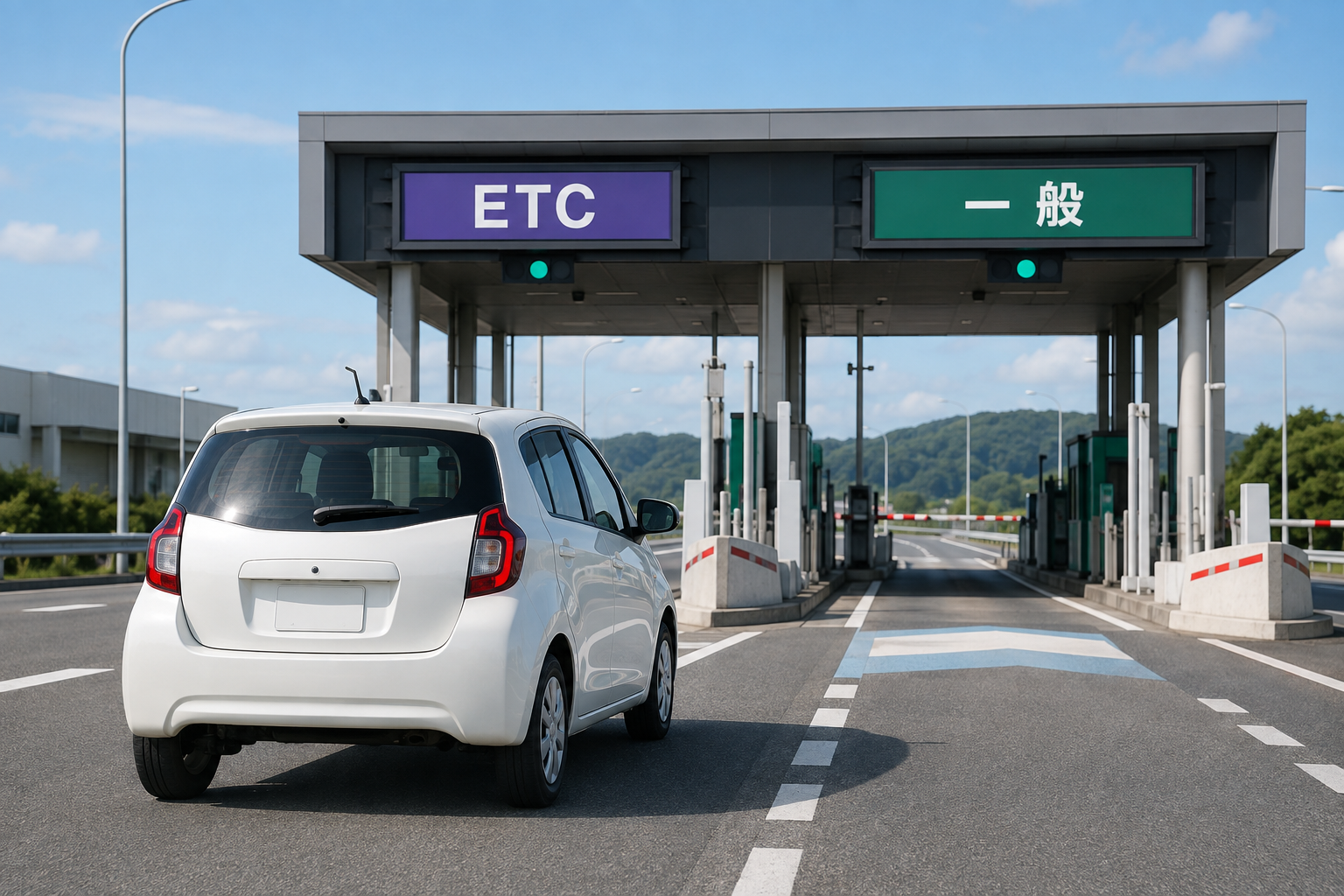
AI-generated illustration: a generic rental car approaching illustrative ETC and General lanes; not a photograph of a specific tollgate.
ETC Onboard Unit and ETC Card Are Different Things
Rental-company wording can be confusing because two separate items are involved:
- The ETC onboard unit is installed in the vehicle.
- The ETC card is inserted into that unit and records the toll transactions.
A car described as “ETC-equipped” may have the unit but not include a card. Ask the exact pickup branch whether the selected vehicle has the unit, whether an ETC card can be rented, whether it must be reserved, and how tolls are settled at return.
Toyota Rent a Car, for example, says its passenger cars generally have ETC units, with exceptions, and that card rental availability depends on the shop and reservation. It currently lists a separate rental fee and settles actual toll use when the vehicle is returned. That is one provider's current policy; other providers and branches set their own conditions.
Before leaving the counter, ask staff to show that the card is inserted correctly and recognized. Do not assume a beep or a dashboard light means the whole route is valid; the planned interchanges still need to accept the payment method you will actually use.
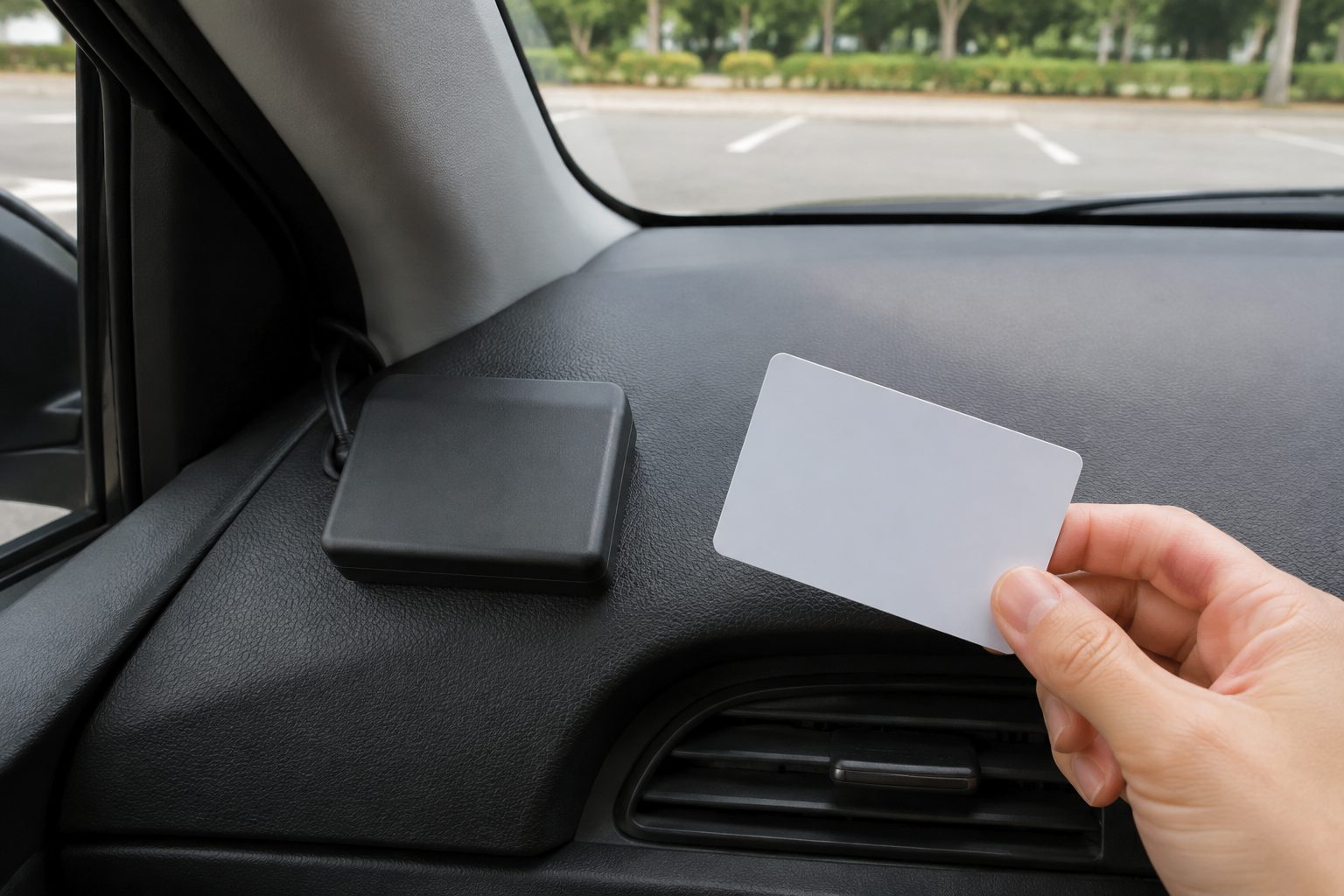
AI-generated illustration: a generic ETC onboard unit and a separate unbranded card; not a provider product or official instruction image.
Estimate the Route and Toll Before Driving
Do not budget with a single national “per kilometer” estimate. The route, vehicle class, operator, interchange pair, time and ETC conditions can affect the displayed result.
Use the official toll-and-route search in this order:
- Copy the exact entrance interchange from your route.
- Copy the exact exit interchange.
- Enter the intended date and approximate departure time when the search allows it.
- Confirm the vehicle class used in the result.
- Compare the ETC and non-ETC amounts shown, if both are available.
- Read the route notes instead of recording only the lowest number.
- Save the result with the interchange names and check it again before departure.
NEXCO East's English DoRaPuRa site provides a departure-and-arrival interchange search. Other routes may use NEXCO Central, NEXCO West, urban expressway or local toll-road tools. Use the operator shown for the road you will drive rather than assuming one search covers every discount or local road condition.
An ETC discount shown in a search result is not a promise that every rental or every time qualifies. Treat the official result and its conditions as the current estimate.

AI-generated illustration: pre-drive route planning without reproducing an official search screen.
Read the Tollgate Lanes Before You Enter
Lane operation can change, so follow the live overhead signal and markings. These are the main concepts a visitor needs:
| Lane concept | Who should use it | What to do |
|---|---|---|
| ETC | Vehicle with a working ETC unit and valid inserted card | Slow to 20 km/h or below, confirm the lane is open, and pass only after the barrier opens |
| General | Driver paying without wireless ETC | Stop, take or present the ticket, and pay by the accepted method |
| ETC/General | Either ETC or non-ETC traffic may enter | Expect the vehicle ahead to stop; use the correct payment process |
| Support or ETC/Support | Error-handling lane at an ETC-only tollgate | Stop before the barrier and follow the intercom, signs or staff instructions |
NEXCO Central's English guidance says drivers paying by cash or credit card should use a lane marked 一般 (General), keep the entrance ticket and present it at the exit. Drivers using ETC should insert the card, slow to below 20 km/h and proceed only after the barrier opens.
Do not choose a lane from an old screenshot. Look at the current signal and lane board as you approach, reduce speed early and leave space from the vehicle ahead.
ETC-Only Tollgates and Smart ICs Change the Route
An ETC-only tollgate is not a normal cash route with a hidden payment booth. It expects a vehicle with working ETC equipment and a valid inserted card. NEXCO's current operator pages maintain lists of ETC-only tollgates because locations and conversion dates can change.
A Smart IC is also ETC-specific. NEXCO East's route-search notes state that a vehicle without onboard ETC cannot use a Smart IC. Therefore, a navigation route that enters or exits through a Smart IC is invalid for a driver without ETC even if the rest of the expressway accepts cash.
This is the key planning rule:
A General lane somewhere else on the road does not make an ETC-only entrance or Smart IC usable without ETC.
If ETC is unavailable, edit the route before departure. Select a different interchange with a General or ETC/General lane, or choose a non-toll route. Recalculate the time and toll after changing the interchange.
Paying Without ETC: Ticket, Cash and Card
On a normal ticket-based route, enter through a General or ETC/General lane and stop. Take the ticket from the attendant or machine and keep it until the exit. Some roads collect payment at entry; follow the live instructions.
At the exit, stop in a General, ETC/General or General payment-machine lane, present or insert the ticket, and pay the displayed toll. NEXCO Central lists Japanese yen cash and specified credit cards for its General lanes. Toyota's visitor guide warns that some tollgates may not accept cards, so carry enough Japanese yen as a backup.
Do not treat the following as safe assumptions:
- a foreign card accepted at the rental counter will work at every tollgate;
- a phone wallet can replace a physical toll payment method;
- an ETC onboard unit can charge an ordinary credit card inserted into it;
- a Support lane is a planned cash lane for an ETC-only route.
Keep the ticket flat and easy to reach. If it is lost, use the intercom and explain the entrance interchange and approximate entry time. Do not leave the vehicle in an active lane.
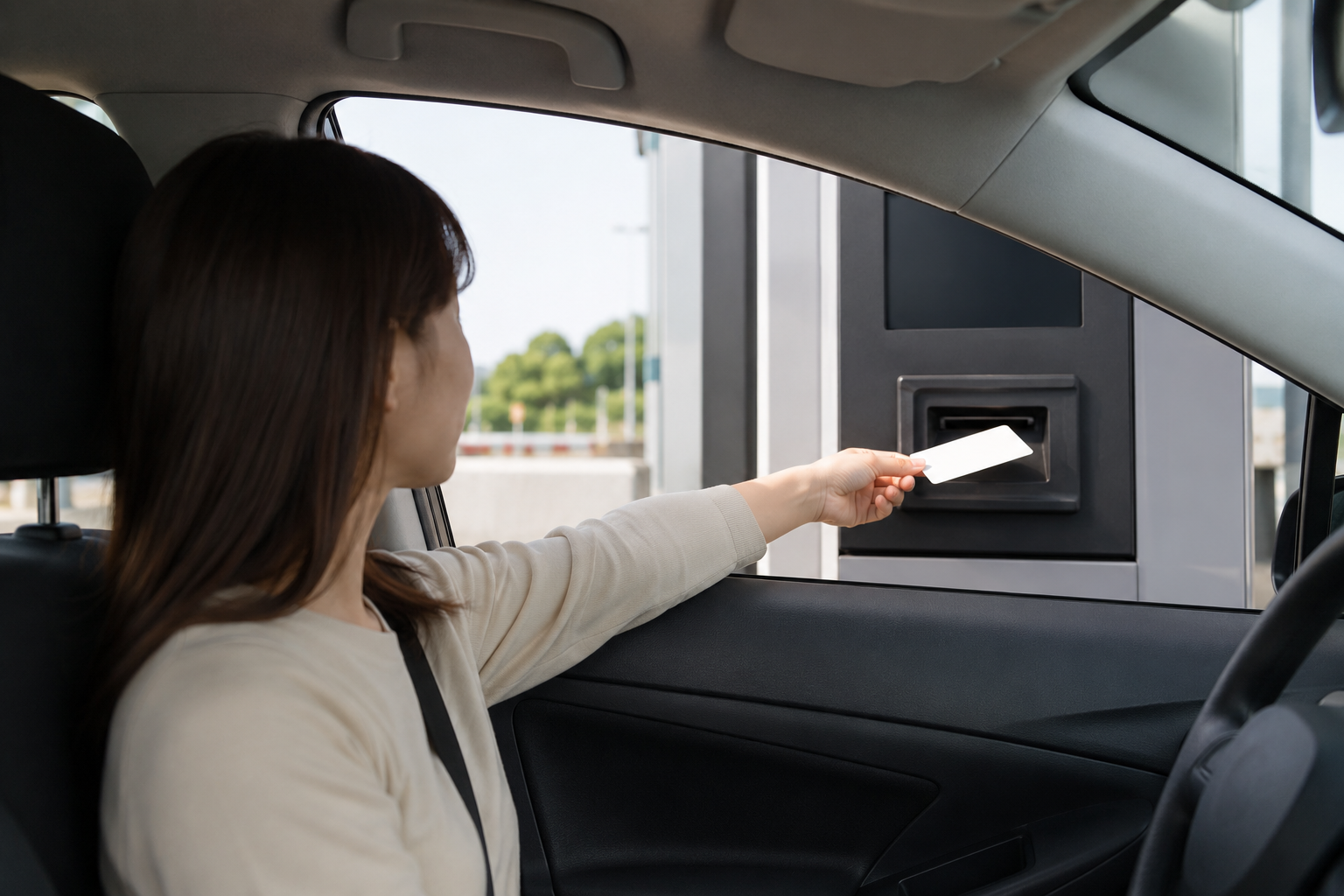
AI-generated illustration: a stopped driver receiving a blank generic toll ticket; not an official tollgate record.

AI-generated illustration: generic yen-and-card payment preparation; not a statement that every tollgate accepts every card.
If the Barrier Does Not Open
Do not reverse. Do not make a U-turn. Do not get out of the car in a live toll lane.
Stop before the barrier, switch on the hazard lights if needed, and use the intercom or follow staff instructions. At an ETC-only tollgate, NEXCO East directs a vehicle without working ETC into the Support or ETC/Support lane, where the driver must stop and follow the local process. This is an incident path, not a route to choose intentionally.
If an ETC card was expected to work, tell staff that you are in a rental car and follow their payment or identification instructions. The exact handling can vary by operator and tollgate.
If You Miss the Exit
Continue forward and leave at the next safe interchange. NEXCO East says not to reverse or make an unauthorized U-turn. Use a General or ETC/General lane at the next exit and contact the tollgate staff before paying. Staff may guide a return depending on the interchange structure and traffic conditions.
Do not assume the toll will be adjusted. Follow the staff's instructions and accept that the available route and charge depend on the actual situation.
For navigation preparation, read Does Google Maps Work in Japan?. If your phone fails, use the offline and charging steps in Phone Died in Japan?.
Pre-Pickup ETC Decision Checklist
| Check | ETC plan | Non-ETC Plan B |
|---|---|---|
| Rental car | Onboard unit confirmed | Vehicle does not need ETC for the alternate route |
| Payment tool | ETC card reserved and recognized | Japanese yen plus a usable credit card |
| Entrance IC | ETC accepted | General or ETC/General lane confirmed |
| Exit IC | ETC accepted | General or ETC/General lane confirmed |
| Smart IC / ETC-only | Usable with working ETC | Replace with a different interchange or route |
| Toll estimate | Save the official ETC result and conditions | Save the official non-ETC result |
| Failure response | Stop and use intercom; do not reverse | Stop and use intercom; do not reverse |
If you have not yet confirmed that you may legally drive in Japan, finish the document check first in Driving in Japan: IDP, License Translation & Rental Rules. A valid toll plan cannot repair an invalid driving document.
Plan B When ETC Is Unavailable
Do not cancel the whole trip automatically. Rebuild only the legs that depend on ETC:
- Replace every ETC-only or Smart IC entrance and exit.
- Search the new interchange pair in the official tool.
- Confirm that both ends show a General or ETC/General option.
- Add the extra local-road time to the itinerary.
- Carry Japanese yen and a usable physical card.
- Save the rental branch number and the road operator's emergency contact information.
If the new route is too slow or uncertain, choose a rail, bus or taxi leg instead of improvising at the tollgate.

AI-generated illustration: a traveler changing a schematic route before departure; not an official map.
Frequently Asked Questions
Do rental cars in Japan automatically include an ETC card?
No. An ETC-equipped car has an onboard unit, but the ETC card is separate. Ask the exact rental branch whether a card is available, whether it must be reserved, and how the tolls and any card fee are settled.
Can I use an ETC lane without an ETC card?
No. Wireless ETC use requires a working onboard unit and a valid inserted ETC card. Without both, choose a checked General-lane route and do not intentionally enter a Smart IC.
Can I pay Japanese expressway tolls in cash?
Yes on normal General-lane routes that accept cash. NEXCO Central specifies Japanese yen. An ETC-only tollgate or Smart IC is not a normal cash route, so check both interchanges first.
Can I pay expressway tolls by credit card?
Many General tollgates accept specified credit cards, but acceptance is not universal. Carry Japanese yen as a backup and do not rely only on a phone wallet or one foreign card.
What is an ETC-only interchange?
It is an interchange or tollgate intended for vehicles with working ETC equipment and a valid inserted card. If you do not have ETC, change to a different interchange or route before driving.
Can a car without ETC use a Smart IC?
No. NEXCO describes a Smart IC as ETC-specific. A non-ETC route must use another entrance and exit with General or ETC/General access.
What should I do if the ETC barrier does not open?
Stop before the barrier and use the intercom or follow staff instructions. Do not reverse, make a U-turn or leave the vehicle in the live lane. At an ETC-only tollgate, follow the Support or ETC/Support process.
How can I estimate my expressway toll before driving?
Use the official operator's toll-and-route search with the exact entrance, exit, intended time and vehicle class. Save the result and its conditions, then recheck if the route or interchange changes.
Official Sources Checked
- NEXCO Central: Toll collection methods
- NEXCO East: English toll and route search
- NEXCO East: ETC-only tollgates
- Toyota Rent a Car: ETC options and expressway use
- NEXCO Central: What to do if the gate does not open
- NEXCO East: Missed exit guidance
Last checked: August 26, 2026. Toll prices, lane operation, ETC-only locations, discounts and rental-card availability can change. Recheck the exact rental booking and official route immediately before pickup and departure.


Comments