- Quick Answer
- What is Midori no Kenbaiki?
- Why Apple Pay Doesn’t Work Directly at the Machine
- The Real Solution: Welcome Suica Mobile (Apple Wallet)
- Payment Methods That DO Work at Midori no Kenbaiki
- Step-by-Step: Buying a Ticket Without Apple Pay
- Alternative: SmartEX & Station Counter
- FAQ
- Can I use Apple Pay at any Japanese ticket machine?
- Does Apple Pay work at Suica/PASMO ticket gates?
- Why does my American Apple Pay tap work at 7-Eleven but not at the train station?
- Can I add a regular Suica (not Welcome Suica) to my American iPhone?
- What happens if my PIN is rejected at the green machine?
- Can I use my foreign credit card on the Welcome Suica Mobile app?
- Is there a tap-payment terminal anywhere on a Midori no Kenbaiki?
- What about contactless EMV (Mastercard/Visa tap) on JR machines?
- If I just buy local commuter tickets, do I need any of this?
- Does Google Pay work the same way as Apple Pay here?
- What to do next
- Continue Your Japan Trip
Quick Answer
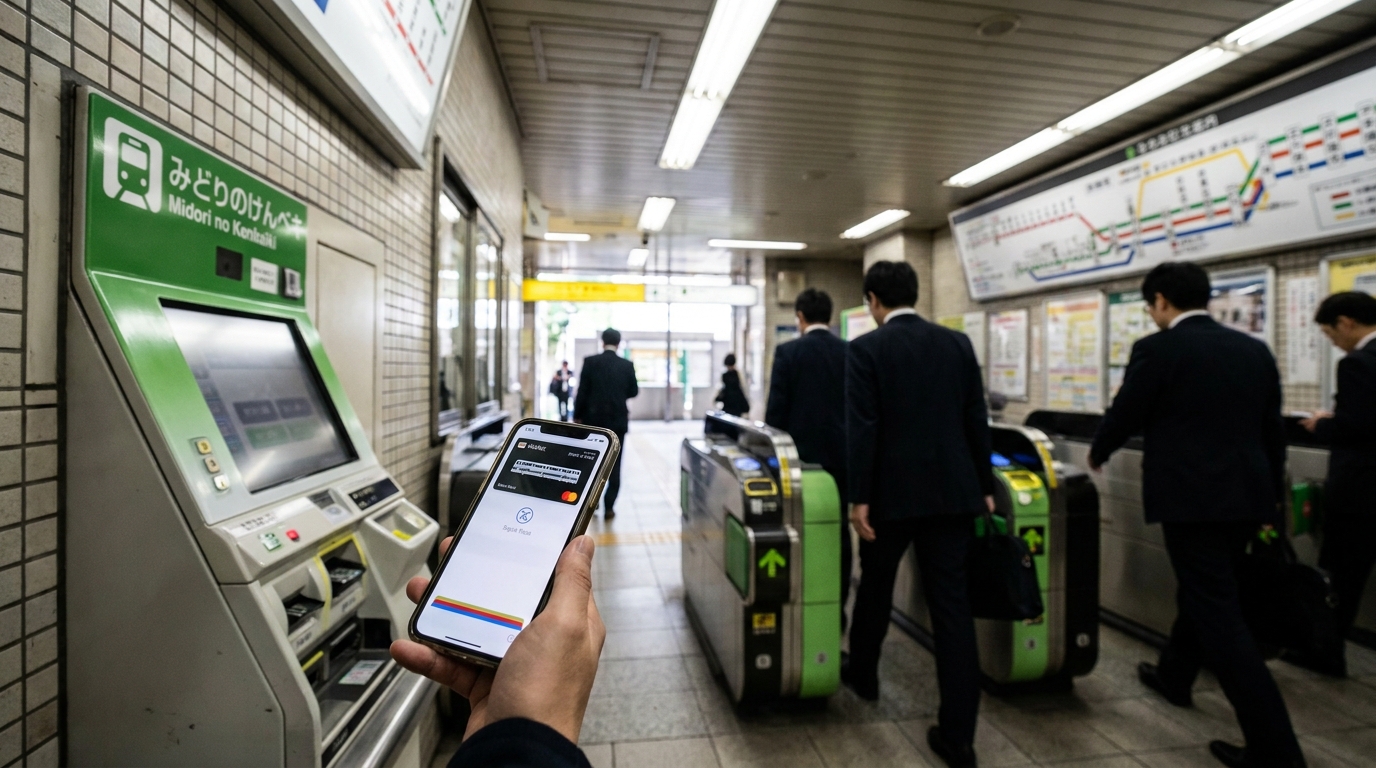
As of 2026, JR East’s “Midori no Kenbaiki” (緑の券売機 / green ticket machines) do NOT accept Apple Pay or any contactless tap payment at the machine itself. Credit cards must be inserted with chip + PIN, and cash is accepted up to ¥10,000 bills.
If you want to use your iPhone to pay for JR travel, the answer is Welcome Suica Mobile: a tourist-friendly app that loads a Suica IC card into Apple Wallet, takes 5 minutes to set up, and lets you tap through ticket gates and buy from inside trains without ever touching a Midori no Kenbaiki.
Skip to: Why Apple Pay fails · Welcome Suica setup · What payments DO work · Step-by-step
What is Midori no Kenbaiki?
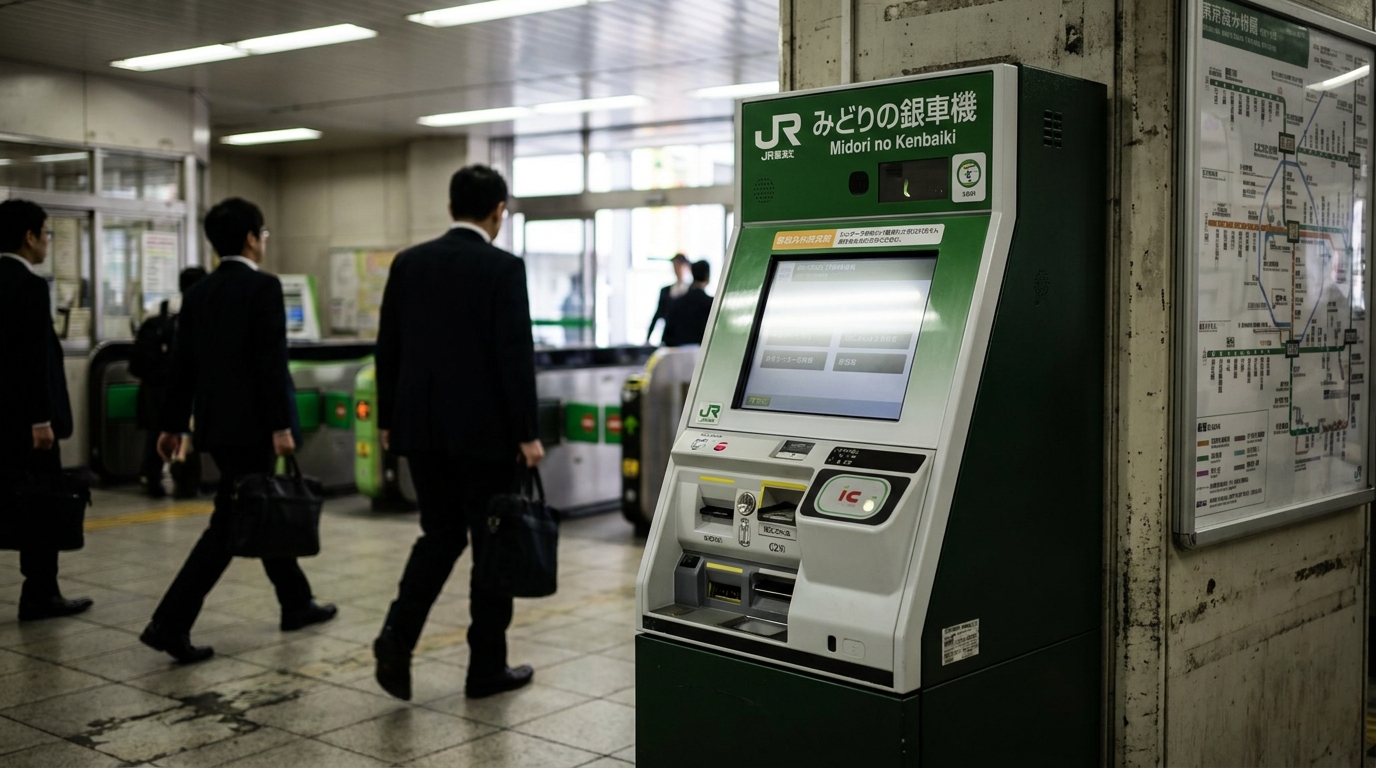
“Midori no Kenbaiki” (緑の券売機) literally means “green ticket machine.” It is JR East’s mid-tier ticket vending machine, color-coded green, found at most major JR stations including Tokyo, Shinjuku, Ueno, Shinagawa, Yokohama, Sendai, and across the JR East network.
It sits between two other machines:
| Machine | Color | What it sells |
|---|---|---|
| Standard kenbaiki | Blue | Local commuter tickets, IC card top-up |
| Midori no Kenbaiki | Green | Reserved tickets, Shinkansen, limited express, Green Car upgrades |
| Midori no Madoguchi | (Counter, not a machine) | All of the above + special tickets, refunds, foreign-language help |
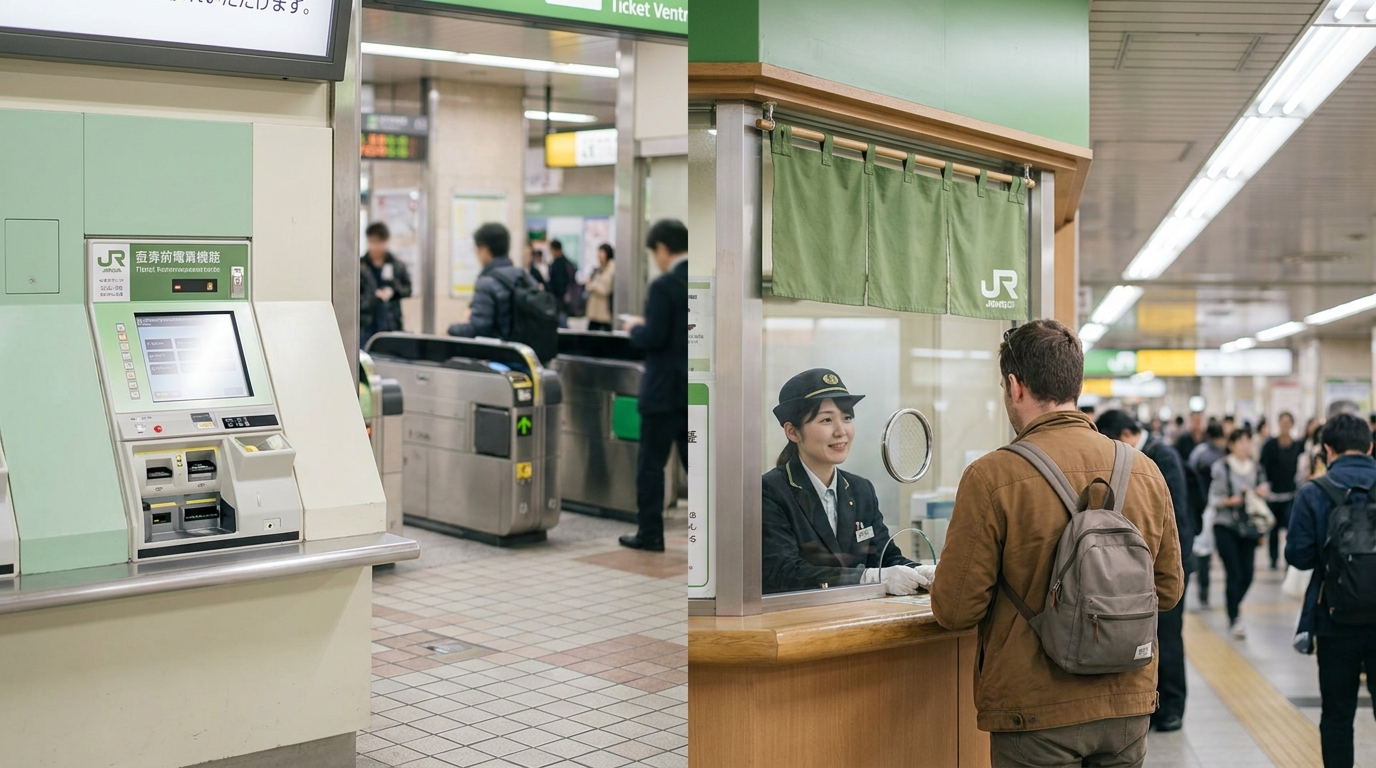
The green machine exists because demand at the staffed counters (Midori no Madoguchi) once exceeded what JR East could handle. JR East later suspended that closure plan after passenger pushback. For current trips, expect both green machines and some staffed counters, but check station staffing for complex tickets.
The green machine has English, Chinese, and Korean menus, but its payment hardware mirrors the blue commuter machines: a cash slot and a chip+PIN credit card insert slot.
Why Apple Pay Doesn’t Work Directly at the Machine
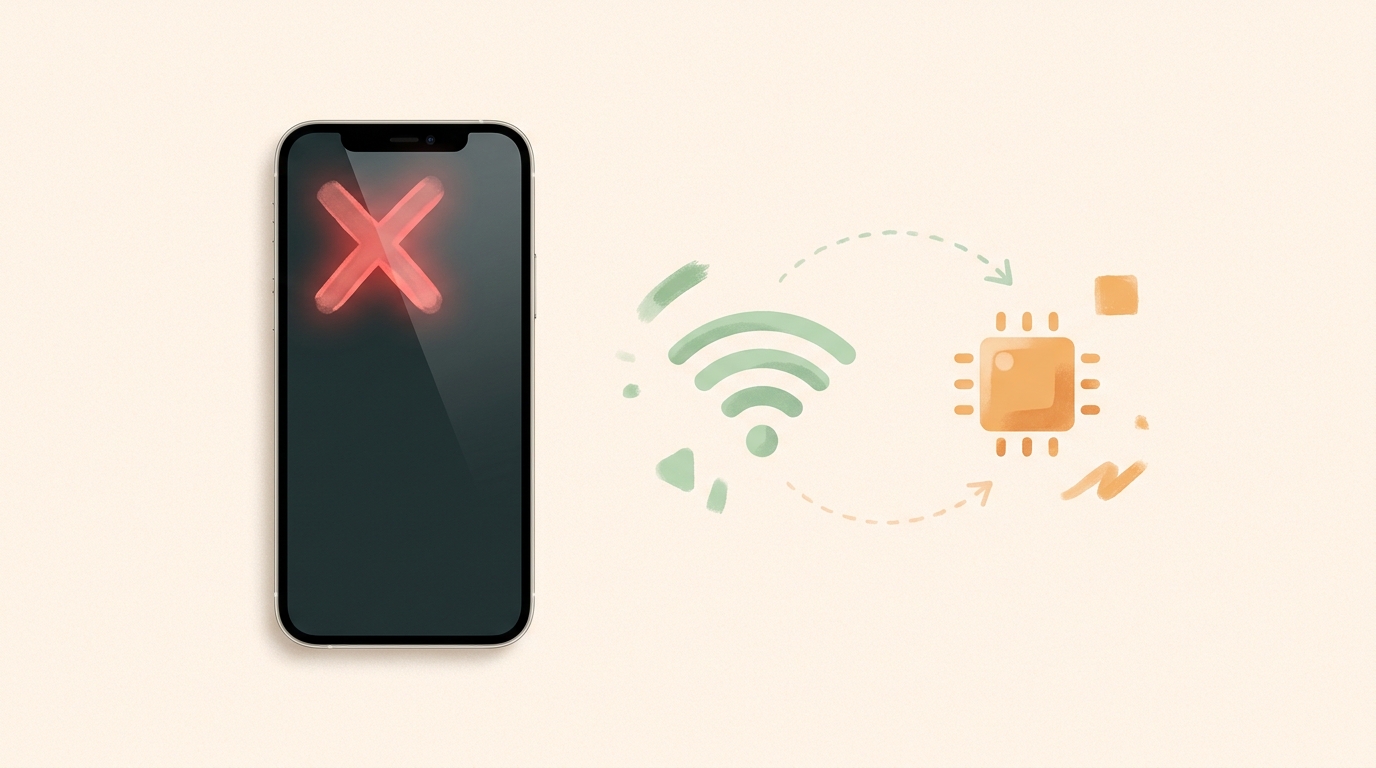
Three reasons stack up.
1. No tap-payment hardware on the machine
Look at the front of a Midori no Kenbaiki and you will see a card insert slot, a cash slot, and a barcode scanner—but no NFC tap zone for credit cards. The machine was not built to read contactless cards or phone wallets at the payment step. The IC card top-up pad on the side reads Suica/PASMO IC cards (FeliCa), not international Apple Pay credentials.
2. FeliCa vs. NFC-A/B regional split
Japan’s IC payment infrastructure runs on FeliCa (NFC-F), the standard used by Suica, PASMO, ICOCA, and most konbini and vending machines. International Apple Pay uses NFC-A/B, the global Mastercard/Visa contactless standard. They are physically different radio standards.
Newer Japanese readers in convenience stores can detect both standards, but JR East’s older ticket-machine fleet still relies on FeliCa for tap-style transactions. So even if the machine had a tap zone, your iPhone’s default Visa/Mastercard via Apple Pay would not register.
3. PIN requirement on inserted cards
Even when you give up on tap and try inserting your foreign credit card into the slot, JR East asks for chip + PIN verification—not signature, not just chip. Some U.S. and European cards carry a “no-CVM” or signature configuration, which the machine can reject mid-transaction. This is one of the failure points travelers report on TripAdvisor and Reddit.
If your card has a 4-digit PIN you set with your bank, this works. If you have not used a PIN with that card before, you may be redirected to the staffed counter or asked to pay cash.
The Real Solution: Welcome Suica Mobile (Apple Wallet)
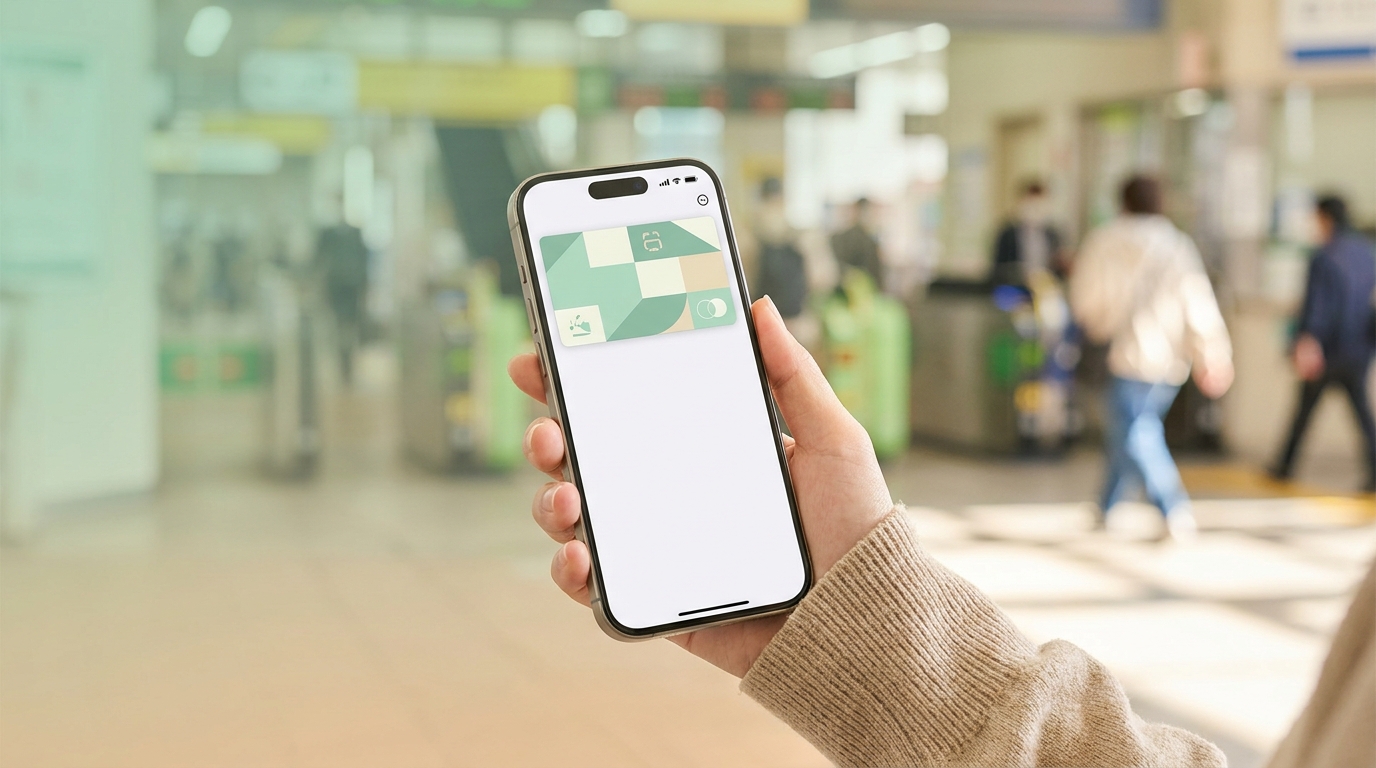
Stop trying to make the green machine accept your phone. Instead, load a Suica IC card directly into Apple Wallet and tap through ticket gates instead of buying paper tickets.
For tourists, the right option is the Welcome Suica Mobile app, launched specifically for short-stay foreign visitors. It supports English, accepts foreign credit cards, and does not require a Japanese Apple ID.
What it does
- Issues a digital Suica IC card valid for 180 days
- Loads instantly into Apple Wallet, ready to tap at any JR/Tokyo Metro/Toei/private rail gate, bus, konbini, and most vending machines
- Supports Express Mode: tap without unlocking your iPhone or using Face ID
- As of March 2026, supports Shinkansen e-tickets and Green Car upgrades inside the app—so for many trips you bypass the Midori no Kenbaiki entirely
What you need
- iPhone XR or later
- iOS 17.2 or later
- Any Apple Pay-compatible credit card (Visa, Mastercard, AMEX) — the foreign-card friction at the kenbaiki disappears here because Apple Pay handles authentication, not the merchant
- ~5 minutes
Limits to know before you trust it
| Item | Limit |
|---|---|
| Validity | 180 days from first use |
| Top-up per transaction | ¥10,000 maximum |
| Maximum balance | ¥20,000 |
| Refund of unused balance | Not available |
| Replaces paper Shinkansen ticket | Yes, since March 2026 |
| Replaces Green Car liaison ticket | Yes, since March 2026 |
If you stay longer than 180 days, or want a refundable balance, regular Mobile Suica (different app, requires a Japanese Apple ID region or workaround) is the alternative.
Payment Methods That DO Work at Midori no Kenbaiki
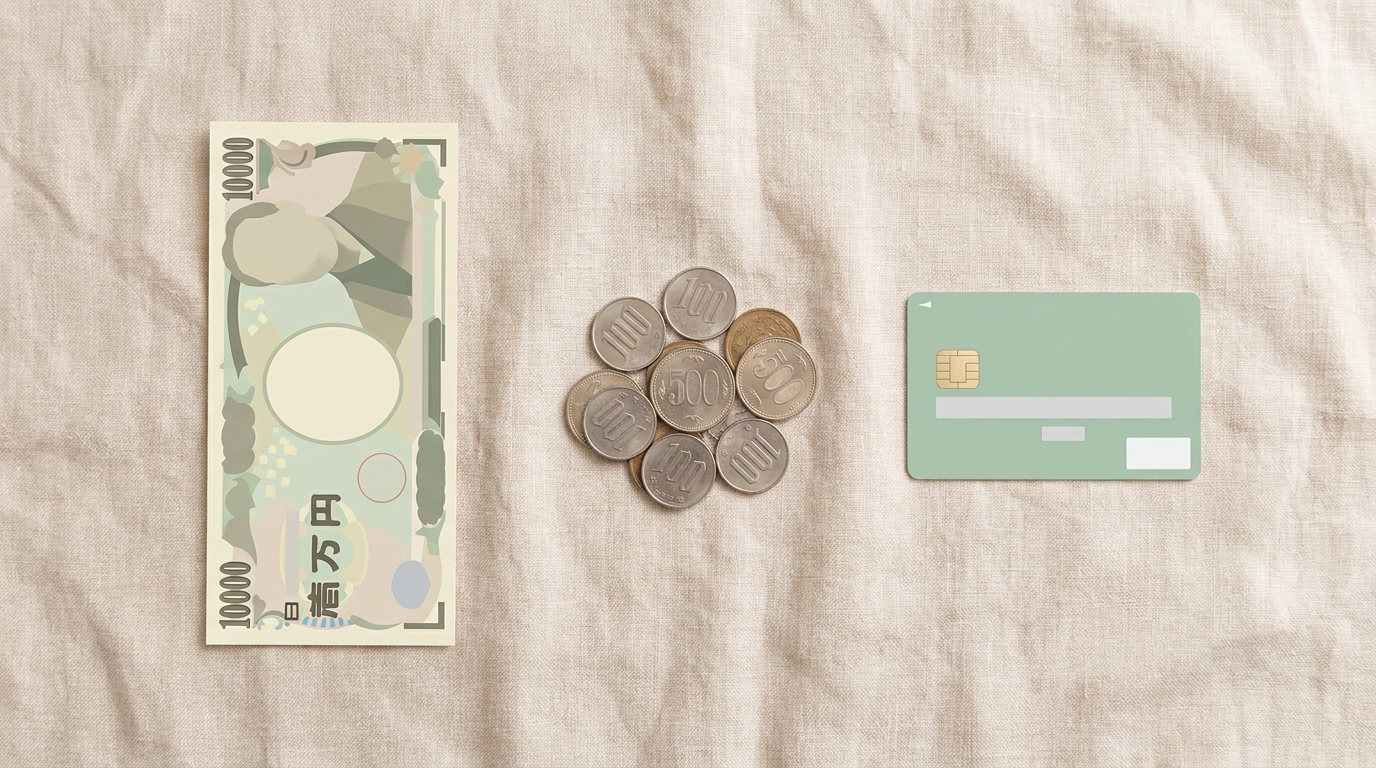
If you still need or want to use the machine—say, for a paper Shinkansen ticket as a souvenir, or a special ticket the Welcome Suica app does not handle—these are the payment methods the machine actually accepts in 2026:
| Payment | Works? | Notes |
|---|---|---|
| Cash (¥1,000–¥10,000 bills + coins) | ✅ Yes | Most reliable. Coins for change accepted, but no ¥10,000 bills above face value |
| Credit card (chip + PIN) | ✅ Conditional | Visa, Mastercard, JCB, AMEX, Diners, China UnionPay. PIN required. Signature-only cards rejected |
| Suica/PASMO/ICOCA IC card | ⚠️ For top-up only | Cannot pay for a Shinkansen ticket directly with IC balance, but you can top up the card here |
| Apple Pay (tap on phone) | ❌ No | No tap reader at machine |
| Google Pay (tap on phone) | ❌ No | Same as above |
| QR code payments (PayPay, etc.) | ❌ No | Not supported by JR East ticket machines |
| Foreign credit card without PIN | ❌ No | Mid-transaction rejection — go to staffed counter |
The two takeaways: bring cash as a backup, and make sure your credit card has a PIN before you fly. If you cannot confirm your card’s PIN, plan to use cash or Welcome Suica Mobile.
Step-by-Step: Buying a Ticket Without Apple Pay
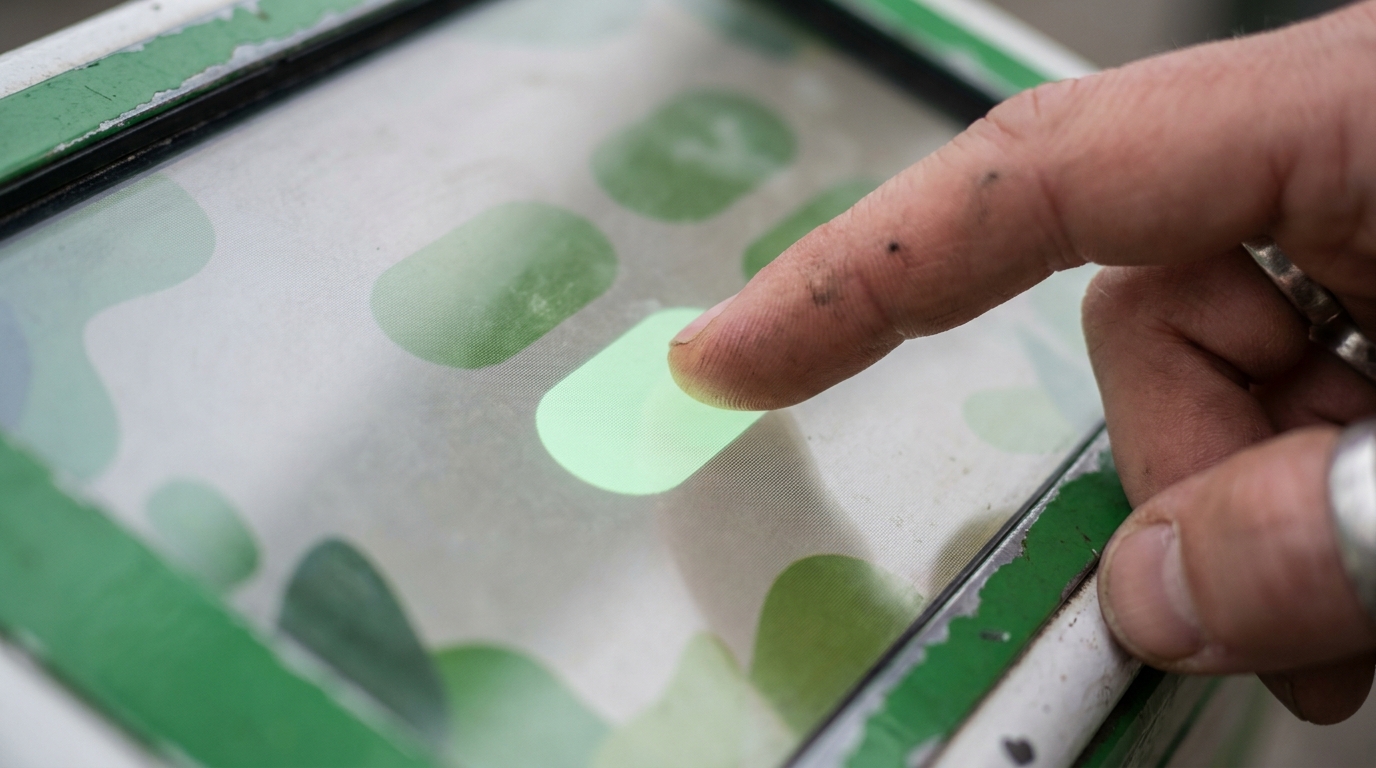
Here is the exact flow at a Midori no Kenbaiki, assuming you have a Shinkansen reservation to make.
1. Choose language
Tap the English button in the top-right corner. The interface switches to English (also Chinese / Korean available).
2. Choose ticket type
- “Reserved seat” for Shinkansen and limited express
- “Non-reserved seat” for cheaper Shinkansen seats
- “Local ticket” / “Limited Express ticket” for non-Shinkansen long-distance
3. Pick origin and destination
The machine shows a map and a search box. Type your destination station in romaji—e.g., “Kyoto” or “Shin-Osaka.” It auto-completes.
4. Pick date, time, and class
- Same day or future (up to 1 month ahead)
- Specific train + departure time
- Ordinary car / Green Car / Gran Class
5. Pick seat (optional)
You can pick a window/aisle from a seat map, or let the machine auto-assign.
6. Confirm price
The machine shows the total. Shinkansen fares range from around ¥3,000 (short hops like Tokyo→Mishima) to ¥22,000+ (Tokyo→Hakata) as of 2026.
7. Pay
Choose Cash or Credit Card. For cash, feed bills + coins. For credit card, insert (do not tap) the card chip-side first, enter your 4-digit PIN, wait.
8. Take ticket
The machine prints two paper tickets: a fare ticket and a limited-express/reserved-seat ticket. Keep both—you insert both into the gate together at boarding.
Alternative: SmartEX & Station Counter
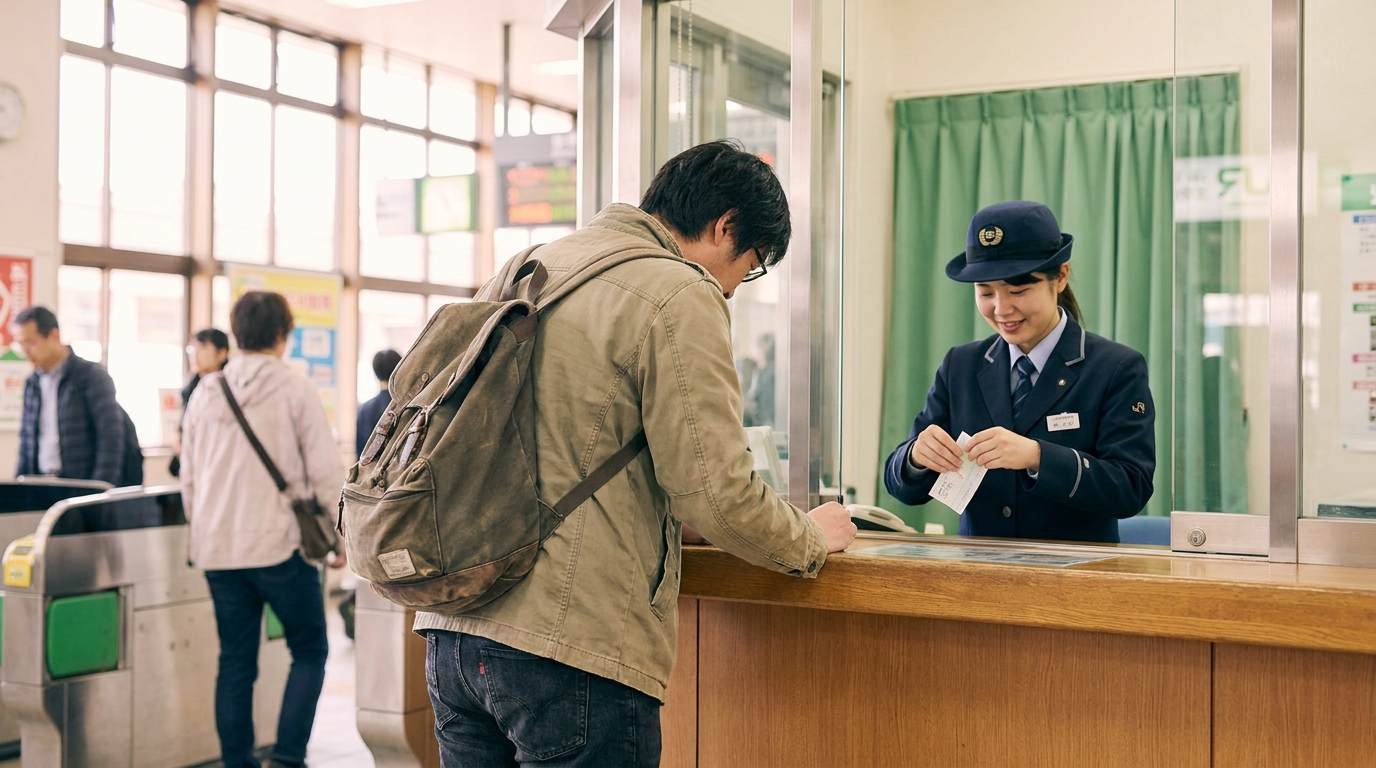
If the machine fails on you—or if you want to avoid it before you even fly—two reliable alternatives exist.
SmartEX (book online, pick up by IC card or QR)
SmartEX is JR Central’s official online Shinkansen booking site for the Tokaido and Sanyo lines (Tokyo–Hakata, plus extensions). It accepts foreign credit cards directly online (no PIN issue because it is not a card-present transaction), and lets you tap through ticket gates with a registered IC card—no paper ticket needed.
Caveat: SmartEX covers Tokaido / Sanyo / Kyushu Shinkansen. For JR East’s Tohoku, Hokuriku, and Joetsu lines, you need a different system called JR-EAST Train Reservation (Eki-net for foreign visitors) or the Welcome Suica app.
Midori no Madoguchi (staffed counter)
The green-curtained staffed counter at most major stations. Slower (the line can be 20–60 minutes at Tokyo Station before peak Shinkansen departures), but the staff handle payment edge cases the machine rejects: signature-without-PIN cards, partial cash + card splits, complex multi-leg routes, and refunds.
If your card was rejected at the green machine, walk to the green counter—same building, often within 50 meters. Don’t argue with the machine.
FAQ

Can I use Apple Pay at any Japanese ticket machine?
No, not directly. Some newer JR East machines at major stations have started accepting NFC-A/B contactless credit cards for limited transactions, but Apple Pay tap is not a documented universal feature. The reliable path for iPhone users is Welcome Suica Mobile in Apple Wallet, which uses Japan’s FeliCa system.
Does Apple Pay work at Suica/PASMO ticket gates?
Yes—provided you have a Suica or PASMO card loaded into Apple Wallet. The “Apple Pay” you tap at the gate is actually your Suica/PASMO IC card running in Express Mode on your iPhone, not your foreign Visa/Mastercard.
Why does my American Apple Pay tap work at 7-Eleven but not at the train station?
7-Eleven Japan upgraded its readers to accept both FeliCa (Japanese) and NFC-A/B (international Apple Pay) standards in the last few years. Most JR East ticket machines have not been upgraded. The pattern is gradual: some konbini, some department stores, and tax-free shops accept tap; transit machines still mostly do not.
Can I add a regular Suica (not Welcome Suica) to my American iPhone?
Yes, but the regular Mobile Suica app requires either a Japanese Apple ID or a workaround setup that some travelers find confusing. Welcome Suica Mobile was built specifically to remove that friction for tourists. If you stay 180 days or fewer, Welcome Suica is the simpler choice.
What happens if my PIN is rejected at the green machine?
The machine cancels the transaction and ejects your card. Nothing is charged. Move to a different payment method (cash) or walk to the staffed counter (Midori no Madoguchi). Some machines auto-suggest “please go to the counter” in your selected language.
Can I use my foreign credit card on the Welcome Suica Mobile app?
Yes. Welcome Suica Mobile accepts cards added to Apple Pay, including most foreign Visa, Mastercard, and AMEX cards. The PIN issue at the physical kenbaiki does not apply because Apple Pay authenticates with Face ID / Touch ID instead of a PIN.
Is there a tap-payment terminal anywhere on a Midori no Kenbaiki?
There is an IC card top-up pad on most green machines, designed to add money to a Suica/PASMO/ICOCA card you already own. This pad reads FeliCa, not NFC-A/B Apple Pay credentials. So even if you tap your iPhone there, the machine looks for a Suica balance, not a payment.
What about contactless EMV (Mastercard/Visa tap) on JR machines?
JR East has been quietly trialing tap-to-go EMV at fare gates on a few lines (such as the Joban and Utsunomiya Lines for Visa Touch since around 2025), but the green Midori no Kenbaiki ticket vending machine itself does not accept tap EMV in 2026. This is changing slowly; check JR East’s English site for the latest before you fly.
If I just buy local commuter tickets, do I need any of this?
No. For short rides under ¥1,000, tap a Suica/PASMO/Welcome Suica card or your iPhone with one loaded. The green machine becomes relevant when you buy long-distance, reserved, or Shinkansen tickets.
Does Google Pay work the same way as Apple Pay here?
Android in Japan supports Mobile Suica via Google Pay if your phone has FeliCa hardware (most Android phones sold in Japan do; many international Android phones do not). For tourists with foreign Android devices, Welcome Suica Mobile does not have an Android version as of 2026—Apple Pay is currently the more tourist-friendly path.
What to do next
If you arrived at this page because Apple Pay just failed at a JR ticket machine and you have a train to catch:
- Right now: Pay cash for this one ticket, or walk to the green staffed counter (Midori no Madoguchi).
- Tonight at your hotel: Download Welcome Suica Mobile and add it to Apple Wallet (5 minutes).
- Tomorrow: Tap through JR gates, konbini, and most vending machines—without queuing at a green machine for the rest of your trip.
For most short-stay tourists, a typical reason to use a Midori no Kenbaiki is to claim a paper Shinkansen ticket booked through SmartEX, and even that step is gradually shrinking as more lines accept IC card boarding.
Related guides
- Suica & PASMO Guide: Cards, Mobile & Welcome Suica (2026)
- Shinkansen 2026: Foreign Credit Card OK, Tokyo→Kyoto ¥13,320
- How to Book Shinkansen Online from Overseas: Foreign Credit Card Guide
- Tokyo Trains Complete Guide 2026: JR, Metro, Toei & Private
Last updated: May 2026. Information about JR East fare gate trials and Apple Pay acceptance is changing; check JR East’s official English site for the latest before your trip.
Continue Your Japan Trip
- Suica or PASMO in 2026? What Tourists Should Buy at Haneda, Narita, Tokyo & Osaka
- Tokyo Trains 2026: JR vs Metro vs Toei — When to Tap Suica or Use a Foreign Card
- How to Book Shinkansen with a Foreign Credit Card from Overseas (2026)


Comments