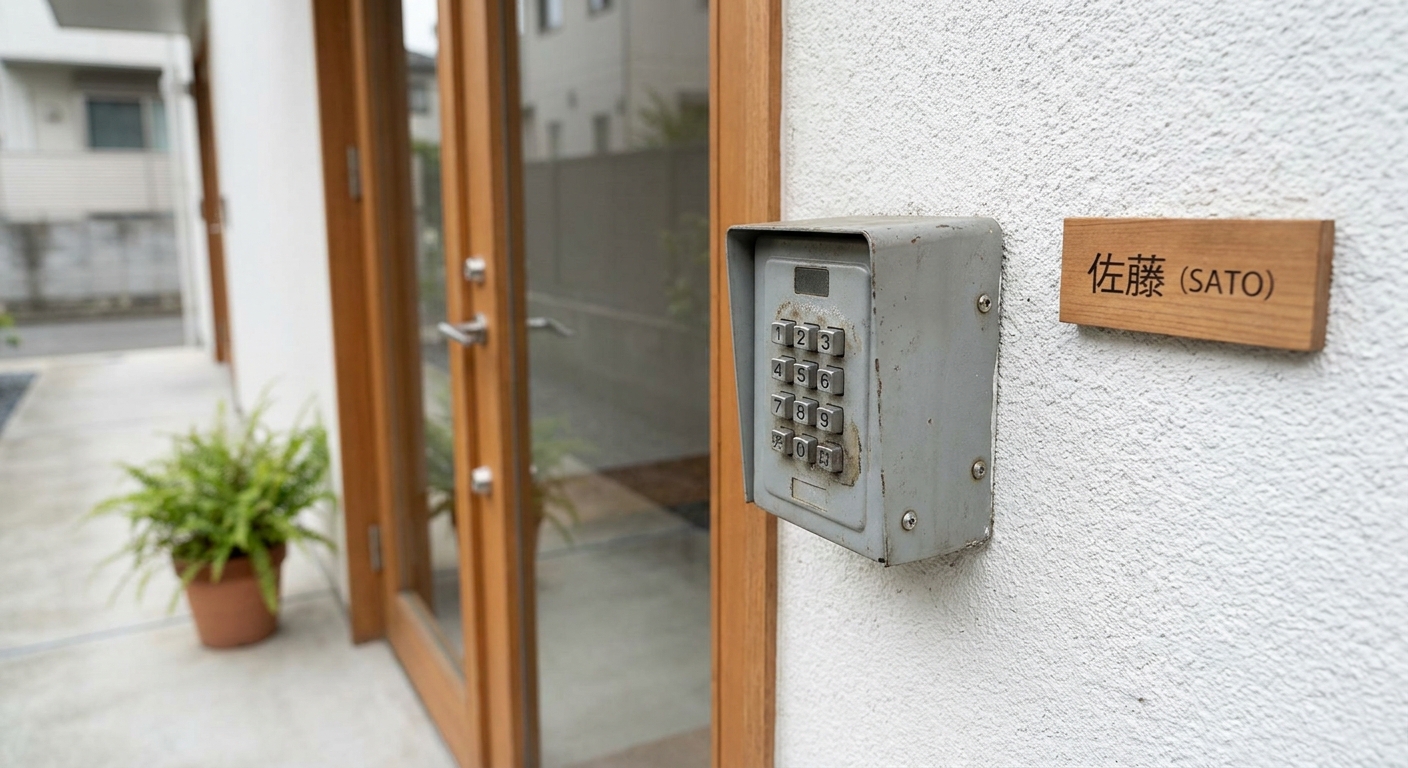
By Yukihiro Hirano / Last updated: 2026-04-13
You’ve just landed in Japan after a long flight, dragged your suitcase through unfamiliar streets, and finally found the building — but now you’re staring at a small metal box on the wall with no idea how to get your key out. Sound familiar? You’re not alone. Key boxes are by far the most common self-check-in method at Japanese vacation rentals, and they trip up thousands of travelers every year.
This guide shows you exactly how to open the three most common key box types in Japan, with troubleshooting tips for when things don’t go as planned.
Quick Answer: To open a key box at a Japanese Airbnb, enter the numeric code your host sent you before check-in, then pull the latch or shackle to release the small door and take the key inside. Most boxes are push-button type — press each digit firmly, clear any previous code first, then open the latch. The box is usually mounted by the front door, the mailbox area, or just inside the building entrance. When you leave, return the key and scramble the code.
Quick Facts
– The majority of self-check-in Airbnbs in Japan use a physical key box (lockbox)
– The most common type is push-button, followed by dial; digital smart locks (no physical key) are increasingly used but still less common
– You’ll receive the code from your host before check-in — save it offline
– Key boxes are usually located near the entrance, mailbox area, or building lobby
– Always return the key to the box and scramble the code when you leave
What Is a Key Box?
A key box (also called a lockbox or key safe) is a small, secure container mounted near the entrance of a property. It holds the room key or a set of keys and is opened with a numeric code provided by your host. In Japan, key boxes are the standard for self-check-in properties because most hosts do not meet guests in person.
Your host will typically send you the access code 1–3 days before check-in via the Airbnb app, email, or a messaging platform. Save the code on your phone and write it down on paper as a backup — you may not have mobile signal when you arrive.
The 3 Most Common Key Box Types in Japan
Type 1: Push-Button Key Box
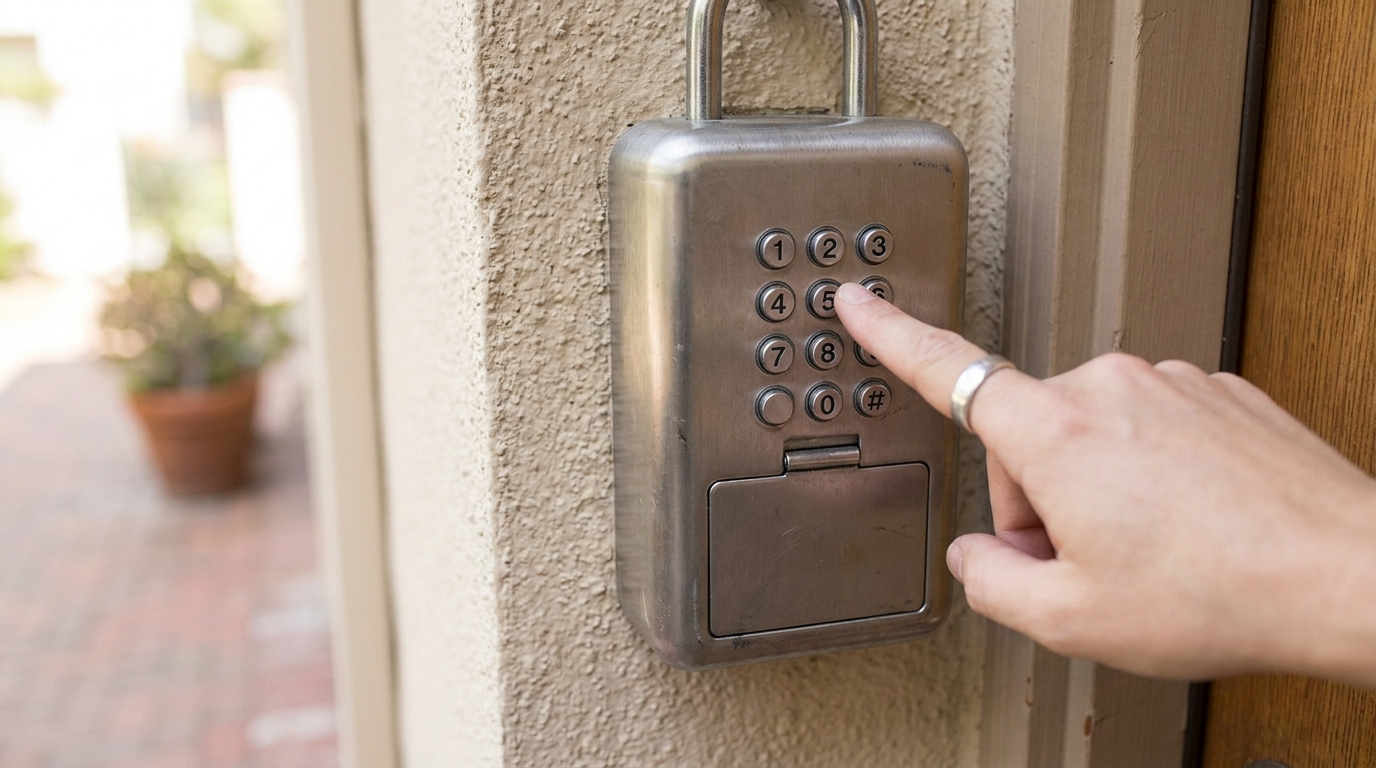
This is the type you’ll encounter most frequently at Japanese Airbnbs. It’s a rectangular metal box with 10 numbered buttons (0–9) on the front, a latch or shackle at the top, and a small door that swings open.
How to open it:
- Locate the box. Check the wall near the entrance door, the side of the mailbox, or inside the building’s entrance hall. Your host’s instructions should include a photo or description.
- Clear any previous code. Press the “C” (clear) button, or press all buttons simultaneously to reset. On some models, you simply start pressing your code — no reset needed.
- Enter the code. Press each digit firmly. You should hear or feel a small click for each button. For example, if the code is 1-3-7-2, press 1, then 3, then 7, then 2.
- Open the latch. Pull down the shackle or slide the latch. The small door should swing open, revealing the key inside.
- Take the key and close the box. Remove the key, close the door, scramble the buttons by pressing several random ones, and push the shackle back up.
Common mistakes:
- Pressing buttons too lightly — use firm, deliberate presses
- Not clearing the previous code first
- Confusing similar-looking digits (1 and 7 in low light)
Type 2: Dial (Combination Lock) Key Box
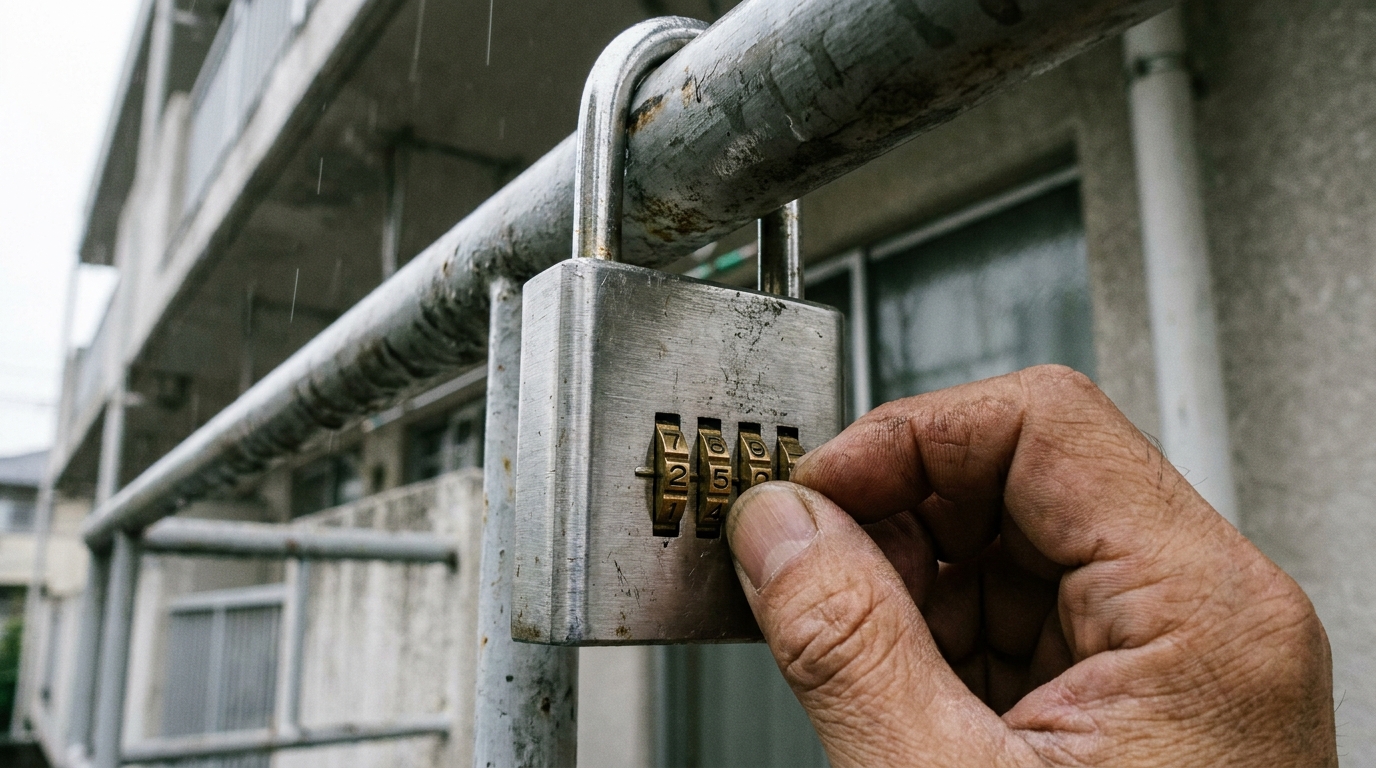
Less common but still seen at older properties. It looks like a padlock with a rotating dial or a series of numbered wheels.
How to open it:
- Rotating dial type: Turn the dial clockwise to the first number, counterclockwise past it to the second number, then clockwise to the third. Pull the shackle.
- Numbered wheel type: Align each wheel so that the correct digits line up with the indicator mark. Pull the shackle to open.
Wheel-type locks are easier for most travelers. If the wheels feel stiff, don’t force them — wiggle gently.
Type 3: Digital (Electronic) Key Box
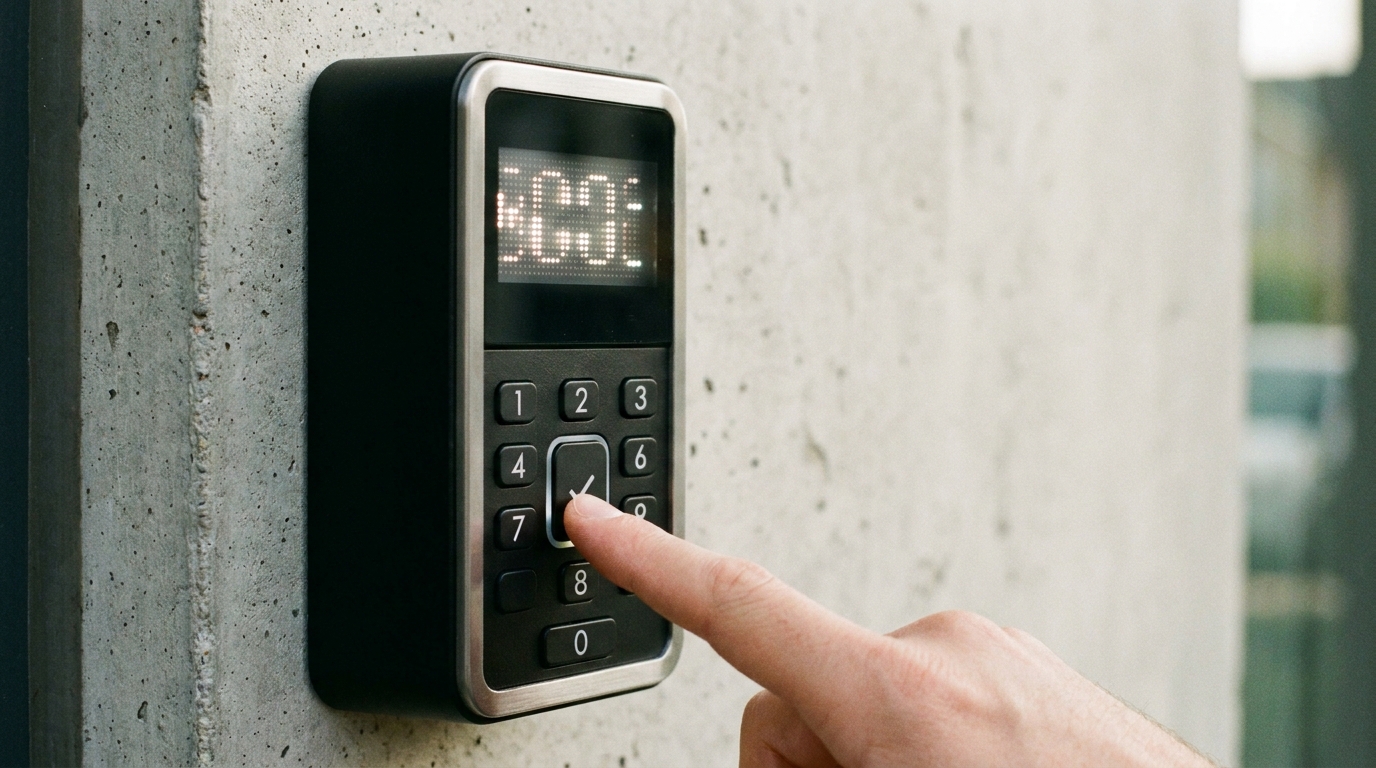
Newer properties may use a digital lockbox with an LED display and a keypad. These are less common but straightforward.
How to open it:
- Press any button to wake up the display.
- Type your numeric code using the keypad.
- Press the confirm button.
- The lock will click open or a green light will flash.
These run on batteries. If the display doesn’t light up, contact your host immediately.
Where to Find the Key Box
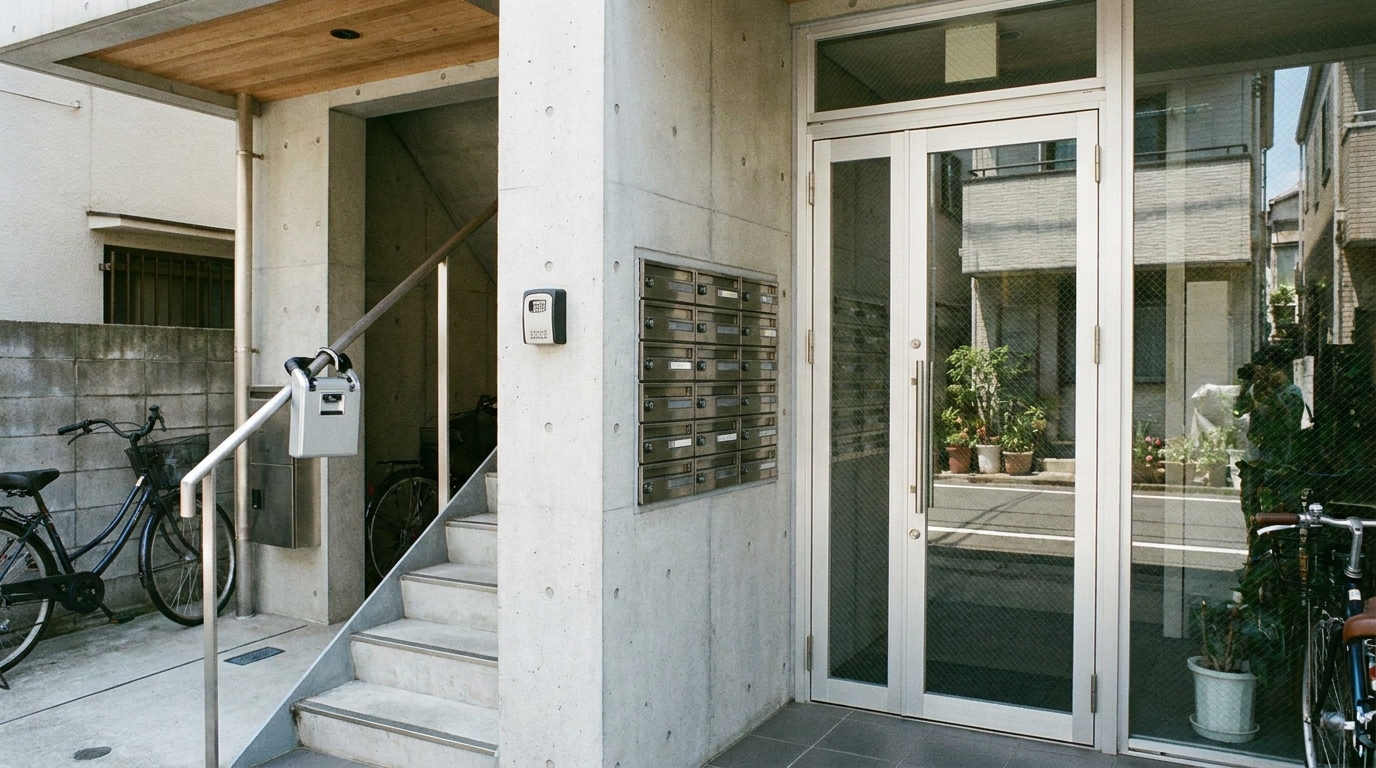
Most hosts include a photo and description in their check-in instructions, but if the directions are unclear, check these spots:
- Wall next to the front door — the most common location
- Mailbox area — sometimes attached to or hidden inside the mailbox panel in apartment lobbies
- Inside the building entrance — past the auto-lock door (your host must provide a separate entrance code for this door; make sure you have it before arriving)
- Railing or pipe near the entrance — some portable key boxes are attached with a shackle to a fixed structure
If you truly cannot find it, take a photo of the entrance area and send it to your host. They can usually pinpoint the exact location.
What to Do If the Code Doesn’t Work
Don’t panic — this happens more often than you’d think.
- Double-check the code. Re-read the message from your host. Watch for easily confused characters (O vs. 0, l vs. 1).
- Clear and re-enter. Reset the box and try again, pressing each button slowly and firmly.
- Check the date. Some hosts change the code on the check-in day. Make sure you have the latest message.
- Contact your host. Use the Airbnb app to message or call them. Many hosts in Japan respond quickly, though response times vary — especially late at night.
- Call Airbnb support. If your host is unresponsive, Airbnb’s 24/7 support line can help. In Japan, the local support number is available in the app under “Help.”
Arrive during daylight hours if possible. Key boxes in dimly lit hallways are much harder to operate at night. Use your phone’s flashlight.
When You Check Out: Returning the Key
Most hosts ask you to return the key to the same box:
- Place the key inside the box and close the door.
- Scramble the code — press random buttons (push-button type) or spin the wheels (dial type).
- Push the shackle or latch back into the locked position.
- Confirm it’s locked by pulling the shackle — it should not open.
Some hosts use a different return method (drop box, mail slot, or leaving the key inside the room). Always follow your host’s specific checkout instructions.
FAQ
Do all Airbnbs in Japan use key boxes?
No, but the majority of self-check-in properties do. Some use smart locks with digital codes, and a small number arrange in-person key handoffs. Your listing will specify the check-in method.
What if I arrive late at night and can’t open the key box?
Contact your host via the Airbnb app first. If they’re unresponsive, call Airbnb’s 24/7 support. Having the check-in instructions saved offline (screenshot) is essential since you may not have reliable internet.
Can I share the key box code with friends joining me later?
Check your host’s house rules first. Most hosts allow it for registered guests, but sharing the code with unregistered visitors is not just a house rule issue — under Japanese law (Hotel Business Act / Minpaku Act), all guests staying at an accommodation must be registered, and foreign nationals are required to present passport details. Allowing unregistered people to stay could create legal problems for your host. Always ask your host before sharing the code.
Is it safe to leave my key in the box while I’m out sightseeing?
Yes — that’s the intended use. Just make sure you scramble the code after locking it. Carry the code with you (written down, not just on your phone) so you can retrieve the key when you return.
What if the key box is damaged or missing?
Contact your host immediately and document the situation with photos. Do not attempt to force the box open. Your host will arrange an alternative way to get the key to you.
Related Guides
Once you’re inside the apartment, these companion guides cover the next steps of your Japan stay:
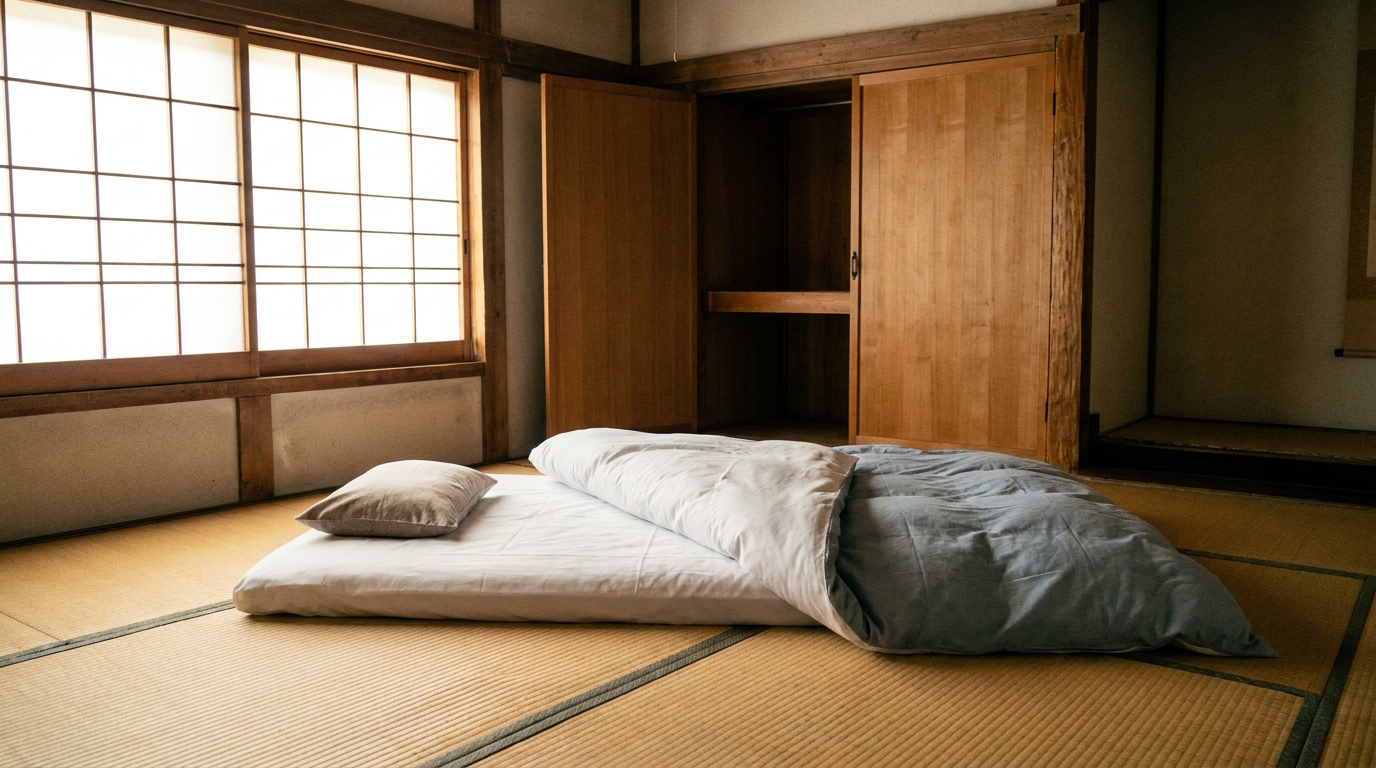
- Japanese Futon Guide: How to Set Up, Sleep On, and Fold Your Bedding Like a Local — how to turn that closet of folded fabric into a comfortable bed.
- JR Pass Complete Guide 2026: Prices, Routes & How to Buy — when you’re ready to explore beyond your neighborhood, this is the most cost-effective way to travel Japan.
- A Tourist Guide to Garbage Sorting in Japan — essential reading before your first trash day.

Comments