Last checked: October 9, 2026.
Quick answer: Visitors can use Docomo Bike Share in Tokyo with an overseas phone number that receives SMS. Complete registration before walking to a station. Tokyo pay-as-you-go rides cost ¥165 per 30-minute block; the convenience-store day pass costs ¥1,650 and still requires SMS. A separate staffed-counter pass with an IC card costs ¥2,200. Return to an eligible station and confirm completion before leaving. See the operator’s phone-number FAQ and Tokyo rates.
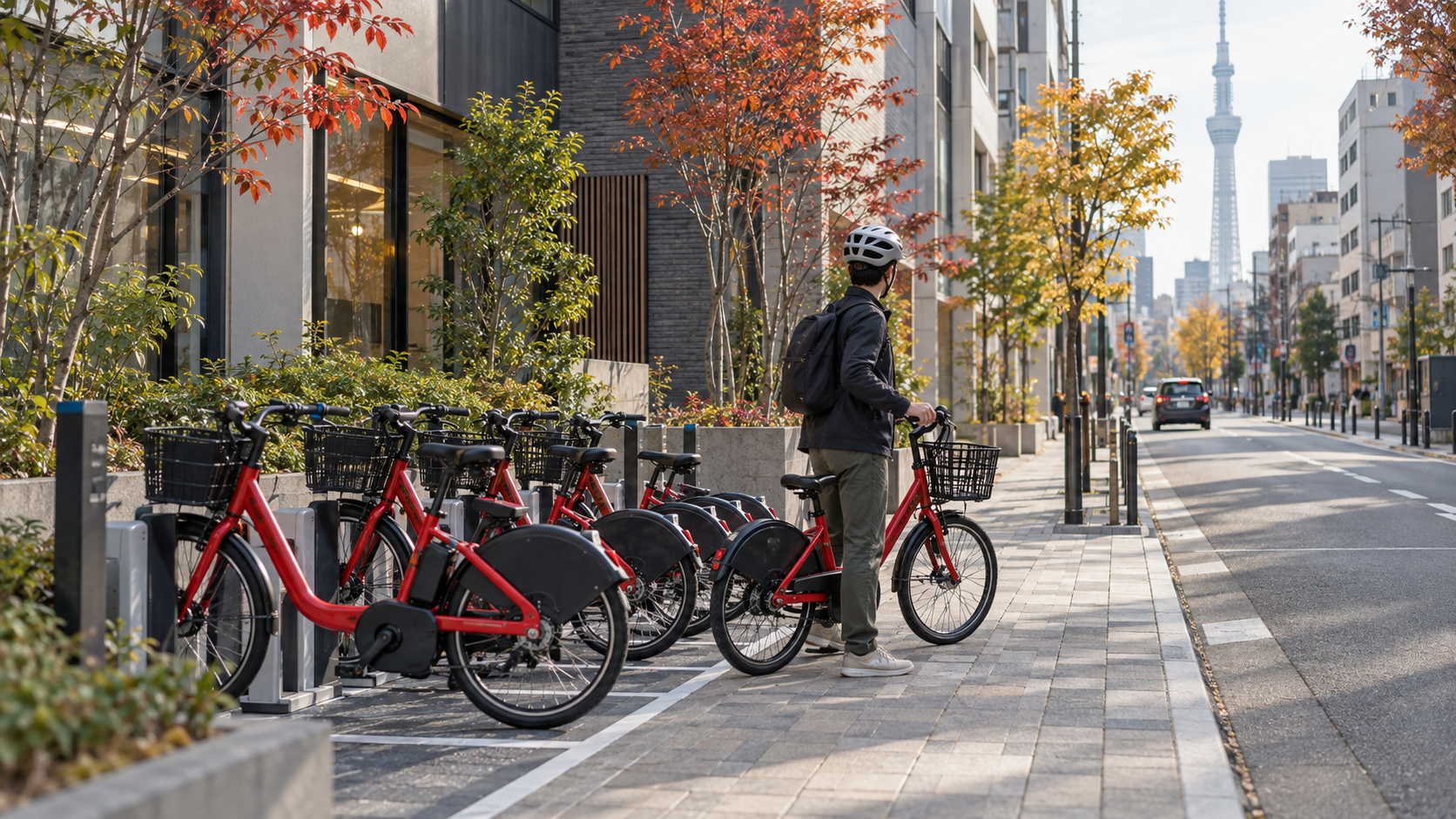
This guide covers Docomo’s Tokyo service. HELLO CYCLING and other operators have their own accounts, stations and conditions; do not use these instructions as their signup guide. All photographs below are AI-generated conceptual illustrations, not records of actual facilities or official screens.
- Can tourists use Tokyo bike share with a foreign phone?
- Choose app rides, a convenience-store pass or an IC-card pass
- Register before you leave your accommodation
- What does a short ride actually cost?
- How the convenience-store day pass works
- Check both stations and inspect the bicycle
- Return properly: locking alone is not your final check
- If setup, availability or the route does not work
- Frequently asked questions
- Do I need a Japanese phone number for Docomo Bike Share?
- Will a data-only travel eSIM solve registration?
- Can I use a debit or prepaid card?
- Does the convenience-store day pass avoid SMS?
- Is the Tokyo day pass valid for 24 hours?
- Does Suica pay the bicycle fare?
- Can I leave the bike at any operator’s station?
- How do I know the rental has ended?
Can tourists use Tokyo bike share with a foreign phone?
Yes, with an important condition: Docomo’s official FAQ supports Japanese and overseas numbers capable of receiving SMS. Its overseas-phone guidance also warns that carrier settings can prevent authentication and therefore app registration. A foreign number is not automatically disqualified, but neither a downloaded app nor working internet proves that verification will succeed.
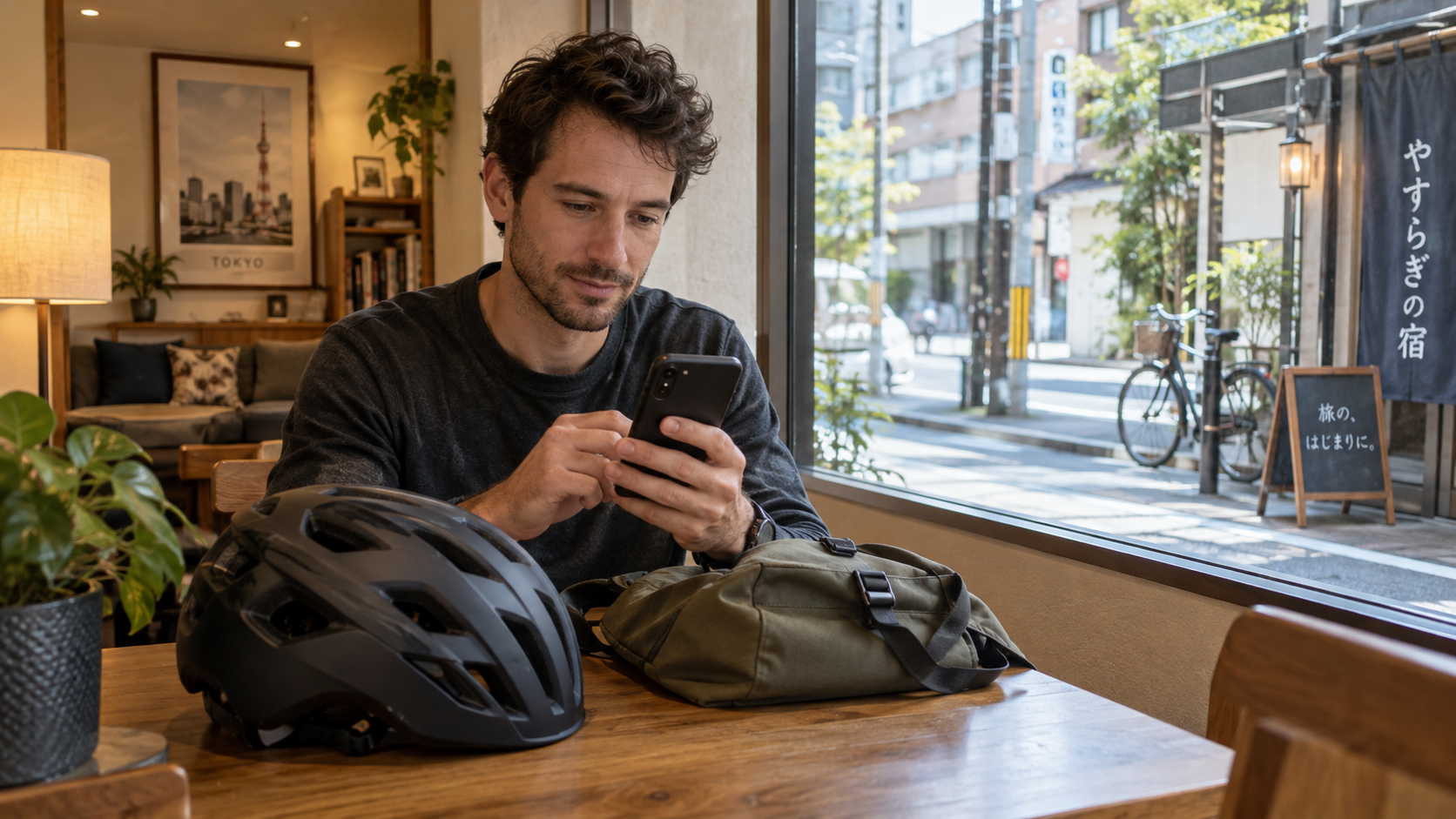
Try the actual registration while you still have time to change plans. If your travel connection provides internet but cannot receive SMS, do not assume it solves the authentication requirement. Ask your carrier about receiving messages in Japan and any roaming charges. Keep the number you intend to register accessible.
For your first ride, choose a short journey without a timed reservation at the other end. A bike may suit a relaxed neighborhood visit, but it is a poor emergency plan for reaching an airport or a train you cannot miss. Walking or rail remains a useful backup if setup fails.
Choose app rides, a convenience-store pass or an IC-card pass
These are different access routes. Buying a ticket does not remove every registration requirement. Decide which you can actually complete before spending money.
| Option | Tokyo cost | What you need |
|---|---|---|
| One-Time Member in the app | ¥165 for each 30-minute block | Verify your phone by SMS and link an external account. Use an accepted payment method. |
| A day pass from a convenience store | ¥1,650 | Register the ticket and verify your phone by SMS. The pass expires at 23:59 on its use date. |
| An IC-card day pass from a staffed counter | ¥2,200 including issuance of the card | Bring cash and photo identification. You need a contactable mobile phone. Check where the pass is sold. |
The Tokyo rate page lists the dedicated IC-card route separately and directs buyers to the port map for sales counters. It uses the supplied card, rather than QR codes or passcodes. Confirm the counter’s location, opening hours and current sale conditions before traveling there. This is a possible alternative to investigate when app registration fails, not a guarantee that every station sells passes.
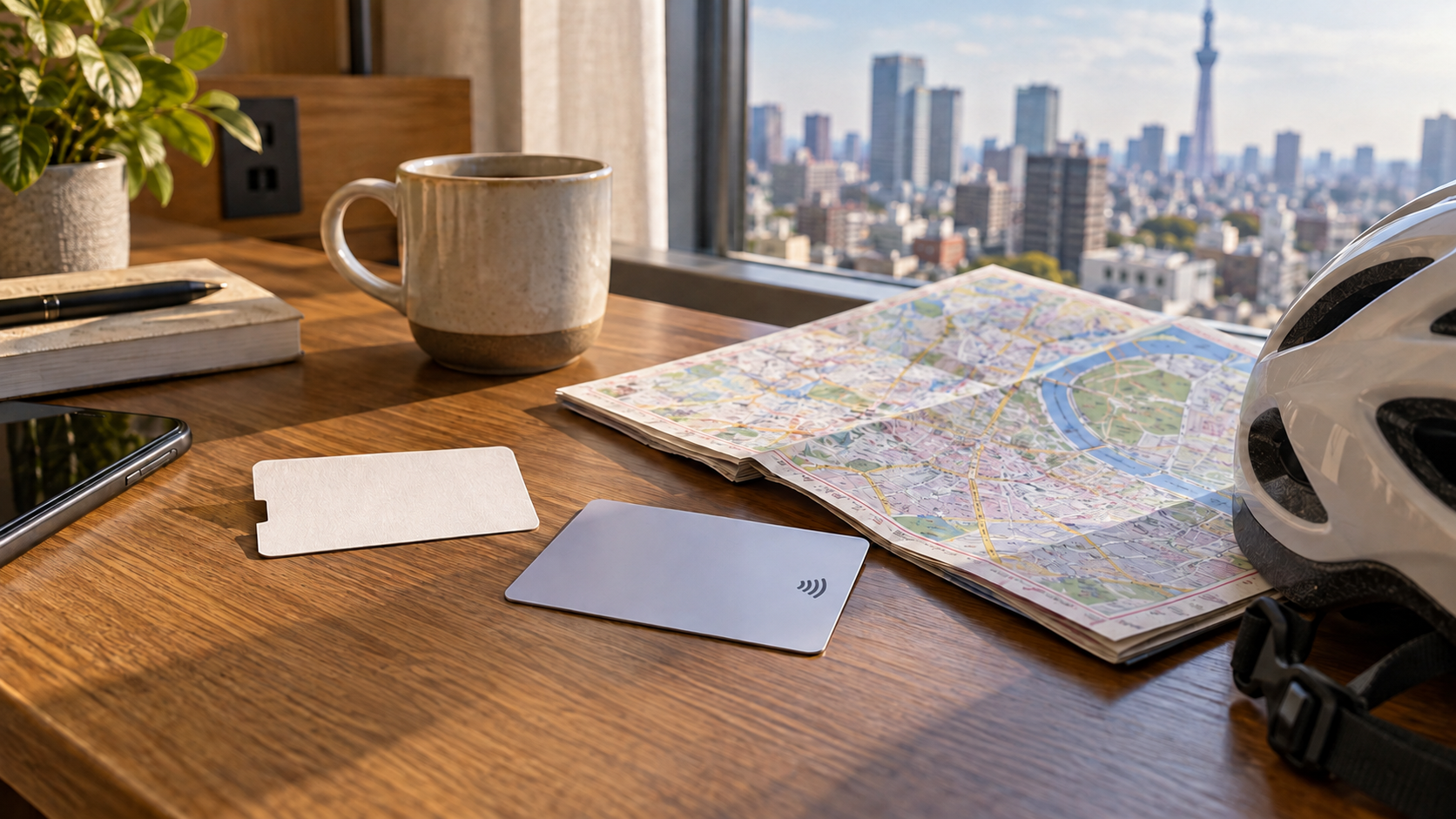
For one or two short rides, compare pay-as-you-go first. For repeated rides, estimate the total charged blocks rather than simply counting attractions. A day pass may be convenient, but buying one late in the evening leaves little usable time. It does not reserve a bicycle or ensure a return space.
Register before you leave your accommodation
The official registration page asks for an SMS-capable smartphone and account access through d ACCOUNT, Apple or Google. Allow at least five minutes according to the operator, and more time for verification or payment problems. Install the official “Bike Share Service” app and follow its current registration prompts.
Choose the One-Time Member option if you want pay-as-you-go, rather than selecting a monthly subscription for a short visit. The current registration page lists credit cards and d Payment, and expressly says debit and prepaid cards can also be used. This does not promise that your individual foreign-issued card will pass authorization. If payment fails, try an available supported method or change your transport plan.
You can optionally register an IC card as an unlocking key. It does not pay the ride fare from the card’s stored balance: billing uses the registered payment method. Keep “card as key” separate from “card as payment.” For ordinary train travel, see our Suica, PASMO and ICOCA guide.
Before heading out, check that you can sign in again, see the intended Tokyo station and understand how to contact support. Save useful instructions, but keep a working connection for the live service. Set aside enough phone battery for both the ride and its return checks.
What does a short ride actually cost?
For Tokyo’s One-Time Member plan, the published fare is ¥165 for the first 30 minutes and another ¥165 per additional 30 minutes. Charges run from unlocking until return completion. The examples below are calculations using that rate, not observed rides or quotes for other cities.
| Example completed rental | Charged blocks | Calculated fare |
|---|---|---|
| 20 minutes | 1 | ¥165 |
| 40 minutes | 2 | ¥330 |
| 70 minutes | 3 | ¥495 |
Use comfortably inside a time block when planning; do not aim to complete a return at the last second. A full destination station, missed turn or unfinished return can lengthen the rental. The money-saving decision is often to finish the rental before a long stop, rather than leave the bicycle waiting outside a café.
A hypothetical pair of separate 20-minute rentals totals ¥330. A single 40-minute rental also totals ¥330, but the return procedure matters in both cases. Estimate each rental separately; adding all daily minutes together can give the wrong number of charged blocks.
How the convenience-store day pass works
Buy the Tokyo wide-area product using a Seven-Eleven or FamilyMart terminal. The operator’s convenience-store instructions explain the purchase steps. Check the date you intend to ride, then follow the instructions for payment at the store.
Next, scan the QR code on your ticket. Log in to the ticket’s dedicated website using the credentials printed on it. Enter your name and telephone number, then complete the SMS check. Buying this ticket does not remove the requirement for SMS verification.
Your Tokyo pass expires at 23:59 on its use date. Its validity is tied to the calendar day, so a late first ride does not extend it into the following day. Some stations close earlier. Keep your ticket and its login credentials safe. The images here show no real ticket or usable access code.
Round and square bicycle terminals have different instructions on the ticket website. Use those instructions for this pass, because app membership can involve different steps.
Check both stations and inspect the bicycle
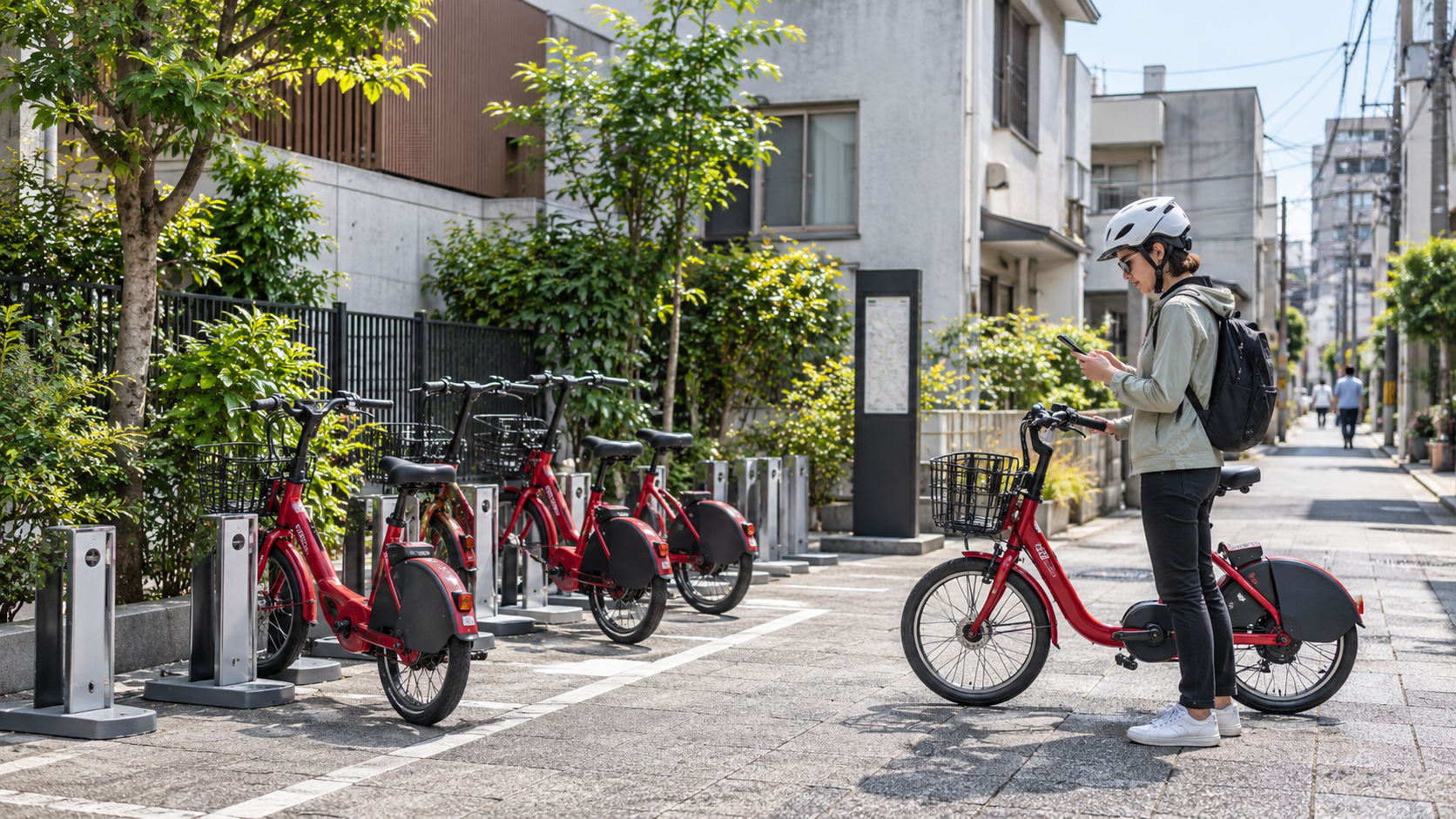
Look for a bike at your starting station and an eligible return location near your destination. Check hours and return capacity in the official app. A visible bicycle is not proof that it is available, and an empty-looking space is not proof the system will accept a return. Use the live station information rather than this article’s illustrations.
Keep an alternative return station in mind before unlocking. Do not assume a station belonging to another operator is interchangeable. The Tokyo riding guide also says bikes cannot be returned across service-area boundaries; plan within the eligible Tokyo network, not a one-way ride into another city’s system.
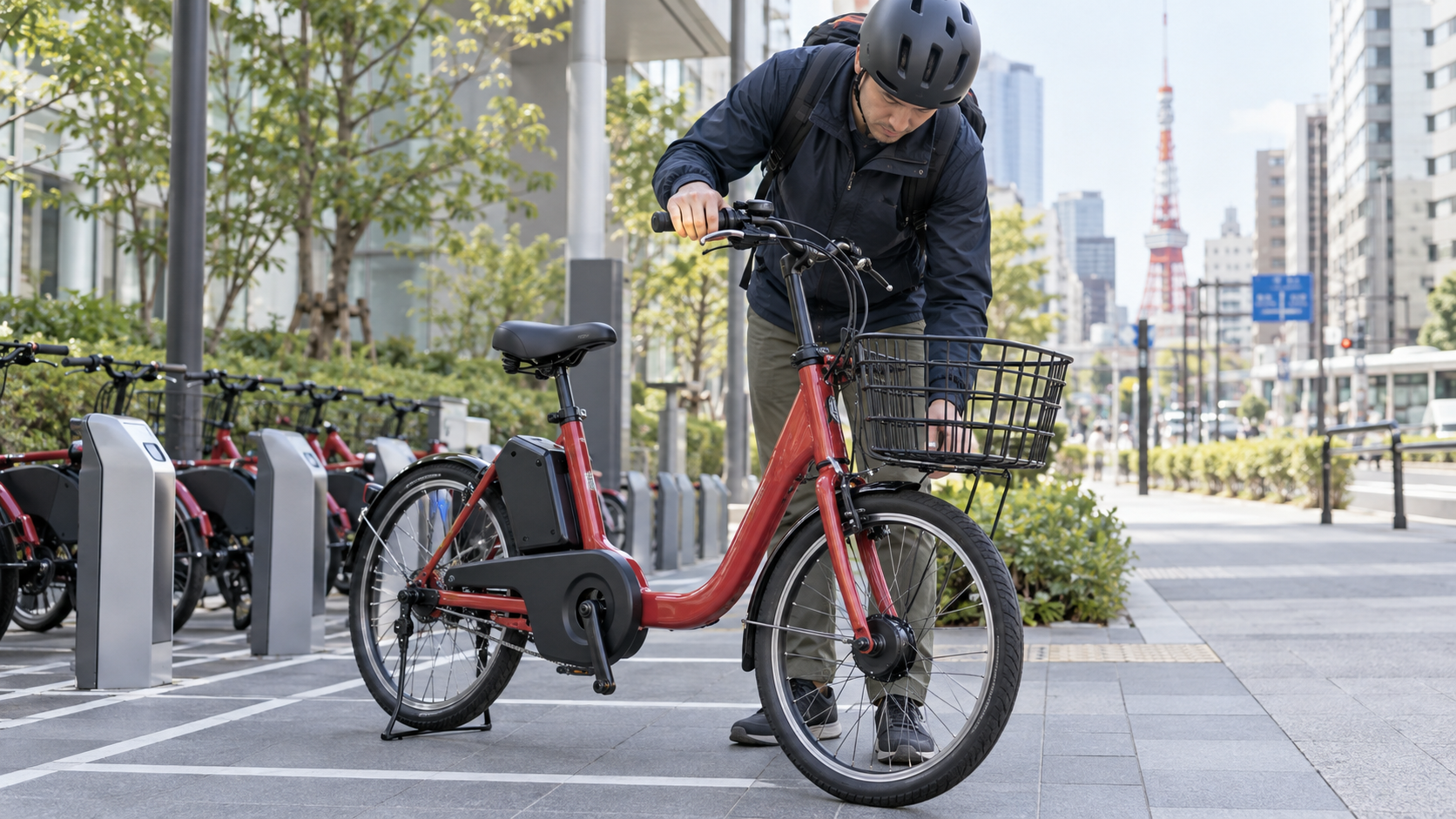
Check saddle fit, brakes, tires, lights and battery before leaving. Follow the operator’s inspection and unlocking instructions for the actual terminal on the bicycle. If something feels wrong, choose another bike rather than testing a defect in traffic. Leave room in your plan for this check instead of treating unlocking as a starting gun.
Return properly: locking alone is not your final check
At an eligible station, park within the designated area and manually close the rear-wheel lock. Follow the terminal’s return procedure: a round terminal uses the Return button and a blue ring indicates completion; a square terminal uses ENTER and displays the return indication. The official return FAQ also explains how to check the return station and rental time in usage history, or the notification in the app.
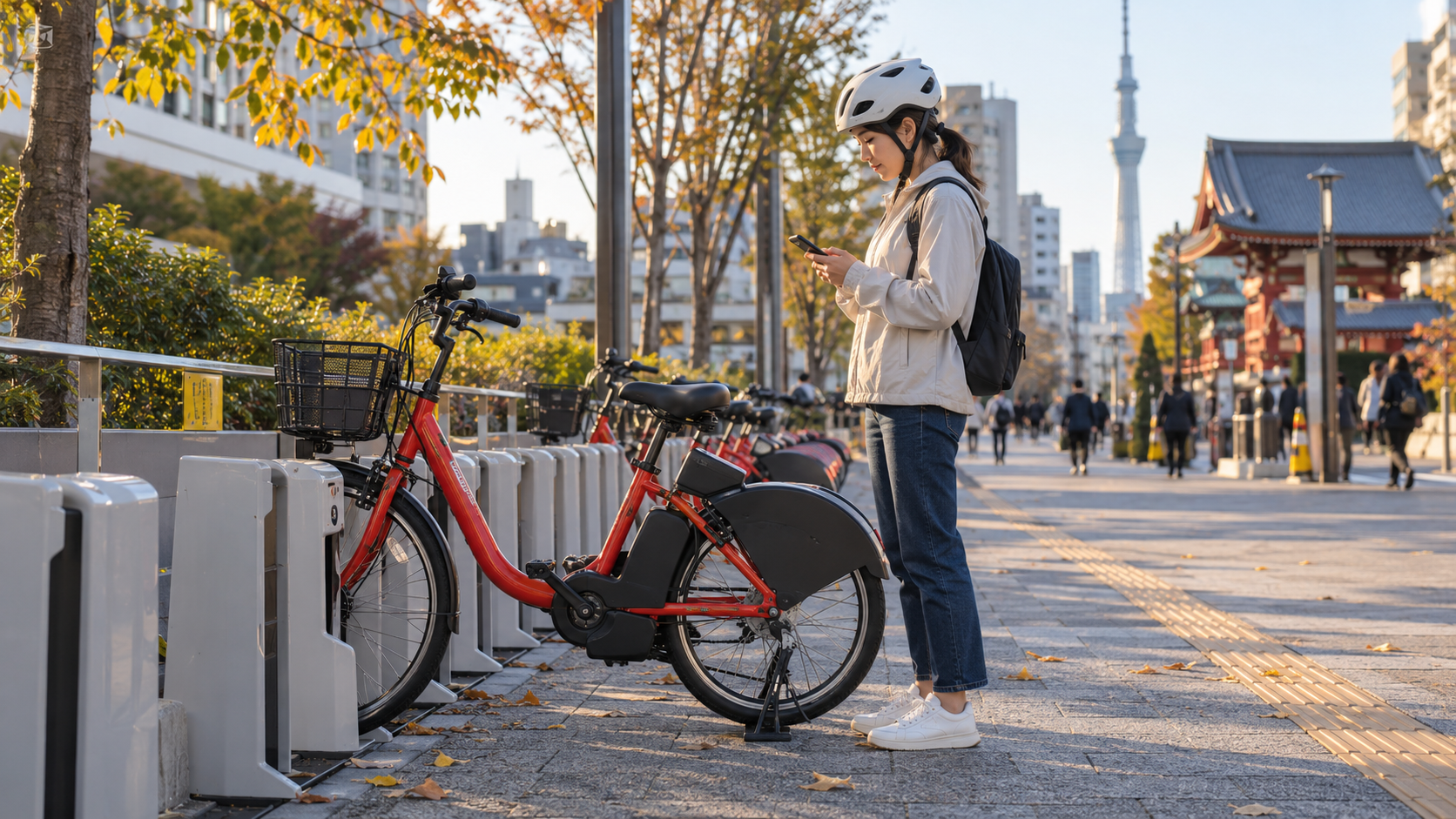
Check completion while still beside the bicycle. If the account still appears to show an active rental, use the operator’s help rather than walking away and hoping the fee stops. Record the bicycle number, station and time so you can explain the problem. A photograph can help document where you left it, but cannot itself complete a return.
If you are only stopping briefly outside a station, use permitted parking and follow the temporary-lock instructions. That pause still counts as rental time. Decide deliberately whether to keep renting or complete a return before a long meal or museum visit.
If setup, availability or the route does not work
For missing verification messages, the official SMS troubleshooting page advises checking the number and country code, international-message blocking, roaming and the phone’s connection. Check your carrier’s costs before changing roaming settings. Repeated requests can trigger a security lock; the operator advises leaving about a day after that happens, so do not keep tapping for new codes.
If SMS cannot work, ask a listed staffed counter about the separate IC-card pass, or use walking, rail or another rental service whose requirements you can meet. If no bicycle is available, check another nearby station only when the extra walk fits your schedule. If return space is unavailable, consult the live map for another eligible station; do not abandon the bicycle outside the network.
Plan for safe cycling too. The Tokyo Metropolitan Police rules say to generally ride on the left side of the road, obey signals and stop signs, use lights at night and avoid alcohol. Sidewalk riding has exceptions and pedestrians take priority. Wear a helmet. Stop safely before handling your phone; police guidance prohibits holding a phone to call or look at its screen while riding.
Tokyo also requires bicycle liability coverage, as explained in GO TOKYO’s official cycling guide. Check the operator’s current insurance conditions rather than assuming every loss is covered. If the road, weather or traffic is uncomfortable, change the journey. A bicycle is an optional way to explore, not something you must make work.
Frequently asked questions
Do I need a Japanese phone number for Docomo Bike Share?
No. The official FAQ supports overseas numbers that receive SMS. Carrier restrictions can still stop registration; test your actual number.
Will a data-only travel eSIM solve registration?
Only if you also have a number that can receive the required SMS. Internet access alone does not meet that condition.
Can I use a debit or prepaid card?
The current official registration page says both can be used. Acceptance of your individual card is not guaranteed.
Does the convenience-store day pass avoid SMS?
No. Its ticket registration includes SMS verification. Investigate the separate staffed-counter IC-card pass if this is the obstacle.
Is the Tokyo day pass valid for 24 hours?
No. The Tokyo convenience pass ends at 23:59 that day. Check station hours as well.
Does Suica pay the bicycle fare?
An optionally registered IC card can act as a key. For app membership, the fare is billed to the registered payment method rather than its stored balance.
Can I leave the bike at any operator’s station?
Use a station eligible for your service and area. Do not assume other operators’ parking spaces accept a Docomo return.
How do I know the rental has ended?
Check the terminal’s completion indication and the app’s notification or usage history. Resolve an unconfirmed return before leaving.
Sources checked on October 9, 2026. Rates and procedures can change. This is a researched guide; signup and riding were not tested firsthand.
Comments