- Quick Answer
- Do You Really Need Mobile Internet in Japan?
- Your 3 Options at a Glance
- Option 1: eSIM — Easiest for Most Travellers
- Option 2: Pocket WiFi — Best for Groups and Heavy Users
- Option 3: Physical SIM Card — Best for Long Stays and Older Phones
- Which Should You Choose? Scenario-Based Recommendations
- Solo traveller, recent iPhone, 1-week trip
- Couple, both with recent smartphones, 10-day trip
- Family of four with children, 2-week trip
- Business traveller with laptop, 5-day trip
- Long-stay traveller (30+ days)
- Traveller heading deep into rural areas (mountains, remote islands)
- Traveller with an older phone or a phone bought in mainland China / Hong Kong / Macau
- How to Set Up Each Option
- Common Pitfalls to Avoid
- FAQ
- Do I really need mobile data in Japan, or is free Wi-Fi enough?
- What is the cheapest way to get internet in Japan?
- Will a Japan eSIM work with my iPhone bought in China or Hong Kong?
- Can I use my Japan eSIM and my home number at the same time?
- Which Japanese network has the best coverage for tourists?
- How much data do I actually need for a 1-week trip?
- Is it safe to use free Wi-Fi in Japan?
- Can I rent Pocket WiFi after I arrive in Japan, without a reservation?
- What happens if my eSIM does not connect when I land?
- Should I get an eSIM, Pocket WiFi, or SIM if I am mainly staying at an Airbnb?
- Related Reading on Real Japan Guide
Quick Answer
If you have a recent iPhone (XS / 2018 or newer) or a Samsung S20+/Pixel 3+ Android phone, an eSIM from Airalo, Ubigi, or Holafly is the simplest option — typically $4.50–$25 for 1–20 GB. Choose Pocket WiFi if you are travelling as a group of 3 or more, want to share data across many devices, or use older phones. Physical SIM cards are mainly worth considering for stays longer than 30 days or for travellers whose devices do not support eSIM.
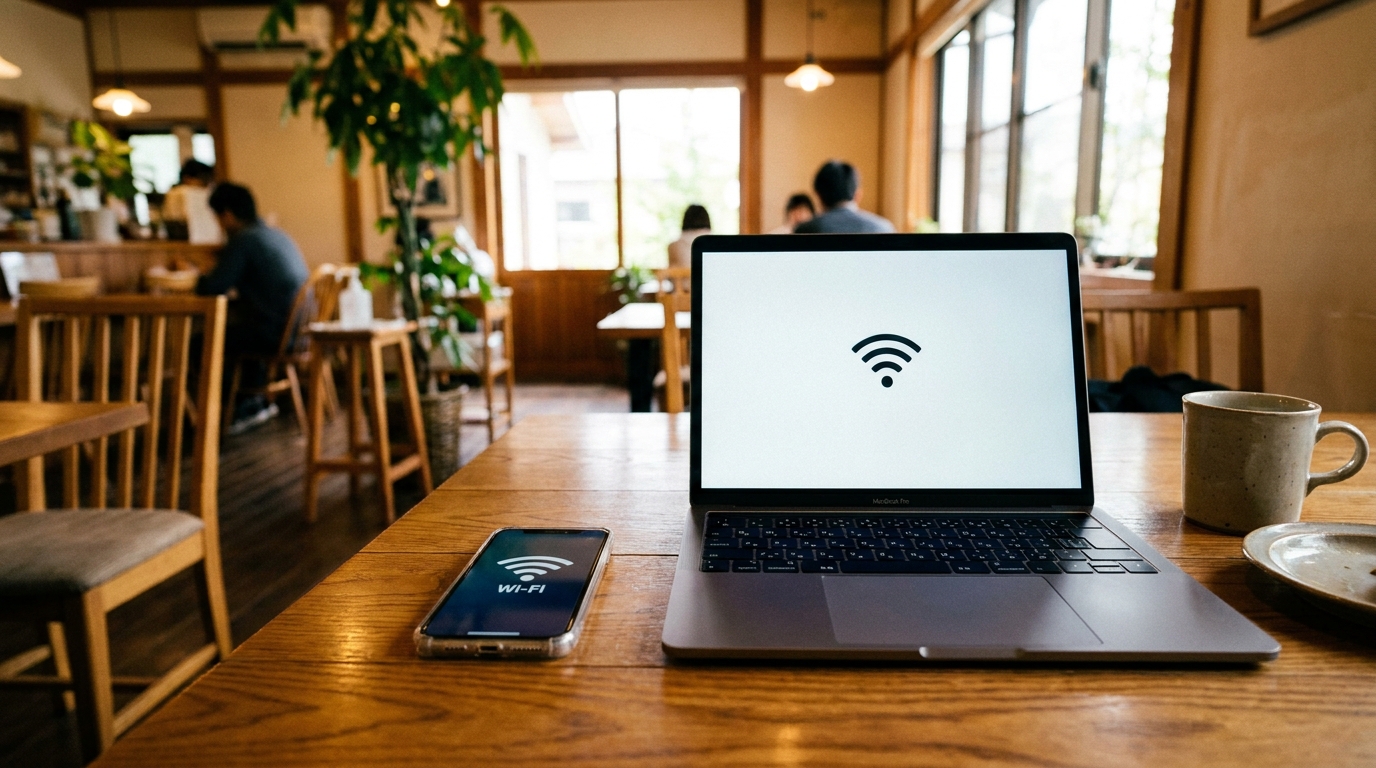
Free public Wi-Fi at convenience stores, train stations, and Starbucks is real, but it is fragmented and disconnects between hotspots. For a smooth Japan trip, you will want some form of paid mobile data.
Do You Really Need Mobile Internet in Japan?
Japan does have a public Wi-Fi network. Many train stations, Starbucks branches, hotel lobbies, and city-run hotspots offer free connections. Several local-government and transit Wi-Fi networks now route through the Japan Wi-Fi auto-connect app (the renamed and updated successor to the older Japan Connected-free Wi-Fi), which can simplify hopping between participating hotspots after a single registration.
A note on convenience-store Wi-Fi: 7-Eleven and FamilyMart ended their nationwide free Wi-Fi services some years ago, and Lawson’s free Wi-Fi has also been wound down. Travellers who remember relying on convenience-store Wi-Fi from earlier trips will find this option much narrower in 2026.
In practice, most short-stay guests find that public Wi-Fi alone is not enough.
A few reasons it tends to fall short:
- Sessions time out quickly. Starbucks Japan limits each Wi-Fi session to 60 minutes; reconnecting is fast (you tap to accept the terms — no email registration), but you have to do it each time.
- Coverage is location-bound. The connection drops the moment you leave the cafe, station, or hotel lobby. Walking navigation, real-time train delays, and ride-hailing apps need continuous data.
- Registration screens may default to Japanese. Some city Wi-Fi portals are friendlier in Japanese than in English, which slows down first-time use.
- Speeds vary widely during peak hours, especially at major stations and tourist areas.
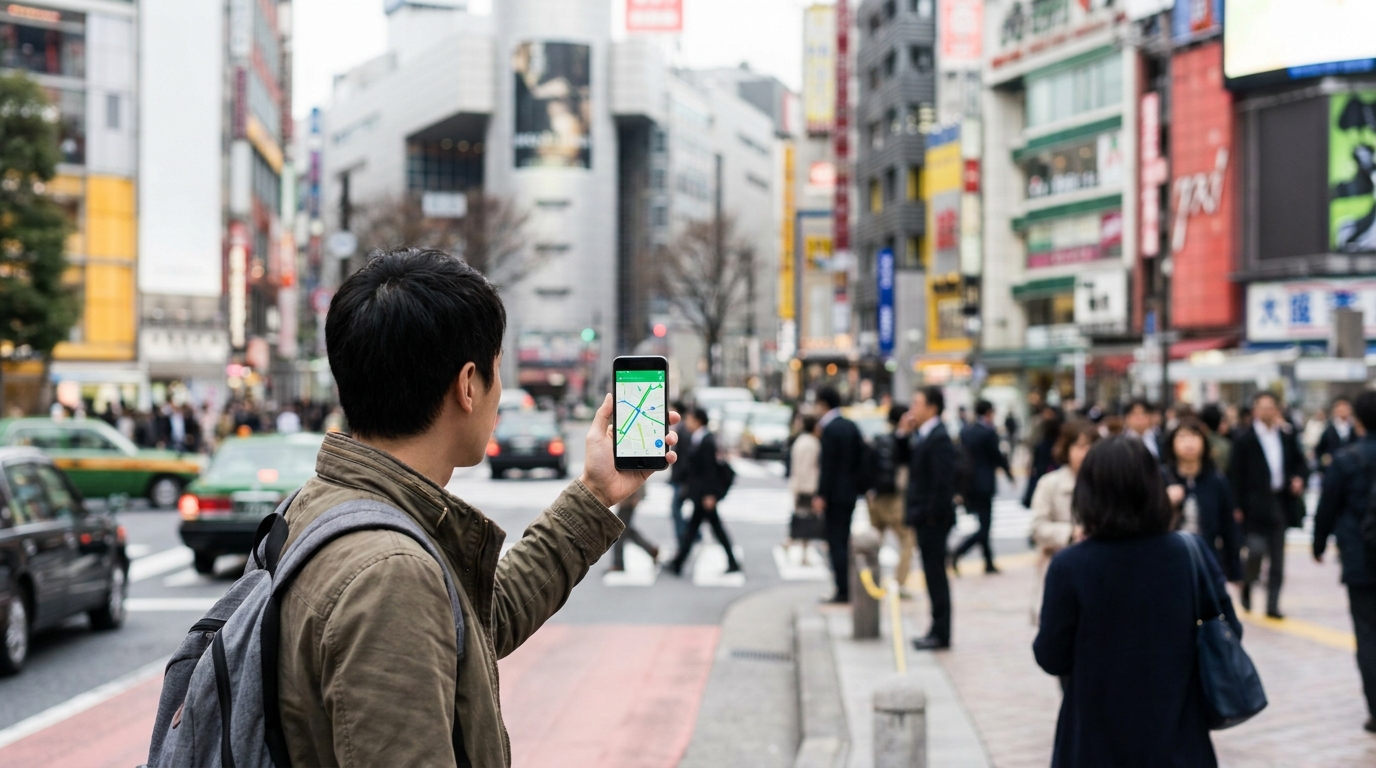
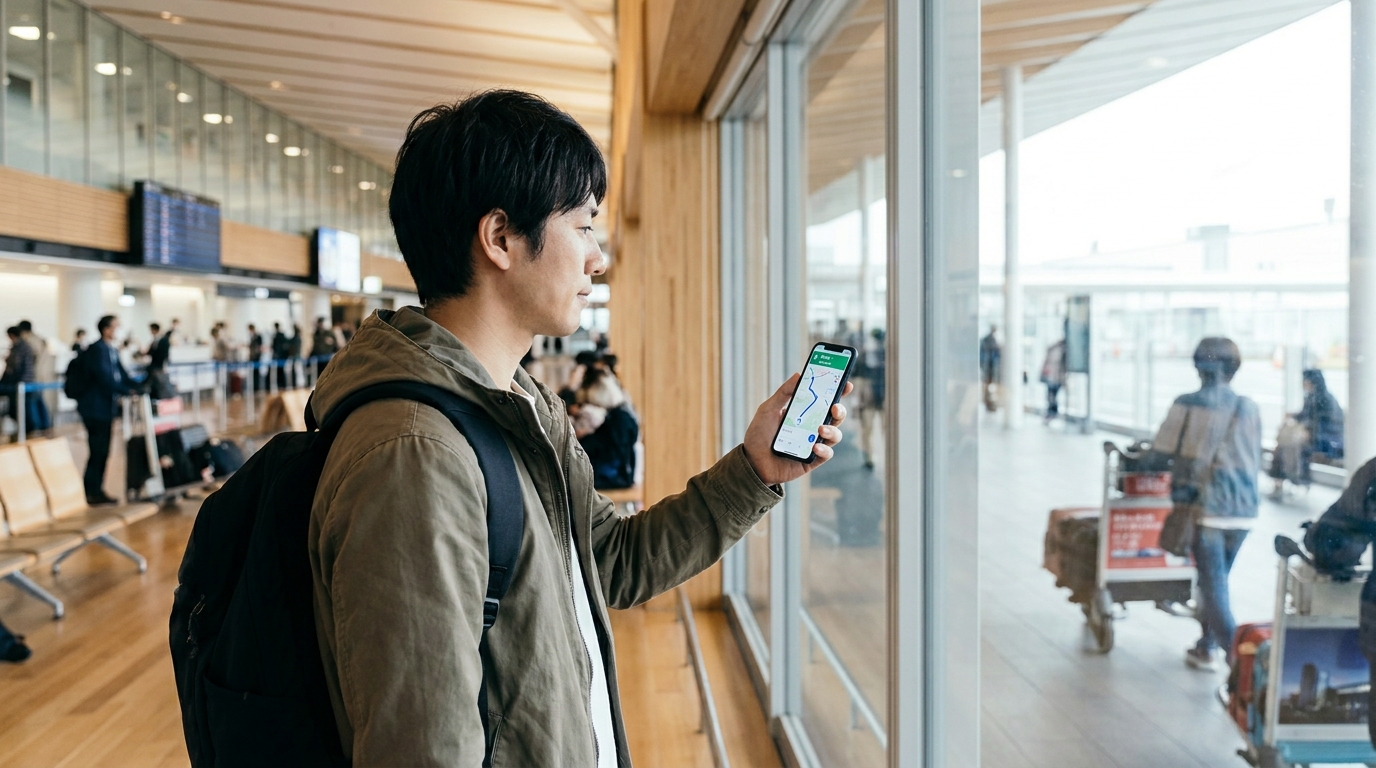
If you plan to use Google Maps for navigation, translation apps in restaurants, or messaging apps with your host (very common for Airbnb check-ins), it is much smoother to carry your own connection. The question becomes which of the three main options to choose.

Your 3 Options at a Glance
Here is how the three main approaches compare at a high level. Specific prices and providers are covered in the following sections.
| Feature | eSIM | Pocket WiFi | Physical SIM |
|---|---|---|---|
| Typical price (1-week trip) | $5–$15 | $25–$50 | $20–$40 |
| Setup difficulty | Easy (QR code) | Easy (pickup) | Moderate (insert SIM) |
| Devices supported | 1 (your phone) | Up to 5–10 | 1 (your phone) |
| Battery impact | Phone only | Separate device to charge | Phone only |
| Data speed (typical) | 4G/5G | 4G/5G | 4G/5G |
| Best for | Solo or duo travellers, recent phones | Groups, families, heavy data users | Long stays, older phones |
| Drawback | Phone must support eSIM | Extra device to carry & charge | Less convenient activation |
Most independent travellers in 2026 land on eSIM as the default choice, with Pocket WiFi reserved for group trips.
Option 1: eSIM — Easiest for Most Travellers
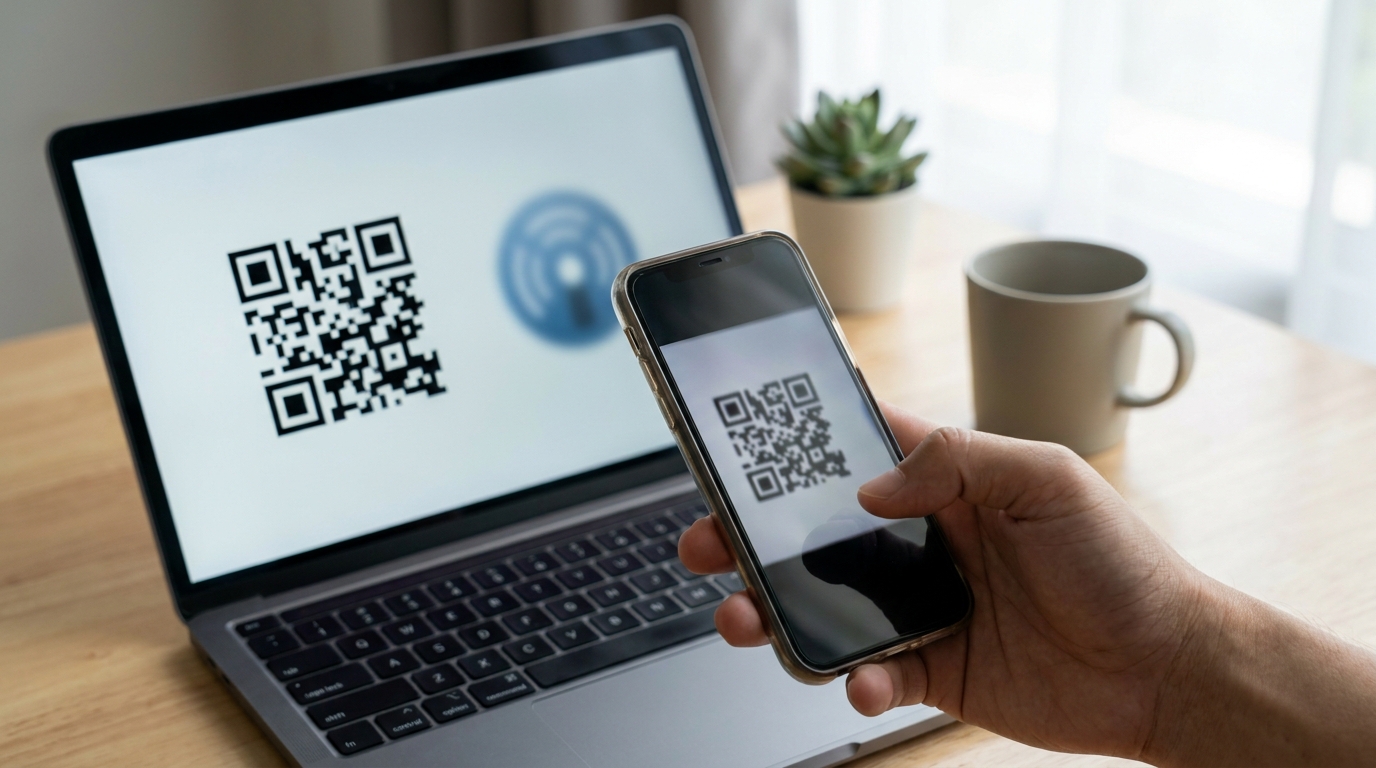
An eSIM is a digital SIM profile your phone activates by scanning a QR code or tapping an installation link. There is no physical card to insert and no airport counter to visit. You can purchase an eSIM from your home country, install it before you fly, and have data the moment your plane lands and you switch off airplane mode.
Top eSIM providers for Japan (2026)
Three providers consistently appear at the top of most comparison lists:
Airalo (Moshi Moshi plan) — generally the best balance of price and coverage. Plans run roughly $4.50 for 1 GB / 7 days, $18 for 10 GB / 30 days, and $25 for 20 GB / 30 days. Airalo’s Japan eSIM uses SoftBank and KDDI (au) networks with 4G/5G access, which works well across most cities and tourist areas.
Ubigi — a strong choice for travellers heading to rural areas, since it taps into NTT DoCoMo, widely considered the most reliable network outside major cities. Sample pricing: 25 GB for around $32, 50 GB for around $55.
Holafly — the main option for travellers who want unlimited data without thinking about caps. Plans run roughly $19 for 5 days up to about $75 for 30 days. The trade-off is price: for moderate data use, Airalo or Ubigi is significantly cheaper. One specific caveat worth flagging is that Holafly’s “unlimited” plans typically cap tethering / hotspot use at around 500 MB per day, even though browsing on the phone itself is unlimited. If you plan to share data from your phone to a laptop or a travel companion’s device, factor that in before choosing Holafly.
Other names worth knowing in 2026: Saily, Nomad, GigSky, and Sim Local also operate in Japan, often using SoftBank or KDDI networks, with broadly similar pricing structures and sometimes more aggressive promotional pricing than Airalo. It is worth checking two or three providers’ current prices before buying.

When eSIM works well
- You are travelling solo or as a duo, and each person has their own phone.
- Your phone supports eSIM (most iPhones from 2018 onward and most flagship Android phones from 2020 onward).
- You want zero airport queues on arrival.
- You like keeping your home number active for SMS and messaging while abroad.
Phone compatibility
For iPhone, eSIM is supported on the iPhone XS (2018) and every model released since. iPhone 14 and 15 generations added dual eSIM capability, so you can run two eSIM profiles at once — handy if you want to keep a home eSIM active while the Japan eSIM handles data.
A few important regional and 2025–2026 changes worth noting:
- iPhone 17 Air, released in autumn 2025, is eSIM-only worldwide — there is no physical SIM tray at all. Other iPhone 17 models in some regions also moved further toward eSIM-first designs. If your iPhone has no SIM tray, eSIM is your only mobile-data path on that device.
- iPhones purchased in mainland China, Hong Kong, or Macau historically do not support eSIM, even on recent flagship models. If your phone was bought in those markets, plan around Pocket WiFi or a physical SIM instead.
For Android, eSIM is broadly supported on:
- Samsung Galaxy S20 series and newer, including S25/S26 and most foldables
- Google Pixel 3 and newer, through the latest Pixel 10 series
- Xiaomi 13 / 14 / 15 series and Mi 12T Pro
- Many Sharp Aquos and Sony Xperia models from 2022 onward
Android eSIM support is not universal even on listed model names. Carrier-specific or country-specific variants — particularly those sold inside mainland China — sometimes have eSIM disabled at the firmware level. When in doubt, check your phone’s Settings → Mobile Data (or Cellular) menu and look for an “Add eSIM” option, or refer to the manufacturer’s specification page for your exact model variant.
Typical cost for a Japan trip
A rough planning guide using Airalo Moshi Moshi pricing:
- 3-day weekend visit: 1 GB plan, around $4.50–$5
- 1-week standard trip: 3–5 GB, around $9–$13
- 2-week trip with daily Maps and translation use: 10 GB, around $18
- 3-week or family member with heavy social media: 20 GB, around $25
Most travellers underestimate their data needs; if you are uncertain, a 10 GB plan rarely goes to waste.
Option 2: Pocket WiFi — Best for Groups and Heavy Users
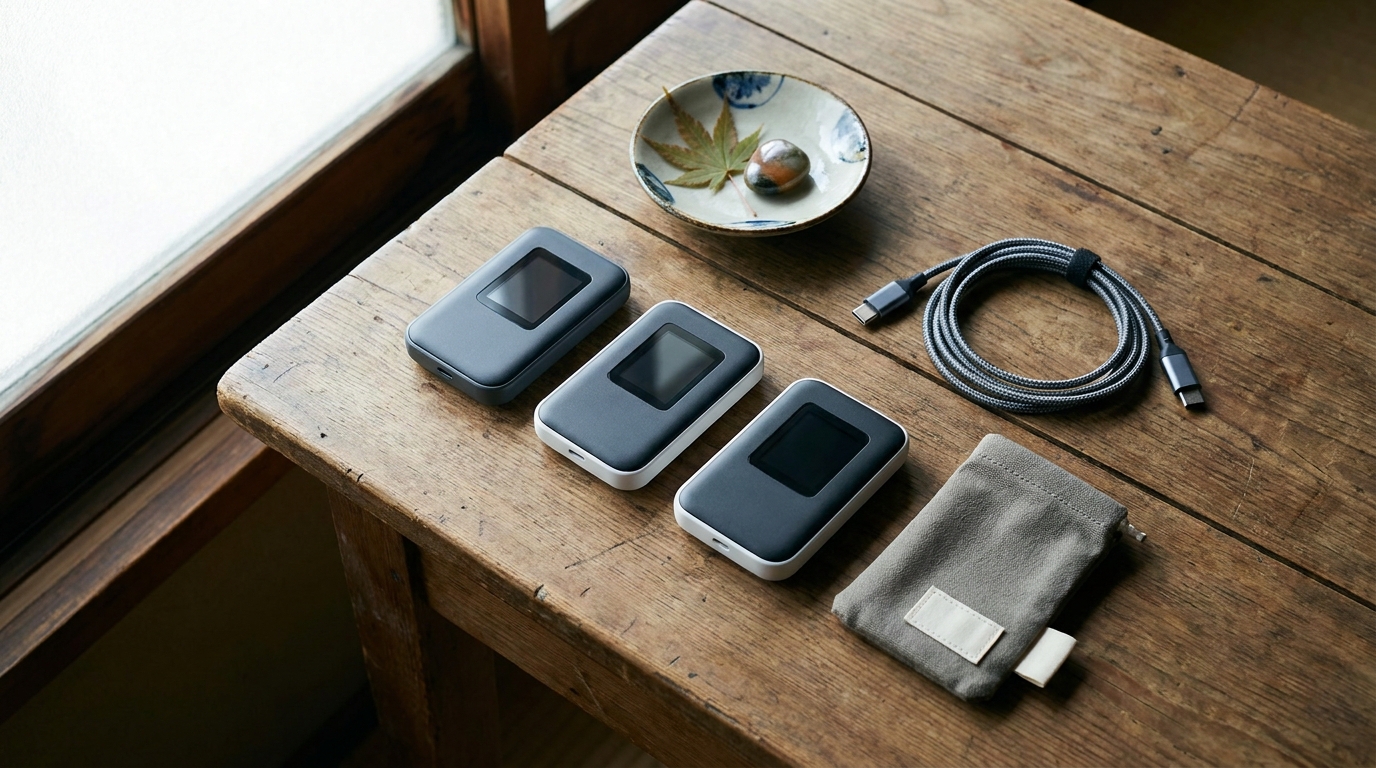
A Pocket WiFi (often written Mobile Wi-Fi router in Japan) is a small portable hotspot device, roughly the size of a deck of cards, that creates a local Wi-Fi network connecting up to 5–10 devices simultaneously. You rent it for the length of your trip, pick it up at the airport on arrival, and drop it off (or post it back) at the end.

When Pocket WiFi makes sense
- Group of three or more sharing one connection.
- Travellers with multiple devices: laptop + tablet + phone, or remote-work setups.
- Older phones that do not support eSIM.
- Households where one parent prefers not to deal with phone settings at all.
- Heavy streaming, video calls, or working from cafes throughout the trip.
Major providers in 2026
Three companies dominate the tourist Pocket WiFi market:
NINJA WiFi offers the widest plan variety, with daily data tiers from 1 GB to unlimited. Pricing runs roughly $3 to $13+ per day depending on data volume, and the company runs frequent seasonal promotions. Pickup is free at Narita, Haneda, Kansai (Osaka), Chubu (Nagoya), Fukuoka, and several other airports. Hotel and Airbnb delivery within Japan costs around ¥550 (tax included).
Japan Wireless has been operating for over 15 years with more than one million users. Its unlimited plan is priced on a tiered daily rate that drops sharply with longer rentals: a 1-day rental is around ¥4,064 (high single-day rate), but a 30-day rental works out to about ¥695 per day (¥20,860 total). Many rentals include a complimentary power bank, which helps for long sightseeing days when both your phone and the WiFi device need charging.
Sakura Mobile offers tiered daily pricing that drops the longer you rent. Short rentals (3 days) work out to roughly $9–$11 per day, while a 28-day rental can fall closer to $3–$4 per day at current rates. Because Sakura prices its plans in yen and the yen has been at historically weak levels in 2025–2026, USD-equivalent prices vary noticeably with the exchange rate, so check the latest yen total at booking. Devices connect up to 15 simultaneous devices and last around 20 hours per charge. Sakura also offers delivery to airports, hotels, Airbnb addresses, and post-office branches with a return mail satchel.

Practical tips for Pocket WiFi
- Reserve before you fly. Walk-up rentals are sometimes available but plans, languages, and stock vary by counter and time of day.
- Charge it every night. Most devices last 8–20 hours of active use; running out at 4pm in Asakusa is no fun.
- Treat the password like a hotel lock. Do not share it with strangers and turn the device off when you do not need it, both to save battery and reduce eavesdropping risk on shared rooms.
- Plan the return. Decide before pickup whether you will drop off at the airport or use the prepaid return envelope. Each company has slightly different rules about late returns.
Data caveats
“Unlimited” plans on Pocket WiFi devices are usually marketed as such, but most providers reserve the right to throttle speeds during periods of unusually heavy use (sometimes called fair use limits). For typical travel — Maps, social media, translation apps, occasional video — you are unlikely to hit any cap. For continuous video streaming or large file uploads, expect speeds to slow down.
Option 3: Physical SIM Card — Best for Long Stays and Older Phones
A physical SIM card is the traditional approach: you swap your home SIM for a Japan SIM, and your phone connects directly to a Japanese network. It tends to be less convenient than eSIM but remains useful in specific cases.

When a physical SIM still makes sense
- Your phone does not support eSIM (older Android, certain regional iPhones).
- You are staying in Japan for 30+ days and want a longer prepaid validity at a fixed price.
- You prefer a SIM card you can buy in person at major electronics retailers like Bic Camera, Yodobashi Camera, Sofmap, or Kojima, and at the Tourist Information Center near Tokyo Station.
- You want a Japanese phone number (most data-only SIMs do not include one — Mobal is one of the few that offers number plans).
Common providers
Mobal Data-Only SIM uses the SoftBank network with unlimited data on a prepaid basis. Plans cover 8, 16, or 31 days at roughly $29–$53 USD. Mobal also delivers to a Japanese address before arrival, which suits travellers who book accommodation in advance. Mobal additionally offers separate plans that include a Japanese phone number for voice calls and SMS — uncommon among prepaid travel SIMs, and useful if you want a local number for your host or for restaurant bookings.
IIJmio Japan Travel SIM is one of the more affordable options sold in Japan. Card prices vary by retailer, typically ¥2,500–¥7,500 (~$17–$50) depending on data volume and validity (10–60 days). English support at retailer counters can be limited, so this option suits travellers comfortable with basic on-screen instructions.
Other options: b-mobile sells visitor-oriented prepaid SIMs, and several providers operate prepaid SIM vending machines at major airports including Narita, Haneda, and Kansai. These dispense data SIMs 24 hours a day in English-language menus, which is useful for late-night arrivals when staffed counters have closed.
Setup considerations
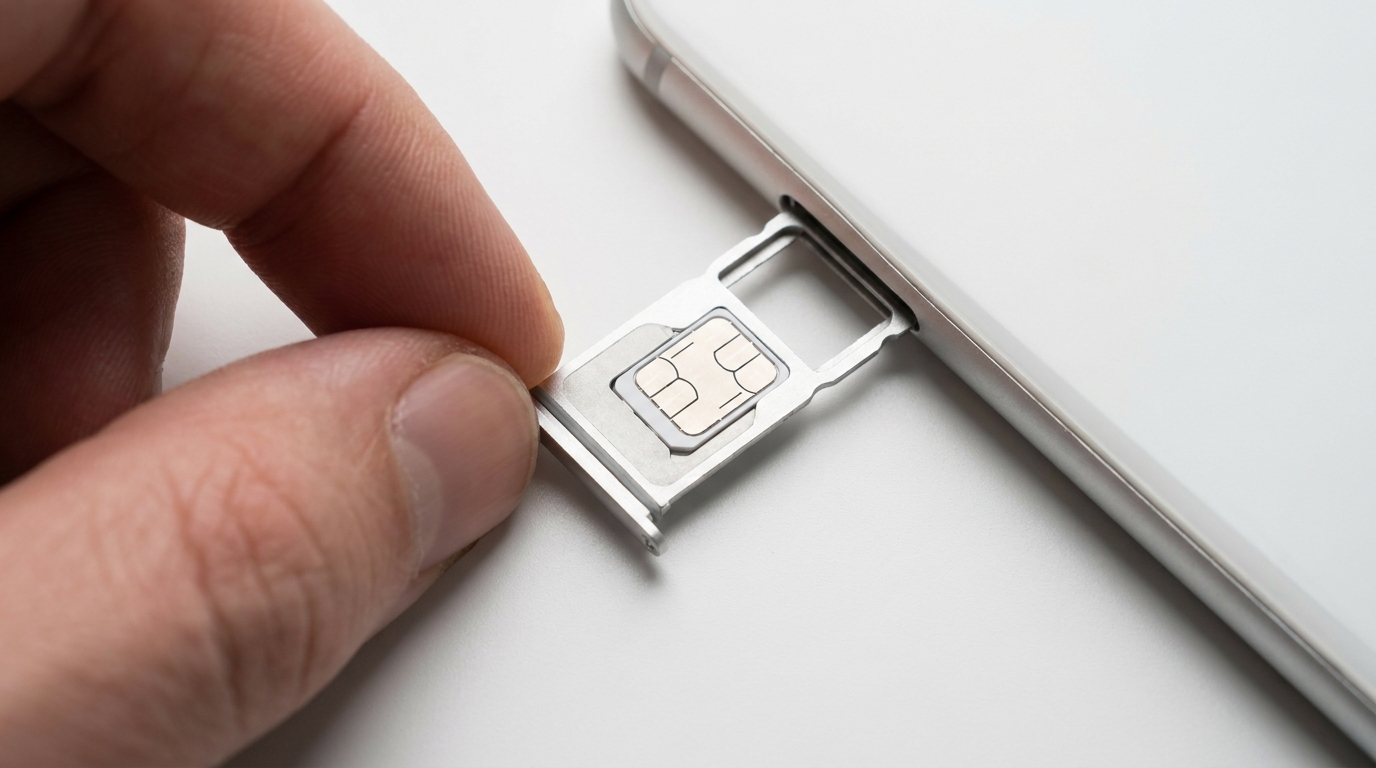
Inserting a SIM in Japan is the same process as anywhere else: power off, eject the tray, insert the new SIM, restart, and confirm the network. A few details to be aware of:
- Most Japan-only travel SIMs are data-only, with no calling or SMS over cellular. Use messaging apps (LINE, WhatsApp, iMessage) for communication.
- Some SIMs require an APN (Access Point Name) configuration. The retailer or insert card will list the values.
- Save your home SIM in the small plastic card it came in — it is easy to lose during transit.
Which Should You Choose? Scenario-Based Recommendations

The “best” option depends on who is travelling, for how long, and with what devices. Some common scenarios:
Solo traveller, recent iPhone, 1-week trip
Recommended: eSIM (Airalo Moshi Moshi 5–10 GB). Lowest cost, zero airport friction, your home number stays active for messages.
Couple, both with recent smartphones, 10-day trip
Recommended: Two eSIMs (one each). Cheaper combined than a Pocket WiFi rental, and either person can use Maps when separated.
Family of four with children, 2-week trip
Recommended: Pocket WiFi (NINJA or Sakura Mobile, unlimited or large data). Children’s tablets, multiple phones, and shared streaming all run on one device. Cost per person drops quickly with shared rental.
Business traveller with laptop, 5-day trip
Recommended: Pocket WiFi or eSIM with hotspot. A Pocket WiFi gives a stable laptop connection for video calls. If your phone has good battery and supports tethering, an eSIM with 10 GB can also work.
Long-stay traveller (30+ days)
Recommended: Physical SIM (Mobal 31-day unlimited, or IIJmio). Longer prepaid validity at predictable cost.
Traveller heading deep into rural areas (mountains, remote islands)
Recommended: Ubigi eSIM (DoCoMo network) or Sakura Mobile Pocket WiFi. These rely on the network with the strongest rural coverage. SoftBank-based options can drop signal in mountainous regions.
Traveller with an older phone or a phone bought in mainland China / Hong Kong / Macau
Recommended: Pocket WiFi or physical SIM. Skip eSIM — your device may not support it.
How to Set Up Each Option

eSIM setup (10–15 minutes)
- Buy and install before you fly. On the provider’s app or website, choose your Japan plan, complete payment, and follow the QR code or one-tap installation prompt. Most installations take less than five minutes.
- Do not activate it yet. Most providers let you install the eSIM but delay activation until your phone first connects to a Japanese network. This way the validity period starts on arrival, not on purchase.
- On the plane (or at the gate): in your phone’s Mobile Data settings, select the Japan eSIM as the active data line. Keep your home eSIM enabled if you want to receive SMS.
- On arrival: switch off airplane mode. The eSIM should connect automatically. If it does not, restart the phone or toggle airplane mode once.
- Disable data roaming on your home line to prevent accidental charges, and enable it on the Japan eSIM.
Pocket WiFi setup (5 minutes after pickup)
- Reserve before you fly. Provide your arrival date, airport, return date, and delivery option (airport counter or hotel/Airbnb).
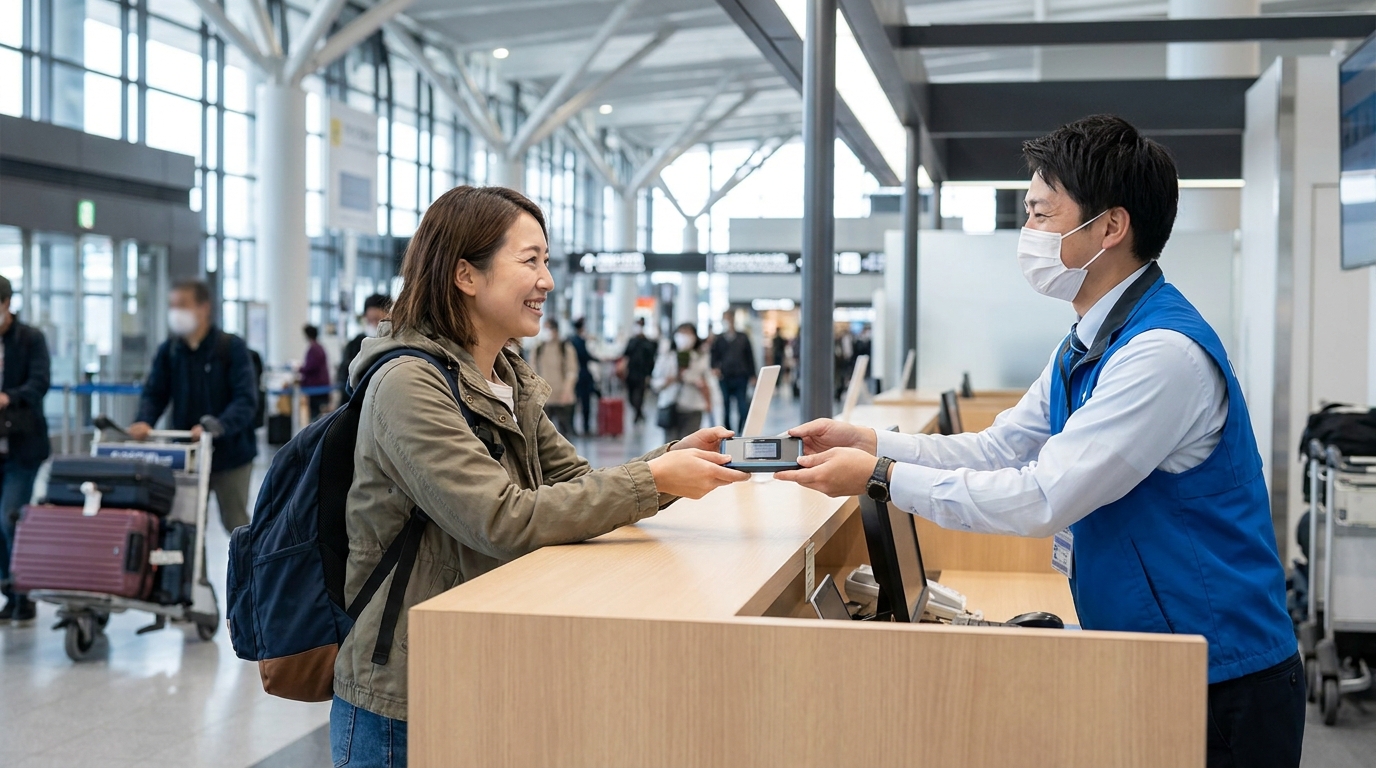
- Pick up at the airport counter. Bring your reservation confirmation and passport. Receive the device, charger, and return envelope.
- Power on the device — it should boot in about 30 seconds. The SSID and password are usually printed on a card or directly on the device.
- Connect each device to the Wi-Fi network as you would any other Wi-Fi.
- Charge nightly. Keep the device near you, not at the bottom of a backpack, to avoid signal drop.
- Return the device at the airport counter on departure or post it back using the prepaid envelope before the deadline.
Physical SIM setup
- Buy in advance (Mobal pre-arrival shipping) or pick up on arrival at airport SIM vending machines or in-city electronics retailers.
- Power off your phone, eject the SIM tray with the included pin, and replace your home SIM with the Japan SIM. Store the home SIM safely.
- Restart the phone and wait 1–2 minutes for the network to register.
- Configure the APN if prompted (the SIM card or retailer instructions will list the values).
- Test data connectivity by opening a webpage or sending a message via your usual app.
Common Pitfalls to Avoid

A few mistakes come up repeatedly in traveller forums and reviews. Avoiding these will save real frustration on the ground.
eSIM pitfalls
- Installing too early without checking activation rules. Some providers’ validity starts on installation, not on first connection. Read the activation policy before installing.
- Forgetting to disable data roaming on the home line. Even with the Japan eSIM as the default, your home line can occasionally fetch background data and trigger roaming charges.
- Buying a tiny plan, then running out mid-trip. A 1 GB plan disappears in about three days of normal use. When in doubt, size up.
- Assuming all phones are compatible. Confirm eSIM support on your specific model and region before purchasing.
Pocket WiFi pitfalls
- Forgetting to charge the device overnight. Devices that die mid-day leave the whole group offline.
- Splitting up too far from the device. Range is 10–15 metres in clear conditions. If one person takes the WiFi to a different floor or exits a building, the rest of the group loses signal.
- Returning late. Late-return fees can add up. Set a calendar reminder for the return date and use the prepaid envelope at any post box if you are running short on time.
- Treating it as theft-proof. It is a small electronic device; standard travel-precaution rules apply.
Physical SIM pitfalls
- Losing the home SIM. The little white plastic card SIMs come in is fragile and easy to misplace. Use a sticker or small SIM holder.
- Buying a SIM whose APN you cannot configure. Most modern phones detect the APN automatically, but if not, the SIM packaging and retailer instructions are the source of truth.
- Paying a premium at airport counters when in-city retailers are cheaper. If you have a free first day in Tokyo or Osaka, Bic Camera and Yodobashi Camera frequently offer lower prices than airport vending machines.
Cross-cutting pitfalls
- Forgetting to test before leaving the airport. Whichever option you chose, send a test message and load a Maps tile before you leave the arrivals hall. Fixing a problem with airport Wi-Fi nearby is much easier than from a train.
- Trusting a single Free Wi-Fi as a primary plan. Public Wi-Fi is fine as a backup or for occasional bursts of bandwidth at a cafe, but not as your only connection during a multi-day trip.
FAQ

Do I really need mobile data in Japan, or is free Wi-Fi enough?
Free Wi-Fi is fine for casual short check-ins inside cafes, stations, and convenience stores. For continuous navigation, ride-hailing apps, and translation in restaurants, a dedicated data plan is much smoother. Most travellers who try to rely on free Wi-Fi alone end up buying mobile data within a day or two anyway.
What is the cheapest way to get internet in Japan?
For solo travellers with eSIM-compatible phones, an Airalo Moshi Moshi 1 GB plan at around $4.50 for 7 days is the cheapest entry point. For groups, a shared Pocket WiFi rental usually works out cheaper per person.
Will a Japan eSIM work with my iPhone bought in China or Hong Kong?
Generally no. iPhones sold in mainland China, Hong Kong, and Macau do not support eSIM, even on the latest models. Use Pocket WiFi or a physical SIM if you have one of these phones.
Can I use my Japan eSIM and my home number at the same time?
Yes, if your phone supports dual SIM (most iPhones from XS onward, most flagship Android phones from 2020 onward). The Japan eSIM handles data, and your home line handles SMS and calls. Disable data roaming on the home line to avoid charges.
Which Japanese network has the best coverage for tourists?
NTT DoCoMo is widely seen as having the broadest nationwide coverage, including in rural and mountainous areas, though some users report network congestion in busy central Tokyo districts at peak times. SoftBank is reported to deliver strong download speeds in major cities, with somewhat thinner coverage in remote mountainous regions. KDDI (au) is generally well-balanced between cities and major transit corridors. For tourists staying mostly in Tokyo, Osaka, Kyoto, and other cities, all three networks are typically sufficient. Japan’s overall 5G population coverage is now reported above 98%, but parts of that figure rely on 4G-band re-use, so 4G/LTE remains the practical workhorse in many areas.
How much data do I actually need for a 1-week trip?
Most travellers use 3–7 GB during a typical 1-week trip with daily Google Maps, social media, messaging, and occasional video. A 5–10 GB plan covers most situations comfortably. Heavy video streaming or remote work can push that to 15–20 GB.
Is it safe to use free Wi-Fi in Japan?
Free Wi-Fi networks at cafes, hotel lobbies, and station hotspots are generally fine for browsing, navigation, and translation. As with any public Wi-Fi anywhere in the world, avoid logging into banking or entering payment details without a VPN, and be cautious with networks that do not require any form of acceptance or login. Note also that nationwide free Wi-Fi at major convenience-store chains (7-Eleven, FamilyMart, Lawson) has largely been wound down, so plan around hotel, cafe, and station Wi-Fi rather than relying on convenience stores.
Can I rent Pocket WiFi after I arrive in Japan, without a reservation?
Walk-up rentals are sometimes possible at airport counters, but availability and English support vary by counter and time of day. Reserving online before your flight is more reliable, and most providers offer same-day pickup as long as the reservation is in by a few hours before arrival.
What happens if my eSIM does not connect when I land?
First, switch airplane mode on and off. If it still does not connect, restart the phone. If still not connecting, check that the Japan eSIM is selected as the active data line, that data roaming is enabled on the Japan line, and that you have not exceeded the validity start window. Most providers also offer 24-hour chat support.
Should I get an eSIM, Pocket WiFi, or SIM if I am mainly staying at an Airbnb?
For most Airbnb guests, an eSIM is the simplest choice — your host will likely provide Wi-Fi at the apartment, and the eSIM covers you on the way in from the airport, around the city, and for messaging the host on arrival. A Pocket WiFi makes more sense if you have a group, multiple devices, or a partner without an eSIM-compatible phone.
Related Reading on Real Japan Guide
- Suica, Welcome Suica, and Japan’s IC Cards: A Traveler’s Guide (2026) — pair your data plan with the standard cashless card travelers use across Japan.
- How to Check In to Your Japanese Accommodation: Airbnb, Hotel & Minpaku Guide (2026) — most check-in messages from hosts arrive while you are still at the airport, so a working data connection helps a lot.
- Japanese Konbini Guide: What You Can Actually Do at a Convenience Store in Japan (2026) — convenience-store free Wi-Fi can serve as a useful backup if your data runs short.

Comments