Suica, Welcome Suica, and Japan’s IC Cards: A Traveler’s Guide (2026)

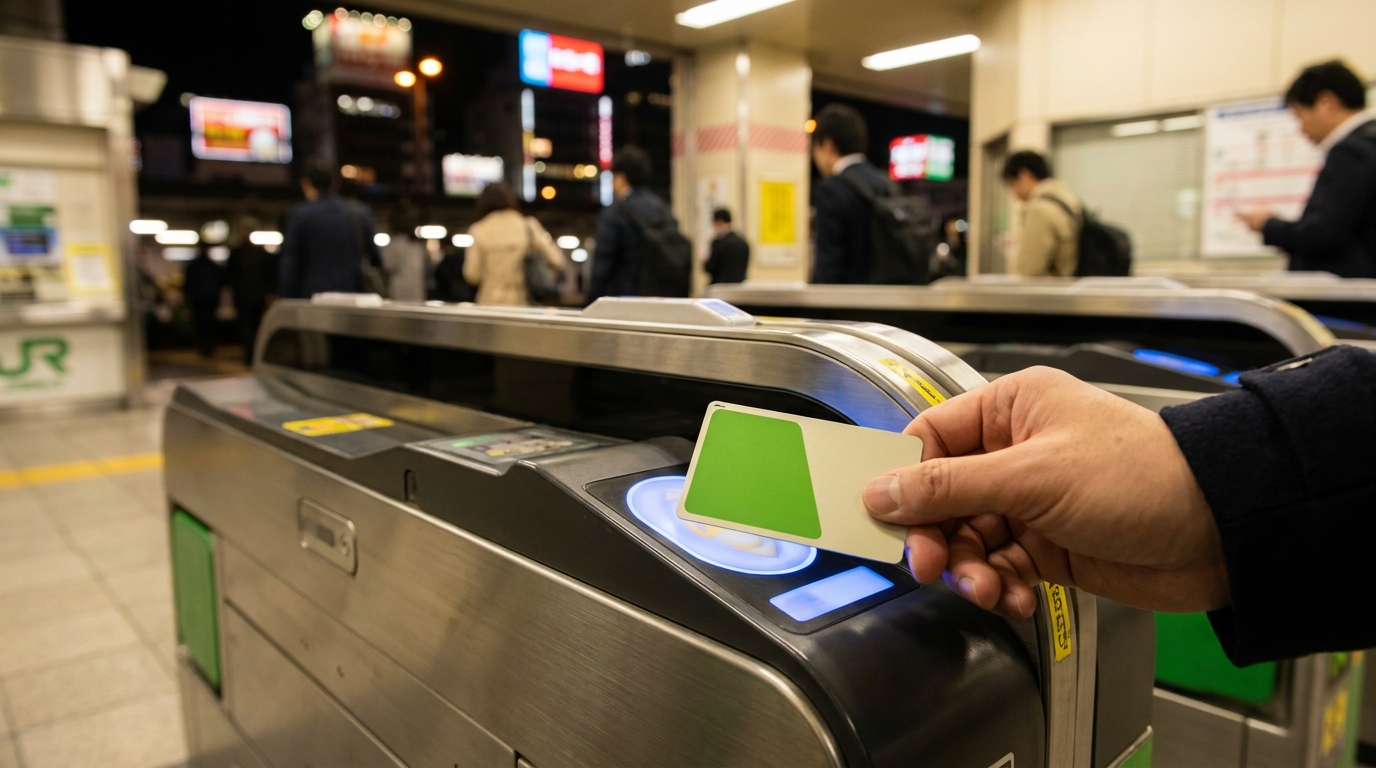
A hand tapping a green IC transit card on a Tokyo train station ticket gate at night Travel Tips

You step out of the Narita Express at Shinjuku Station with a single suitcase and a six-hour flight in your shoulders. The ticket gates click open and shut in front of you, ten of them in a row, each one swallowing a green or pink card with a soft beep. The ticket vending machines on the wall behind you have a wall of buttons, kanji, fares to stations you have never heard of, and a queue. Somebody behind you sighs.

This is the moment most first-time visitors to Japan meet the IC card. Get one, charge it, and you stop reading the fare table. You walk up to the gate, tap, and walk through. The same card pays for the bus to your Airbnb, the bottle of tea from the platform vending machine, the riceball at the konbini, and the coin locker at Shibuya.

This guide explains what these cards are, which version makes sense for a short trip versus a longer stay, where to buy one in 2026 (after the chip-shortage years), how to charge it, and what changed with the new Welcome Suica Mobile app and the Tourist Pasmo card launching in May 2026.

A hand tapping a green IC transit card on a Tokyo train station ticket gate at night

Quick Facts

  • Ten regional IC cards have been interoperable nationwide since March 2013, so a card bought in Tokyo works in Osaka, Sapporo, and Fukuoka (Japan Today; Wikipedia: Nationwide Mutual Usage Service)
  • A regular Suica card costs 1,000 yen (500 yen deposit + 500 yen of stored value) and the maximum balance is 20,000 yen (JR East official; Tokyo Monorail)
  • A Welcome Suica physical card has no deposit, is sold from 1,000 to 10,000 yen, is valid for 28 days from the date of issue (not first use), and is non-refundable (JR East: Welcome Suica)
  • Welcome Suica Mobile (iPhone-only) launched on March 6, 2025, has a 180-day validity from issue, and removes the airport counter step (JR East press release; Essential Japan)
  • JR East fully resumed unrestricted Suica card sales on March 1, 2025, after a chip shortage paused them in 2023 (JR East press release; LoyaltyLobby)
  • The Tourist Pasmo, replacing the discontinued Pasmo Passport, goes on sale in May 2026 with 28-day validity and no deposit (Japan Today; Travel and Tour World)
  • Refunds for a regular Suica are available only at JR East ticket offices; the 220-yen handling fee comes out of the remaining balance only, never the 500-yen deposit, and a card with zero balance refunds the full 500 yen with no fee (japan-guide.com; PiQtour Japan)
  • Note: Kumamoto Prefecture left the nationwide IC card system on November 16, 2024, so Suica/PASMO/ICOCA no longer work on local Kumamoto buses and trains — a small but real exception (Japan Travel News, 2024)
  1. What Is Suica? PASMO? ICOCA? And Why Are There Ten of Them?
  2. Suica vs. Welcome Suica vs. Mobile Suica: Which One for a Short Trip?
    1. Regular Suica (physical card)
    2. Welcome Suica (physical card)
    3. Welcome Suica Mobile (iPhone and Apple Watch)
    4. What about Tourist Pasmo?
    5. A note on contactless credit cards (the alternative to IC cards)
  3. Where to Buy a Card in 2026
  4. How to Buy a Regular Suica from a Ticket Machine
  5. How to Charge It
    1. Cash (the universal method)
    2. Credit card (limited and station-specific)
    3. Apple Pay and Visa: the 2024 fix
    4. Konbini ATMs and counters
  6. What You Can Do With Your IC Card
    1. Trains, subways, and monorails
    2. Buses
    3. Konbini and supermarkets
    4. Vending machines
    5. Coin lockers
    6. Taxis and ride-hailing
    7. Things it does not do
  7. Mobile Suica on iPhone and Android
    1. iPhone (and Apple Watch)
    2. Android
  8. Refunds and Returns
    1. Regular Suica and PASMO
    2. Welcome Suica (physical)
    3. Welcome Suica Mobile
    4. Tourist Pasmo (from May 2026)
  9. Common Mistakes
    1. Two cards in one wallet
    2. Running out of balance at the exit gate
    3. Children’s cards and adult fares
    4. Trying to recharge during the early-morning maintenance window
    5. Tapping out at a station owned by a different JR company
    6. Using IC cards on the Shinkansen
    7. Confusing a deposit with a balance
  10. FAQ
    1. What is the difference between Suica and PASMO?
    2. Can I get a refund on a Welcome Suica?
    3. Where can I buy a Welcome Suica at the airport in 2026?
    4. Can I use my Suica in Osaka, Kyoto, or Sapporo?
    5. Does the Welcome Suica Mobile app work on Android?
    6. Can I add a Welcome Suica to Apple Pay?
    7. How much can I load onto one IC card?
    8. Can I recharge an IC card with a foreign credit card?
    9. What happens to my balance if I lose a Welcome Suica?
    10. Can children use IC cards?
  11. Related Reading
  12. Sources

What Is Suica? PASMO? ICOCA? And Why Are There Ten of Them?

Japan’s railways were never owned by a single company. After the 1987 privatization of Japanese National Railways, the country ended up with a regional patchwork — JR East in Tokyo, JR West in Osaka, JR Hokkaido, JR Kyushu, plus dozens of private rail and subway operators. Each region developed its own contactless prepaid card.

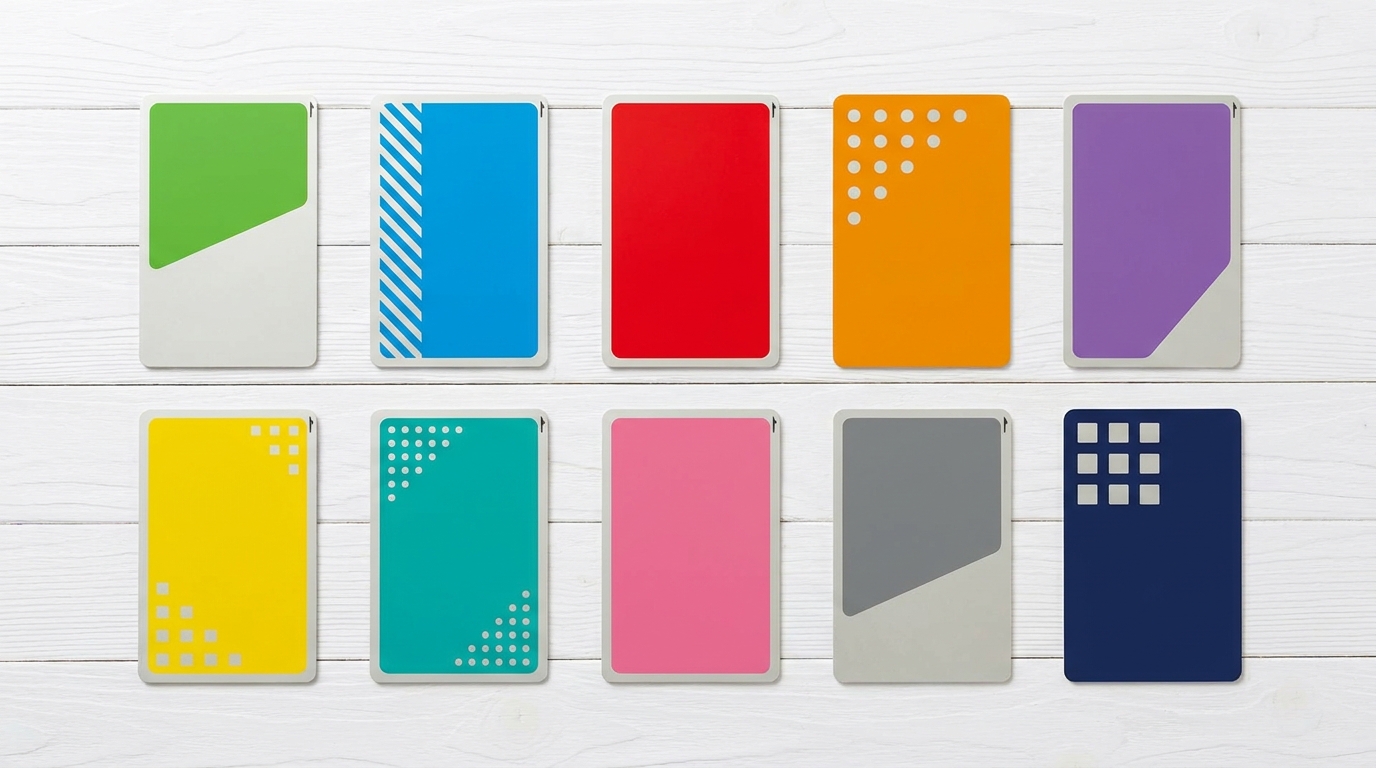
The result, as of 2026, is ten major IC cards that all use the same FeliCa chip and all work on each other’s networks:

Card Issuer Region
Suica JR East Greater Tokyo, Sendai, Niigata
PASMO Tokyo private rail and subway Greater Tokyo
ICOCA JR West Osaka, Kyoto, Hiroshima
TOICA JR Central Nagoya, Shizuoka
Kitaca JR Hokkaido Sapporo
SUGOCA JR Kyushu Fukuoka, Kumamoto, Kagoshima
nimoca Nishitetsu Fukuoka and parts of Kyushu
manaca Nagoya private rail and subway Nagoya
hayakaken Fukuoka City Fukuoka subway
PiTaPa Surutto Kansai Osaka private rail (postpaid)

Since March 23, 2013, these ten cards have been interoperable on each other’s trains, buses, and IC-enabled shops (Japan Today; japan-guide.com; Wikipedia). For a traveler, that means the practical answer to “which card should I buy?” is usually “whichever one is easiest at the station you arrive at.” A Suica bought at Narita pays for the Osaka Loop Line. An ICOCA bought at Kansai Airport pays for the Tokyo Metro.

One small caveat travelers should know: not every region still participates. Kumamoto Prefecture withdrew from the nationwide mutual usage service on November 16, 2024, replacing IC card readers on its local buses and trains with credit-card tap-to-pay and a regional card (Japan Travel News). For visitors heading to Kumamoto, this means a Suica or ICOCA bought in Tokyo will no longer work on local transit there — bring cash or a contactless credit card. Other regions remain fully on the network as of April 2026, but the Kumamoto move signals that hardware-replacement costs may push more rural operators in this direction.

A second caveat is about crossing JR boundaries on a single tap. If you tap in at a JR East station near Tokyo and try to tap out at a JR Central station in Shizuoka or Nagoya, the system rejects the gate and locks the card. Use the cards within a single regional network for any one trip. For inter-city travel that crosses operator lines, buy a separate ticket (or use Shinkansen e-tickets through the Welcome Suica Mobile app).

There is one small caveat: PiTaPa is a postpaid card aimed at Kansai residents and is not a useful choice for a short visit. The other nine are all functionally equivalent for visitors.

Top-down flat lay of the ten major Japanese IC transit cards

Suica vs. Welcome Suica vs. Mobile Suica: Which One for a Short Trip?

For a tourist arriving in Tokyo in 2026, the realistic choices are these three. Pick by the length of your trip and the phone in your pocket.

Regular Suica (physical card)

The standard prepaid card from JR East. Costs 1,000 yen at the ticket machine, of which 500 yen is a deposit and 500 yen is your starting balance. Refundable at a JR East ticket office when you leave Japan, with a 220 yen handling fee taken from the remaining balance. No expiration date as long as you use it once every ten years.

Best for: visitors planning to come back, or anyone who wants the deposit refunded.

Welcome Suica (physical card)

A red-themed Suica designed for inbound visitors. No deposit. You pay only the value you want loaded, from 1,000 yen up to 10,000 yen at most issuing locations. Valid for 28 consecutive days from the date of issue — not the date of first use — then deactivates. So if you buy it on a Monday but do not start using it until Wednesday, those first two days still count against the 28. Non-refundable, regardless of remaining balance (JR East official; Klook).

Sold at:

  • JR East Travel Service Centers at Narita Airport Terminal 1 and Terminal 2/3 stations
  • Vending machines in the Narita Airport arrivals area
  • JR East Travel Service Center at Haneda Airport Terminal 3 (Tokyo Monorail) station
  • Vending machines in the Haneda Airport Terminal 3 arrivals hall
  • JR East Travel Service Centers at Tokyo, Ueno, Ikebukuro, Shibuya, and Shinagawa stations

Best for: a single trip of three to four weeks where you want to skip the deposit step and do not mind that any leftover balance is forfeited.

Welcome Suica Mobile (iPhone and Apple Watch)

The newest option, and for many visitors the easiest. JR East launched the Welcome Suica Mobile app on March 6, 2025 (JR East press release). It runs on iPhone and Apple Watch, supports English, accepts foreign credit cards, and does not require a Japanese Apple ID.

Key practical differences from the physical Welcome Suica:

  • 180-day validity from the date of issue, not 28
  • No airport counter, no waiting in line
  • Top up directly from a foreign credit card inside the app
  • The same card can be added to Apple Wallet for tap-to-ride

The remaining balance at the end of the 180-day period is forfeited, just as with the physical version. Visitors planning to return within six months can therefore keep the same digital card across two trips.

Spring 2026 update: JR East has rolled out integration between Welcome Suica Mobile and JR East Train Reservations, including ticketless boarding for some Shinkansen routes and direct Green Car (first-class local) ticket purchases inside the app (JR East press release; Tokyo Cheapo).

Android note: the Welcome Suica Mobile app is iPhone-only. International Android phones generally lack the FeliCa chip required by Japanese IC cards. Pixel 6 and newer Pixels sold in Japan do support FeliCa and Google Wallet’s Suica, but a Pixel bought outside Japan usually does not (Google Wallet Help; Truly Tokyo). For Android visitors, the realistic choice is a physical card.

What about Tourist Pasmo?

In April 2026, PASMO and the Tokyo private rail consortium announced a new Tourist Pasmo card going on sale in May 2026 (Japan Today; Travel and Tour World). It is the long-discussed replacement for the Pasmo Passport card, which was discontinued in 2024.

Reported features:

  • 28-day validity from the date of issue (the same calendar-day rule as Welcome Suica)
  • No deposit, non-refundable
  • Sold at Narita and Haneda airport ticket machines and major Tokyo stations
  • Initial issue priced at a flat 2,000 yen at Narita, with flexible 1,000-to-10,000-yen loads at Haneda

Because the launch is recent, on-the-ground stock can vary. Travelers in May or June 2026 who find Welcome Suica out of stock may want to check whether Tourist Pasmo is available at the same counter.

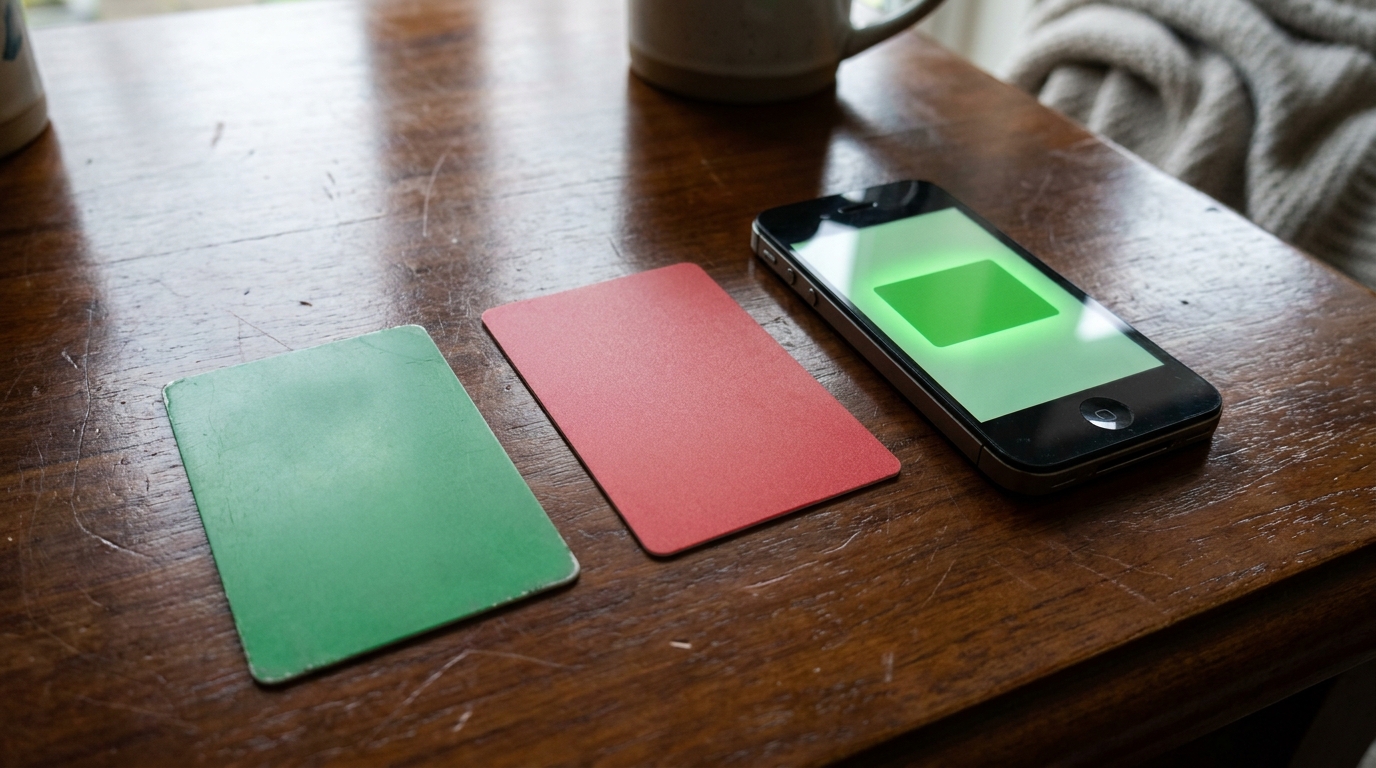
Regular Suica, Welcome Suica, and Mobile Suica side by side

A note on contactless credit cards (the alternative to IC cards)

Between 2024 and 2026 a quieter shift took place across Tokyo’s transit network. Several private operators — including Tokyo Metro, Tokyu, Nankai (Kansai), and a growing number of bus companies and JR West routes — rolled out open-loop tap-to-pay readers at fare gates. Travelers can now tap a contactless Visa, Mastercard, JCB, AMEX, or Apple Pay / Google Pay credit card directly to ride, with no IC card required (each operator’s website lists the supported brands).

For Android users without a Japanese FeliCa-equipped phone, this is often the single biggest reason to skip the IC card line. Coverage is still uneven — JR East itself, Toei Subway, and most Yamanote-line gates remain IC-only as of April 2026 — so a Welcome Suica or Tourist Pasmo is still the more universal choice in Tokyo. But if your trip is short and on private-rail lines that already accept tap-to-pay, the open-loop option may be enough.

Where to Buy a Card in 2026

A short note on history is useful here, because the answer changed twice in the last three years.

In early 2023, JR East and PASMO suspended sales of unnamed regular Suica and PASMO cards because of a worldwide IC chip shortage (The Japan Times; Unseen Japan). For about two years, visitors could only buy the Welcome Suica or Pasmo Passport at limited counters.

In September 2024, JR East restarted sales of the personalized “MySuica” card (LoyaltyLobby). On March 1, 2025, JR East and PASMO restored full unrestricted sales of the regular unnamed Suica and PASMO cards (JR East press release; Essential Japan). As of April 2026, the regular Suica card is on sale at standard ticket vending machines across the network.

For arrivals in 2026, the practical buying guide looks like this:

  • Arriving at Narita Airport: head down to the JR East Travel Service Center or the ticket vending machines on the JR Narita Express platform. Welcome Suica and regular Suica are both available. Tourist Pasmo arrives May 2026.
  • Arriving at Haneda Airport: the Tokyo Monorail Terminal 3 station has both a Travel Service Center and ticket vending machines selling Welcome Suica and Tourist Pasmo (from May 2026).
  • Already in central Tokyo: any JR East ticket vending machine sells a regular Suica. Look for the green machines, switch to English, and pick “Suica” then “New Purchase.”
  • Already in Osaka or Kyoto: JR West machines sell ICOCA on the same logic. ICOCA works on Tokyo trains; you do not need to buy a Suica too.

If you have an iPhone and want to skip lines entirely, install Welcome Suica Mobile from the App Store before you fly out. The card is issued inside the app. You can be charging it on the train into Tokyo while everyone else is queuing.

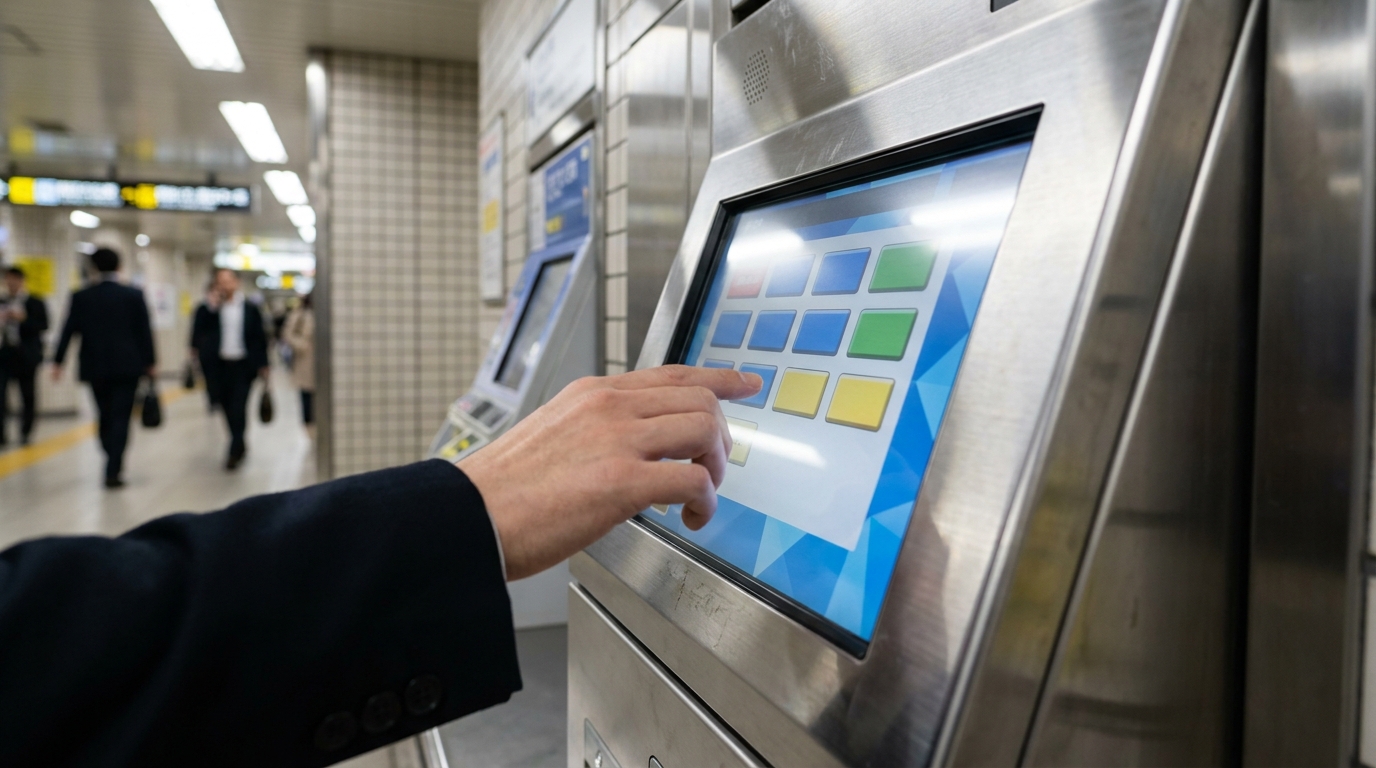
Hand pressing a touchscreen on a Japanese train station ticket vending machine

How to Buy a Regular Suica from a Ticket Machine

The JR East green ticket machines have an English mode that handles the whole process. Rough steps:

  1. Tap the screen to wake the machine
  2. Press the language button in the top right and choose English
  3. Choose “Suica” from the menu
  4. Choose “Purchase New Suica” (the “New” option creates an unnamed card; “MySuica” creates a personalized one and asks for your name and date of birth)
  5. Choose the amount you want to load. The machine shows totals including the 500 yen deposit
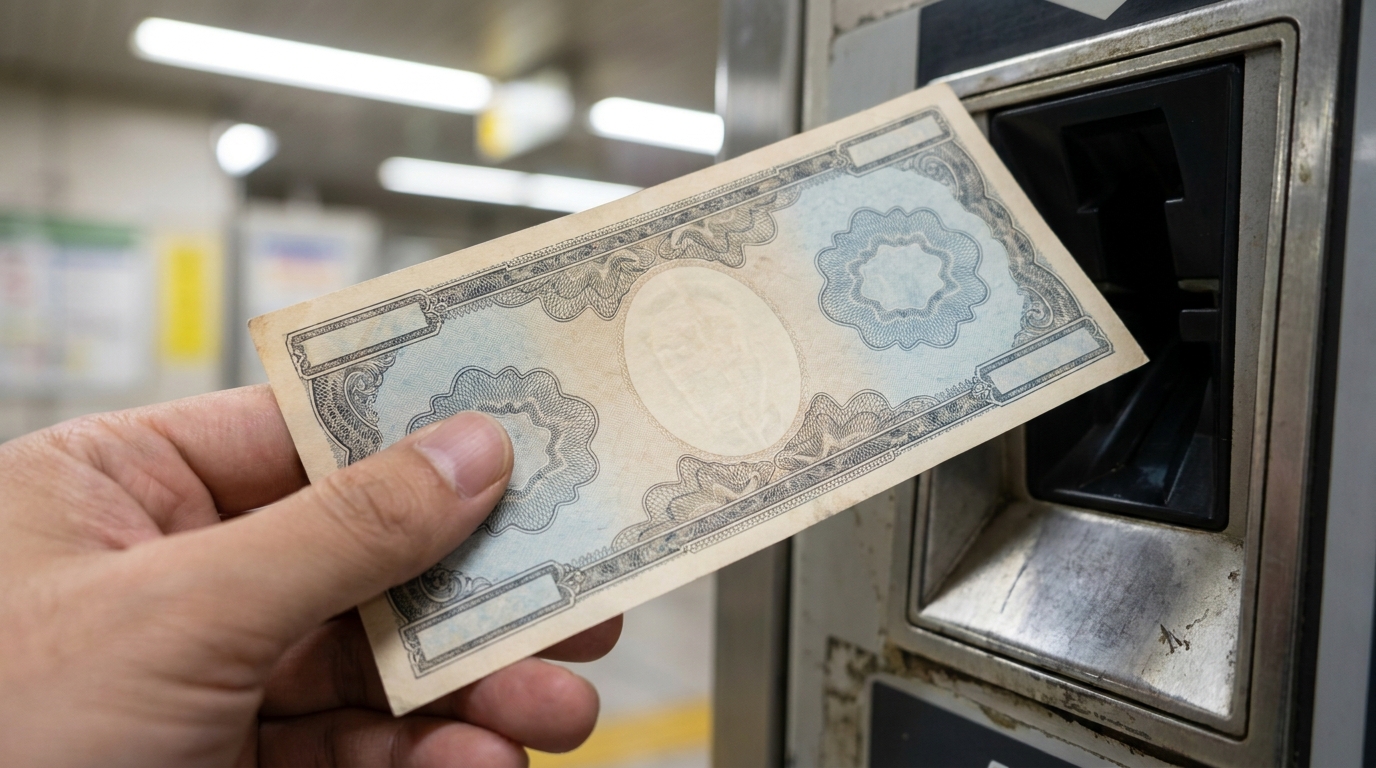
  6. Insert cash. Most machines accept 1,000 yen notes universally and many accept 5,000 and 10,000 yen notes
  7. Take the card from the slot at the bottom

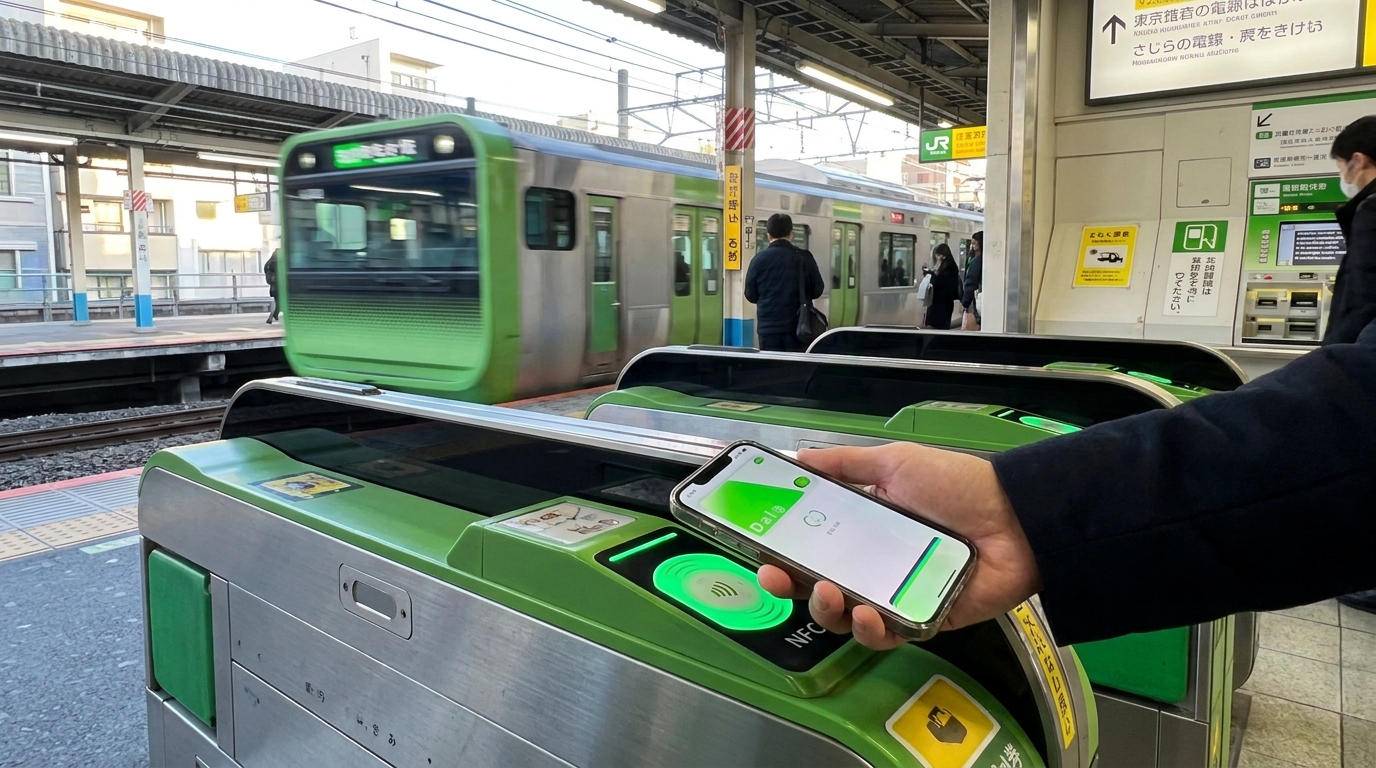
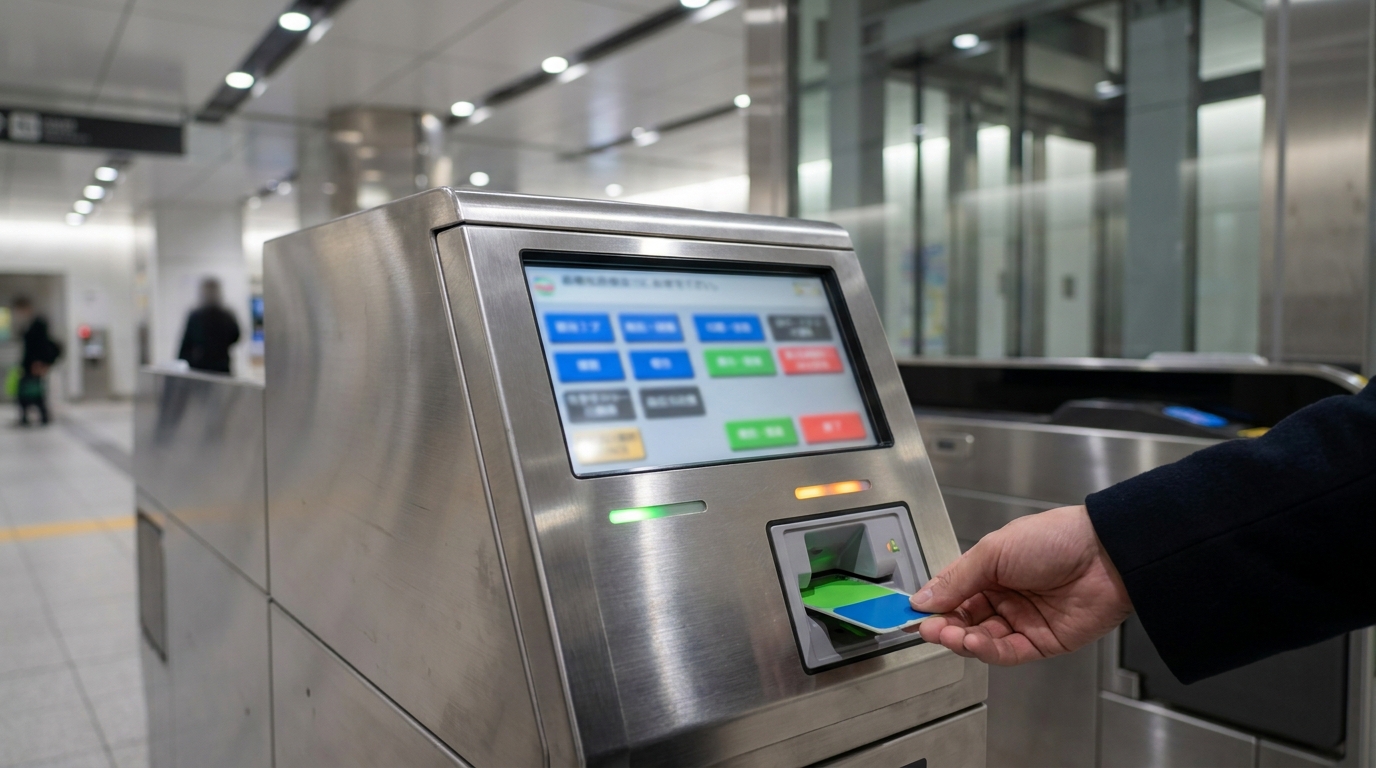
Card in hand, you can walk straight to the gate. Tap the card flat against the IC reader on the gate, wait for the green arrow and the beep, and walk through. The remaining balance shows briefly on the small display.

A note on the new 2024 banknotes: Japan issued redesigned 1,000, 5,000, and 10,000 yen notes in July 2024. Most machines have been updated, but the occasional older machine still rejects the new notes. If a new bill keeps coming back, try an older bill or a different machine.

How to Charge It

Charging — also called “topping up” or “recharging” — is done at ticket vending machines and dedicated charging machines across train stations and inside larger konbini.

Cash (the universal method)

Standard recharge increments at JR East ticket machines are 500, 1,000, 2,000, 3,000, 5,000, and 10,000 yen (Tokyo Monorail; JR East). The maximum stored balance on any single card is 20,000 yen. If you try to top up past 20,000, the machine refuses.

Steps at a JR East green ticket machine:

  1. Tap “Charge / Recharge” or “Top Up” at the main menu
  2. Insert your IC card into the slot
  3. Choose the amount
  4. Insert cash; the new balance shows on the screen
  5. Take the card

Almost every JR station, and most subway and private-rail stations, have at least one machine that accepts IC card top-ups in cash. Many of these machines now have an English mode.

Credit card (limited and station-specific)

A small number of newer ticket machines accept credit-card top-ups for IC cards, particularly inside Tokyo Metro and at some JR East stations. Coverage is uneven. As a single-method strategy, do not assume you can recharge a physical Suica with a foreign credit card at every machine. Carry some cash for backup.

Apple Pay and Visa: the 2024 fix

If you have Suica in Apple Wallet on an iPhone, you can recharge by holding your Apple Pay credit card to the card. For about two years, Visa cards were excluded from this — Visa’s network blocked Suica top-ups starting in August 2022 (AtaDistance).

iOS 17.2, released on December 11, 2023, restored Visa support for many issuers (AtaDistance; Apple Community). As of 2026, foreign Mastercard and American Express cards generally work for Apple Pay Suica recharge in Wallet, and many foreign Visa cards work too — though not every Visa, even from the same issuer. If your card fails in Wallet, the Suica or Welcome Suica Mobile app’s “Add Money” button often succeeds where Wallet fails.

One non-obvious detail: do not try to recharge between 2:00 a.m. and 4:00 a.m. JST. The Mobile Suica system has a maintenance window every night, and recharges fail during that period.

Konbini ATMs and counters

You can also charge your IC card at the cash registers of major convenience stores. Hand the card to the cashier, say “chaaji onegaishimasu” or just “charge please,” then pass over the cash. Most konbini accept cash for IC top-ups; few accept credit cards for this purpose. Seven Bank ATMs at 7-Eleven also support IC top-ups in cash.

Hand inserting a banknote into a Japanese train station IC card charging machine

What You Can Do With Your IC Card

The card was originally a transit pass and is still mainly used for that. The everyday range now stretches further:

Trains, subways, and monorails

Across the IC-card network, you tap in at the entry gate and tap out at the exit gate. The fare is calculated automatically and deducted from your stored balance. JR East, Tokyo Metro, Toei Subway, all the private Tokyo rail lines, JR West, JR Central, Osaka Metro, Kyoto City Subway, and most regional rail networks accept the cards.

If your balance dips below the fare while you are inside the system, the gate will not open at the exit. Find a “Fare Adjustment” machine near the exit gates, insert the card, top up, and tap through.

Buses

Most city buses in Tokyo, Yokohama, Osaka, Kyoto, Sapporo, Fukuoka, and many regional cities accept IC cards. Tap when you board and again when you alight (boarding-only on some flat-fare routes). Tour buses and long-distance highway buses generally do not.

Konbini and supermarkets

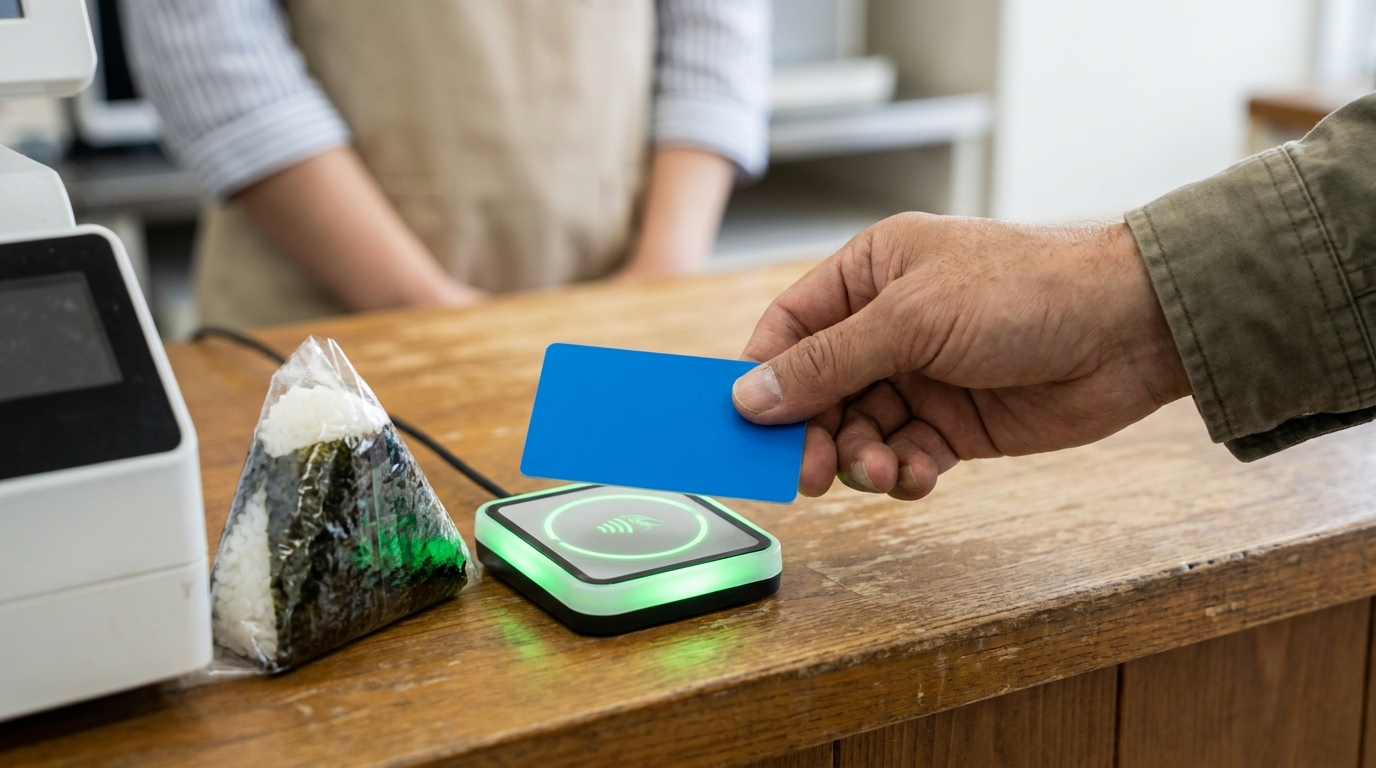
7-Eleven, Lawson, FamilyMart, Ministop, and most other major convenience-store chains accept IC card payments at the register. Same goes for many supermarket chains, drugstores, and chain restaurants. At the register, say “Suica de” (or just gesture) before they ring up the next item, and tap your card on the small reader by the till.

Vending machines

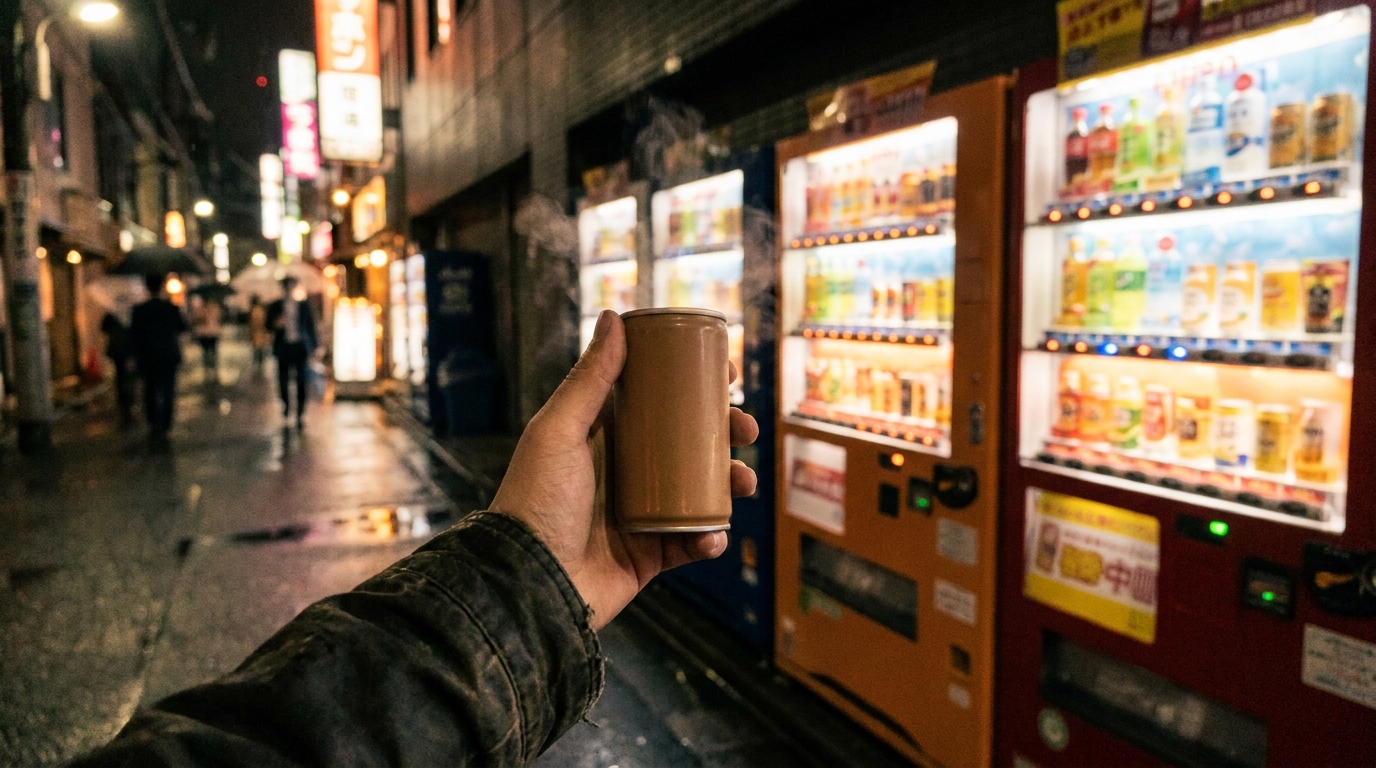
Beverage machines inside train stations commonly accept IC cards. Street machines vary; look for the green IC logo or a Suica penguin sticker on the front. The reader on a vending machine is normally on the right side of the machine, near the price display. (Our Vending Machines in Japan guide covers this in more detail.)

Coin lockers

Most large stations now have coin lockers that accept IC cards. The screen on the locker bank shows a map of available sizes; tap the card to lock, take the digital receipt or note the locker number, and tap again to retrieve. The card you locked with is the only card that opens the locker, so do not swap cards mid-trip.

Taxis and ride-hailing

Many taxis in Tokyo and Osaka accept IC card payments — look for the small IC sticker on the rear window. Coverage outside the major cities is patchy.

Things it does not do

A regular Suica or PASMO is not a debit card. It cannot be used at most department stores’ main registers, at most restaurants outside chain dining, or for hotel folios. The balance is also capped at 20,000 yen, which limits its usefulness for any single large purchase.

Hand tapping an IC card on the NFC reader at a Japanese convenience store register

Mobile Suica on iPhone and Android

Hand tapping an iPhone on the green NFC reader at a Tokyo train station ticket gate

For visitors who want to skip the airport counter entirely, the mobile path looks like this in 2026:

iPhone (and Apple Watch)

Two routes:

  1. Welcome Suica Mobile app: install before or after arrival, register a foreign credit card, issue a Welcome Suica inside the app, then add it to Apple Wallet. 180-day validity, English-speaking interface, no Japanese address or Apple ID required (JR East press release; Japan Trails Media).
  2. Standard Mobile Suica or Suica in Apple Wallet directly: this works for residents and for some visitors who already have a Japanese Apple ID. For most travelers, Welcome Suica Mobile is the simpler entry.

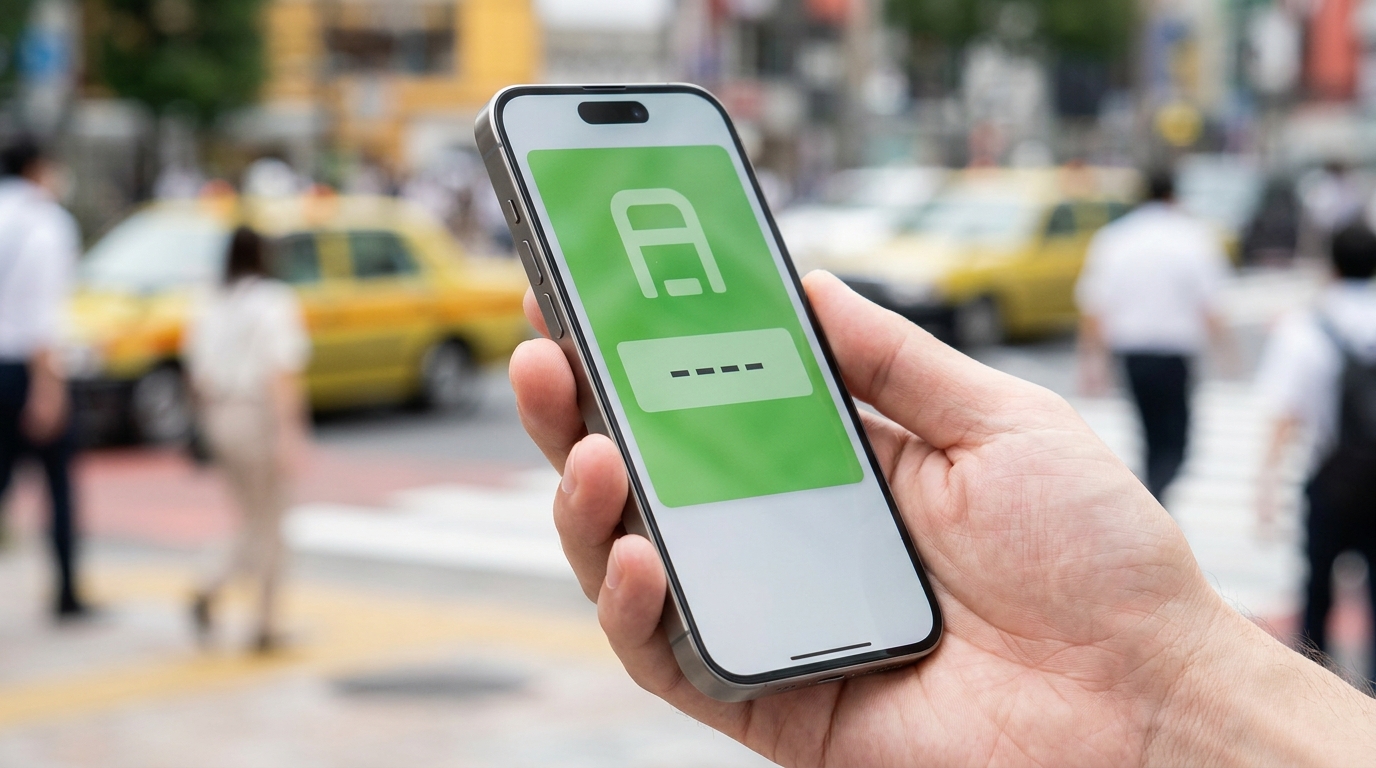
Once added to Apple Wallet, the card behaves as Express Transit on iPhone and Apple Watch — meaning you tap the gate without unlocking the phone or authenticating, the way a physical card works. The card stays in your Wallet even when the phone is locked or off.

Recharging is done from the Welcome Suica Mobile app or from the Wallet entry, drawing on a linked credit card. Notes from earlier sections about Visa support and the 2:00 to 4:00 a.m. maintenance window apply.

Android

The Felica chip required for Japanese IC cards is not present on most internationally sold Android phones. Pixel 6 onward sold in Japan, and a handful of Sony, Samsung, and Sharp models sold for the Japanese market, do support it (Google Wallet Help). If you are reading this on an Android phone you bought outside Japan, you can check whether Suica appears as an option inside Google Wallet. If it does not, the practical answer is to buy a physical Welcome Suica card on arrival.

iPhone showing a green Suica card balance screen, held in a hand against a blurred Tokyo street

Refunds and Returns

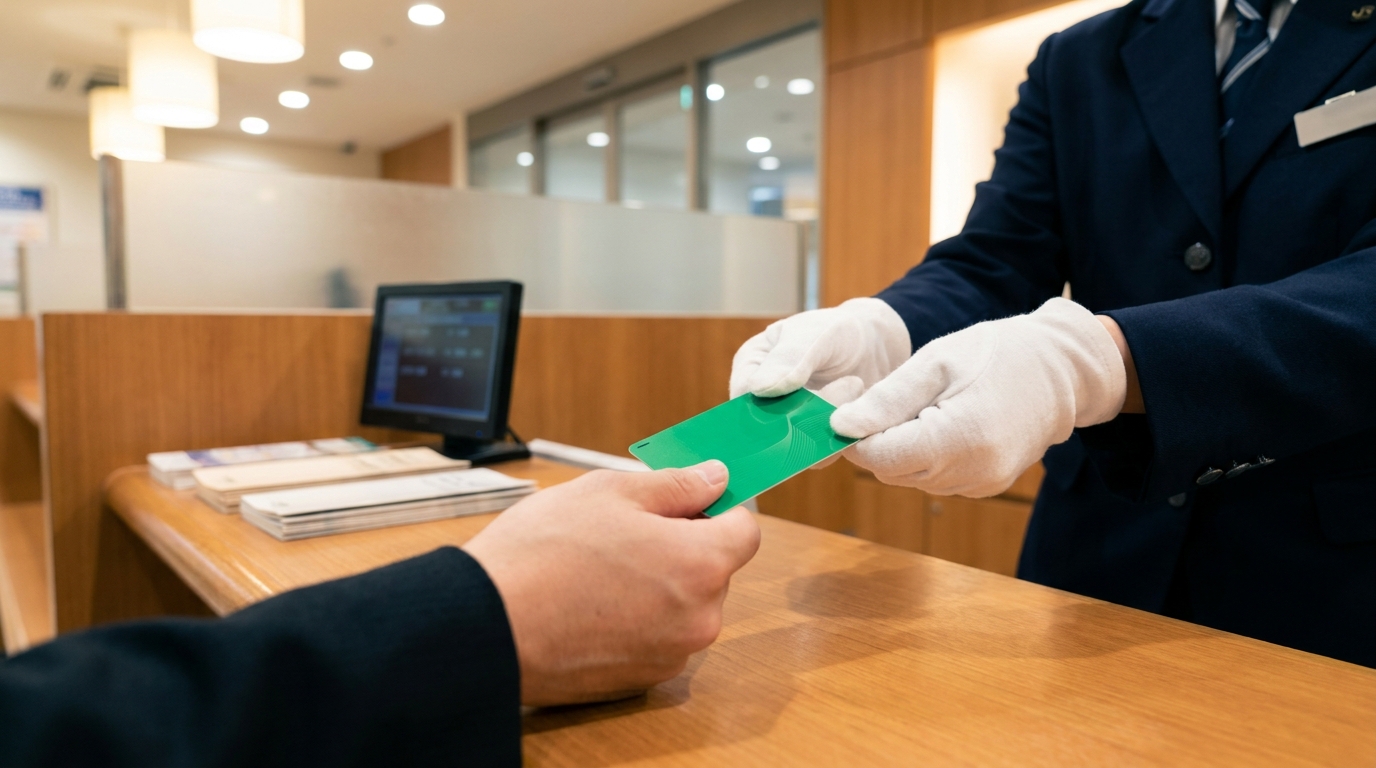
Hand receiving a green IC card across a Japanese JR Travel Service Center counter

Refund rules differ sharply across card types.

Regular Suica and PASMO

You can return a regular Suica at any JR East ticket office (Midori-no-Madoguchi), and a regular PASMO at any participating private rail or Tokyo Metro ticket office. The math:

  • A 220 yen handling fee is deducted from the remaining stored balance
  • The 500 yen deposit is returned in full, regardless of the balance
  • If the stored balance is less than 220 yen, the entire balance covers part of the fee, and you still get the 500 yen deposit back
  • Refund is paid in cash, in Japanese yen (PiQtour Japan; japan-guide.com)

You can return a Suica only at JR East offices, and an ICOCA only at JR West offices. Cards cannot be returned across issuers, even though they are interoperable in everyday use.

Both Narita and Haneda airports have JR East ticket offices that handle Suica returns, which is convenient for last-day refunds.

Welcome Suica (physical)

Non-refundable. Whatever balance is on the card at the end of your 28-day window, or when you leave Japan, stays on the card. Plan top-ups so you do not load far more than you will use.

Welcome Suica Mobile

Same rule: non-refundable balance, with a 180-day validity window. Repeat visitors within 180 days can keep the balance.

Tourist Pasmo (from May 2026)

Public materials describe it as non-refundable as well, mirroring the Welcome Suica policy.

Common Mistakes

A handful of pitfalls that catch first-time visitors:

Two cards in one wallet

If you carry two IC cards in the same sleeve and tap them together against a gate reader, the reader sometimes detects both and either refuses the entry or charges the wrong card. The most expensive variant is to tap a Suica with embedded cards in your phone case at the same time. Take the card you mean to use out of the wallet, or move it to its own slot.

Running out of balance at the exit gate

The gate at exit will not open if the stored balance is below the fare for the trip. There is no shame in this — Tokyo locals do it too. Look for a Fare Adjustment machine (“seisanki”) near the exit gates, insert the card, top up the shortfall in cash, and tap through.

Children’s cards and adult fares

A child’s IC card (issued to under-12 holders) cannot be used by an adult; the gate will recognize the card type and may flag it. Adults should use an adult Suica or PASMO. Children’s cards also expire on the holder’s 12th birthday.

Trying to recharge during the early-morning maintenance window

Mobile Suica recharges fail between 2:00 a.m. and 4:00 a.m. JST during nightly system maintenance. If a top-up fails late at night, wait until after 4:00 a.m. and try again before assuming the card is broken. Tapping at gates and using existing balances at konbini still works fine during the window — only top-ups are affected.

Tapping out at a station owned by a different JR company

Each JR operator runs its own IC fare system, and a single tap-in to tap-out trip cannot cross between them. Tap in at Tokyo Station (JR East), try to tap out at Shizuoka or Nagoya (JR Central), and the gate will refuse and lock the card. For inter-regional travel, buy a separate ticket at a Midori-no-Madoguchi or use the Welcome Suica Mobile app’s Shinkansen e-ticket function. The card unlocks back to normal once a station agent processes it.

Using IC cards on the Shinkansen

A Suica or PASMO card alone cannot ride the Shinkansen on the same tap-and-go basis as a local train. Shinkansen rides require either a paper ticket bought at a Midori-no-Madoguchi, a JR East EX-IC reservation linked to your card, or, increasingly, the Welcome Suica Mobile reservation flow. (For more on Shinkansen tickets, see our Shinkansen Guide.)

Confusing a deposit with a balance

A regular Suica’s “1,000 yen” purchase price is split into a 500 yen deposit and 500 yen of usable balance. The balance shown on a gate display is not the full 1,000 yen. The deposit is recovered only when you return the card.

Hand inserting an IC card into a Japanese train station fare adjustment machine

FAQ

What is the difference between Suica and PASMO?

Both are Tokyo IC cards. Suica is issued by JR East and is most easily bought at JR ticket machines and JR Travel Service Centers. PASMO is issued by the Tokyo private rail and subway operators and is bought at private-rail and Tokyo Metro ticket machines. They are interoperable everywhere in everyday use, and the price, deposit, and refund mechanics are essentially the same. Pick whichever is at the station you start from.

Can I get a refund on a Welcome Suica?

No. JR East has stated that the Welcome Suica balance is non-refundable, regardless of remaining value or how much of the 28-day validity period was used. The card is intended as a use-it-up product. Many travelers spend the last day’s balance on souvenirs at konbini.

Where can I buy a Welcome Suica at the airport in 2026?

At Narita Airport, JR East Travel Service Centers and ticket vending machines on the JR platform sell the Welcome Suica. At Haneda Airport, the JR East Travel Service Center and vending machines at the Tokyo Monorail Terminal 3 station sell it. From May 2026, Tourist Pasmo is also expected to be available at both airports.

Can I use my Suica in Osaka, Kyoto, or Sapporo?

Yes. The ten major IC cards have been interoperable on each other’s trains, buses, and IC-enabled stores since March 2013. A Suica bought in Tokyo works on the Osaka Metro, the Kyoto City Bus, and JR Hokkaido lines around Sapporo. The reverse also holds: an ICOCA from Osaka works in Tokyo.

Does the Welcome Suica Mobile app work on Android?

No. The app is iPhone-only as of April 2026. Most international Android phones do not have the FeliCa chip required by Japanese IC cards. Pixel 6 and newer Pixels sold in Japan support it, but Pixels sold outside Japan generally do not. Android-using visitors usually pick a physical Welcome Suica or, from May 2026, a Tourist Pasmo.

Can I add a Welcome Suica to Apple Pay?

Yes. After issuing the card inside the Welcome Suica Mobile app, you can add it to Apple Wallet. The card then works as Express Transit on iPhone and Apple Watch, meaning you tap the gate without unlocking your phone.

How much can I load onto one IC card?

The maximum stored balance on any IC card in the Suica/PASMO/ICOCA family is 20,000 yen. The system blocks top-ups that would push the total over that limit. For most travelers, charging 2,000 to 3,000 yen at a time is enough to cover a day or two of trains, buses, and konbini.

Can I recharge an IC card with a foreign credit card?

In Mobile Suica or Welcome Suica Mobile, often yes. Mastercard and American Express generally work in Apple Wallet for Suica top-ups; many foreign Visa cards have worked since iOS 17.2 in December 2023, though not every Visa from every issuer. For physical cards at ticket machines, the safer assumption is cash. Most ticket machines do not accept foreign credit cards for IC top-ups.

What happens to my balance if I lose a Welcome Suica?

The physical Welcome Suica is unregistered and unrecoverable. Lost balance is lost. The Welcome Suica Mobile entry, by contrast, is tied to your Apple ID, so a phone replacement does not lose the card. This is one of the practical reasons many 2026 travelers prefer the mobile route.

Can children use IC cards?

Yes, with a child’s version. Children’s cards are issued at JR East ticket offices with a passport showing the child’s age and offer half-fare rates on most routes. They expire on the holder’s 12th birthday. An adult should not tap a children’s card at the gate.

Related Reading


Sources

  • “Welcome Suica,” JR East official: https://www.jreast.co.jp/en/multi/welcomesuica/purchase.html
  • “Welcome Suica Mobile,” JR East official: https://www.jreast.co.jp/multi/wsmlp/
  • “Releasing the Welcome Suica Mobile App for Overseas Visitors,” JR East press release (PDF), February 2025
  • “Suica,” JR East official passenger information: https://www.jreast.co.jp/en/multi/pass/suica.html
  • “Resumption of sales for non-personalized Suica and PASMO,” JR East press release (PDF), February 2025
  • “JR East to resume production of Suica cards as early as fall,” The Japan Times, August 7, 2024
  • “Japan Railways Suica Card Sales Will Resume On March 1, 2025,” LoyaltyLobby, February 2025
  • “Suica IC cards resume unrestricted sales this March,” Essential Japan, 2025
  • “Prepaid IC Cards in Japan: Suica, Pasmo, Icoca,” japan-guide.com
  • “Nationwide Mutual Usage Service,” Wikipedia (interoperability since March 2013)
  • “Ten IC cards become compatible for trains, buses nationwide,” Japan Today, 2013
  • “How to Get a Refund from Your IC Card,” PiQtour Japan
  • “Apple Pay Suica Wallet app recharge working for foreign VISA cards after iOS 17.2 update,” AtaDistance, December 15, 2023
  • “Add e-money & debit or credit cards to the Google Wallet app (Japan only),” Google Wallet Help
  • “New IC train card for foreign tourists to Japan to go on sale in May,” Japan Today, April 2026
  • “Welcome Suica Mobile Now Links with JR East Reservations,” Tokyo Cheapo, 2026
  • Tokyo Monorail official: Suica top-up amounts and convenience information
  • “How To Get an IC Card (Welcome Suica or Pasmo Passport) in 2026,” Truly Tokyo
  • Klook Travel Blog: Welcome Suica overview, 2026

Comments

Copied title and URL